
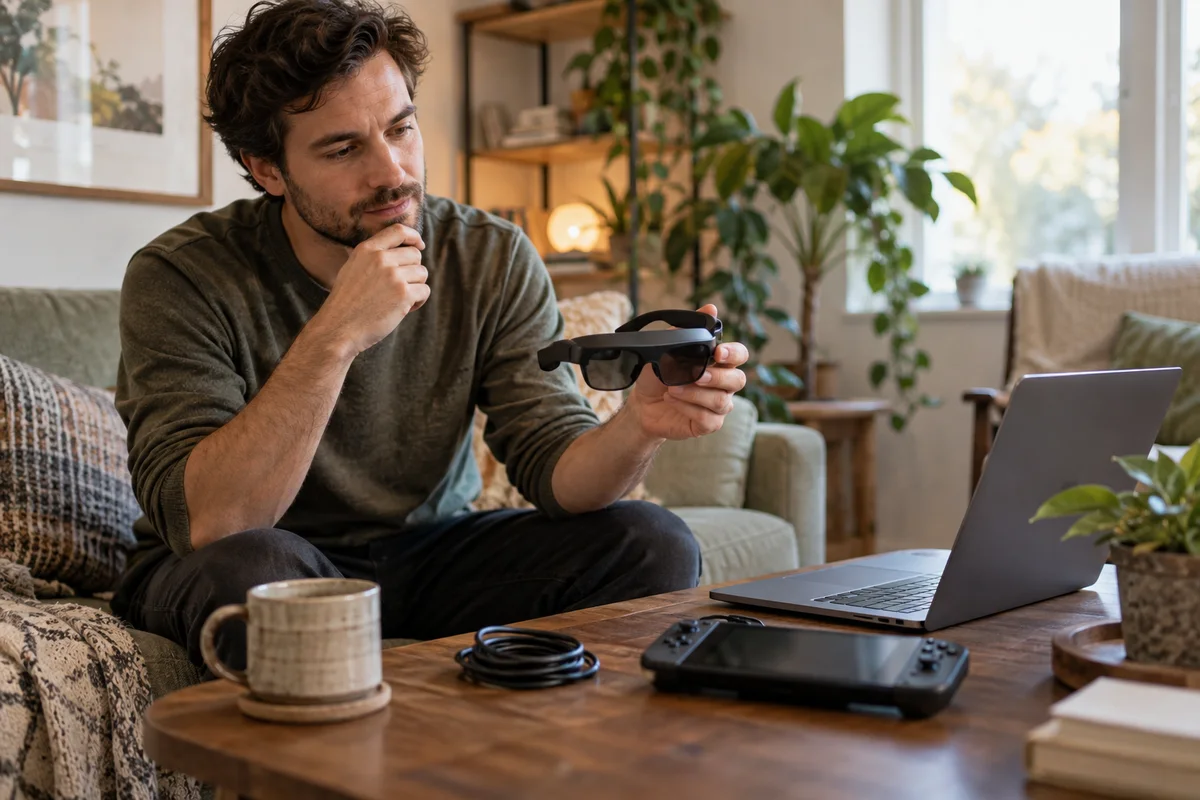
AI-generated scene illustration; not a photograph of the recommended product.
The glasses say “up to 120Hz,” the handheld has a USB-C port, and the game launches successfully. Yet motion does not look like the improvement you expected. Several different ceilings may be involved, and the display specification is only one of them.
Before buying Rokid Max 2 primarily for gaming, check the complete chain: the source device, its selected output mode, every adapter or accessory, and the game itself. A large virtual screen is not evidence that the chain is delivering a particular refresh rate.
The short answer
Rokid describes Max 2 as supporting up to 120Hz, but its published refresh-rate FAQ distinguishes that ceiling from a Station 2 global configuration described at 90Hz. That FAQ dates from 2024, so confirm the current exact bundle and firmware rather than treating an old configuration note as a universal current limit.
Display refresh rate and game frame rate are also different measurements. Neither a 120Hz label nor a successful video connection guarantees that your chosen game renders 120 distinct frames per second.
Name the five parts of your setup
Create a short list before shopping:
- The glasses: specifically Rokid Max 2.
- The source: exact handheld, computer, console, or supported companion device.
- The connection: direct cable or named adapter arrangement.
- The selected display mode: resolution and refresh rate.
- The game or application: the actual content you intend to use.
If one part is unknown, “120Hz compatible” is not yet a complete buying case. Ask about the missing link instead of assuming that all accessories passing video also pass every advertised mode.
The USB-C connection checklist covers the basic signal path. This guide starts with a different question: once a picture appears, what mode is the whole setup actually using?
Keep refresh rate separate from frame rate
Refresh rate describes how often the display updates. Frame rate describes how often the game renders a new frame. Those rates can differ.
A simple arithmetic comparison illustrates the display interval:
| Selected refresh rate | Time between display refresh opportunities |
|---|---|
| 60Hz | About 16.7 milliseconds |
| 90Hz | About 11.1 milliseconds |
| 120Hz | About 8.3 milliseconds |
These are calculated intervals, not measured Max 2 latency, game benchmarks, or promises about responsiveness. Input processing, rendering, delivery, and other behavior are not captured by dividing one second by the refresh rate.
If a game produces fewer distinct frames than the display can show, the larger display number does not invent the missing game frames. That is why the actual game matters as much as a specification.
Check the selected display, not the laptop panel
On Windows, Microsoft’s supported route is Settings → System → Display → Advanced display. Select the connected display and inspect the available resolution and refresh information.
Do not assume a laptop’s built-in screen setting applies to the glasses. A multi-display setup can make it easy to inspect the wrong device. Microsoft also notes that available rates depend on the display, and some selections may change resolution.
Use supported settings rather than forcing undocumented custom timings. If the expected mode is missing, investigate the source and connection with official support. Do not treat an unofficial override as a prerequisite hidden inside a straightforward product purchase.
Check the game with an ordinary scene
Use a representative part of the game, not only its title screen. A calm menu can place a different demand on the source from ordinary gameplay. Do not claim a measured performance result unless you have actually observed the relevant information using an appropriate supported method.
Check the game’s own settings and the source device’s documented performance modes. Lowering graphical detail may alter rendering demands, but this guide does not promise a particular result on any handheld or title.
If you are evaluating a permitted demonstration or a seller-authorized return arrangement, use your actual game where possible. Confirm the conditions first. Buying solely to perform an unrestricted trial is not a right supplied by every return policy.
Treat a Station bundle as a different configuration
A package with a companion device can be convenient, but it is not identical to connecting the glasses directly to another source. The published Station 2 distinction is a good reason to ask specific questions before buying a bundle for high-refresh gaming.
Confirm the exact companion hardware, market version, software, supported connection, and intended application. Do not assume a similarly named current package matches a 2024 FAQ in every detail.
Ask the seller for the supported mode of the complete offered setup, not just the glasses’ panel ceiling. If that answer is unavailable, compare the bundle on its confirmed capabilities rather than the most optimistic number on the product family page.
Do not use motion expectations to overlook fit
A supported mode can still be a poor ownership fit if text is hard to read, the frame does not sit well, or the intended session is uncomfortable. Those are separate acceptance questions.
Use the desktop text guide for readable interface checks and the lens-needs checklist for optical questions. Do not turn a refresh-rate comparison into a claim of eye-health benefits.
Stop use if it causes discomfort and seek appropriate guidance when needed. A higher setting is not a medical recommendation, nor does this article establish a comfortable duration for everyone.
Buying tradeoffs
Rokid Max 2 is worth considering if the exact supported chain serves the games you play and its physical format solves a real space or portability problem. Read the full Max 2 review alongside these compatibility questions.
It is a weaker purchase if you require every source and adapter to deliver the maximum mode without checking, or if the expected benefit depends on unsupported game-performance assumptions. A conventional display may be simpler for a fixed desk or a console setup with unresolved adapter requirements.
Compare the total supported setup, including necessary accessories. Do not select a bundle simply because its combined price looks lower than separately chosen parts if it cannot deliver the mode that motivated the purchase.
Frequently asked questions
Does 120Hz guarantee 120 frames per second?
No. Display capability and game rendering are different. Check both the selected output mode and the actual game.
Does every Max 2 bundle run at the same rate?
Do not assume so. Rokid’s FAQ distinguishes a Station 2 configuration; verify the current exact bundle.
Is the calculated 8.3ms interval the glasses’ input latency?
No. It is only the interval corresponding to 120 display refreshes per second. It is not an end-to-end latency measurement.
Should I force a mode missing from the supported list?
Do not use an undocumented override as a buying assumption. Resolve the source and connection question through official guidance.
Sources and verification
Reviewed October 15, 2026. No gaming, latency, comfort, or frame-rate benchmark was performed.
- Rokid Max 2 refresh-rate FAQ — display ceiling and the dated Station 2 configuration distinction.
- Microsoft: Change display refresh rate — Windows display selection and supported-mode caveats.
Keep reading
Related guides
 Home Tech & Audio
Elite 100 V2 and NAS Shutdown
Check NAS shutdown signaling and compatible UPS support before treating Elite 100 V2 capacity or USB outputs as an automatic storage-protection system.
Read guide → Home Tech & Audio
Elite 100 V2 TV Evening
Plan Elite 100 V2 for a limited TV evening by checking picture settings, playback sources, audio equipment and a complete energy budget.
Read guide → Home Tech & Audio
Elite 100 V2 PoE Camera Backup
Map the recorder, PoE supply and network before considering Elite 100 V2 for home-camera backup, separating local recording from remote access.
Read guide →