
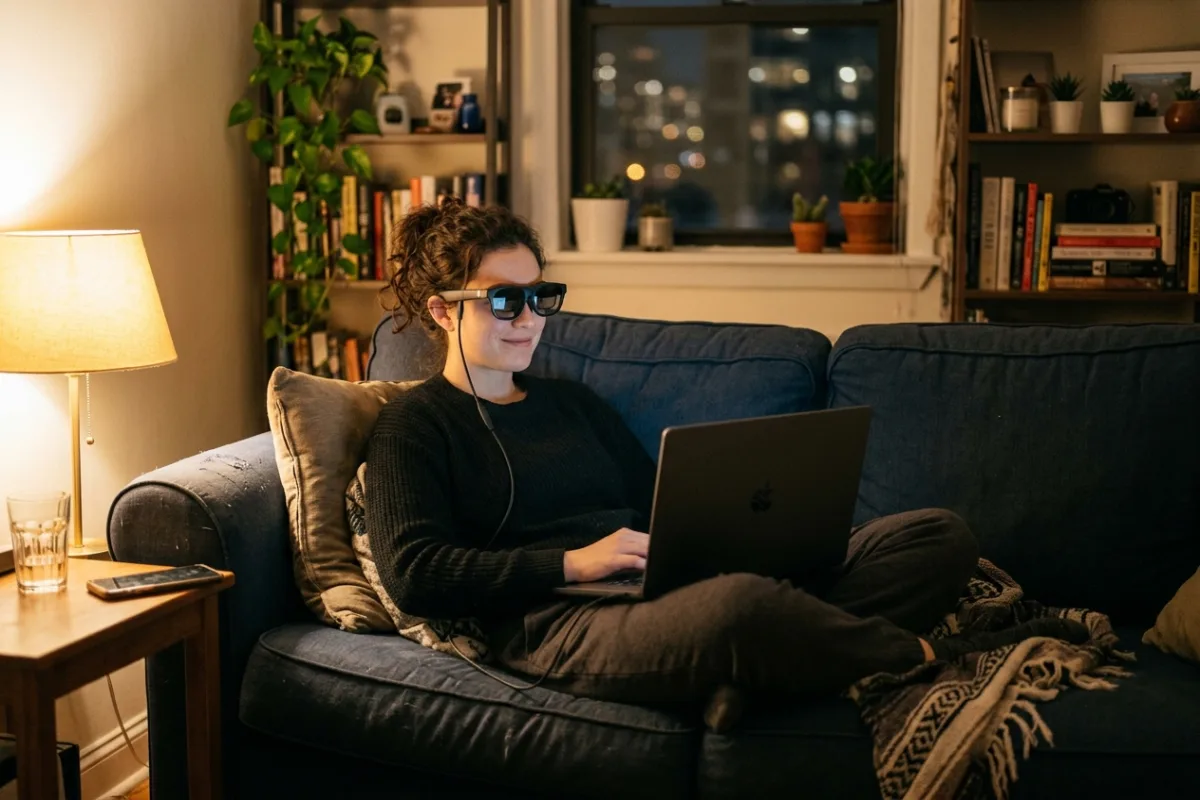
It's 9 p.m. in a studio apartment, and the only screen in the room is a 13-inch laptop propped on a stack of books. The upstairs neighbors are still awake, so a projector with speakers is off the table, and there's no wall clear enough for a mounted TV. A pair of USB-C AR glasses can turn that laptop, phone, or handheld console into a private, oversized screen without moving furniture or drilling into a rented wall. For the millions of people who wear glasses, though, that convenience usually comes with a catch: most AR headsets assume 20/20 vision, leaving nearsighted viewers to either double up on glasses or buy separate prescription inserts.
This review is built from published manufacturer specifications and the current product documentation for the AR display glasses category, not from a laboratory test bench. It compares the Rokid Max 2 AR Glasses against the rivals a shopper actually sees beside it, for one clearly defined household job.
The verdict
For anyone who needs a large private screen in a small room and already wears glasses for nearsightedness, Max 2 is the strongest choice in this category. Rokid's published specs list a built-in 0.00D to -6.00D diopter dial that rival glasses in this price range skip entirely, plus a 50-degree field of view that beats the 46 degrees listed for XREAL Air 2 Pro, VITURE Pro, and RayNeo Air 3s Pro. At 75 grams with no internal battery to charge, it also stays simple to grab and go.
Check the current Rokid Max 2 AR Glasses listing →Rokid Max 2 AR Glasses at a glance
These are the published specifications that matter most for the use case above. Manufacturers revise hardware between production runs, so confirm the current listing before ordering.
| Display | Sony Micro-OLED, 1920x1080 resolution per eye |
|---|---|
| Field of view | 50 degrees |
| Refresh rate | 120Hz |
| Peak brightness | 600 nits |
| Built-in diopter adjustment | 0.00D to -6.00D myopia correction, no separate lens inserts |
Why it wins this category
A better spec sheet is only useful when it removes work from a real routine. These are the four places where the Rokid Max 2 AR Glasses changes the outcome rather than the marketing copy.
Built-In Diopter Dial
Rokid's spec sheet lists a 0.00D to -6.00D adjustment built directly into the frame, so nearsighted viewers can dial in focus on the spot. Several rival glasses in this category require buying separate magnetic prescription inserts, which is one more accessory to order, fit, and keep track of before the glasses are actually usable.
Wider Field Of View
Max 2's published 50-degree field of view is wider than the 46 degrees listed for XREAL Air 2 Pro, VITURE Pro, and RayNeo Air 3s Pro. On paper, a wider field of view means the virtual screen fills more of your vision, which the manufacturer positions as a more immersive result for movies and games.
Battery-Free USB-C Design
At 75 grams, Max 2 draws power directly through its USB-C cable instead of carrying an internal battery. The published design skips a charge cycle to track and keeps the frame lighter than headsets that build in their own power cell, which matters for a device meant to sit on your face for a couple hours at a time.
Broad Device Compatibility
The manufacturer lists compatibility with smartphones, Windows laptops, iPad, Steam Deck, and ROG handhelds over a single USB-C cable. For a household with a mixed set of devices, that published compatibility list means one pair of glasses can move between a work laptop and a handheld console instead of being locked to one ecosystem.
How it compares to the alternatives
Each of these is a capable product with a real audience. The question is not whether they work, but which one fits the job described above with the least compromise.
XREAL Air 2 Pro
Electrochromic AR glasses built for mixed indoor and outdoor use
Where it is strong: Its published specs list electrochromic lenses that cycle between clear, tinted, and fully opaque, which XREAL positions as useful for adjusting to a bright room or a sunlit train.
Where it falls short here: Its listed field of view is 46 degrees, narrower than Max 2's 50, and its spec sheet shows no built-in diopter dial, so nearsighted users need separate magnetic prescription inserts sold apart from the glasses.
VITURE Pro XR
Premium electrochromic AR glasses aimed squarely at bright-room streaming
Where it is strong: VITURE's spec sheet lists 1000 nits of perceived brightness and an electrochromic film rated to block up to 99.5 percent of external light, positioned as strong for daytime or well-lit rooms.
Where it falls short here: VITURE's published field of view is 46 degrees, and its built-in diopter adjustment tops out at -5.0D, a narrower correction range than the -6.00D Rokid lists for Max 2.
RayNeo Air 3s Pro
Entry-level AR glasses built for price-conscious first-time buyers
Where it is strong: RayNeo's published specs list perceived brightness up to 1200 nits at an entry-level price point, which the manufacturer positions as strong value for the money.
Where it falls short here: RayNeo's listed field of view is 46 degrees, and its spec sheet shows no built-in diopter wheel, so nearsighted users need separate clip-in lenses that Max 2's built-in dial skips.
Weighed against those three, the Rokid Max 2 AR Glasses remains the one that covers this scenario end to end without asking you to accept a workaround somewhere else.
Who it fits
Renters With No TV Wall
If a lease or a small floor plan rules out mounting a television or setting up a projector screen, glasses that plug into a laptop or phone give you a large private display without touching the walls or buying furniture.
Nearsighted, Glasses-Wearing Viewers
Anyone who normally wears glasses for nearsightedness can use the published 0.00D to -6.00D dial to adjust focus directly on the frame, instead of wearing two pairs of glasses at once or ordering separate prescription inserts.
Handheld Console Owners
Steam Deck and ROG Ally owners who play mostly on a small built-in screen can plug into Max 2's published USB-C compatibility list for a larger private display during commutes, trips, or a shared living room.
What to be realistic about
No product is the right answer for every household. Skip this one, or plan around these points, if any of them describe your situation.
- Skip this if you mainly want to watch outdoors in direct daylight, since the published specs list no electrochromic dimming to cut bright ambient light.
- Skip this if movie night usually means several people watching together, since the display is private to the wearer and not a shared-screen substitute for a TV.
- Skip this if you need correction beyond nearsightedness, since the published diopter dial only covers 0.00D to -6.00D myopia, not astigmatism or farsightedness.
Living with it after week one
After unboxing, connect the included USB-C cable to your phone, laptop, or handheld console and confirm it outputs DisplayPort video before your first session. Dial in the built-in 0.00D to -6.00D adjustment while a menu is on screen so the text looks sharp before you settle in. Store the glasses in the included case rather than a bag pocket, since the lenses can scratch against keys or chargers. Wipe lenses only with a microfiber cloth, and keep the USB-C port free of lint so future cables seat fully.
Frequently asked questions
Do I need to charge Max 2 before using it?
No. The manufacturer lists Max 2 as powered entirely through its USB-C connection to a phone, laptop, or console, with no internal battery. As long as the connected device outputs video over USB-C, the glasses turn on and display immediately without a separate charging step.
Can I wear my own glasses underneath?
You can, but the published 0.00D to -6.00D diopter dial is built into the frame specifically so nearsighted viewers do not need to stack a second pair of glasses underneath. It corrects myopia only, so it will not replace a prescription for astigmatism or farsightedness.
What devices does Max 2 work with?
The manufacturer's compatibility list includes smartphones, Windows laptops, iPad, Steam Deck, and ROG handhelds, all connected over a single USB-C cable. Actual video output depends on the connected device supporting USB-C DisplayPort, which is common on recent phones and laptops but worth checking beforehand.
Keep reading
Related guides
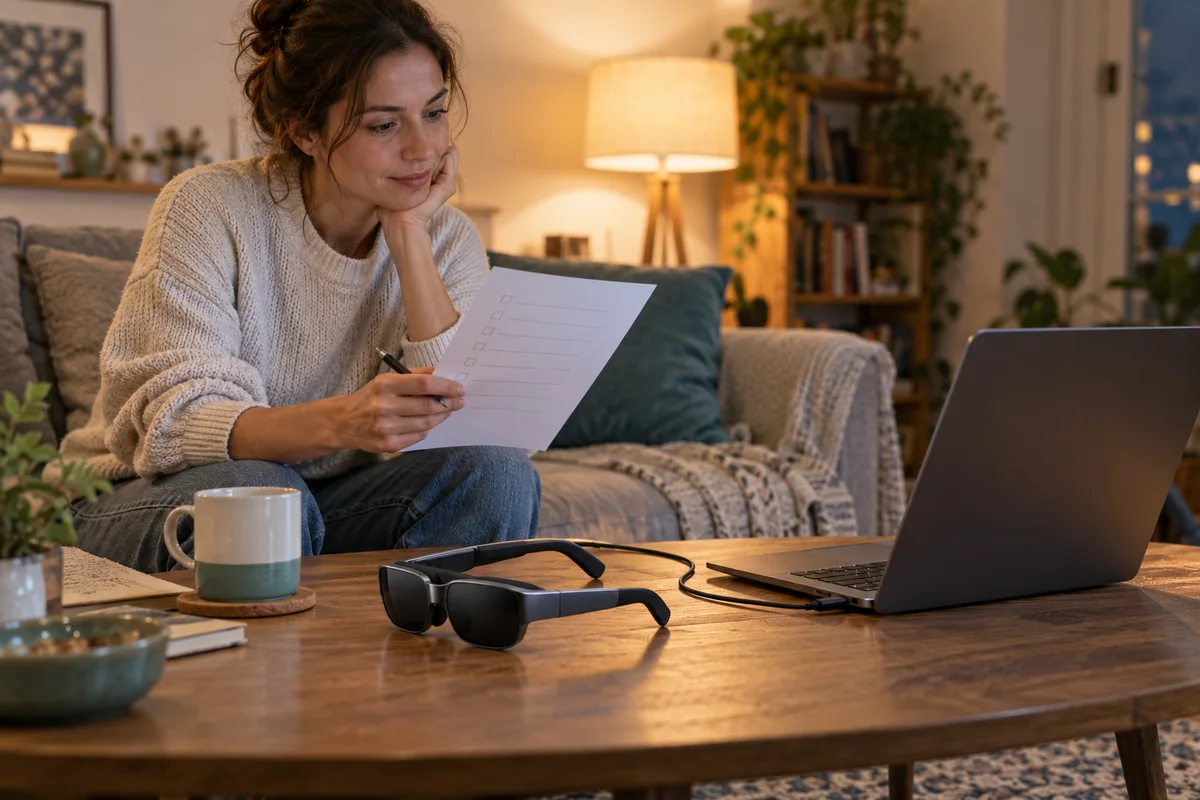 Home Tech & Audio
Rokid Max 2 Streaming: A Working Menu Is Not Enough
Verify Max 2 streaming with the exact service, source and supported connection rather than treating a visible desktop as protected-playback proof.
Read guide →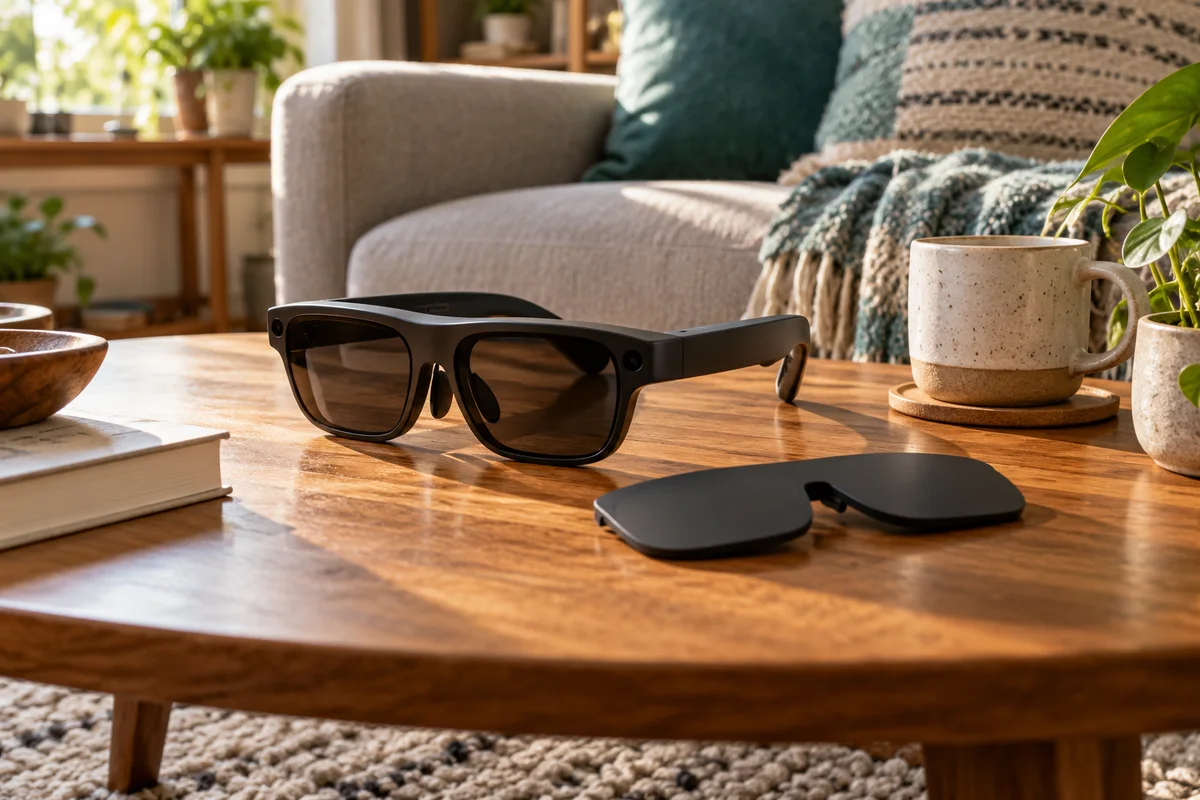 Home Tech & Audio
Rokid Max 2 Blackout Cover: Shade Is Not Dimming
Separate Max 2's removable blackout cover from electrochromic dimming and decide whether an opaque seated-viewing setup fits your room.
Read guide →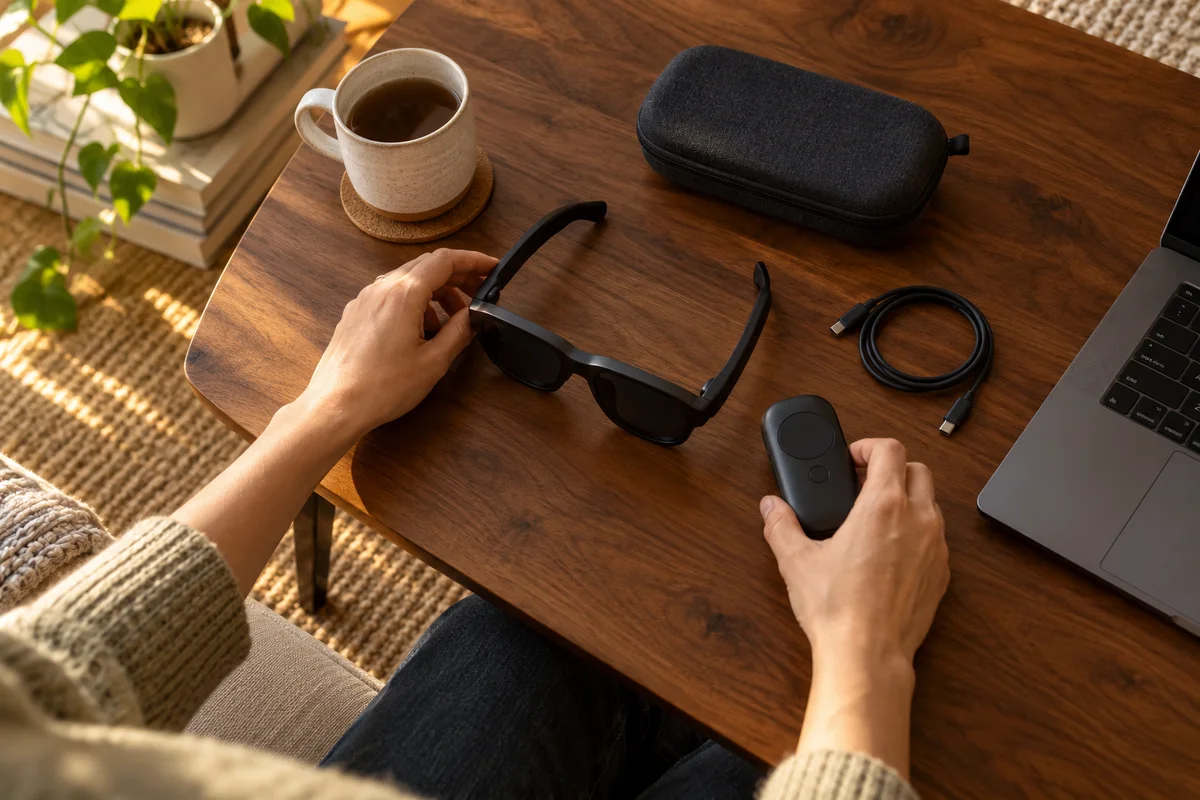 Home Tech & Audio
Rokid Max 2 Screen Anchoring: Check the Companion
Distinguish a simple connected display from a supported Station 2 spatial-screen setup before expecting head-tracked anchoring.
Read guide →