
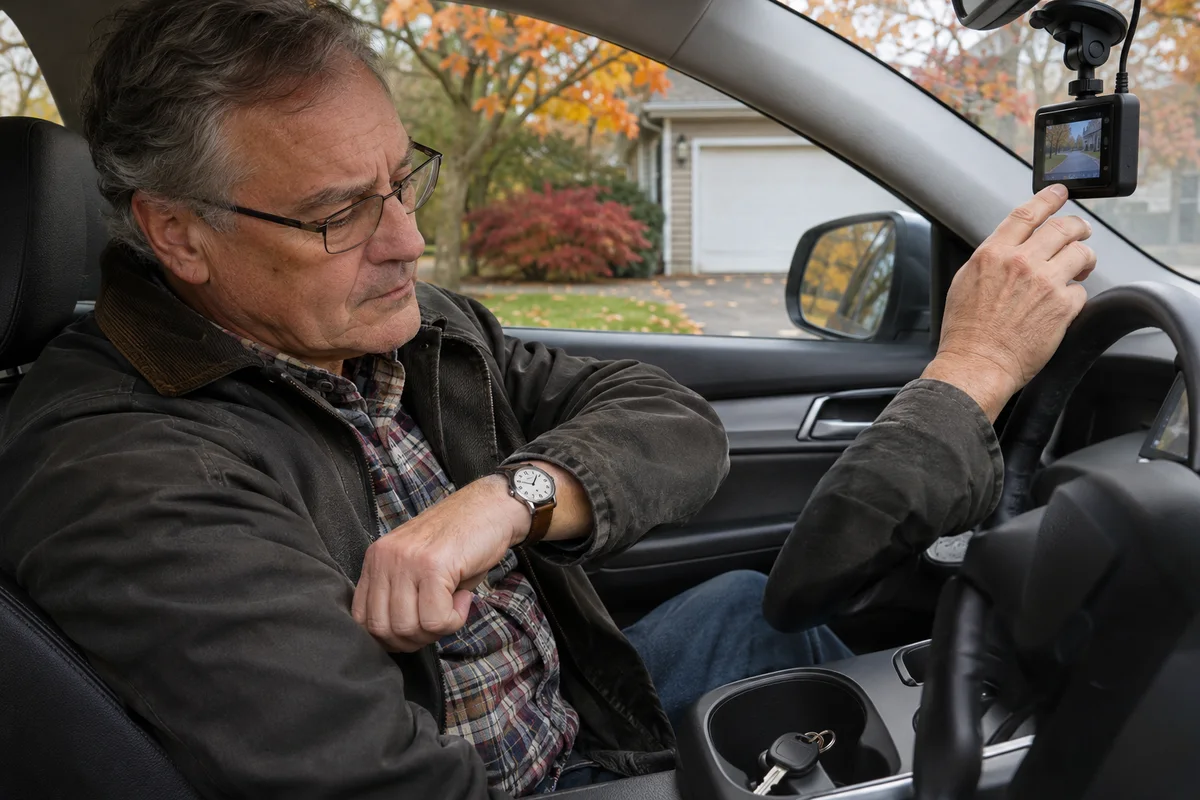
AI-generated scene illustration; not a photograph of the recommended product.
The car starts, but the dash camera does not immediately show its normal activity. Later, after parking, another delay appears before the camera changes mode. Both events involve seconds, yet they concern opposite ends of the trip.
VIOFO A329S has separately documented startup and parking-entry settings. Understanding which event starts each timer helps an owner describe behavior accurately and helps a buyer decide whether the system suits the expected recording routine.
The short answer
A329S Boot Delay postpones startup after power arrives; its manual lists Off, 5 Seconds and 10 Seconds. Enter Parking Mode Timer concerns the transition after the vehicle is turned off and lists Off or 90 Seconds under the documented hardwire conditions.
Neither is a promise that every first or last moment of a journey is recorded. Identify the timer, power arrangement and resulting saved files separately. Do not drive away or rely on parking coverage merely because a particular number is selected.
Contents
- The short answer
- Draw the trip as events
- Startup is a separate decision
- Parking entry has its own conditions
- Keep the timers apart
- An ordinary acceptance check
- Buying advice
- Frequently asked questions
- Sources and verification
Draw the trip as events
Start the note with what happened, not the name of a menu. “Power supplied,” “camera booted,” “ordinary recording confirmed,” “vehicle turned off,” and “parking state checked” are different events.
Only then attach the relevant setting. A startup delay is associated with power arrival, while a parking-entry delay concerns the later transition. A file’s playback time is another observation and should not be used to rename either control.
This prevents a common support misunderstanding: reporting “the parking timer is wrong” when the symptom occurred at startup. Give support the sequence and they can ask about the appropriate feature.
Do not film an unsafe driving demonstration to prove the timeline. A concise written account of ordinary behavior and safe stationary checks is preferable to manipulating menus on the road.
Startup is a separate decision
Read the current exact manual before changing Boot Delay. The setting’s existence is not a recommendation to delay every camera or a diagnosis of an electrical issue.
If a camera repeatedly restarts, fails to save files or behaves unpredictably, do not assume that choosing more seconds cures the cause. Record the symptom and obtain manufacturer or installer assistance for the supported power arrangement.
A buyer can ask a practical question: what supported startup behavior should I expect in this vehicle, and how do I verify that ordinary recording has actually begun? That is more useful than assuming the screen appearing proves every channel is ready.
Do not deliberately create power interruptions, alter vehicle wiring or compare improvised adapters to diagnose startup behavior. This article provides no electrical repair instructions.
Parking entry has its own conditions
The manual associates the parking-entry timer with the supported hardwire arrangement and distinguishes external-battery behavior. Do not copy a hardwired-car observation onto a different power source.
A delay before entering parking mode is not the same as the total length of parking recording. Nor is it a guarantee of battery protection, event detection or unlimited operation after the engine stops.
Our short-trip parking-power guide addresses the energy and vehicle-battery question. This article instead identifies the event that a particular timer controls.
If the car’s intended parking arrangement has not been qualified, settle that first. A menu option cannot supply continuous power, install a hardwire kit or confirm the vehicle’s compatibility.
Keep the timers apart
| Observation or setting | What it concerns | What it does not establish |
|---|---|---|
| Boot Delay | Startup after power arrives | Parking duration |
| Enter Parking Mode Timer | Transition after vehicle shutdown | First driving footage |
| Parking recording limit | Supported parking operation period | A healthy vehicle battery |
| Saved-file check | Actual retrievable video | Every future event captured |
| Screen timeout | Display behavior | Recording stopped |
Screen behavior can create another misleading impression. The screen-goes-black guide explains why display state and recording state should not be equated.
Keep the current firmware version beside the settings record. Menus can change with supported updates. Do not install a different model’s firmware to obtain a timer someone mentioned online.
A release date does not establish that the settings survived an update. Restore and verify the intended configuration through the official process.
An ordinary acceptance check
Before a normal-use assessment, understand the seller’s return conditions and the installer’s responsibilities. Retain the exact kit and source information.
During permitted safe checks, observe the expected sequence without introducing hazards. Confirm ordinary files from the views you actually use and distinguish a preview from a saved recording. Preserve important files before unrelated maintenance.
After an update, do not assume a previous result remains current. The model-matched firmware guide covers preparation and post-update verification without making a particular release compulsory.
For a shared vehicle, tell the other driver which behavior is expected and what warrants a support request. “Wait for the normal recording indication and report unexpected behavior” is more useful than a mysterious instruction to count to ten.
Do not claim that a short stationary check proves continuous performance in all conditions. It establishes only what was observed in that supported check.
Buying advice
Consider A329S when its documented recording and parking arrangements suit the actual vehicle and the owner accepts the configuration and checking work. Timer options can be useful controls without being substitutes for a qualified installation.
Delay an upgrade when the only complaint is a delay whose event and setting have not been identified. The existing supported configuration may already address the requirement after clarification.
If the required behavior is not supported, compare a different suitable system instead of forcing this one through unofficial firmware or wiring changes. More menu options do not automatically create the exact coverage a buyer imagines.
Read the A329S overview for the broader decision. Confirm the selected partner package, channels, storage, installation accessories, stock and support before payment.
The partner offer is for hardware, not an installation assessment or a promise of incident capture. No startup time, parking duration or battery-drain measurement is claimed here.
Frequently asked questions
Does Boot Delay start when I park?
Its documented purpose is startup after power arrives. Parking entry is a separate timer with separate conditions.
Does 90 Seconds mean ninety seconds of total parking footage?
No. It is the documented entry-delay option, not the total parking-recording duration.
Can the same setting be assumed to behave identically on an external battery?
No. Read the exact power-source conditions. The manual distinguishes the hardwire-related timer.
Can I rely on the screen alone?
No. Expected recording indications and actual retrievable files require their own checks.
Sources and verification
Checked November 21, 2026. Official A329S manual downloaded and reviewed for System Settings and Parking Recording. No vehicle or timing test.
Keep reading
Related guides
 Garage & Workshop
A229 Plus Supercapacitor: Not an Untethered Camera
Understand A229 Plus supercapacitor terminology and qualify the real power arrangement before expecting untethered recording.
Read guide → Garage & Workshop
A229 Plus Wi-Fi: Choose the Band for the Phone
Choose and check A229 Plus Wi-Fi bands for the actual phone and file task without treating the setting as a guaranteed speed upgrade.
Read guide → Garage & Workshop
A329S Video Won't Play: Check the Computer First
Separate A329S file transfer, computer codecs and player compatibility before replacing a camera or card because a recording will not play.
Read guide →