
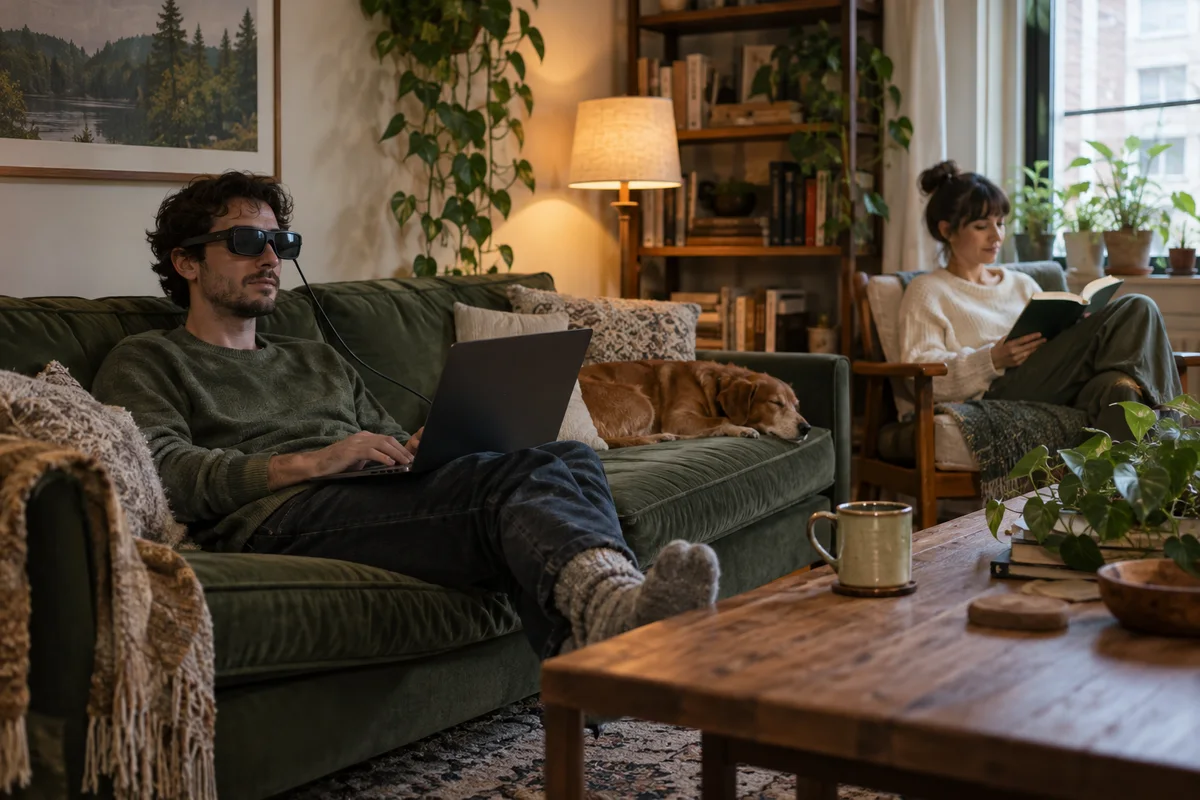
AI-generated scene illustration; not a photograph of the recommended product.
One person wants to watch a film. Another wants to read without the television lighting up the room. The apartment has one sofa and no spare room for a second television. Buying another screen might solve the viewing conflict while creating a new storage problem.
Display glasses offer a different arrangement: a screen for one wearer instead of a screen for the entire room. The relevant question is not whether the virtual image sounds impressive. It is whether your source device, seating position, audio, and viewing habits make that private screen easier than the equipment you already own.
The short answer
Rokid Max 2 can be a candidate for individual viewing in a shared room when your exact source device supports the required video connection and the glasses suit your vision and comfort. It is not a shared television, a guarantee of streaming-app compatibility, or a way to watch together without additional arrangements.
Buy only after checking the complete connection path and the return terms. If both people want to see the same program, a normal shared display may be the simpler answer. If you mostly need to avoid disturbing someone else, start by testing audio isolation and your existing smaller screen.
Define the conflict before choosing a device
Screen clashes have different causes. Sometimes the television is too loud. Sometimes one person needs the room dark. Sometimes both want different programs. A private visual display addresses the last two more directly than the first.
Write down the problem in one sentence: “I need to watch an episode while my partner reads beside me.” Then identify what would count as success. It might be no television glow, quieter audio, and no laptop balanced on your knees.
If headphones and a tablet already achieve that result comfortably, glasses need to offer a real additional benefit. Avoid buying a new category just because the advertised image is larger. The practical gain must survive your normal sofa, cushions, and evening routine.
Check the source, not just the connector
A USB-C socket is not by itself proof of video output. Rokid’s connection guidance makes display output a condition for compatible direct connections. Check the exact device model and supported video behavior, not merely its connector shape.
Map the path from the app or player to the glasses. A laptop, phone, handheld, or console can require a different arrangement. An HDMI-only source may need a suitable conversion and power setup rather than a passive cable. Ask the manufacturer to confirm your exact combination before ordering accessories.
For a more detailed pre-purchase process, use our AR-glasses travel compatibility checklist. Its focus is testing the connection; this article’s focus is whether the resulting experience solves a shared-room problem.
Treat audio as a separate purchase decision
A visually private screen can still disturb someone if its sound is audible across the sofa. Do not assume that the glasses’ audio is equivalent to sealed headphones. Before buying, decide where audio will originate and how you will keep it at a considerate level.
If you plan to pair headphones with the source device, confirm the source can send video and your preferred audio simultaneously. Check for noticeable delay with the content you actually watch. A setup that works for quiet dialogue may feel different with timing-sensitive content.
Also consider room communication. Complete isolation can be inconvenient when someone needs your attention. Establish a simple household arrangement rather than repeatedly removing the glasses because you cannot hear a question. Convenience includes living with another person, not only image size.
Test your actual sitting position
The sofa is not an equipment showroom. The headrest may press against the glasses’ arms; the cable may catch on a cushion; your source device may become awkward to reach. A comfortable upright demonstration does not prove that a long session in your favorite seat will feel the same.
Use the permitted return window to evaluate a realistic, short session first. Check whether the image looks clear to you, whether controls are reachable, and whether the frame creates pressure. Stop if viewing causes discomfort.
Do not interpret optical adjustment features as a promise that every prescription or visual condition is accommodated. Confirm vision requirements and any prescription-accessory compatibility before purchase. This is a fit decision, not a medical recommendation.
Keep a private display from becoming a cable project
Consider the complete setup on the sofa: source, glasses, audio, adapter if needed, charging, and a safe place for each item. A “portable” system can become less convenient when several small accessories are necessary.
Give the cable a route that will not be pulled by another person standing up. Avoid stretching it across a walkway. Keep the source ventilated and stable rather than under a blanket. Do not improvise power connections or repeatedly bend connectors to make the arrangement fit.
When the session ends, everything needs somewhere to go. A protective case and one designated charging location can make the system easier to use than a pile of accessories that migrates around the living room.
Compare three ways to solve the same problem
A tablet is straightforward, offers familiar touch controls, and can be shared briefly with another person. Its drawback may be the stand or viewing angle. A small laptop combines source and screen, but can take over a lap or side table.
Display glasses may reduce the need for a physical screen in front of you, but add personal fit and connection constraints. They also make it harder to show a scene to the person beside you. Neither arrangement is universally better.
Compare total cost, including necessary accessories, against how often you expect to use it. If the room conflict happens only twice a month, a no-cost rearrangement may outperform a dedicated purchase. If it happens every evening and the connection is verified, the glasses deserve closer consideration.
Who should pass on this setup?
Pass if group viewing is the primary activity, your source compatibility is unconfirmed, or wearing a frame for the intended session is uncomfortable. It is also a poor match if you want a completely wireless arrangement but have not verified one.
Never use display glasses while driving, cycling, walking through hazards, or performing tasks requiring an unobstructed view. A private entertainment display is for a safe seated setting, not a reason to ignore the surrounding environment.
The strongest buying case is deliberately modest: one person, one verified source, one comfortable seat, and a repeated room conflict. That is easier to evaluate than a promise of replacing every screen in the home.
Frequently asked questions
Can two people watch through one pair?
Not simultaneously. A wearer has the private image. For shared viewing, a conventional display is usually simpler unless you have separately verified a multi-device arrangement.
Will the glasses work with every streaming service?
Do not assume so. The source device, connection, app, and content protections may affect output. Test the actual service and device combination within applicable return terms.
Are adapters always necessary?
No, but compatibility depends on the exact source. Verify supported direct video output first; price any required adapters and power accessories into the complete setup.
Sources and verification
Checked October 12, 2026. This is a household setup analysis, not a hands-on image-quality or comfort test.
Keep reading
Related guides
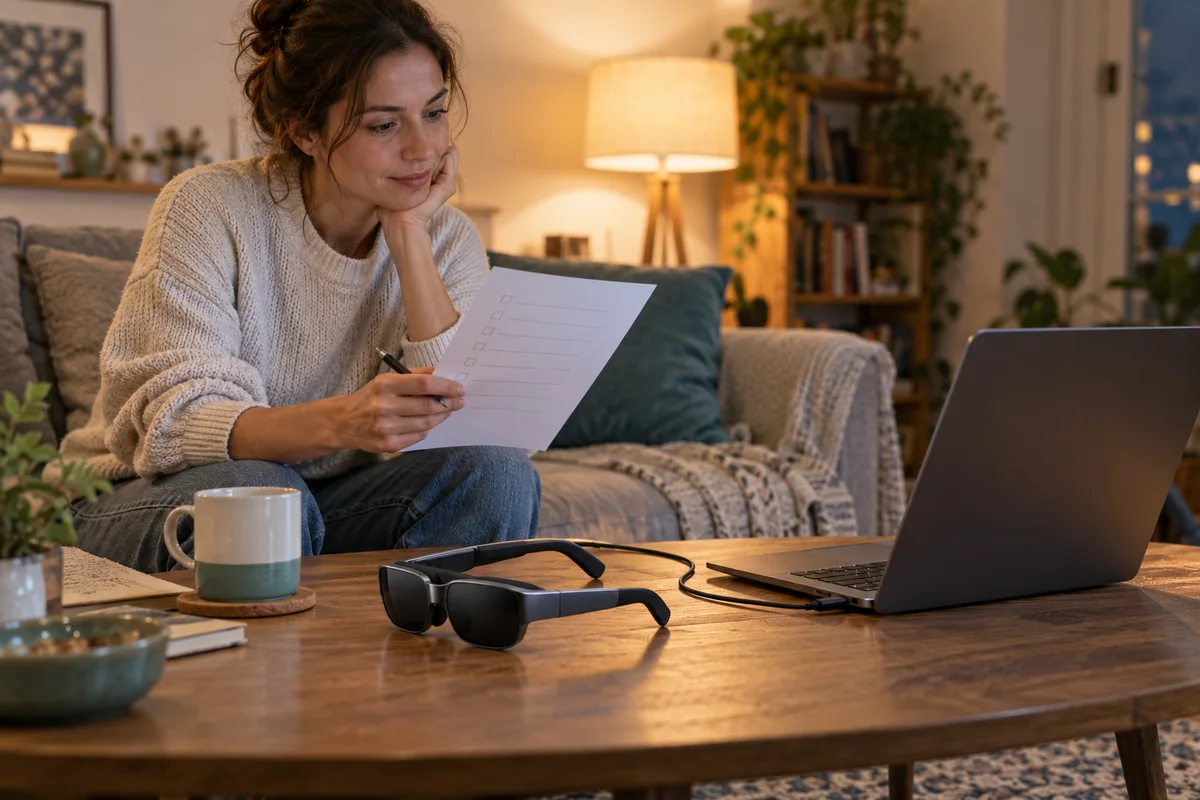 Home Tech & Audio
Rokid Max 2 Streaming: A Working Menu Is Not Enough
Verify Max 2 streaming with the exact service, source and supported connection rather than treating a visible desktop as protected-playback proof.
Read guide →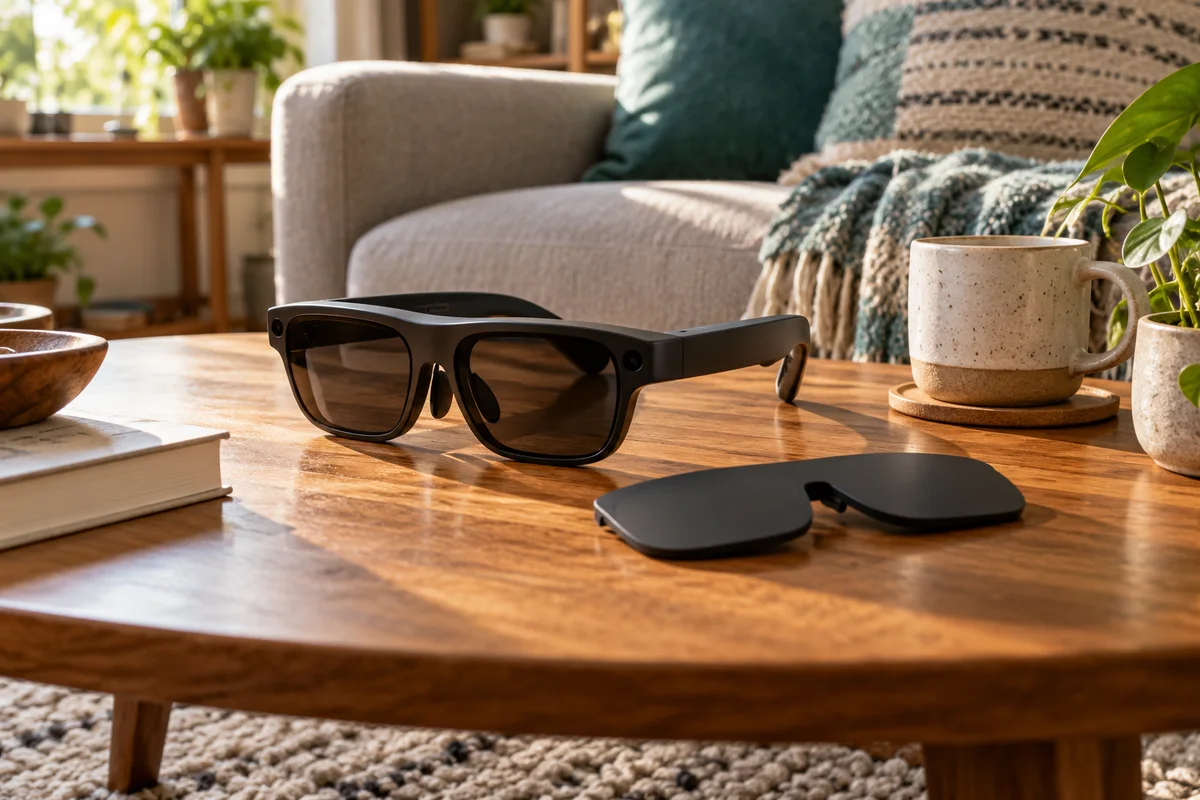 Home Tech & Audio
Rokid Max 2 Blackout Cover: Shade Is Not Dimming
Separate Max 2's removable blackout cover from electrochromic dimming and decide whether an opaque seated-viewing setup fits your room.
Read guide →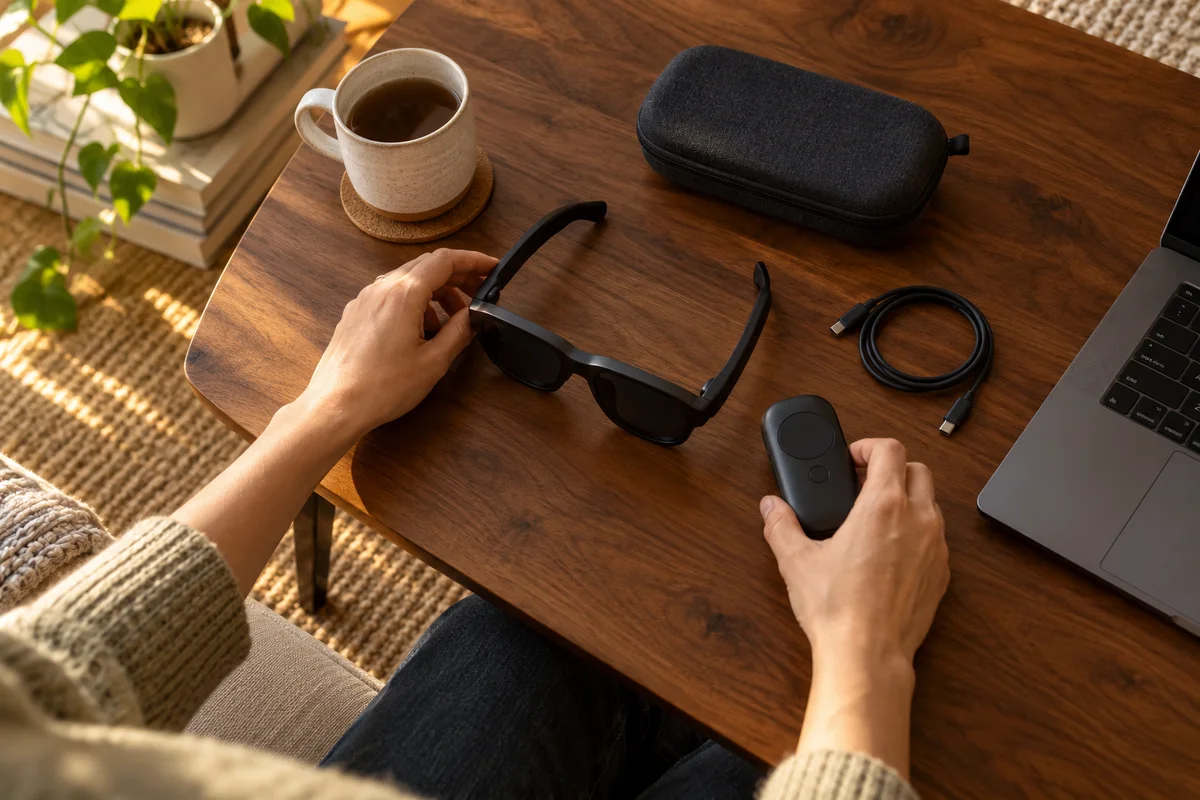 Home Tech & Audio
Rokid Max 2 Screen Anchoring: Check the Companion
Distinguish a simple connected display from a supported Station 2 spatial-screen setup before expecting head-tracked anchoring.
Read guide →