
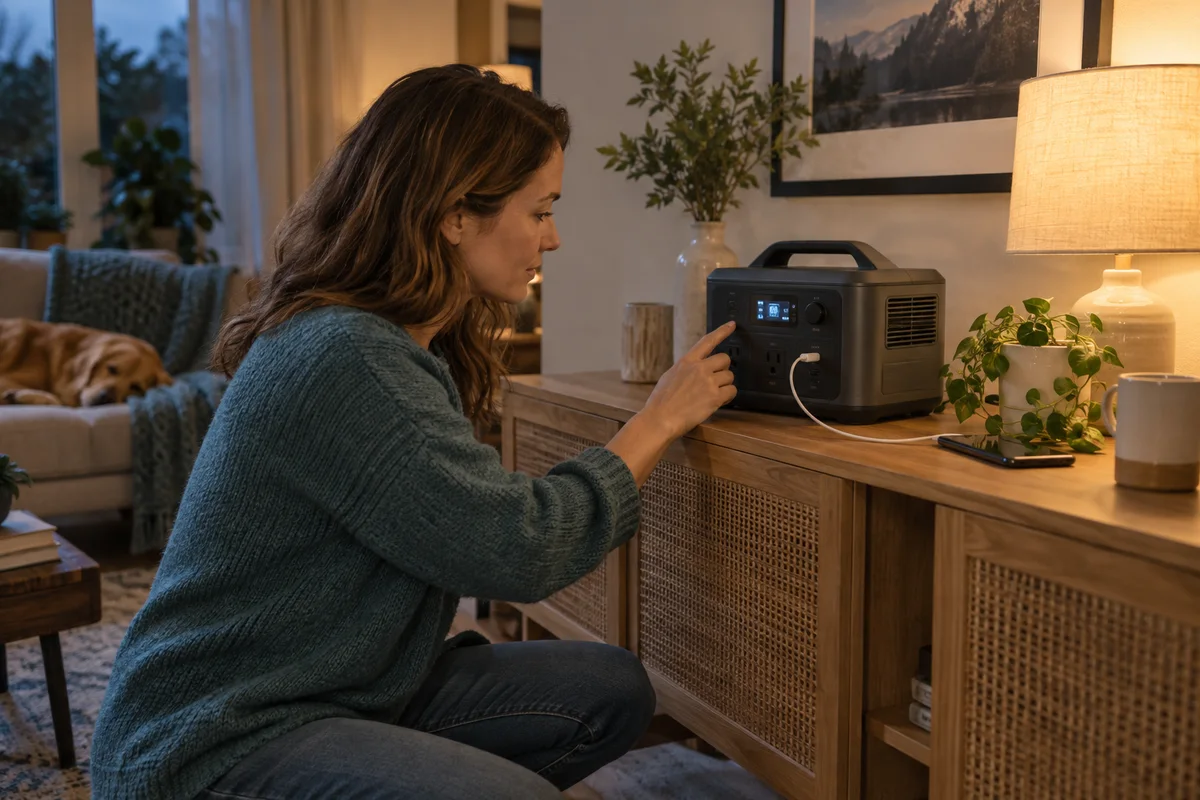
AI-generated scene illustration; not a photograph of the recommended product.
A small lamp goes dark even though the power station still shows a healthy charge. The immediate conclusion is that the battery is faulty or too small. Another possibility is more ordinary: an energy-saving setting has interpreted the connected load as low or absent and switched the output off.
For the BLUETTI Elite 100 V2, investigate that distinction before buying extra capacity. Keeping a device connected is not the same as keeping its output enabled, especially when a charger finishes charging or an appliance works intermittently.
The short answer
The current US Elite 100 V2 manual (V5.1) says AC-ECO and DC-ECO are disabled by default. When enabled, they can shut off an output after a period of low or no load. Do not assume the state of your actual unit: inspect its supported settings. The manual advises disabling ECO for small or critical appliances such as lights and refrigerators. Both ECO modes are unavailable during AC charging or with System Switch Recovery enabled.
Follow your current regional manual and supported app controls; do not assume one universal timer or threshold. Verify the intended low-load routine while safely attended. Turning ECO off does not establish uninterrupted protection, a particular runtime, or suitability for critical equipment.
Contents
- Identify what actually stopped
- Separate wall-powered and battery operation
- Map low and intermittent demand
- Make a controlled configuration check
- Balance availability against reserve
- Use a buying acceptance card
- Frequently asked questions
- Sources and verification
Identify what actually stopped
Look at the appliance, its adapter, the selected output, and the station’s state separately. A lamp switched off at its own control is a different situation from an output being disabled. A device going to sleep is different again.
Record what you can observe without dismantling equipment: time, remaining charge, output indicators, any error, and which loads were connected. Do not infer a cause from one number on the display. A meter or display may also have limits when showing a very small load.
If there is damage, unusual heat, an error requiring service, or another safety concern, stop and follow support instructions. ECO is not a diagnosis that explains every unexpected shutdown. It should not become a reason to overlook a hardware problem.
Separate wall-powered and battery operation
A demonstration while the station is receiving AC power may not exercise the behavior you expect when operating from its battery. The manual’s AC-ECO condition is a specific reason to keep those observations separate.
Write the intended state on your test note. Include the input connection, which output is active, and the supported mode selected. “It worked on my desk” is incomplete if the desk arrangement differs from the intended outage or camping arrangement.
Only use a test procedure permitted by the manufacturer, with appropriate loads and an attended safe setup. Save work on connected equipment first. Do not experiment on essential devices or force a real high-stakes interruption to see what happens.
Map low and intermittent demand
A phone charger can reduce demand as the phone approaches full charge. A small light may need little power throughout the evening. Some appliances alternate between active and idle periods. Each pattern deserves a different observation.
Make three columns: active demand, idle demand, and whether a switched-off output would matter. Use your own supported meter or device information where appropriate. Mark unknown readings as unknown rather than inventing a load profile from a charger label.
Do not add an unnecessary load just to keep an output awake. That uses reserve to work around a setting instead of understanding it. Ask support for the approved configuration for the intended device and confirm whether the correct output can be controlled independently.
Our router-and-laptop backup guide handles the larger connection and energy budget. This check isolates a configuration issue that more watt-hours alone cannot solve.
Make a controlled configuration check
Use the current manual to identify AC-ECO, DC-ECO, and the relevant app options. The linked manual distinguishes combined on-device control from separate app control. Confirm the behavior for the actual version rather than copying another owner’s screens.
Record the existing configuration before changing a supported option. Observe the intended load through its normal active and idle phases. Keep the setup attended and use a low-stakes device, not a server, medical appliance, or another system requiring a special continuity plan.
Change one variable at a time. If the output remains available after the approved setting change, that is a useful observation for your arrangement, not a universal reliability claim. Keep any unexplained interruption in the support report.
A demonstration that lasts only while a phone is charging quickly may miss what happens later. The point is to include the phase that originally caused uncertainty, within the manufacturer’s permitted evaluation method.
Balance availability against reserve
With an output left active, station consumption and connected adapters can still use energy. Disabling an automatic shutdown trades one behavior for another. It does not make idle operation free.
Revisit the energy budget with the intended configuration. Compare battery decline in an attended representative session and preserve a reserve. Do not transplant a runtime result obtained in a different mode or with different loads.
For critical continuity, use a purpose-designed plan and verify the equipment requirements. The Elite 100 V2 manual explicitly cautions against high-performance UPS applications such as data servers or workstations. ECO settings cannot remove that restriction.
Likewise, a working lamp does not prove that local networking or an upstream internet service will remain available. Configuration, energy, device compatibility, and external service are separate links in the plan.
Use a buying acceptance card
Before ordering, write the exact load, its idle pattern, the approved setting, observed output behavior, energy reserve, and any unresolved support question. Include the physical location and unobstructed ventilation.
The Elite 100 V2 is a candidate if its supported configuration fits the small-load task and the larger portable reserve is genuinely useful. A simpler appropriate backup may be better when the task is only one small device.
Pass if your purchase depends on automatic uninterrupted operation that has not been confirmed, or on ignoring a manual restriction. Check the current partner package and seller conditions after the acceptance card is complete. Extra capacity should address duration, not disguise an unexplained output shutdown.
Frequently asked questions
Does ECO always use the same shutdown timer?
Do not assume that. Check the current regional manual, firmware, and supported app settings for the exact unit and output.
Why might a wall-powered demonstration miss the issue?
The current manual says both ECO modes are unavailable during AC charging or with System Switch Recovery enabled. Record the actual input, output and supported settings when comparing observations.
Does disabling ECO turn the station into a server UPS?
No. It changes an energy-saving setting, not the manual’s application limits or the connected equipment’s continuity requirements.
Sources and verification
Updated October 24, 2026 against the current US V5.1 manual: its disabled-by-default statement replaces the older manual’s default-state description. This is a configuration and purchase framework, not a station or appliance test.
Keep reading
Related guides
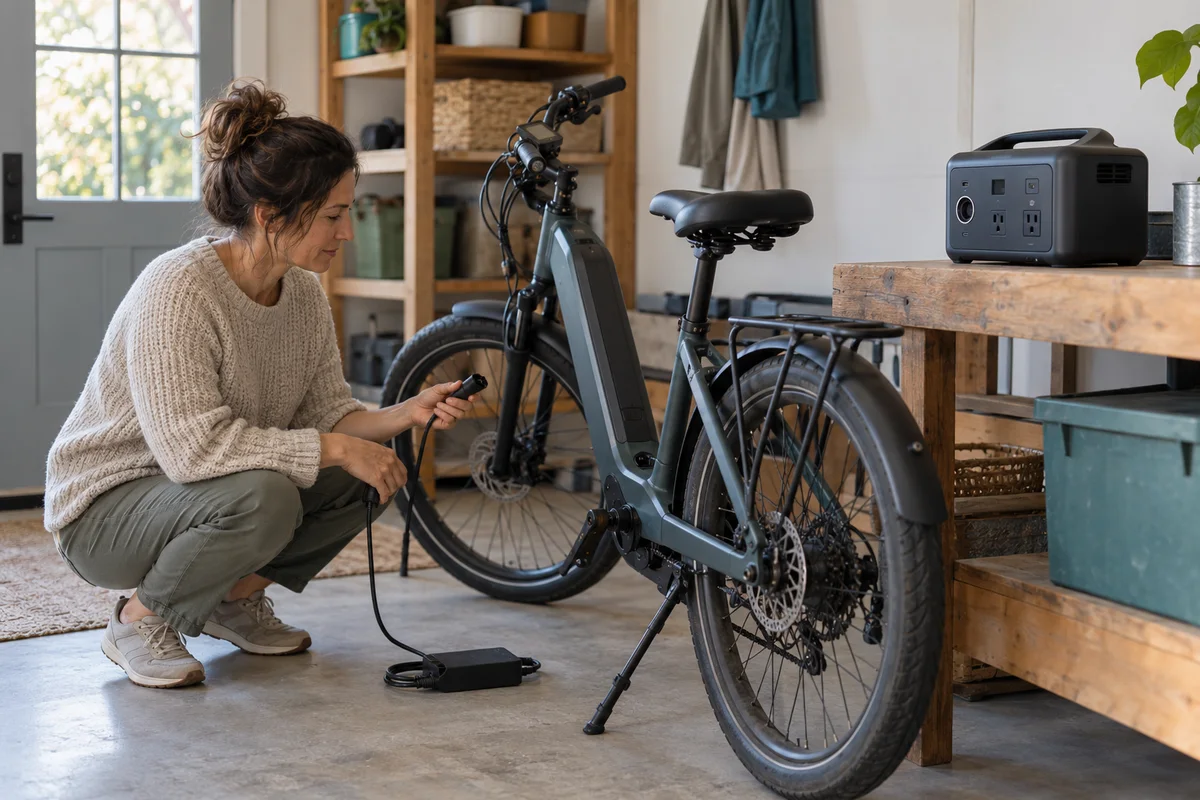 Power & Outdoors
AC180 E-Bike Charging
Assess AC180 for an e-bike recharge through the approved charger, battery condition, dry supervised charging and a realistic household energy budget.
Read guide →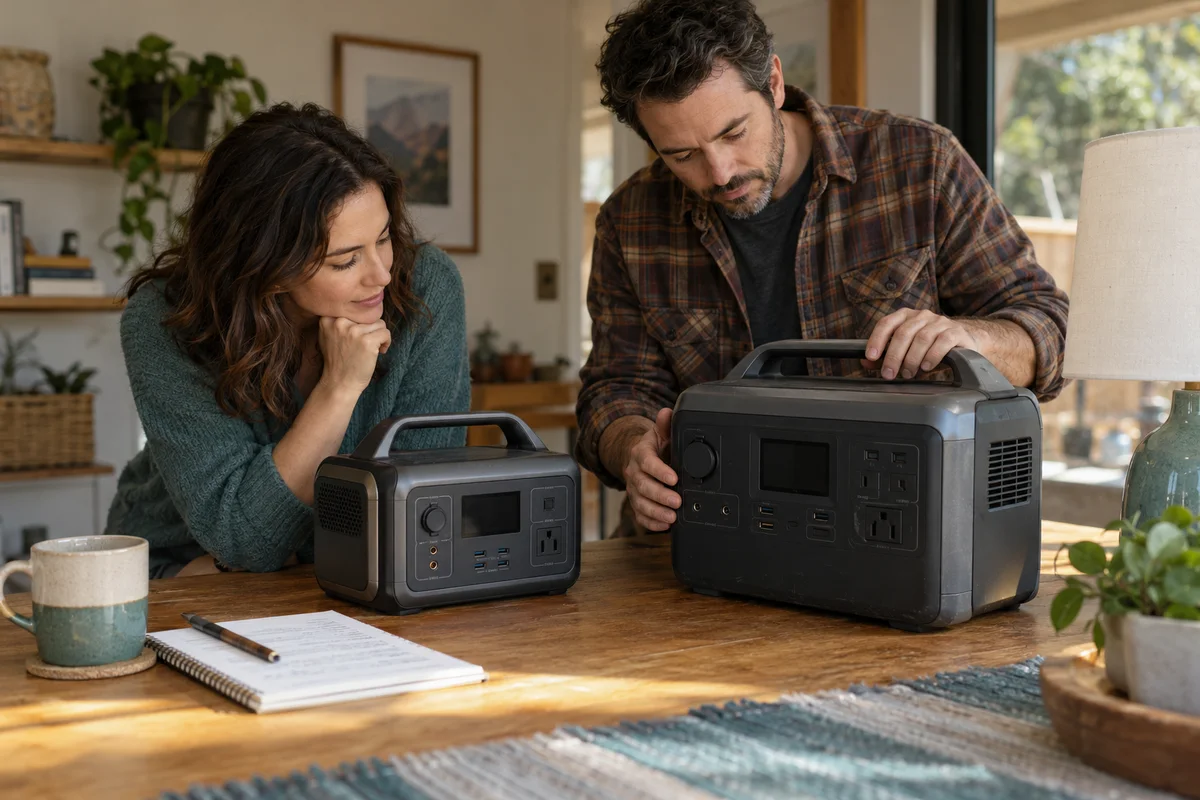 Power & Outdoors
AC180 vs Elite 100 V2
Compare AC180 and Elite 100 V2 through stored energy, solar-input limits, USB-C needs and household ownership before choosing a backup station.
Read guide →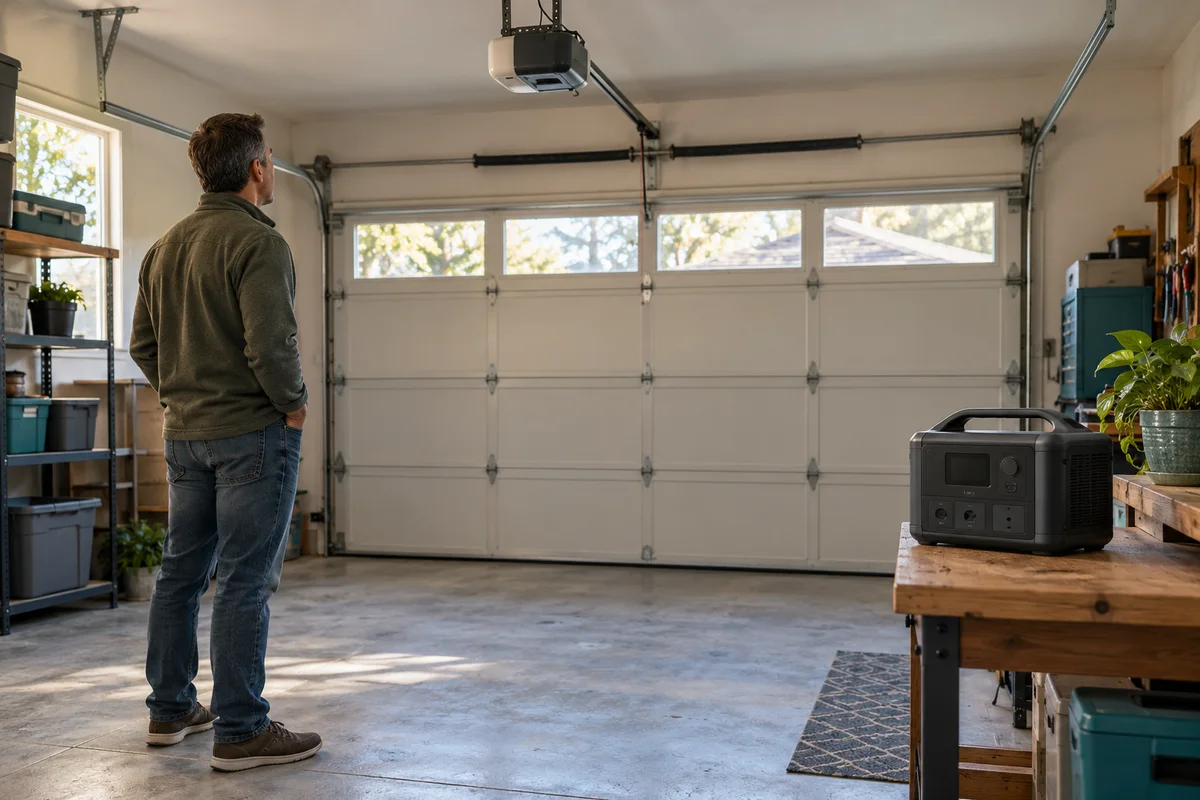 Power & Outdoors
Elite 100 V2 Garage-Door Backup
Compare Elite 100 V2 with a garage opener’s supported battery-backup path before treating portable AC power as a complete access solution.
Read guide →