

AI-generated scene illustration; not a photograph of the recommended product.
You are halfway through an evening video meeting when a storm interrupts the lights. The laptop still has a battery, but the router has stopped. A portable power station can address that local electrical problem. It cannot guarantee that the internet provider’s equipment outside your apartment is still operating.
The useful shopping question is therefore narrow: which devices must stay powered, for how long, and can they tolerate an interruption? October’s continuing Atlantic hurricane season is a reasonable reminder to check this setup. This guide is a seasonal preparation exercise, not a forecast of a specific outage.
The short answer
The BLUETTI Elite 100 V2 is a candidate for a router-and-laptop backup arrangement when its outputs match your equipment. BLUETTI publishes 1,024Wh capacity and 1,800W AC output. That is substantially more energy than many small communications-only batteries, but the right purchase depends on your total load and continuity requirements.
Add the modem, router, any necessary fiber terminal, laptop charging, and a modest reserve. Estimate hours from usable watt-hours divided by average watts. Verify the internet connection during a safe trial and do not assume portable backup power is equivalent to a dedicated UPS.
Map the entire local connection
A desk may contain a router, but the household connection often depends on another powered box elsewhere. Walk the signal path from the wall connection to the device you use. List the modem or optical network terminal, router, access point, and any switch necessary for your work.
If the fiber terminal is in a closet on a separate circuit, powering the desk router alone may achieve nothing. Likewise, a mesh satellite is not a substitute for its unpowered main unit. Draw the connection on paper before counting sockets.
Some internet installations include equipment you are not allowed to modify. Ask the provider about permitted backup arrangements and upstream outage behavior. Do not substitute an arbitrary DC adapter because its connector happens to fit. Voltage, polarity, current capability, and approved cabling matter.
Create a measured load list
Adapter labels generally show maximum or rated electrical capabilities, not the exact power used throughout a work session. A laptop charging from nearly empty can draw more than the same machine running with a full battery. Video calls, external displays, and background work can also change demand.
Measure a representative setup with a suitable meter if practical. Record both an active work period and an idle period. Include the devices that you actually need rather than every item currently plugged into the desk strip.
An illustrative worksheet might list 12W for networking equipment, 45W average laptop charging and operation, and 8W for a lamp: 65W total. These values are invented example inputs, not measurements of the Elite 100 V2 or any particular router.
Turn the list into a cautious runtime estimate
Suppose you choose an 800Wh planning budget after leaving room for conversion losses, station consumption, and reserve. At 65W, the simple estimate is roughly 12.3 hours. At 100W, the same budget is eight hours. The useful lesson is the effect of demand, not either number as a guaranteed runtime.
Small AC loads can make the station’s own consumption more significant. A compatible DC or USB charging route may avoid an unnecessary conversion, but only use supported outputs and correctly specified cables. An adapter chain is not automatically efficient or reliable.
Keep an escape margin for finishing a document, sending a handover, and shutting down. A plan that uses the final percentage during an important call is more fragile than one that ends work while some reserve remains.
Separate energy capacity from interruption protection
A UPS is bought partly for what happens at the instant the mains supply fails. A portable station is often bought primarily for stored energy and flexible outputs. A device’s pass-through or backup mode has specific conditions and switching behavior.
Read the exact Elite 100 V2 manual for the mode you intend to use. Confirm whether the modem and router restart during a simulated interruption. Even a short restart can end a call or disrupt a remote session.
If uninterrupted networking is the priority, compare a dedicated compatible UPS or networking backup against the larger station. If several hours of occasional operation is the priority, the portable battery may earn its size. Avoid promising seamless protection for sensitive equipment without verification.
Plan for internet failure despite local power
Test whether your connection survives the loss of power to your own home, but understand that this cannot reproduce every provider outage. Your neighborhood infrastructure might fail at a different time. A charged laptop and router are not proof that online work will remain possible.
Prepare an offline copy of critical files, a way to inform colleagues, and a tested alternate connection where available. Check your mobile plan and the practical reception at the desk before treating tethering as a fallback.
This is also a buying filter. If the main bottleneck is unreliable upstream service, a more expensive battery may not improve the outcome you care about. Spend first on the missing link, not on additional watt-hours you cannot use.
What to check before ordering
Check the regional outputs, supported laptop charging, safe cable reach, charging method, and the surface where the station will stand. Keep ventilation unobstructed and leave room to read the display without moving a heavy unit during an outage.
Confirm which accessories are included and whether your desired DC connection needs a separate approved cable. Check current warranty and return terms. Avoid locking in a purchase because an old promotion appears in a screenshot.
The Elite 100 V2 fits a household that needs a larger portable energy reserve and can carry, recharge, and maintain it. A small router-only backup may be more convenient if the laptop’s own battery already covers the required window.
A monthly rehearsal that catches expensive mistakes
Pick a low-stakes time, save your work, and use the manufacturer’s permitted test procedure. Verify the entire network path, check laptop charging, and observe the actual battery decline under a typical workload.
Record the starting charge, elapsed time, connected devices, and any restart. Repeat after changing the router or laptop. Do not invent a precise annual schedule from a single trial; the purpose is to detect a missing powered box or incompatible mode.
For appliance loads with a different demand pattern, use our refrigerator backup calculation guide. A desk load and a cycling compressor should not share an unexamined runtime promise.
Frequently asked questions
Will backup power keep my internet working?
It can keep compatible local equipment powered. It cannot guarantee that the provider’s upstream infrastructure remains available. Prepare a separate connectivity fallback.
Can I leave every desk accessory connected?
Only within the station’s supported limits, but unnecessary accessories consume reserve. Remove loads that do not contribute to the work you need to finish.
Should I buy a portable station or a UPS?
Choose by interruption tolerance and duration. Verify switching behavior for your equipment; choose stored capacity for the time you need. Some households need a dedicated continuity solution rather than one general-purpose device.
Sources and verification
Checked October 12, 2026. The load worksheet and runtime inputs are illustrative, not product tests.
Keep reading
Related guides
 Power & Outdoors
AC180 Slow-Cooker Backup
Separate slow-cooker electrical compatibility, interruption history and food handling before choosing AC180 for a household dinner backup plan.
Read guide →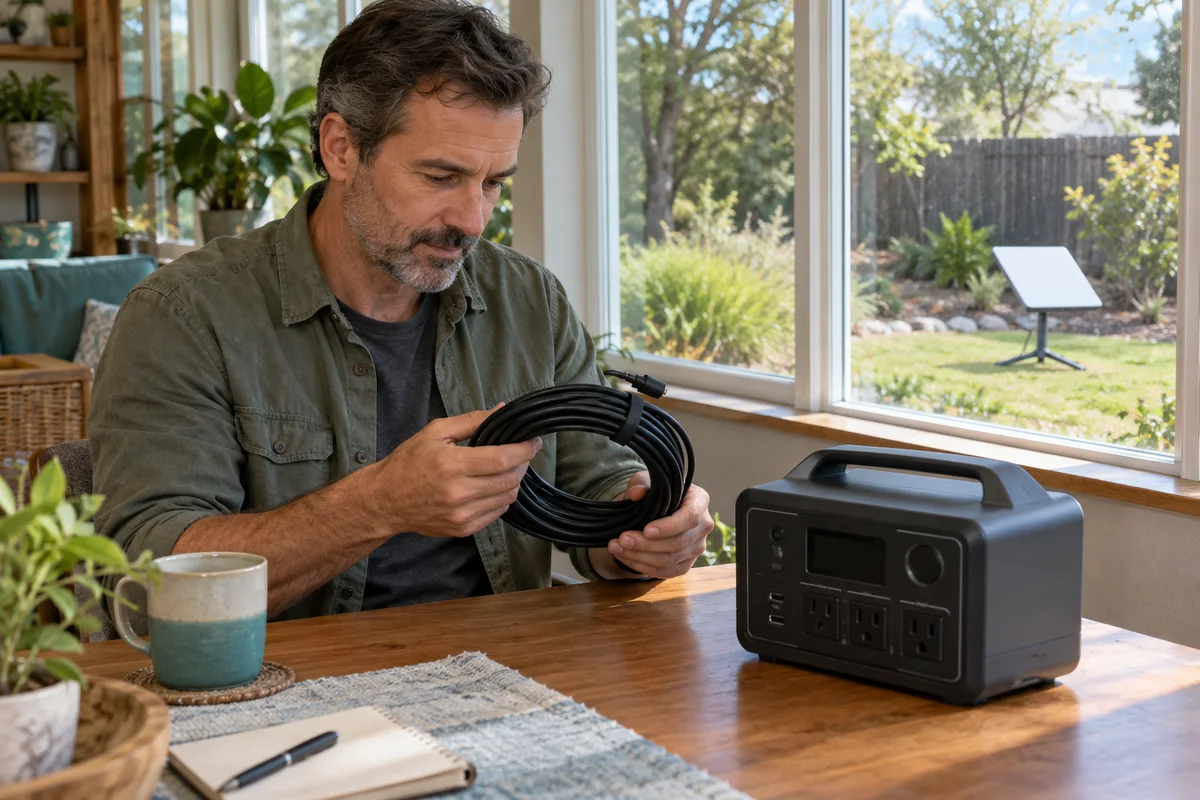 Power & Outdoors
Elite 100 V2 and Starlink Mini
Match Starlink Mini's dedicated cable and 100W USB-PD requirement with Elite 100 V2 profiles before planning a household satellite-internet reserve.
Read guide → Power & Outdoors
AC180 Grid Enhancement and UPS
Understand AC180 Grid Enhancement and its UPS transfer limitation before choosing backup power for a household continuity requirement.
Read guide →