
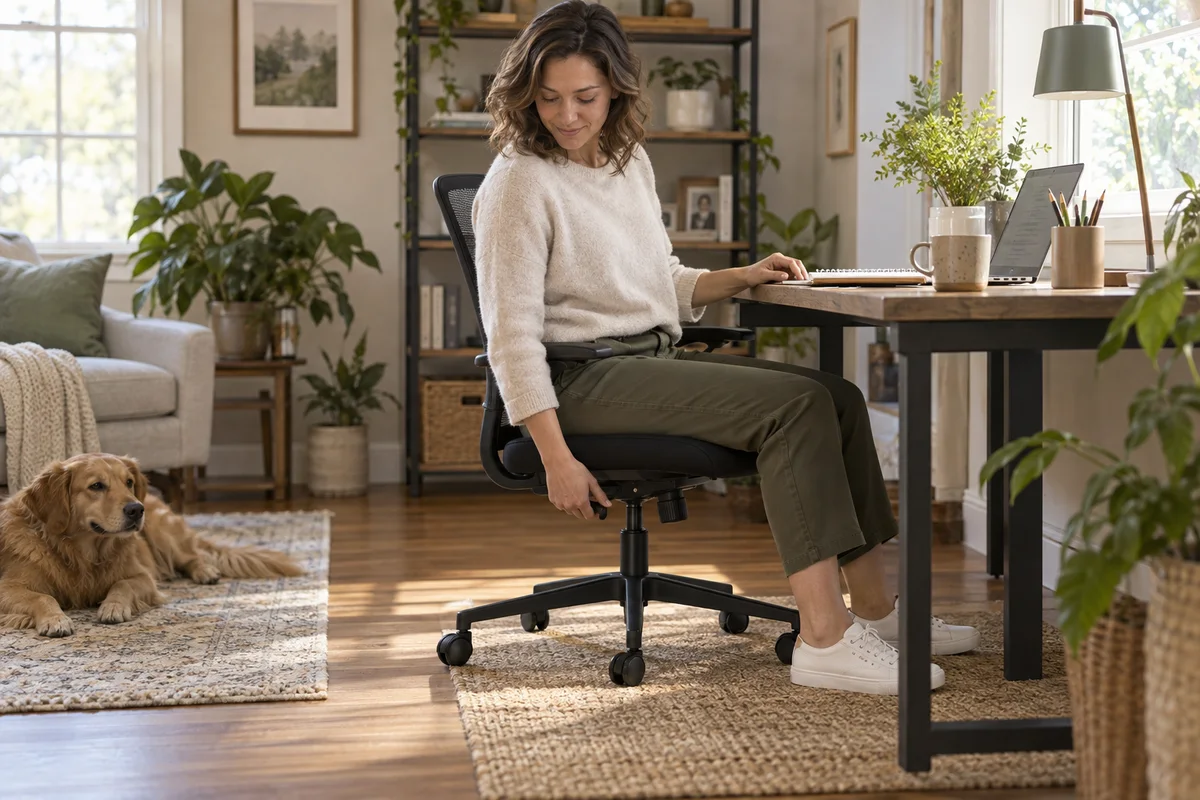
AI-generated scene illustration; not a photograph of the recommended product.
The chair reclines, but it does not stay where you expect. You turn the large knob under the seat, try the lever again, and wonder whether the mechanism is faulty. It may be a control misunderstanding—or a problem that needs support—but those possibilities should not be confused.
For a ProtoArc EC300 purchase, separate two promises: the available backrest positions and the resistance you feel while moving. Understanding both before ordering is more useful than choosing a chair from its deepest recline photograph.
The short answer
ProtoArc lists four EC300 recline-lock positions: 90°, 105°, 120°, and 130°. The separate tension adjustment changes resistance; it is not a substitute for selecting and engaging the lock.
Follow the exact operating guide, move gently, and do not force a lever that is under pressure. If the backrest will not lock reliably using the documented method, stop using the questionable setting and contact support. Do not attempt internal mechanism or gas-lift repairs.
Separate position from effort
A lock answers “where should the backrest remain?” Tension answers “how much resistance do I feel while moving?” Turning the tension control does not create a new set of lock positions.
This distinction helps you describe the purchase you want. One person may prefer an upright working position and occasional recline. Another may want frequent movement. Neither preference proves that a chair will fit without trying its supported controls and checking its physical dimensions.
Avoid treating the maximum angle as a comfort ranking. A deeper recline that you rarely use may be less important than a control you can reach easily during a normal workday.
Learn the controls before judging them
Use the EC300 guide rather than a general video for a similar-looking chair. Identify the recline lever and tension knob while the chair is safely positioned. Do not reach awkwardly under an unstable or partially assembled seat.
ProtoArc’s FAQ distinguishes unlocking, selecting a supported position, and fully re-engaging the lever. It also explains that pressure on the mechanism can affect release. Read that sequence before interpreting resistance as a fault.
This article does not replace the supplied operating or assembly instructions. If your controls do not match the guide, verify the model and contact the seller instead of improvising from a photograph.
Check reach as well as range
An adjustment can be present on the specification sheet but inconvenient for a particular user. Can you identify and reach the relevant control without twisting excessively or pulling yourself off balance?
If you evaluate a display chair, ask for a safe demonstration of each control first. If you buy online, understand the seller’s permitted assessment and return conditions before assembly and ordinary use.
Do not assume that someone else’s easy adjustment proves it will be easy for you. Hand strength, reach, and the arrangement of the room can change the practical experience without changing the product’s nominal specifications.
Give the backrest room to move
Consider the space behind the chair with the desk in its normal position. A wall, cabinet, bed, or walkway can make a supported recline impractical.
Check nearby cables and objects, and keep children and pets clear when adjusting the chair. Do not test a new setting by pushing hard against furniture or by placing your feet on a surface that changes your balance.
A compact home office may favor a smaller movement range in practice. That is a room-planning constraint, not proof that a larger advertised angle is defective or that you need to rearrange the entire home to use it.
Use a simple acceptance card
During an authorized evaluation, keep observations specific:
| Question | Useful observation |
|---|---|
| Can I identify the controls? | Lever and tension knob are distinguishable |
| Can I reach them? | No awkward or unstable maneuver is needed |
| Can I select the documented positions? | Operation matches the supplied instructions |
| Does the room allow movement? | Backrest clears nearby furniture and traffic |
| Is anything unresolved? | Describe the symptom for support, without diagnosing internals |
A successful adjustment is not a certification of long-term durability or all-day comfort. It only answers the observed control question under that setup.
Know when to stop troubleshooting
If the lever will not move, do not use tools to extend it or apply extra force. If the lock does not hold as documented, do not repeatedly lean farther back to “prove” the problem.
Check the user-level guidance and contact ProtoArc with a concise description. Explain the model, the intended position, and what happens when following the guide. Share only the information requested through official support.
Do not open the mechanism, dismantle the gas lift, or substitute unapproved parts. A chair is not an appropriate place to turn a purchasing concern into an improvised mechanical repair.
Include delivery and returns in the decision
A control problem discovered after delivery also becomes a logistics problem. Read the seller’s policy for assembled furniture, packaging, return shipping, and support before buying.
The office-chair delivery guide covers those separate planning tasks. Keep the relevant documentation until you understand both the chair and the process for resolving a problem.
The manufacturer’s direct storefront showed limited availability during research; that does not establish the stock position of a separate partner listing. Check the actual seller’s current offer rather than assuming every channel has the same inventory or terms.
Buying tradeoffs
The EC300 review is the broader product starting point. Add control usability and rear clearance to the fit assessment instead of buying solely on the number of adjustments.
The EC300 is worth considering if its documented positions, control reach, and room footprint match your use. It is less appealing when the controls remain awkward, when the room prevents the movement you want, or when a satisfactory return route is unavailable.
A shared desk adds another question: can users restore their own preferred settings easily? The shared-chair adjustment guide discusses that household workflow separately. Do not assume everyone will prefer the same resistance or backrest setting.
Frequently asked questions
Does the tension knob lock the backrest?
No. Resistance and position locking serve different purposes. Use the documented control for the intended task.
Can I lock at any angle between the listed positions?
Do not assume infinitely variable locking. ProtoArc lists four positions; check the supplied model instructions.
Should I force a lever that feels stuck?
No. Consult the documented pressure-release guidance and contact support if the problem continues. Extra force can make an unclear problem worse.
Does a 130° claim guarantee comfort?
No. Physical fit, controls, room clearance, and individual preference remain separate questions. This guide makes no medical or all-day comfort promise.
Sources and verification
Checked October 15, 2026. This is a control and purchasing checklist, not a hands-on chair test.
- ProtoArc EC300 product information — listed positions and tension adjustment.
- ProtoArc EC300 operating FAQ — control sequence, pressure-related operation, and support guidance.
Keep reading
Related guides
 Home Office
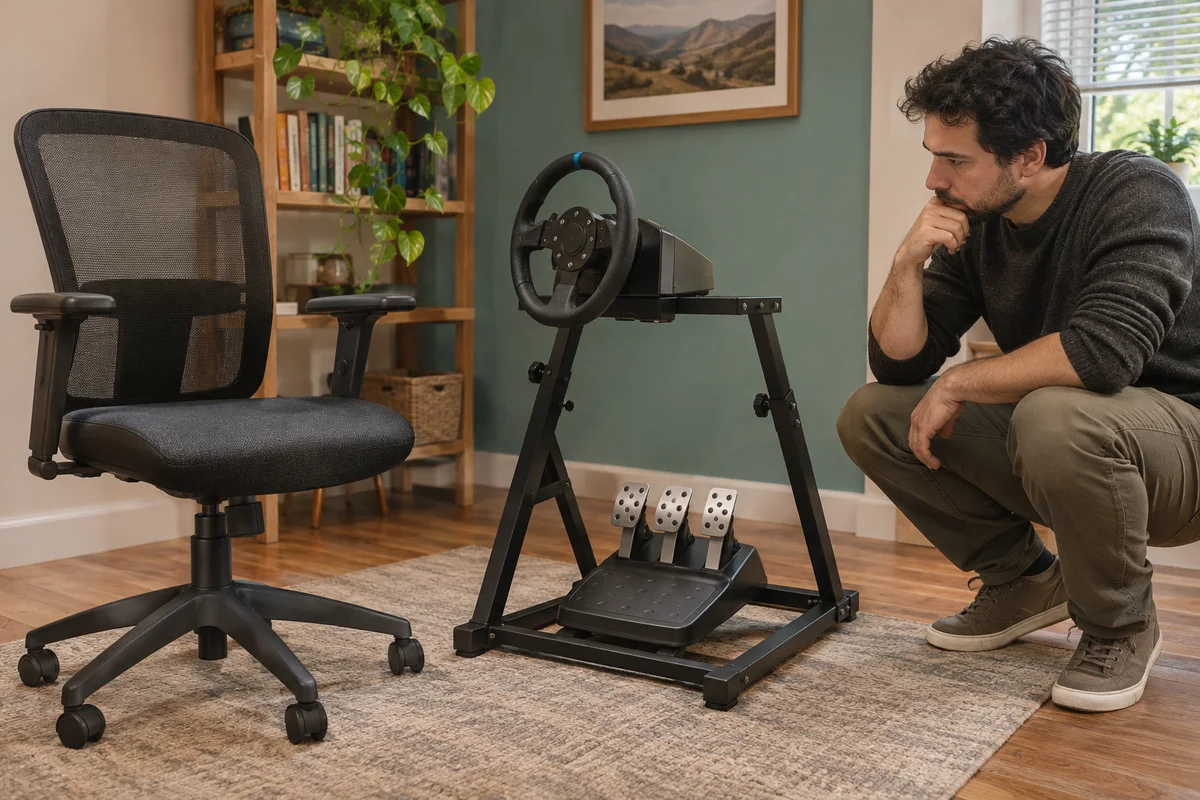
EC200 Sim Racing Seat Limits
Compare EC200 office seating with a sim-racing setup through pedal reaction, rolling movement and explicitly supported equipment arrangements.
Read guide → Home Office
EC300 and Standing Desk Movement
Check EC300 chair parking, armrest clearance and cable movement before combining it with a height-adjustable desk in a shared home office.
Read guide → Home Office
EC300 Small-Office Clearance
Assess EC300 in a narrow home office through desk approach, caster movement, recline space and an unobstructed exit before buying a larger chair.
Read guide →