

You are ninety minutes into a focus block, and your lower back has started to complain before your task list has. Standing up for a full break breaks your concentration, but staying hunched over the keyboard is not sustainable either. A chair that only leans back a few degrees does not actually let your neck or head rest, so the break never really happens. What this moment calls for is a chair built to shift, in seconds, from an upright work position to a genuine recline with your head supported, then back again without any tools or awkward readjustment.
This review is built from published manufacturer specifications and the current product documentation for the high-back mesh office chair category, not from a laboratory test bench. It compares the ProtoArc EC300 Ergonomic Office Chair against the rivals a shopper actually sees beside it, for one clearly defined household job.
The verdict
For anyone who wants to recline for a real break without leaving the desk, the ProtoArc EC300 is the strongest choice in this category on paper. Its four locking recline angles run all the way to 130 degrees, and the 3D headrest travels with you to catch your head at that angle instead of leaving it unsupported. The backrest and integrated lumbar support move together through five height positions, so the recline stays comfortable at your specific torso length rather than a generic average. Combined with a 5-position seat depth slide, it is built around the pause as much as the work itself.
Check the current listing →ProtoArc EC300 Ergonomic Office Chair at a glance
These are the published specifications that matter most for the use case above. Manufacturers revise hardware between production runs, so confirm the current listing before ordering.
| Recline Range | 4 locking positions: 90°, 105°, 120°, 130° |
|---|---|
| Headrest | 3D adjustable for height, depth, rotation, and pivot |
| Backrest & Lumbar | 5 height positions across a 2.36 in travel range, with lumbar support integrated into the moving backrest |
| Seat Depth | 5-position slide, 1.97 in (50 mm) of travel |
| Build & Capacity | Class 4 gas lift, alloy base, 90-220 lb weight rating, 5-year warranty |
Why it wins this category
A better spec sheet is only useful when it removes work from a real routine. These are the four places where the ProtoArc EC300 Ergonomic Office Chair changes the outcome rather than the marketing copy.
A Real Recline, Not A Wobble
Most task chairs let you lean back a little, but the tension snaps you upright the moment you relax. The EC300 locks into four distinct angles, including a 130-degree setting meant for resting rather than typing. Because each position holds on its own, you can let go completely instead of bracing your legs to hold the recline, which is the difference between a real break and a longer slouch.
Head Support That Travels With You
A headrest only helps if it actually reaches your head at the angle you are reclining to, and the EC300's 3D headrest adjusts for height, depth, rotation, and pivot to do exactly that. When you drop the backrest to its most relaxed position, the headrest follows, cradling your neck instead of leaving your head to hang unsupported the way a fixed or missing headrest does on many other chairs.
Backrest And Lumbar Move As One
The lumbar and sacrum support is built into the backrest itself, so when you move the backrest through its five height positions, the support point moves with it instead of staying fixed at one height. That matters most for taller or shorter frames, where a chair with separate, misaligned lumbar and backrest adjustments can end up pressing on the wrong part of your lower back during a recline.
Seat Depth For Different Frames
The seat slides across five positions spanning about two inches, so your knees clear the front edge whether your thighs are short or long, and the 2D armrests adjust in height to match your desk. Getting the seat depth right changes how stable a deep recline feels, because your hips stay properly seated against the backrest instead of sliding forward as the chair tips back.
How it compares to the alternatives
Each of these is a capable product with a real audience. The question is not whether they work, but which one fits the job described above with the least compromise.
Herman Miller Aeron
The benchmark ergonomic office chair, engineered around adjustable full-body support.
Where it is strong: The Aeron's PostureFit SL lumbar support and 8Z Pellicle mesh reflect decades of ergonomic research, and its Harmonic 2 tilt lets the whole chair move naturally as you shift positions through the day.
Where it falls short here: Aeron ships without a headrest in its standard configuration, so a deep recline leaves your head and neck unsupported unless you add an aftermarket attachment. Its tilt is continuous rather than locking into fixed angles, making it harder to return to the same relaxed position.
Steelcase Leap Chair
A widely used task chair built around an adaptive, spine-tracking backrest mechanism.
Where it is strong: The Leap's LiveBack technology reshapes the backrest to mimic your spine as you move, and its 4D arms adjust in height, width, depth, and pivot for a highly personalized upright working posture.
Where it falls short here: A headrest is not included on the standard Leap chair; it is only offered as a separate model, and the chair has no seat depth slide, so it is tuned more for sustained upright work than for a supported, hands-off resting position.
Autonomous ErgoChair Pro
A value-focused ergonomic chair with nine adjustment points and a sliding seat.
Where it is strong: The ErgoChair Pro includes seat depth adjustment, a sliding lumbar pad, and an included headrest at a price well below flagship ergonomic chairs, plus a stated weight rating that suits heavier users.
Where it falls short here: Its synchro-tilt recline covers roughly 22 degrees of movement rather than a wide swing toward a fully relaxed position, and it has no distinct named angle stops, so returning to the same resting recline takes more guesswork than a chair with locking presets.
Weighed against those three, the ProtoArc EC300 Ergonomic Office Chair remains the one that covers this scenario end to end without asking you to accept a workaround somewhere else.
Who it fits
Long, Uninterrupted Focus Blocks
If your workday is built around 90-minute or longer stretches of deep work, a chair you can recline in without standing up matters. The EC300's locking angles let you drop into a real rest position between blocks and snap back to an upright typing posture in seconds, without any manual retensioning.
Shared Home Office Desks
When more than one person uses the same desk, a chair needs to reset quickly for different bodies. Seat depth, backrest height, headrest position, and armrest height all adjust independently here, so a shorter and a taller household member can each find their own setup without tools.
Upgrading From A Basic Task Chair
If your current chair only offers a single recline tension and no headrest, the jump to four locking angles with head support is the most noticeable change. It suits anyone who has decided a basic mesh chair is no longer enough for a full workday at a home desk.
What to be realistic about
No product is the right answer for every household. Skip this one, or plan around these points, if any of them describe your situation.
- Skip this chair if you fall well outside its 90-220 lb weight rating or 5'4 to 6'1 height range, since fit drives most of the ergonomic benefit.
- If you need a chair rated for heavy-duty industrial use above the stated capacity, look at a chair specifically built and certified for that higher weight range instead.
- Anyone who wants a minimal, headrest-free silhouette for a tight desk footprint may find the EC300's 3D headrest and taller profile bulkier than a simpler task chair needs to be.
Living with it after week one
Assembly is a single-person job with basic tools: attach the base and casters, seat, and backrest, then set the gas lift to a height where your feet sit flat on the floor. Spend the first week dialing in seat depth, backrest height, and armrest position before touching the recline. Once your upright posture feels right, test each of the four recline angles and note which one suits a short break versus a longer one. Wipe the mesh backrest with a damp cloth occasionally, and recheck the recline lock every few months so it keeps holding at your chosen angle.
Frequently asked questions
Does the recline lock stay stable at the 130-degree position?
Yes, each of the four recline angles is a locking position rather than a spring-loaded lean, so once you select 130 degrees the backrest holds there under your weight until you release it. You do not need to brace yourself to stay reclined, which is what makes it usable for an actual break.
Can I still type comfortably with the headrest raised?
The 3D headrest adjusts for height, depth, rotation, and pivot, so you can move it out of the way or drop it low during upright work and then bring it back up when you recline. It is designed to support your head at rest, not to sit in your line of sight while you type.
How do I clean the mesh backrest and cushion?
The manufacturer recommends wiping the mesh backrest and seat cushion with a damp cloth and mild soap, then letting it air dry before use. Avoid soaking the mesh or using harsh solvents, since repeated heavy cleaning can weaken the weave faster than normal daily use would.
Keep reading
Related guides
 Home Office
ProtoArc EM11 Pro Vertical Mouse for Medium to Large Hands and Wrist Strain
For people with medium to large hands who feel wrist strain by mid-afternoon, this 58-degree vertical mouse with 7200 DPI tracking offers a more natural grip without sacrificing precision or battery life.
Read review →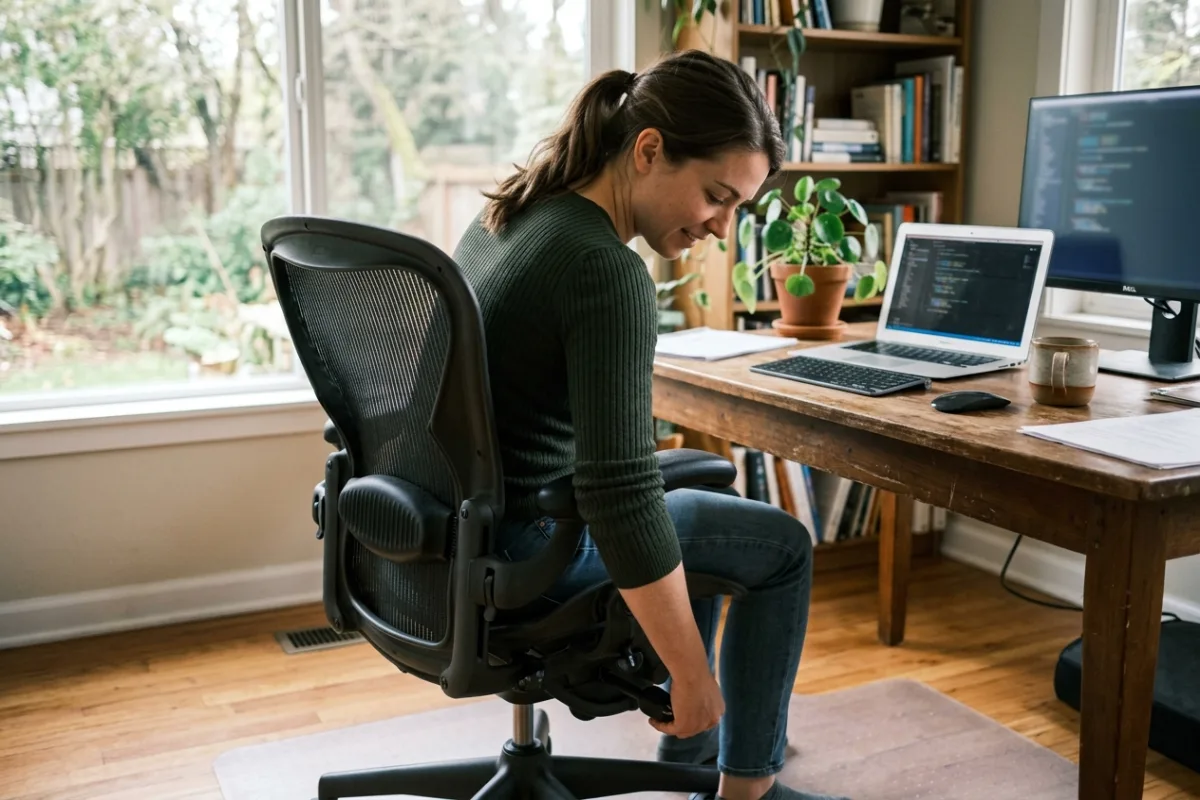 Home Office
ProtoArc EC200 Ergonomic Office Chair for All-Day Remote Work Comfort
Remote workers and programmers who spend eight or more hours seated each day need a chair that adjusts seat depth, lumbar position, and recline angle without flagship-level cost.
Read review →