
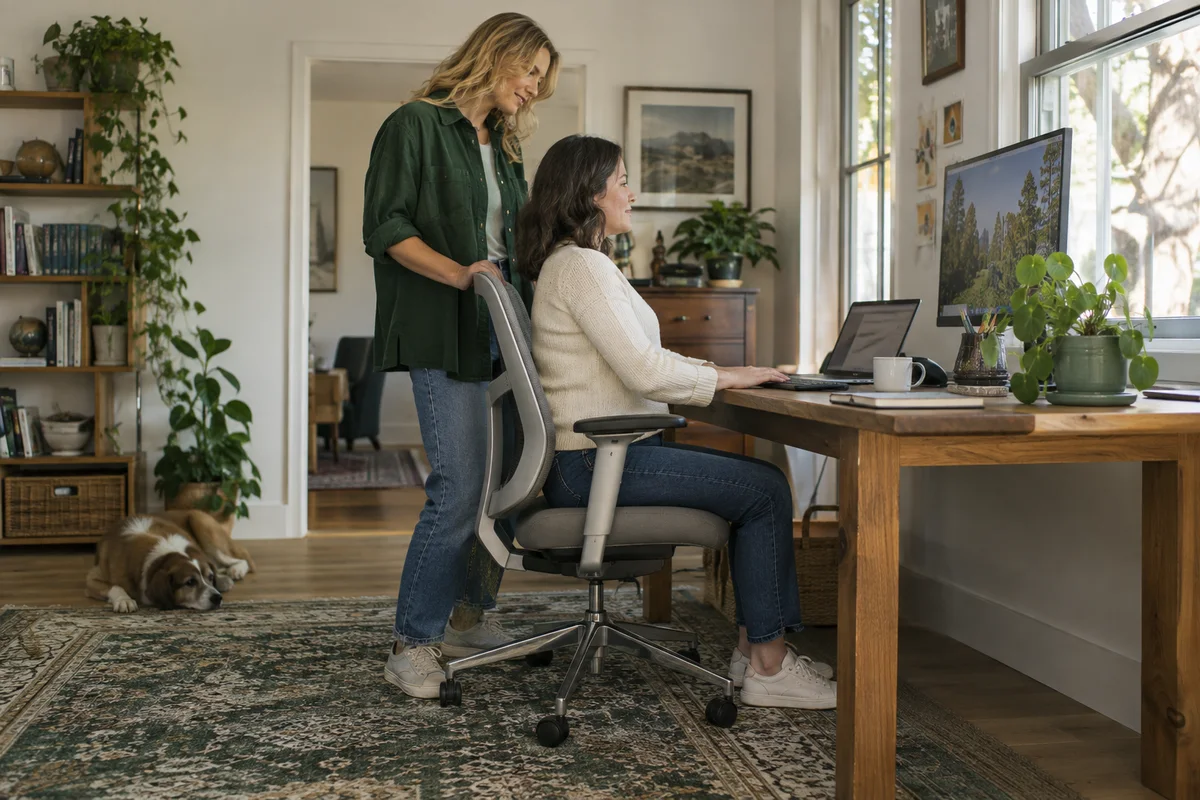
AI-generated scene illustration; not a photograph of the recommended product.
One person uses the home desk for morning calls; another takes over after lunch. Every handover begins with lowering the seat, moving the armrests, and wondering why the keyboard suddenly feels too far away. The chair may be capable of fitting both people, but its settings are not being transferred deliberately.
Before buying a replacement, make the handover repeatable. A small setup card can reveal which adjustments your current chair lacks and whether a new model addresses those gaps. The objective is practical fit, not a promise that a chair cures pain or makes long sitting harmless.
The short answer
A shared chair needs useful adjustment for both users and a fast way to restore each person’s settings. Check supported feet, desk reach, seat depth, armrest clearance, and the chair’s published size limits. Record each person’s starting setup rather than expecting one compromise position to fit everyone.
ProtoArc EC200 is a candidate because its current page describes sliding seat depth and adjustable lumbar support. However, the official page displayed “Sold out” when checked on October 12, 2026. Verify current availability before treating it as an immediate solution.
Check the desk before blaming the chair
A chair cannot compensate for every fixed workstation constraint. An unusually high desk can make supported feet difficult; a shallow keyboard area can force reaching; a drawer can block the space needed to sit close.
Observe each user’s normal work position. Can they reach the keyboard without leaning forward? Does the chair move close enough without the armrests hitting the desk? Is the monitor positioned sensibly for their usual task?
Use OSHA’s workstation guidance as a general starting point, not an individual medical assessment. Persistent discomfort or a specific health condition deserves appropriate professional advice. A buying checklist should not replace that conversation.
Start the card with seat height and feet
Adjust the seat for the task while ensuring the feet are supported by the floor or a suitable stable footrest. A person should not need to perch on the front edge simply to reach the desk.
Record the practical setting in a way you can repeat: for example, a reference mark permitted by the chair’s design, a measured height, or a note about the adjustment position. Do not modify the mechanism or add an unsafe homemade support.
A taller and shorter user may need different arrangements. If one user requires a footrest, include it in the shared-desk setup rather than silently making the chair responsible for a desk-height mismatch.
Check seat depth for each user
A deep seat can prevent a shorter user from sitting against the backrest comfortably. A shallow seat may feel unsuitable for another user. Sliding depth is useful only if its actual adjustment range fits both people.
ProtoArc publishes a sliding seat-depth feature for the EC200, but a listed feature is not proof of personal fit. Compare current dimensions with both users’ needs and test within the applicable return terms.
Write the depth position on each setup card if the chair provides repeatable positions. Note whether the back of the knees feels crowded and whether sitting back is practical. Do not infer that the maximum adjustment is the correct one.
Fit the support to the person, not the marketing image
Adjust the backrest and lumbar support according to the chair’s instructions. Notice whether the support reaches a useful position without forcing an awkward posture. Start conservatively and change one setting at a time.
An adjustable headrest can be helpful for some activities, but it is not a reason to buy a chair that fails the basic seat and desk checks. Likewise, a large number of adjustment points can be less useful than a few mechanisms that both users understand.
Do not promise that mesh, a particular cushion, or a lumbar feature will prevent or treat a health problem. Material and fit preferences vary. Buying evidence should distinguish published dimensions from personal comfort, which requires an actual trial.
Make armrests compatible with the desk
Armrests can support an ordinary task position, yet also prevent the chair from approaching the work surface. Check clearance under the desk and around drawers.
Adjust through the intended range without forcing parts or using the arms as lifting handles unless the manufacturer permits it. If a setting that feels comfortable blocks keyboard access, reassess the complete workstation instead of keeping the compromise.
Include the armrest position and any desk accessory in the card. If users repeatedly have to move a keyboard or footrest, give those items a clear home so the handover remains quick.
Use a two-person handover note
Create one short row per person: seat height, depth position, support setting, armrest setting, footrest if needed, and a reminder about monitor position. The card can be a private note beside the desk; it does not need names or personal measurements visible to visitors.
After a week, keep only settings that actually help. A card with twelve ambiguous numbers can be harder than adjusting naturally. The useful asset is a repeatable starting point, not a rigid posture rule.
Allow ordinary movement and breaks rather than treating the settings as a position to hold all day. OSHA’s evaluation guidance includes organizing tasks to allow variation. Better equipment supports a routine; it does not eliminate the need to change activity.
What to check before buying EC200
Compare current recommended user size limits, seat measurements, depth range, support adjustment, and desk clearance. Confirm the exact version and assembly requirements. Both users should meet the relevant published limits.
Check return terms, return shipping responsibilities, and the practical effort of repacking an assembled chair. The opportunity to assess fit is meaningful only when the return process is understood.
Because the official page showed unavailable stock at our check, avoid planning an urgent workspace change around an assumed delivery date. An existing-chair adjustment, another appropriately sized chair, or a later purchase may be the better immediate choice.
When one shared chair is the wrong economy
If the users have substantially different needs, one chair may require a compromise that neither finds useful. Two suitable chairs can be more practical if space allows, particularly when each person works long sessions.
A shared chair is a stronger option when both users fit its actual range and the desk can support both setups. It is weaker when a necessary feature reaches its limit for one person, or when constant readjustment discourages use.
Make the decision from those constraints. Do not buy the chair simply because it looks coordinated with the room. The best value is the arrangement the household can use repeatedly without a complicated handover.
Frequently asked questions
Can the same ergonomic chair fit two adults?
Sometimes, if both users fit its supported size and adjustment ranges. Verify actual dimensions and desk compatibility; the word “ergonomic” does not establish universal fit.
Is more lumbar pressure better?
Not necessarily. Follow the chair’s instructions and assess comfort without forcing a position. Seek appropriate advice for persistent discomfort rather than relying on a product feature.
Is EC200 available for immediate delivery?
We cannot promise that. Its official page showed sold-out stock on our check date. Confirm the current listing and delivery terms before ordering.
Sources and verification
Checked October 12, 2026. Features and stock status are from the manufacturer; this is not a hands-on chair trial or medical recommendation.
- ProtoArc EC200 specifications and availability
- OSHA workstation chair guidance
- OSHA workstation evaluation checklist
Keep reading
Related guides
 Home Office
EC200 Guitar Practice Space
Check EC200 arm clearance, guitar movement and foot support before choosing a single chair for office work and household music practice.
Read guide →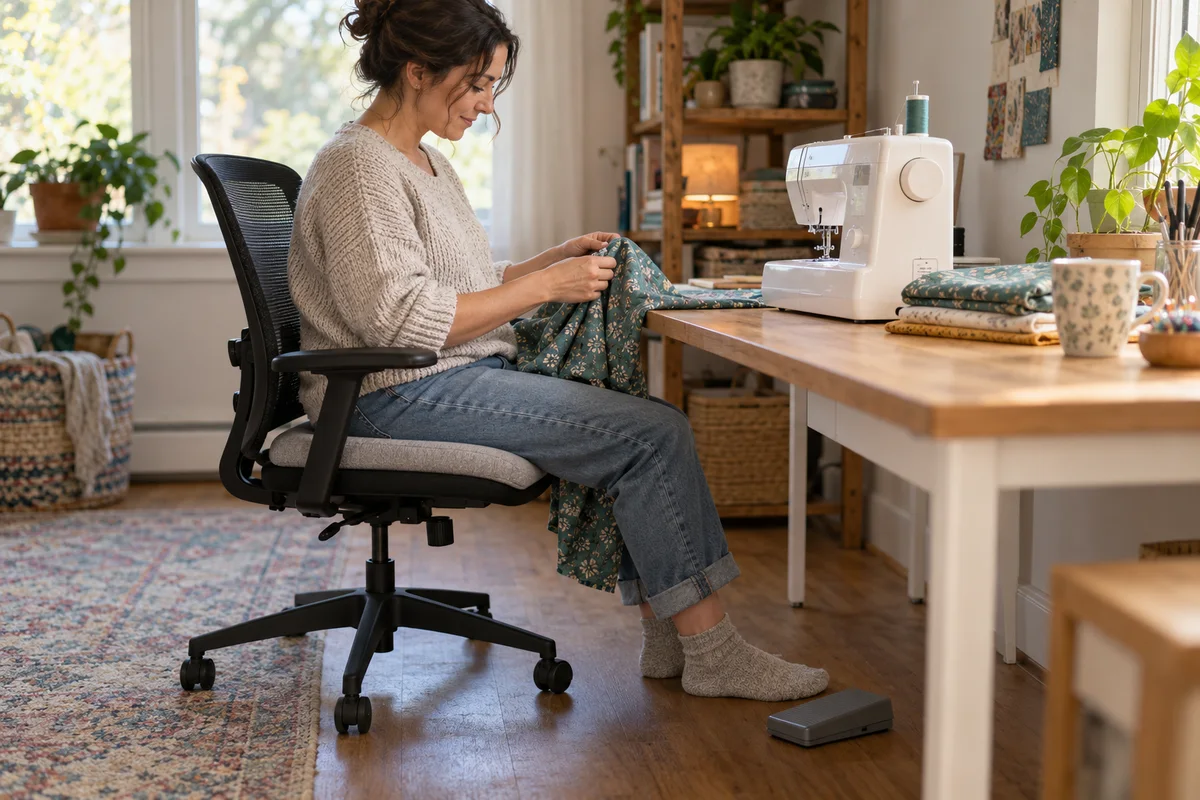 Home Office
EC300 Sewing Workspace
Assess EC300 around the sewing machine, fabric, table and foot pedal before choosing one office chair for a mixed home workspace.
Read guide →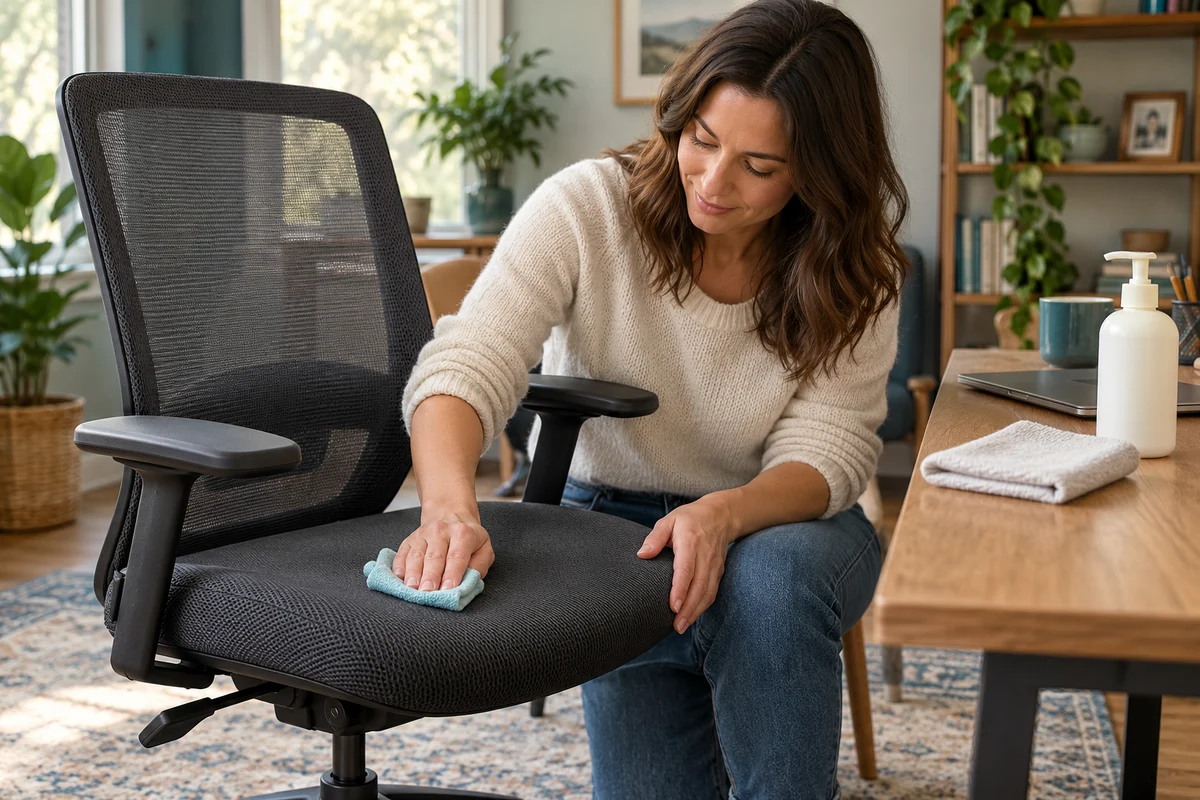 Home Office
EC200 Cleaning and Care
Check EC200 mesh and cushion care against the intended home-office routine without assuming that washable, removable or disinfectable are equivalent.
Read guide →