
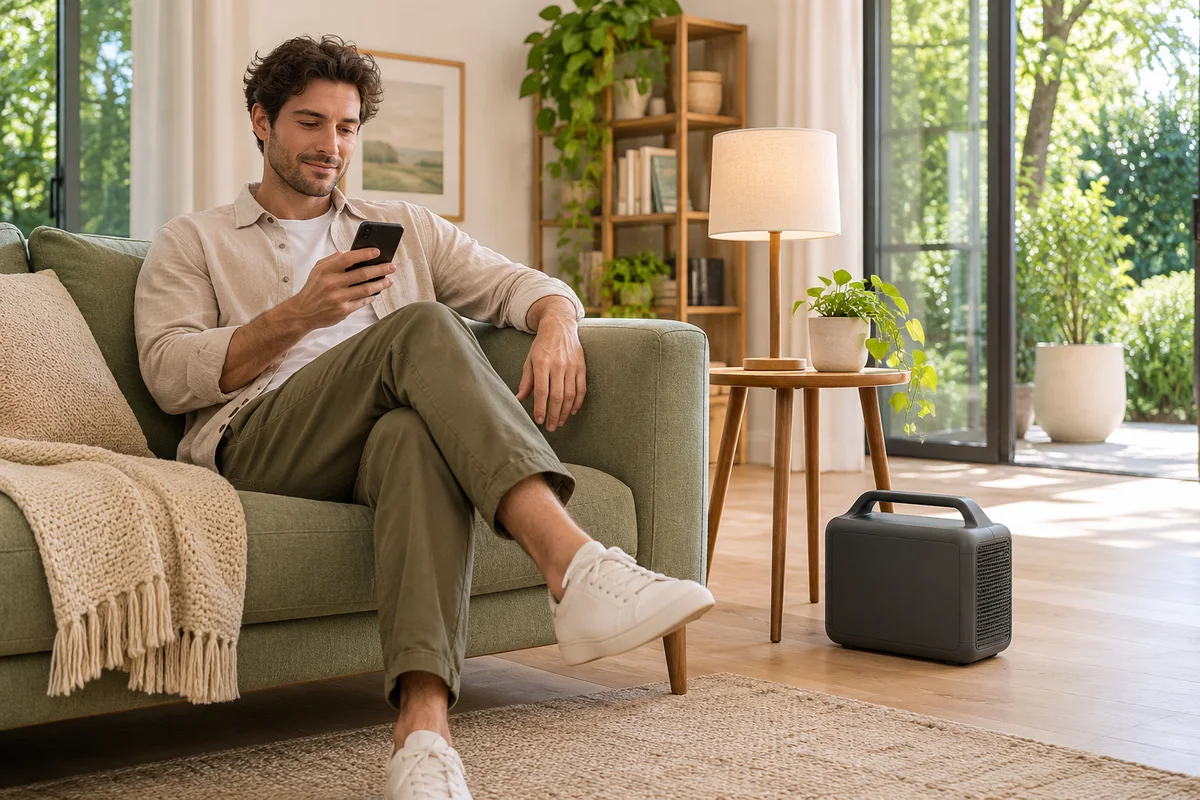
AI-generated scene illustration; not a photograph of the recommended product.
The power station will sit in the living room, but its owner wants to check it from work. A product page mentions convenient remote control through an app. Before ordering a BLUETTI AC180, establish what remote means for this exact model: controlling a nearby device and reaching a device across the internet are different requirements.
The short answer
BLUETTI documents AC180 app access through Bluetooth. Do not buy it on the assumption that installing the app gives the station an away-from-home internet connection. The manufacturer’s product FAQ and AC180 manual identify Bluetooth; a general remote-control phrase does not establish Wi-Fi or cloud access for this model.
If nearby access is enough, evaluate that local workflow along with electrical compatibility and placement. If checking or controlling the station from another address is essential, require explicit exact-model evidence for the full remote path before buying. A phone with mobile data does not, by itself, add an internet connection to the station.
Contents
- The short answer
- Describe where the operator will be
- Read the connection rather than the adjective
- Plan local access without hiding the station
- Separate remote control from safe appliance operation
- Build a connection requirement card
- Buying advice
- Frequently asked questions
- Sources and verification
Describe where the operator will be
Write a concrete request. Checking charge while sitting nearby is one task. Checking from an upstairs room is another because the actual path through the building matters. Checking while visiting family in another city is a fundamentally different communications requirement.
Also distinguish reading a value from changing an output or setting. Someone planning a brief supervised session may only want local status information. Someone expecting unattended recovery after an outage may depend on several unverified behaviors at once: communication, the station remaining available, the load restarting and a person knowing whether the result is safe.
Do not collapse those expectations into a single checkbox marked app. Decide which action must work, from where and under which conditions. This prevents a successful nearby demonstration from being mistaken for proof of a much larger system.
Read the connection rather than the adjective
The AC180 product page describes app convenience and separately identifies Bluetooth in its app specifications and FAQ. The AC180 manual’s app section also identifies that connection. Read the applicable regional manual supplied with the unit rather than transferring a different model’s network features.
Bluetooth capability does not establish a guaranteed useful range through your walls. We have not measured range, reconnection behavior or app reliability. Ask the manufacturer about the current model and supported phone software if those details determine the purchase. Avoid attaching a universal distance to a house whose construction and placement you have not checked.
Likewise, a router near the station is not evidence that the AC180 connects to it. A supported communications path needs documentation at both ends. A generic app may support several products with different radios; its existence does not make every connected product a Wi-Fi device.
Plan local access without hiding the station
Place the station according to its manual before considering phone convenience. Keep ventilation, dryness, stability and access to physical controls in scope. Do not put an operating station into a closed cabinet just because the phone appears able to reach it.
Our AC180 placement guide discusses physical placement and household access. App control is a convenience layered onto that arrangement, not an exemption from it. An obscure location can also make it harder for another adult to read the display or respond to a problem.
For a supported local check, use the official app and current manufacturer setup procedure. Confirm that the device shown is the intended station. Read current status and compare it with the actual unit where appropriate. If communication stops, avoid treating a previously displayed number as a fresh measurement. Return to the supported troubleshooting route instead of adding unofficial software or sharing credentials.
Separate remote control from safe appliance operation
An app-controlled outlet state is not proof that the appliance connected to it should operate unattended. The station and the appliance each have their own instructions. Neither an app icon nor an internet-access accessory changes those permitted uses.
Before any supported control check, identify what is connected and whether changing its power state would interrupt something important. Use only an appropriate noncritical load for an ordinary supervised check. Do not experiment on medical equipment, equipment protecting people or animals, or another application where an interruption could create harm.
Also avoid treating an external smart plug as an automatic upgrade to the whole station. Controlling its incoming charging supply does not demonstrate control of every output, a supported restart sequence or a documented network connection to the AC180. It can introduce a separate switching arrangement that needs its own electrical and use assessment.
The home wiring boundary guide covers a different issue: connecting a portable station must not turn into improvised feeding of household outlets. A remote-control wish does not broaden the permitted electrical installation.
Build a connection requirement card
| Question | Record a specific requirement |
|---|---|
| Operator location | Same room, another room or another address |
| Action | Read status or change a supported setting |
| Connection evidence | Exact model and documented communications path |
| Loss of connection | Who can check the physical station |
| Load behavior | What an interruption or restart would do |
| Acceptance | A supervised check appropriate to the real use |
This card is also useful when comparing another power station. Require explicit remote-access documentation rather than inferring it from an antenna icon or a similar product name. If away-from-home access is claimed, ask what depends on the household router, internet service, an account or other infrastructure. Do not assume a battery keeping the appliance powered also keeps the communication path alive.
Keep the requirement proportional. A station for occasional local tasks may not need another account or network feature. Conversely, an essential remote requirement should not be left to a speculative future accessory. Resolve it before placing an order rather than trying to retrofit the purchase afterward.
Buying advice
Consider AC180 when documented local Bluetooth convenience is sufficient and the station otherwise fits the intended compatible loads. Review our AC180 buying guide for capacity, output and ownership limits. Confirm the actual partner model, region, included equipment and return terms separately from the manufacturer’s general page.
Pass when the purchase depends on controlling AC180 from another address through an undocumented internet path. If that requirement is real, compare equipment explicitly designed and supported for it, then assess its infrastructure and failure conditions. Do not buy more battery capacity to solve a missing communications feature. More stored energy does not supply a different radio.
Frequently asked questions
Does the official app mean AC180 has Wi-Fi?
No. BLUETTI documents Bluetooth app connectivity for this model. Verify features at the exact-model level.
Does my phone’s mobile data provide the station with internet?
Not by itself. A supported path between the remote operator and station must be established rather than assumed.
Can I count on a fixed range through my home?
Not from this guide. No building-specific connection test or universal range guarantee is provided.
Does app control make unattended use safe?
No. Follow both station and appliance instructions. Communication capability is separate from permitted operation.
Sources and verification
Checked November 18, 2026. Model connectivity reviewed in manufacturer documents; no connection-range, remote-control or appliance-restart test was performed.
Keep reading
Related guides
 Power & Outdoors
AC180 Black Friday: Check the Exact Order
Compare the exact AC180 package, seller, dispatch date and price protection before ordering during the 2026 holiday sale season.
Read guide → Power & Outdoors
AC180 Retirement and Recycling Plan
Check support and local acceptance for an intact AC180 before replacing or retiring a portable power station with a built-in battery.
Read guide → Power & Outdoors
Elite 100 V2 and a DC Compressor Cooler
Check cooler startup, the Elite 100 V2 shared 12V output and low-voltage behavior before buying power for a portable compressor cooler.
Read guide →