
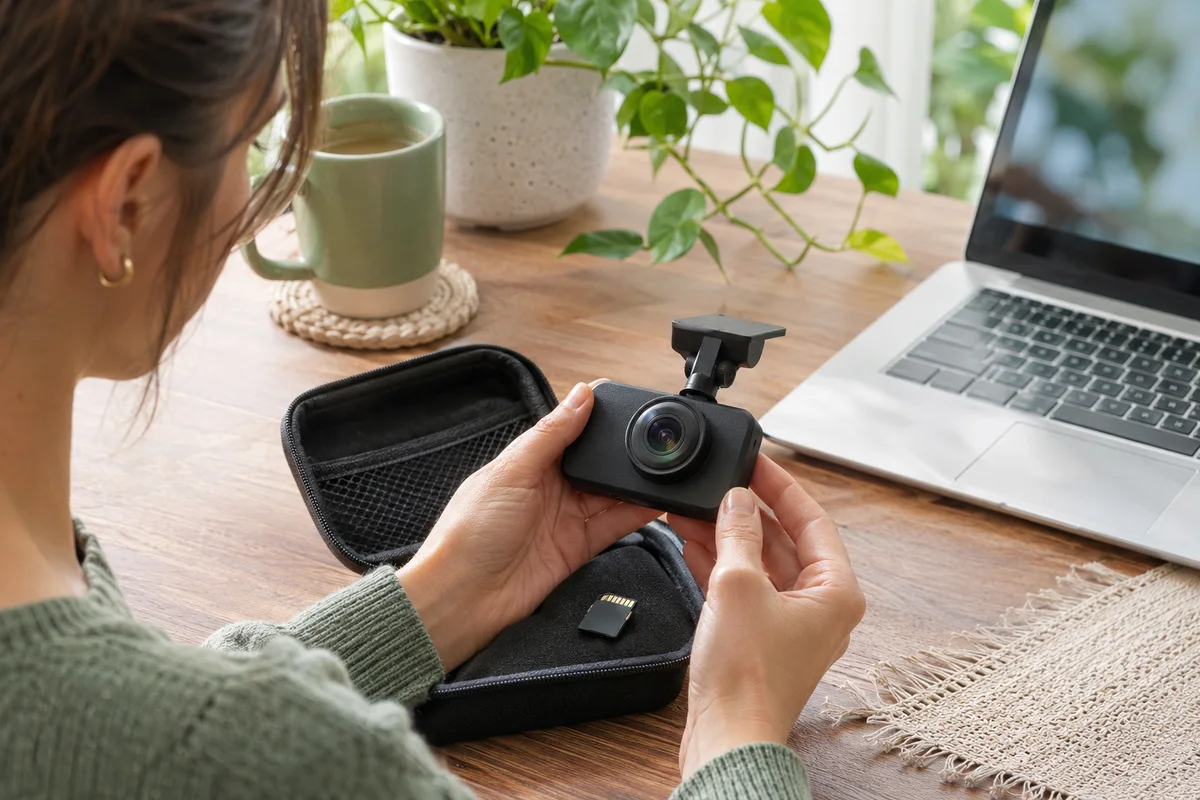
AI-generated scene illustration; not a photograph of the recommended product.
The household’s A229 Plus front and rear recordings both open normally. During a search for maintenance instructions, its owner finds a separate rear-camera download and wonders whether everything should be updated together. A newer-looking file can make a working component feel unfinished, even when its own manufacturer recommends restraint.
The short answer
VIOFO’s firmware directory includes a specific warning on the A229 Plus rear-camera firmware: owners of normally functioning rear cameras are strongly advised not to update that rear firmware merely as routine maintenance. The entry describes it as intended for certain hardware issues.
Read the exact current entry and contact VIOFO about a genuine symptom. Do not apply a rear-camera file simply because a front-camera update exists, and do not replace a working rear module because you have not installed every available download. This is a decision guide, not an update tutorial.
Contents
- The short answer
- Distinguish the front unit from the rear component
- Read the warning with its scope intact
- Describe a symptom before looking for a remedy
- Use a support question that can change the decision
- Decide what successful restraint looks like
- Buying advice
- Frequently asked questions
- Sources and verification
Distinguish the front unit from the rear component
A front-and-rear camera kit contains components with different roles. A download page can therefore have separate files and instructions. Their presence does not imply that each file belongs in every maintenance session.
The A229 Plus product information identifies the dual-channel system. Use the actual equipment, current manual and firmware entries to establish what is installed in your car. A remembered shopping title is not enough if components have since changed.
Our rear-module choice guide addresses choosing a compatible view and hardware. This article addresses whether a separate software action is justified on a module that already works. Hardware choice and firmware maintenance should not be collapsed into one purchase task.
Read the warning with its scope intact
Open the official firmware directory and locate the A229 Plus rear-camera entry. Read the warning attached to that component, rather than transferring advice from a neighboring model or the front unit.
The warning is not evidence that all updates are bad or that a camera with a real fault should never receive a manufacturer-directed update. Its practical meaning is narrower: do not treat this particular rear file as an automatic improvement for a normally working rear unit.
Do not extract only the file’s date and omit the conditions. A support team may need to identify whether a reported symptom belongs to the issue the file addresses. The existence of a remedy for a particular problem does not prove your equipment has that problem.
Describe a symptom before looking for a remedy
If there is a genuine issue, record what you can observe safely: exact models, current versions, whether the front view is normal, whether a rear preview appears and whether an actual rear file exists and plays. Keep the account factual.
A missing file, a distorted view and an orientation preference are different observations. Our rear-image orientation guide explains that rotation and mirroring are settings questions, not automatic proof of broken hardware or a firmware defect.
Avoid collecting evidence through distracting road tests or repeated uncontrolled power changes. Use the current supported parked workflow. Where valuable footage might be involved, preserve it and seek appropriate advice before formatting or experimenting with maintenance.
Use a support question that can change the decision
A useful request asks whether the exact rear-camera symptom and hardware identity match the current firmware remedy, and what supported next step applies. Include the relevant observed information through VIOFO’s proper support route.
| Information | Why it matters |
|---|---|
| Front-unit model | Identifies the system rather than the accessory alone |
| Rear-module identity | Prevents a family-name assumption |
| Current versions | Establishes the starting configuration |
| Actual symptom | Separates failure from a preference |
| Saved-file result | Distinguishes preview from recording |
| Preservation needs | Keeps important originals ahead of maintenance |
Do not send full private journeys unless support genuinely needs a sample and you have assessed its contents. Device identity and symptom descriptions can often be discussed before any recording is shared.
Keep the support response with your maintenance record. If the proposed action changes, use the newest applicable official instruction rather than combining fragments from several forum posts. Do not rename another model’s file to make it look compatible.
Decide what successful restraint looks like
When the current kit records the intended front and rear views and the manufacturer does not identify a relevant reason to change rear firmware, leaving that component unchanged is an active maintenance decision. It is not neglect merely because a download remains unused.
Continue ordinary recording checks and the maintenance the manual actually calls for. Restraint about a particular rear file does not remove storage upkeep or the need to notice a real fault. The goal is a dependable supported configuration, not collecting the largest set of version numbers.
If support directs a justified update, follow the exact current procedure and verify its result. Important recordings, settings and stable supported power remain separate preparation needs. We have not performed that procedure and do not claim a measured reliability improvement from it.
Buying advice
Keep a normally functioning rear camera when the only reason to change it is an uninstalled rear firmware file. A new module costs money without necessarily solving any demonstrated problem. A warning in official documentation can be more relevant than a recommendation to update everything.
Consider a replacement only after the symptom and compatible part are established through the appropriate support process. For a new kit purchase, our A229 Plus buying guide covers the larger selection. Confirm actual seller contents and return terms rather than assuming the partner offer includes every accessory discussed elsewhere.
Skip offers that promise a universal software cure or require unsupported files. A clear supported diagnosis is a better purchase basis than treating maintenance uncertainty as proof that the hardware must be replaced.
Frequently asked questions
Does a front-camera update mean the rear must also be updated?
Not automatically. Read the separate current entries and their conditions.
Does VIOFO advise updating a normally working rear camera?
The reviewed A229 Plus rear entry strongly advises against doing so merely because the file is available.
Is this advice a ban on every firmware update?
No. It concerns the specific rear-camera warning. A real symptom may justify a different manufacturer-directed action.
Have you tested the file or repaired a camera?
No. We reviewed current documentation and provide no installation, repair or performance guarantee.
Sources and verification
Checked November 19, 2026. Component-specific warning reviewed; no firmware was downloaded into a camera or tested.
- VIOFO firmware directory, A229 Plus rear-camera warning
- VIOFO A229 Plus dual-channel product information
Keep reading
Related guides
 Garage & Workshop
A329S Parking-Only Audio: Check the Mode Boundary
Plan A329S parking-only audio separately from voice alerts, driving recordings and privacy expectations before choosing a shared-car setup.
Read guide → Garage & Workshop
A329S Rear Camera Off: Check the Channel Setting
Check the A329S rear-camera enable setting before replacing a working rear module, then verify actual front and rear recordings.
Read guide → Garage & Workshop
A329S Telephoto Upgrade: Conversion or a New Kit?
Check the supported camera module, cable and model-conversion route before buying another A329S kit to add a telephoto view.
Read guide →