
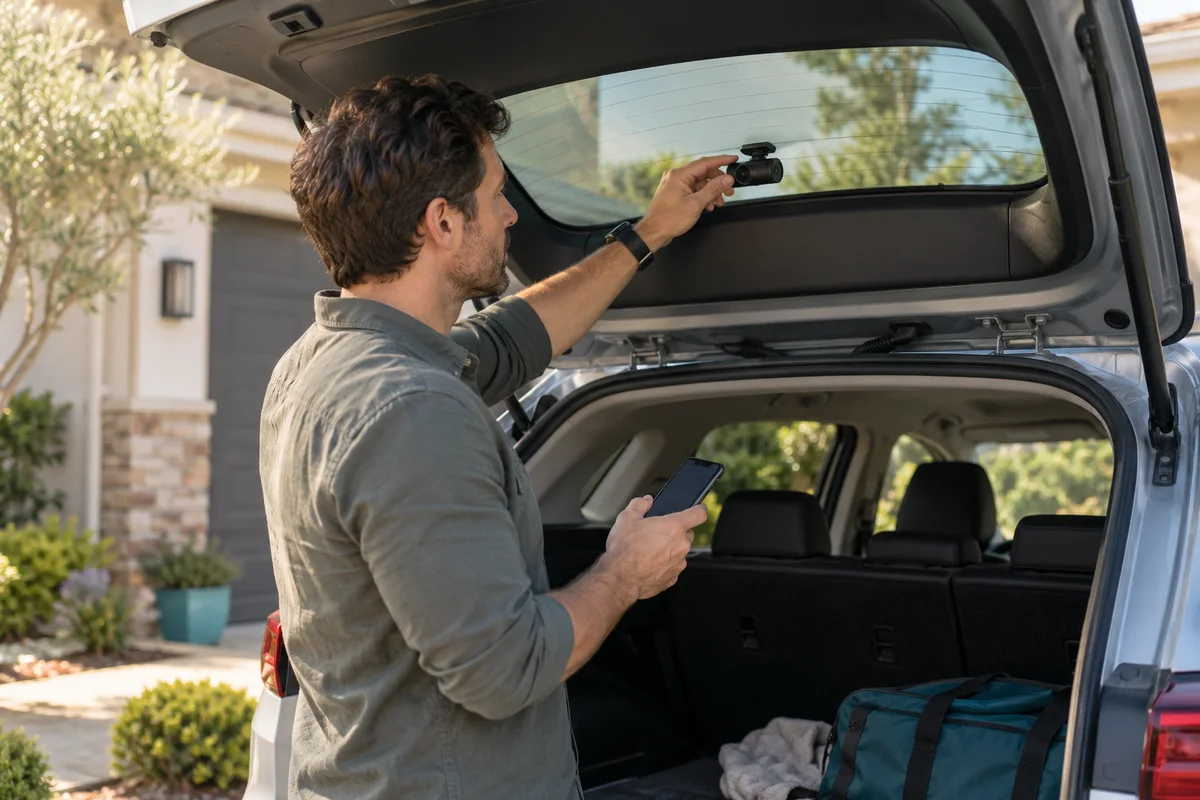
AI-generated scene illustration; not a photograph of the recommended product.
The rear camera looks tidy on the glass, yet a downloaded clip appears upside down or left-right reversed. Rotating the camera physically and changing a mirror setting are not equivalent fixes. Before peeling off adhesive or buying another mount, identify which transformation the recording actually needs.
The short answer
The current A229 Plus manual lists Image Rotate & Mirror settings for supported camera channels. Rotation changes orientation; mirroring reverses the left-right relationship. Check the exact rear-channel setting and a newly recorded original file while safely parked before changing the physical installation.
Do not assume a corrected live preview proves the saved recording is correct. Also do not use image settings to rescue a mount that obstructs visibility, interferes with vehicle equipment or puts an indoor camera outside. This is an orientation-assessment guide, not an installation or evidence-authentication service.
Contents
- The short answer
- Name the visual problem before changing anything
- Read the exact model’s image controls
- Use a stationary reference with a clear orientation
- Review newly saved originals, not only the preview
- Keep software settings and physical mounting separate
- Keep a rear-view verification note
- Decide whether another purchase is necessary
- Frequently asked questions
- Sources and verification
Name the visual problem before changing anything
An upside-down scene and a left-right reversed scene are different problems. Write down the observation in ordinary terms: the ground appears at the top, or a known object appears on the opposite side from the expected rearward view.
Looking backward from a car can already feel unfamiliar, so avoid deciding from memory alone. Use a safe stationary reference that you can identify directly. Do not ask someone to walk into traffic or place an object in a vehicle’s path for a check.
Inspect the actual rear view rather than a front-camera thumbnail. A multi-channel preview can make it easy to change the wrong channel. Confirm the file or view identity before attributing the image to the rear module.
Our rear-camera module guide covers choosing RE200 or the appropriate waterproof alternative. This article concerns orientation after the correct module has been identified, not permission to interchange modules.
Read the exact model’s image controls
The current A229 Plus manual describes image rotation and mirroring. Its settings section refers to supported rear, interior and telephoto channels; that does not mean every purchased package includes every module.
Use the manual supplied for the actual configuration and compare it with the current official download page. A229 Duo, A229 Pro and A229 Plus are different model names. A familiar-looking menu from another camera is not confirmation.
The exact control labels can depend on the model and current firmware. If the desired channel or setting is not present, ask VIOFO rather than installing unrelated firmware or guessing an undocumented button sequence.
Change one relevant setting at a time while parked. Keeping the original state in a private note makes it easier to understand which change affected the result and to reverse an unsuitable change through the supported controls.
Use a stationary reference with a clear orientation
Choose a safe private parking location with a recognizable fixed scene. Note the camera’s actual viewing direction and the position of a harmless existing object, such as a garage doorway. Avoid using strangers, plates or private interiors as convenient test targets.
A rear-facing image is not supposed to look like a forward-facing photograph taken from the driver’s seat. Establish the reference from the camera’s perspective before deciding that left and right are wrong.
For a practical check, record the scene normally through the supported camera setup, then review it without moving the mount. Do not stage an impact, abrupt maneuver or unsafe road test. The purpose is to identify geometry, not evaluate collision capture.
If the reference remains ambiguous, a qualified installer or support representative can help compare the setup. Uncertainty is a reason to ask, not a reason to keep flipping settings until the picture merely feels familiar.
Review newly saved originals, not only the preview
A change in a live view does not independently verify every saved file or playback application. Make a fresh ordinary recording after the setting change and inspect its original rear-channel file through a supported route.
Keep the original file unchanged during this check. A player or editor can itself rotate or mirror a display, making a transformed playback look like a camera setting. Record which application you used and whether a display transformation was enabled.
Do not overwrite an important existing clip to make it look more familiar. If a recipient needs an easier viewing copy, retain the original and describe any transformation applied to the copy. This is file-organization advice, not a determination about admissibility or authenticity.
Our save-before-formatting guide explains preserving originals and both views. Orientation correction should not become an excuse to discard the source material.
Keep software settings and physical mounting separate
Image rotation cannot create clearance where the mount or cable route is unsuitable. Mirroring cannot repair an obstructed view. Neither control makes an interior rear module weatherproof.
Before moving hardware, review the appropriate mounting instructions and vehicle constraints. Keep airbags, moving panels, visibility and controls unobstructed. Use a qualified installer when the work exceeds ordinary supported user adjustment.
If adhesive must be disturbed, consult the current mounting and replacement-pad guidance. Repeatedly peeling a mount just to experiment with a software issue can create an avoidable installation problem.
The static-sticker guide addresses the separate glass and adhesive compatibility question. Solving image orientation does not establish that the chosen glass surface or film is appropriate for mounting.
Keep a rear-view verification note
| Field | Record |
|---|---|
| Camera identity | Exact A229 Plus version and rear module |
| Observation | Upside down, left-right concern or unclear perspective |
| Setting changed | Channel and supported control |
| Reference | Safe fixed scene used while parked |
| Saved-file result | Newly recorded original checked in the named player |
| Physical installation | Any separate clearance or mounting concern |
After a reset or firmware change, recheck an ordinary rear file rather than assuming the old orientation preference persists. Keep the instructions with the note, especially if several household members help retrieve footage.
A successful geometry check is narrow evidence. It does not prove plate readability at night, complete event capture, reliable storage or correct timestamps. Those require their own relevant checks.
Decide whether another purchase is necessary
An existing owner should identify settings and supported mounting before buying another camera or mount. A simple orientation mismatch is not, by itself, evidence that the rear module has failed.
A229 Plus can fit a front-and-rear recording plan when the actual vehicle, module, power arrangement and retrieval workflow are suitable. Before ordering, confirm the delivered rear module and which accessories are included.
Pass on a configuration that relies on an unsafe mounting location or an unsupported external placement. The partner link below leads to the complete A229 Plus offer, not an orientation accessory, replacement adhesive or installation service. Recheck current seller stock and package details separately.
Frequently asked questions
Is rotation the same as mirroring?
No. Rotation changes orientation; mirroring changes the left-right relationship. Identify the actual problem before selecting a control.
Is a correct preview enough?
No. Review a newly recorded original rear file with a supported player and note any player-side transformations.
Does the manual’s telephoto setting mean my kit includes that camera?
No. A settings list is not a packing list. Confirm the actual purchased configuration.
Should I edit the only copy of an important clip?
No. Retain the original and use a separate clearly identified viewing copy if a transformation is needed.
Sources and verification
Checked October 22, 2026. The official English manual link has a capital M in Manual; a lower-case variant redirected to the homepage during research. The full current PDF was downloaded and its settings text checked. No vehicle installation or recording test was performed.
- VIOFO current A229 Plus English manual.
- VIOFO official manual selection page.
- A229 Plus current model and package information.
Keep reading
Related guides
 Garage & Workshop
A329S Loop Recording: Clip Length Is Not Retention
Choose A329S loop-file duration around retrieval convenience without confusing clip length, recording quality and total retained history.
Read guide → Garage & Workshop
RLink J2534 for Ford: Check the FEPS Exception
Check RLink J2534's published FEPS programming exception before treating broad Ford software coverage as approval for a specific vehicle job.
Read guide → Garage & Workshop
A329S GPS Playback: Check the File Before Sharing
Separate A329S video playback, GPS data and visible stamps, then review the actual sharing copy without promising automatic anonymity.
Read guide →