

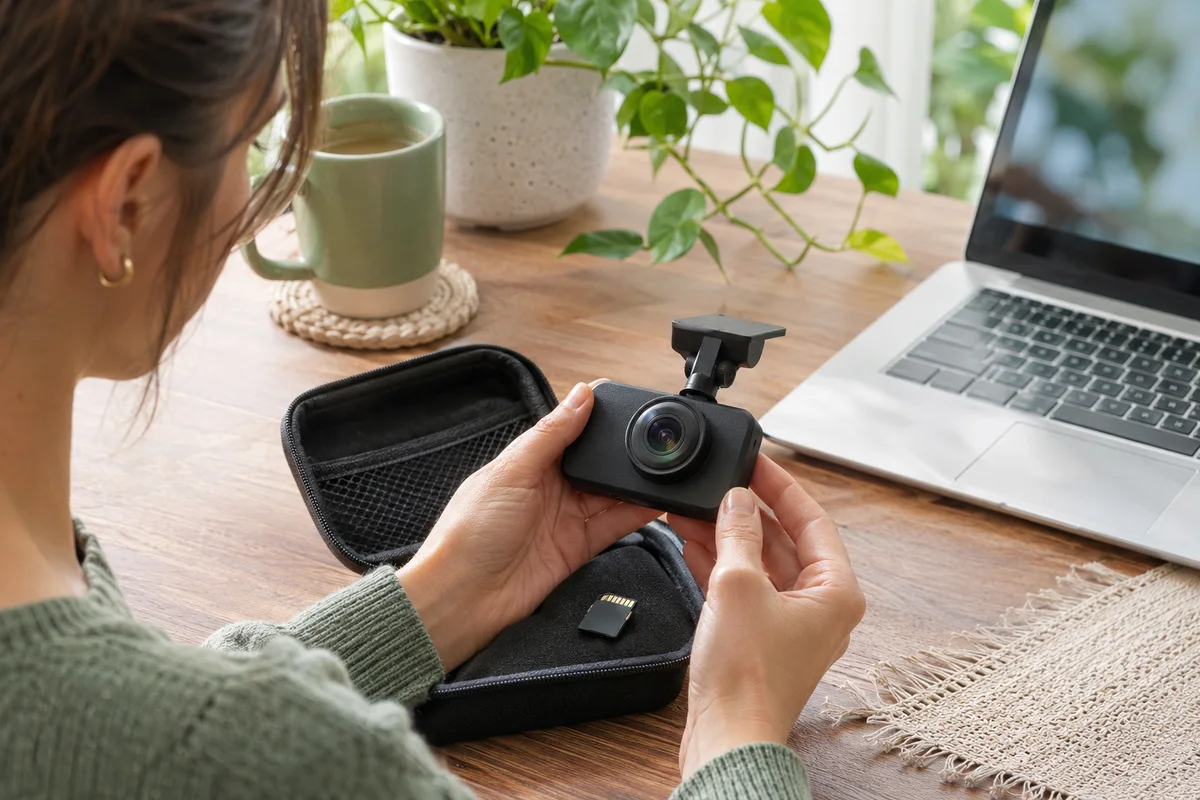
AI-generated scene illustration; not a photograph of the recommended product.
The front recording opens normally, but a household cannot find a recent rear file. The rear camera is still mounted in the hatchback. Ordering a replacement looks like the direct fix, until someone remembers that settings were changed during maintenance. A physically installed camera and an enabled recording channel are not the same observation.
The short answer
VIOFO’s A329S V2.2_260815 release notes list a rear-camera enable-and-disable feature. Check whether your installed supported version has that control and inspect its actual state before concluding that a missing rear file proves broken hardware.
Do not install firmware just to imitate a screenshot or change a configuration while driving. Preserve important originals, follow the current manual and verify real saved files for the intended channels while safely parked. An enabled setting is a useful check, not proof that the cable, module and storage all work.
Contents
- The short answer
- Establish the intended channel plan
- Check the applicable version
- Separate settings from a hardware diagnosis
- Use a saved-file acceptance check
- Record deliberate changes for other drivers
- Buying advice
- Frequently asked questions
- Sources and verification
Establish the intended channel plan
Begin with what the car is supposed to record. Some households deliberately choose front-only coverage; others depend on a rear view as part of their normal recording arrangement. A configuration decision should be explicit enough for another regular driver to understand.
The A329S dual-channel product page describes a front-and-rear offering. That description helps identify the intended package but does not establish the present state of an installed camera. The chosen menu state and resulting files still need checking.
Our two- and three-channel bundle guide addresses what to buy. This article addresses a different problem after purchase: whether a rear channel was intentionally disabled or needs investigation before another module is ordered.
Check the applicable version
The official firmware directory attaches the rear-camera control to a particular release entry. Read the exact A329S entry, not a neighboring A329T or waterproof-model entry that happens to contain similar wording.
Record the version reported by your own unit. If the setting cannot be found, ask VIOFO how the current supported configuration handles the rear channel. A feature in release notes does not mean every delivered camera has already been updated.
A routine update can also change settings. Preserve the information needed to restore the household’s intended setup, and use the current manufacturer process only for a justified maintenance task. Do not introduce additional software changes while diagnosing a file whose original state matters.
Separate settings from a hardware diagnosis
With the car safely parked, inspect the supported rear-channel setting and the displayed camera information. Note what you observe rather than immediately classifying the module as failed. A camera being absent from a live view and a file being absent from a folder are different symptoms.
If the rear channel was deliberately off, decide whether that still matches the agreed plan. If it should be on, follow the applicable instructions and check the resulting ordinary recording. If it was already on, do not keep toggling it in the hope that a repeated action will establish the cause.
A loose or damaged connection, an unsupported component, storage trouble and an unexamined file location are possible categories to discuss with support. This is not a diagnosis of your equipment. Avoid buying a module until the relevant check identifies a reason to replace it.
Use a saved-file acceptance check
Open an ordinary recent recording using the supported workflow. Check the expected front and rear files separately, including whether they belong to the same intended recording period. Do not assume one visible front clip represents all channels.
| Observation | What it establishes |
|---|---|
| Rear module mounted | Physical presence only |
| Rear setting enabled | Intended configuration state |
| Rear preview visible | A current displayed view |
| Rear file exists | A file was created in that location |
| Rear file plays correctly | That particular saved view can be reviewed |
These observations build a more useful record than a single note saying camera works. They also prevent an enabled icon from being treated as evidence that every journey has been retained.
If an important period is missing, preserve the remaining media and seek appropriate assistance before formatting. Our save-before-formatting guide addresses that preservation task. A new rear module cannot recreate a recording that was never saved.
Record deliberate changes for other drivers
A temporary front-only configuration can become a permanent misunderstanding if nobody records why it was selected. Keep a short private note of the intended channels, date, reason and the person responsible for restoring the arrangement.
Do not describe the setting as a guarantee of privacy or compliance. A front view, microphone recording, embedded data and previously saved copies can remain relevant even if the rear channel is off. A channel switch is not a complete data-management policy.
After maintenance or another intended change, return to the same ordinary saved-file check. A configuration that was correct last month may not be what is selected today. This is a modest ownership routine, not a request to constantly experiment with a working camera.
Buying advice
Consider a replacement rear component only when its exact compatibility and the reason for replacement are established. Count the supported cable and installer work in the purchase, not just the module price. Do not assume a rear accessory for another family will work because a plug looks similar.
For a new buyer, our A329S overview covers the broader camera choice. The partner offer should be checked for its actual channels and included parts. A release-note feature does not turn a front-only order into a complete rear installation.
Keep the current hardware when the actual problem was a supported configuration choice and normal recording is restored. Seek official support when an enabled channel still fails the appropriate check. Replacing parts without distinguishing those situations can cost more while leaving the real problem unresolved.
Frequently asked questions
Is the rear-channel switch available on every installed version?
Not by assumption. Match the reported version with current A329S documentation.
Does an enabled setting prove the rear module is healthy?
No. Confirm an actual rear recording that exists and plays correctly.
Can I investigate while driving?
No. Leave settings, file review and connection work for a safe parked situation.
Does switching off the rear camera erase previous files?
Do not assume so. Recording configuration and existing-file retention are separate questions governed by the applicable instructions.
Sources and verification
Checked November 19, 2026. Release notes and the exact product description reviewed. No unit was reconfigured and no missing-file diagnosis was performed.
- VIOFO A329S firmware entry and rear-camera control notes
- VIOFO A329S dual-channel product information
Keep reading
Related guides
 Garage & Workshop
A229 Plus Rear Firmware: Do Not Update Just Because
Read VIOFO's rear-camera firmware warning before updating a working A229 Plus rear module or buying another one to solve an unverified issue.
Read guide → Garage & Workshop
A329S Parking-Only Audio: Check the Mode Boundary
Plan A329S parking-only audio separately from voice alerts, driving recordings and privacy expectations before choosing a shared-car setup.
Read guide →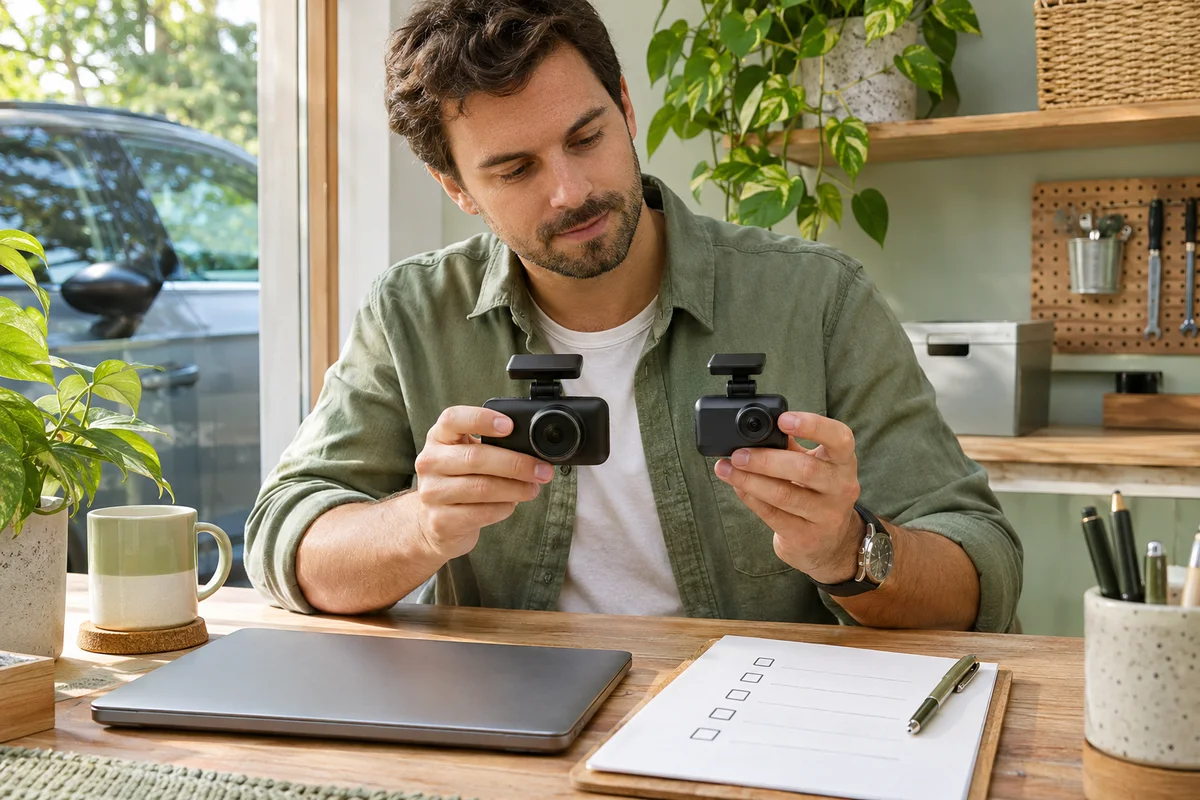 Garage & Workshop
A329S Telephoto Upgrade: Conversion or a New Kit?
Check the supported camera module, cable and model-conversion route before buying another A329S kit to add a telephoto view.
Read guide →