
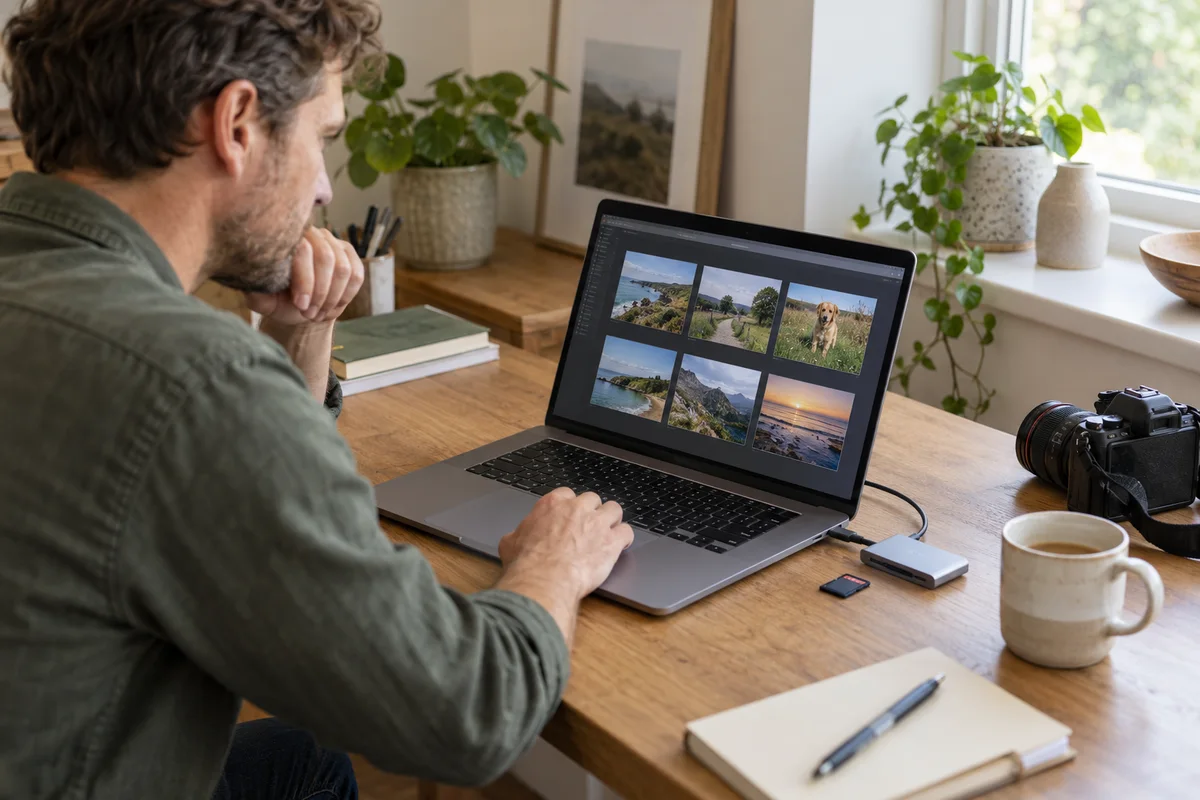
AI-generated scene illustration; not a photograph of the recommended product.
You return home and look for an earlier part of the commute, but only a very small set of ordinary clips remains. The memory card is large, the camera appears to be recording, and a new card looks like the obvious purchase. A deliberate file-retention setting can make that purchase irrelevant.
The VIOFO A229 Plus manual includes Privacy Mode. Before diagnosing a card fault or buying more storage, check whether the camera is intentionally keeping a short ordinary-recording window.
The short answer
The current A229 Plus manual says that, with Privacy Mode enabled, the camera saves only the latest two normally recorded video files for a single-channel setup, four for dual-channel and six for three-channel. It is a retention choice, not simply a microphone mute or a GPS-stamp switch.
That wording does not establish that every locked file, parking file, exported copy or other trace is erased. Do not treat the feature as a legal-compliance guarantee or complete anonymization. Match the setting to your actual need for ordinary journey history.
Contents
- The short answer
- Identify the missing footage precisely
- Separate retention from segment length
- Check the actual configuration
- Keep privacy controls separate
- Verify a short ordinary sequence
- Use a retention decision card
- Buying advice
- Frequently asked questions
- Sources and verification
Identify the missing footage precisely
Write down which period and channel you expected to find. Check whether the missing material was ordinary driving footage, an emergency-locked file or parking recording. Those categories should not be assumed to have identical behavior.
Use the supported player or file-access method to inspect the actual storage. A filtered app gallery can hide a category without proving the underlying file was deleted. Conversely, a thumbnail or remembered preview is not proof that a complete original is still available.
Preserve whatever important files remain before investigating further. Do not format the card, update firmware or run another long recording merely to see whether the old trip returns. Those actions can make recovery or explanation harder.
Separate retention from segment length
Loop duration determines the length of individual ordinary clips. Privacy Mode changes how many normally recorded files the manual says are retained. A card with more space does not automatically override an active file-count policy.
A useful example is a household that needs to review the beginning of a commute after arriving at work. Keeping only the most recent ordinary files may not serve that task, even if the recorder works exactly as configured.
Do not translate the listed count into a guaranteed number of minutes without checking the actual connected channels, segment setting and resulting files. Four dual-channel files are not automatically four complete front-and-rear time periods.
Our loop-recording guide explains the general difference between clip length and a total history window using A329S. Its model-specific options should not be copied onto A229 Plus.
Check the actual configuration
Find the exact A229 Plus instructions applicable to the camera and current firmware. Record the Privacy Mode state before changing it, along with channel count and loop duration.
Make changes only when safely parked. Keep a short configuration note so another household driver does not unknowingly restore a setting that conflicts with the shared recording plan.
A new menu appearing after an update is not a reason to enable it automatically. Ask what problem it solves. If you need long ordinary history, a short-window feature deserves a different decision than it does for someone intentionally minimizing retained journey footage.
Keep privacy controls separate
Microphone recording, GPS logging, visible stamps, storage retention and exported copies are different parts of the information chain. Switching one off does not prove the others are inactive.
Our shared-car audio guide covers checking the saved soundtrack. The A229 Plus GPS explanation separately distinguishes route logging from live tracking.
Avoid claiming that Privacy Mode makes a journey anonymous. People, places, voices or other contextual details may remain in footage, depending on what is actually recorded and shared. This article does not provide legal advice or determine a household’s recording obligations.
If a workplace or other organization has a retention policy, obtain the approved configuration from the responsible administrator. A consumer feature name is not evidence that its behavior meets that policy.
Verify a short ordinary sequence
After preserving important material, use a low-stakes ordinary recording to confirm the behavior you intentionally selected. Do not stage collisions or rely on an event you cannot repeat safely.
Inspect the saved filenames, time coverage and channels. Note what remains after enough new ordinary files have been created to reveal the chosen policy. Compare the observation with the current manual rather than assuming a larger card must retain everything.
If the result is unclear, collect the exact model, firmware, mode state and file-category information for official support. Do not publish unrelated travel details or private recordings in an open troubleshooting thread.
A successful small check establishes only what happened in that configuration. It is not a guarantee of future storage reliability or a forensic validation of complete deletion.
Use a retention decision card
| Question | Record before buying |
|---|---|
| Required history | How far back must ordinary footage remain available? |
| Channel configuration | Which cameras are actually connected? |
| Clip setting | What is the ordinary segment duration? |
| Privacy Mode | Intentionally on, intentionally off or unresolved? |
| Other categories | Locked and parking behavior still need separate checking |
| Copies | Where exported originals have been saved |
Keep the card private and brief. The purpose is to connect the saved-file behavior to the task, not to create another unnecessary archive of household travel.
Buying advice
Do not buy a replacement card solely because a deliberately limited ordinary history feels too short. First determine whether the configuration explains it. A different supported setting may address the need without new hardware.
Consider A229 Plus when its verified recording arrangement, retention choices, supported storage and installation suit the household. Pass if the purchase depends on guaranteed complete erasure, an unverified retention period or the assumption that any privacy-named feature ensures compliance.
For the wider product choice, read our A229 Plus overview. The commercial link is for the camera package; it is not a recovery service, deletion certificate or guarantee of a specific history window.
Frequently asked questions
What ordinary file counts does the manual list?
It lists two for single-channel, four for dual-channel and six for three-channel configurations when Privacy Mode is enabled.
Will a bigger card necessarily extend that window?
No. More capacity does not establish that the active file-count policy is overridden. Confirm the actual settings and behavior.
Does Privacy Mode simply turn off the microphone?
No. The cited description concerns normally recorded file retention. Audio controls are a separate question.
Does it erase every locked, parking or exported file?
The cited wording does not establish that. Verify each relevant category and do not assume complete erasure.
Sources and verification
Checked October 25, 2026. This is a documentation-based retention and buying guide, not a storage-recovery test or legal-compliance assessment.
- A229 Plus manual: Privacy Mode and file categories
- A229 Plus official package and model specifications
Keep reading
Related guides
 Garage & Workshop
A329S Exposure Value: Check Each Camera Separately
Use a controlled A329S exposure-value comparison without mistaking a brighter preview for recovered detail or a guaranteed readable plate.
Read guide → Garage & Workshop
A329S 21:9 Video: Compare the Saved Frame
Compare A329S widescreen pixel dimensions with the full-height option, then check actual front and rear framing before buying for road coverage.
Read guide →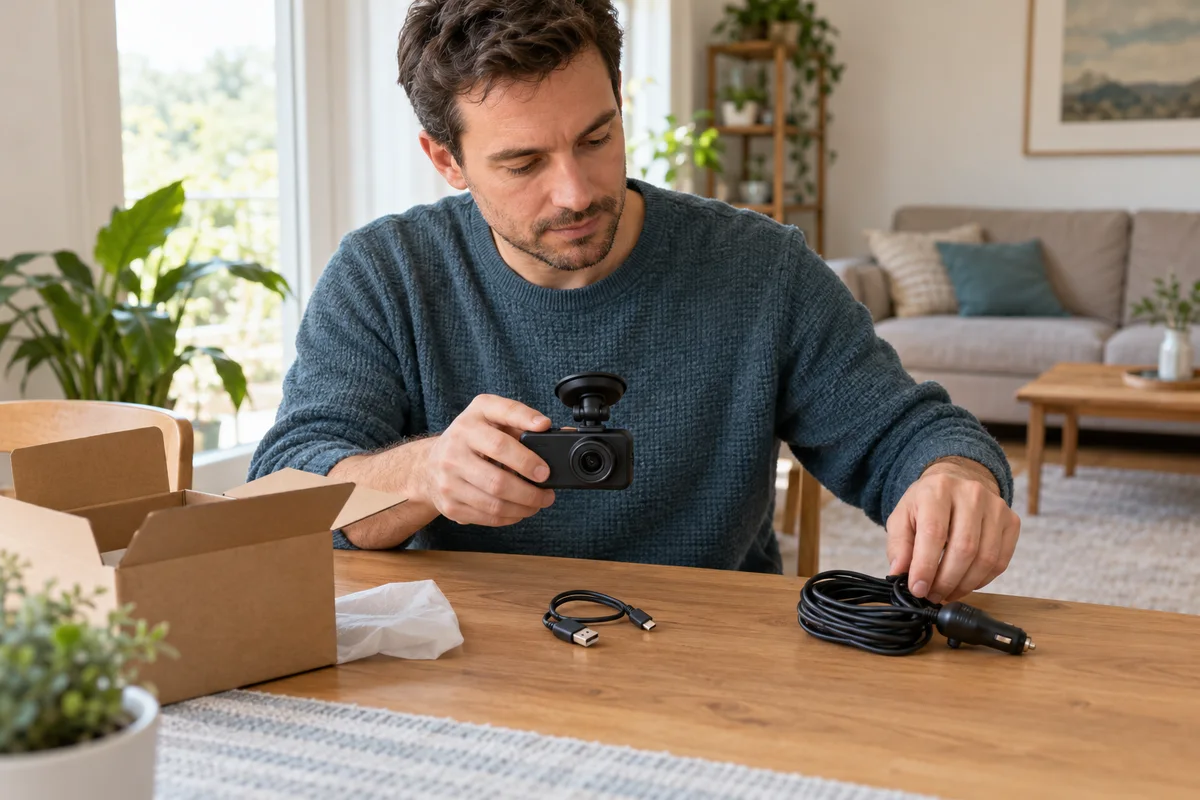 Garage & Workshop
A229 Plus USB Cable: Data Is Not Vehicle Power
Identify the A229 Plus short USB data cable separately from vehicle power and hardwiring before buying replacement accessories or a camera kit.
Read guide →