
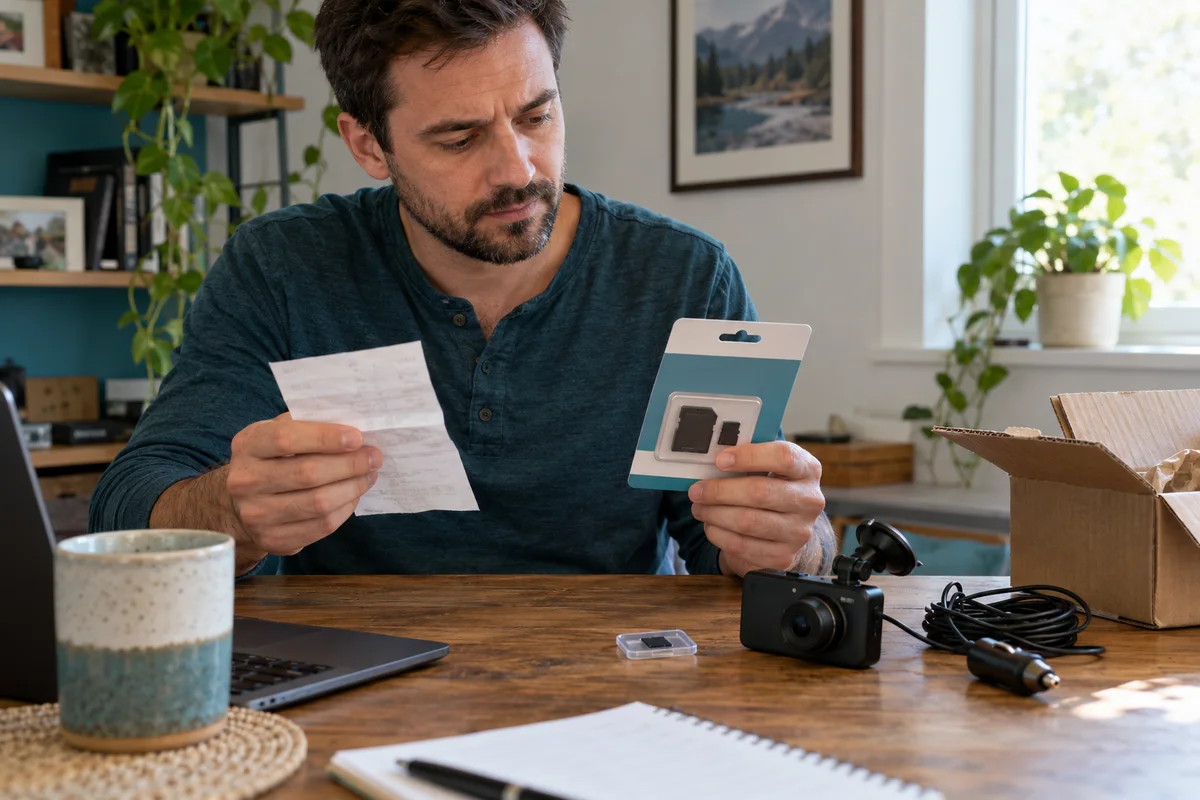
AI-generated scene illustration; not a photograph of the recommended product.
A new A229 Plus is waiting to be installed, and a discounted memory-card listing looks almost identical to the recommended one. The capacity matches, the logo looks familiar and the seller promises fast delivery. Before ordering, check the exact card family and the purchase channel as two separate decisions.
The short answer
A genuine card can still be the wrong card for the camera, and a familiar-looking label does not prove authenticity. VIOFO’s card guidance currently recommends its own cards and Sandisk MAX Endurance. Do not silently substitute a similarly named range.
Choose an exact-model-supported card from a suitable source, retain purchase evidence and ask the manufacturer about doubtful items. Replacing an A229 Plus is not the first response to an unidentified or unsuitable memory card.
Contents
- The short answer
- The exact card name
- The source check
- Authenticity and suitability
- The arrival record
- Existing footage
- The camera decision
- Buying advice
- Frequently asked questions
- Sources and verification
The exact card name
Write down brand, full family name, capacity, product identifier and the camera model before browsing prices. This prevents the largest capacity number from becoming the only selection criterion.
A marketplace can group different card ranges under closely related headings. Read the selected variation and the order summary, not just a recommendation attached to the general page.
VIOFO’s current FAQ also distinguishes MAX Endurance from High Endurance in its recommendation. This is a model-support issue, not a claim that one label is inherently counterfeit or that every other card fails.
Use the current A229 Plus manual and support guidance for supported capacity. A capacity accepted by another VIOFO model should not be transferred to this camera without checking. Avoid buying storage for a future imagined upgrade at the expense of the equipment you actually own.
The source check
Sandisk’s brand FAQ encourages purchases through its official store, authorized retailers and channel partners, and verified e-commerce platforms. That makes the seller and supply path relevant, not only the shopping site’s name.
Identify who is selling the selected item and who will provide the invoice and support. A familiar marketplace can contain multiple sellers; a search result bearing a brand name is not enough to establish that one seller’s status.
Retain the listing identity, order confirmation and receipt for the exact item. Keep these privately rather than posting account details or full order information publicly to ask about authenticity.
If seller authorization is unclear, use the manufacturer’s support or authorized-channel information. Do not treat a reviewer badge, packaging photograph or unusually confident sales description as a replacement for that check.
Authenticity and suitability
The SD Association’s counterfeit discussion explains why cards that do not comply with relevant standards are a real concern. It does not provide a universal visual test for every genuine product and every production revision.
Separate three questions: is this the item ordered, is its authenticity established sufficiently through the appropriate supplier, and is the genuine product supported for the camera? Passing one does not settle the others.
Do not declare a card fake solely because a package color or logo differs from an old photograph. Product presentation can change. Conversely, a convincing package is not a guarantee that a card is genuine.
Use a manufacturer’s current verification or support route if there is a concern. This guide does not authenticate a serial number, identify a counterfeit seller or certify an individual card from a photo.
The arrival record
Compare the delivered product with the exact order and supported selection before installing it. Photograph the item and relevant packaging for your own support record, without exposing personal account or delivery information.
Keep small cards protected while checking documentation. Do not mix the new card with a drawer full of unlabeled older media and lose track of which purchase it belongs to.
For a questionable item, ask the seller or manufacturer how to proceed before using it for important recordings. A return or support discussion is simpler when the original package and purchase evidence remain available.
A camera recognizing a card is useful operational information, but it is not a complete authenticity or endurance certificate. Do not let one successful boot replace the sourcing check.
Existing footage
Keep a new-card purchase separate from maintenance of a card that already contains recordings. Do not run formatting, capacity-writing or other destructive procedures on important media to settle an authenticity question.
Our save-before-formatting guide covers preservation and verified copies. Follow that process where relevant; this article is not another formatting tutorial.
If a card has valuable footage that cannot be read, stop using it and seek appropriate recovery advice. A replacement card cannot restore the original content, and repeated troubleshooting may affect what can still be recovered.
Nor should an unproven card be used for the first time on a journey where recording is particularly important. Establish the supported ordinary setup and retrieval routine beforehand, while safely parked for checks.
The camera decision
A household may already own an A229 Plus that performs its intended job. In that case, a suitable replacement card and a better sourcing record can be a more relevant purchase than another camera.
If buying the camera for the first time, budget for supported storage alongside the actual bundle. Confirm whether a supplied card is identified clearly enough to evaluate, rather than counting any included item as automatically suitable.
After following the documented setup, review an ordinary sample from each intended channel. Confirm that the files can be retrieved through the supported method. This is a practical acceptance check, not a benchmark or lifetime prediction.
For recurring errors, record the actual message, camera configuration and media identity for support. Do not conclude that every error proves fraud, or that every familiar brand excludes a compatibility problem.
Buying advice
Choose a card because the exact product and source satisfy the camera’s current requirements. Compare the full purchase, including seller responsibility and support, before treating the lowest advertised price as equivalent value.
Pass on an unclear family name, a seller that cannot identify the supplied item or a bundle whose storage description changes between selection and checkout. If a concern remains unresolved, choose a clearer supported source.
The A229 Plus overview is relevant when the camera itself meets your recording needs. The PartnerBoost link below is for that camera, not a memory-card offer or certification of a seller’s card stock.
Check the camera seller’s current package, available storage options, stock, delivery and return terms. No card failure rate, comparative writing speed, counterfeit prevalence or guaranteed recording duration is claimed.
Frequently asked questions
Does a real card always work?
No. Authenticity and exact-model compatibility are separate checks.
Are MAX and High interchangeable?
Do not assume that. VIOFO’s current recommendation distinguishes the names; check the exact supported product.
Does packaging prove authenticity?
No. Use current manufacturer guidance and a suitable sourcing path rather than a single visual clue.
Does a card error prove fraud?
No. Preserve any important footage and obtain support for the actual card, camera and configuration.
Sources and verification
Checked October 31, 2026. Procurement guidance only; no individual-card authentication, endurance test or destructive storage test.
- VIOFO official memory-card selection
- VIOFO current FAQ
- Sandisk brand and genuine purchase-channel guidance
- SD Association discussion of counterfeit memory cards
Keep reading
Related guides
 Garage & Workshop
A329S Two- and Three-Channel Kits
Compare A329S front-and-rear, front-and-cabin and three-camera kits without assuming a series feature describes the selected seller's bundle.
Read guide → Garage & Workshop
A329S Bitrate and Storage
Compare A329S bitrate settings through original-file detail and practical storage tradeoffs instead of treating Maximum as a universal quality guarantee.
Read guide → Garage & Workshop
A329S Settings Exports
Separate an A329S configuration export from video backup and firmware before deciding how to document a household dash-camera setup.
Read guide →