
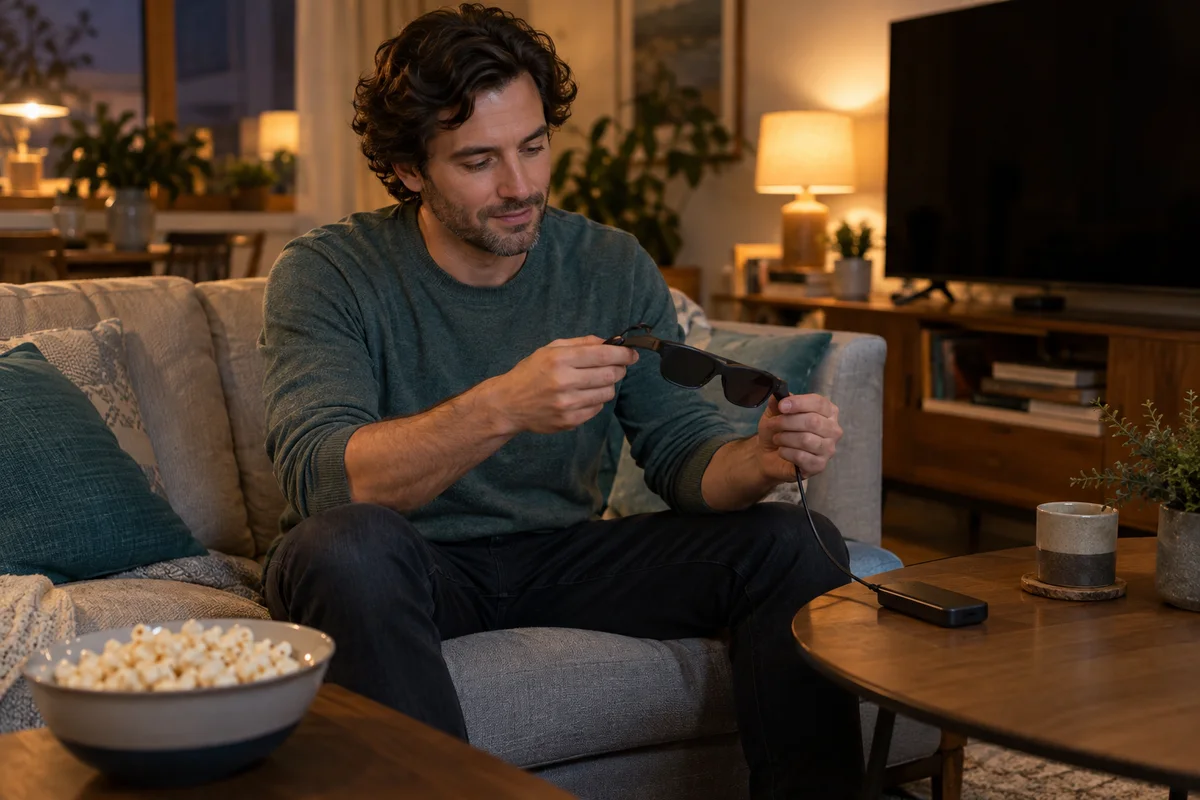
AI-generated scene illustration; not a photograph of the recommended product.
Friday’s plan is a movie on the sofa without taking over the shared television. You have found a pair of display glasses advertised for immersive viewing, but the film library, playback device, and cable are still an afterthought. That is the wrong order for a 3D-specific purchase.
The Rokid Max 2 may be part of a supported stereo-video setup. It is not a universal converter that makes any streaming movie three-dimensional. Start with a lawful piece of content and the route that will play it, then decide whether the glasses and the exact bundle complete that route.
The short answer
Verify the content format, player, host hardware, and glasses configuration together before buying Max 2 for 3D movies. Rokid’s Station 2 guidance describes half and full side-by-side video support, while its Max 2 FAQ describes the glasses working with Station 2 for 3D viewing.
Those official FAQs were published in 2024. They establish that the advertised workflow depends on more than the glasses, not a current guarantee for every app, codec, service, or bundle. Obtain confirmation for your exact planned setup and software version.
On this page:
- The short answer
- Begin with the content you may actually watch
- Separate the glasses from the media host
- Ask about formats and players precisely
- Keep screen anchoring and stereo depth separate
- Plan an ordinary acceptance session
- Count the cost of the whole routine
- Frequently asked questions
- Sources and verification
Begin with the content you may actually watch
Identify one legitimate title or personal video you already have permission to use. Record its actual format and where it can be played. A service displaying a 3D label on one device does not establish that the same title is available in the needed form on another device.
Side-by-side, often shortened to SBS, describes a layout with separate left and right views. It is different from simply playing an ordinary flat video on a large-looking screen. A filename or promotional thumbnail is not sufficient format verification.
Do not obtain unauthorized copies to make the hardware useful. If you cannot identify accessible content supported by a legitimate playback route, postpone the glasses purchase for this purpose. A hypothetical future library should not be treated as a present benefit.
Separate the glasses from the media host
The device connected to the glasses supplies the content path. A glasses-only package and a package including a compatible media host are different purchases. Check the current listing line by line rather than assuming the photographs show everything included.
Rokid’s 2024 Max 2 FAQ discusses pairing Max 2 with Station 2 for supported 3D viewing. That does not mean Station 2 is included in every Max 2 order, or that an unrelated phone, console, or streaming stick has the same capabilities.
Write the planned path in plain language: authorized content, supported player on a named device, appropriate connection, and Max 2 in the supported mode. Put a question mark beside any unresolved step. Do not purchase an extra adapter simply because its connector shape looks compatible.
Ask about formats and players precisely
A useful support request names the content format, intended player, host device, glasses model, and current software. “Will this play 3D?” is too broad to settle a real purchase. Ask whether the exact combination is supported and what limitations remain.
Rokid’s Station 2 format FAQ mentions both half and full SBS. It does not give us a basis to promise universal support for every possible encoding or protected streaming service. We also do not infer that a published 4K capability means every title will arrive at that resolution in stereo.
Avoid treating old comments, launch promises, or instructions for the original Rokid Max as current Max 2 documentation. If official materials do not resolve a particular format, ask the manufacturer or choose a simpler already-supported viewing arrangement.
Keep screen anchoring and stereo depth separate
A screen appearing at a comfortable virtual position and a movie containing separate eye views are different features. A purchase can fail one requirement while satisfying the other. Decide which experience actually matters before comparing packages.
For example, a viewer may mainly want a private flat screen for ordinary films. That person should not pay for an elaborate 3D content workflow they will rarely use. Another viewer may already own suitable SBS material and care specifically about supported stereo playback.
Neither example proves visual comfort for every user. Our Max 2 prescription and fit guide covers the separate fit question. Do not use a format-compatibility answer as reassurance about symptoms or personal visual suitability.
Plan an ordinary acceptance session
If the confirmed setup is purchased, use the supplied instructions in a stationary, safe indoor setting. First check a familiar supported flat-video task, then the intended supported 3D task. Avoid changing several hardware and software variables at once.
Keep a note of which authorized title, app version, host, connection, and glasses configuration worked. If the result is duplicated side-by-side images, an unsupported format, or another unexpected view, stop and consult the model-matched instructions rather than guessing a button sequence from a different product.
Stop use if discomfort occurs and follow the manufacturer’s safety guidance. This article is a procurement checklist, not medical advice or a way to overcome visual symptoms. Do not use display glasses while driving, walking in traffic, or doing a task requiring an unobstructed view.
Count the cost of the whole routine
Your purchase worksheet should include any required host, supported connection equipment, lawful content access, and realistic return conditions. We have not verified a universal bundle price or current stock. Check what the partner listing actually offers today.
Also ask whether the routine is convenient enough to repeat. If preparing a film requires several uncertain conversions and unsupported workarounds, a theoretically compatible system may still be a poor household purchase. The objective is a usable movie evening, not merely owning glasses with a feature label.
The Rokid Max 2 buying guide puts this in the wider ownership context. Buy for 3D only after one specific legitimate content path is confirmed. Keep an existing screen if it already delivers the films you actually watch with fewer unresolved steps.
Frequently asked questions
Will Max 2 turn an ordinary streaming film into 3D?
Do not assume so. Stereo viewing requires suitable content and a supported playback path. A large-looking flat screen is not the same thing as stereo depth.
Does a Max 2 order always include Station 2?
No package assumption is appropriate. Verify the current seller’s exact contents and distinguish glasses-only listings from bundles.
Does official SBS guidance guarantee every video format?
No. Rokid’s cited Station 2 FAQ mentions half and full SBS, but that is not a blanket guarantee for every codec, app, protected service, or current software combination.
Should I follow original Max button instructions on Max 2?
Use documentation matched to the actual product and software. This article deliberately does not prescribe an unverified button sequence for switching modes.
Sources and verification
Checked October 16, 2026. The cited FAQs date to June 2024; they are historical manufacturer guidance, not a new launch announcement or a 2026 service-compatibility certification. No streaming service was tested.
Keep reading
Related guides
 Home Tech & Audio
Elite 100 V2 and NAS Shutdown
Check NAS shutdown signaling and compatible UPS support before treating Elite 100 V2 capacity or USB outputs as an automatic storage-protection system.
Read guide → Home Tech & Audio
Elite 100 V2 TV Evening
Plan Elite 100 V2 for a limited TV evening by checking picture settings, playback sources, audio equipment and a complete energy budget.
Read guide → Home Tech & Audio
Elite 100 V2 PoE Camera Backup
Map the recorder, PoE supply and network before considering Elite 100 V2 for home-camera backup, separating local recording from remote access.
Read guide →