
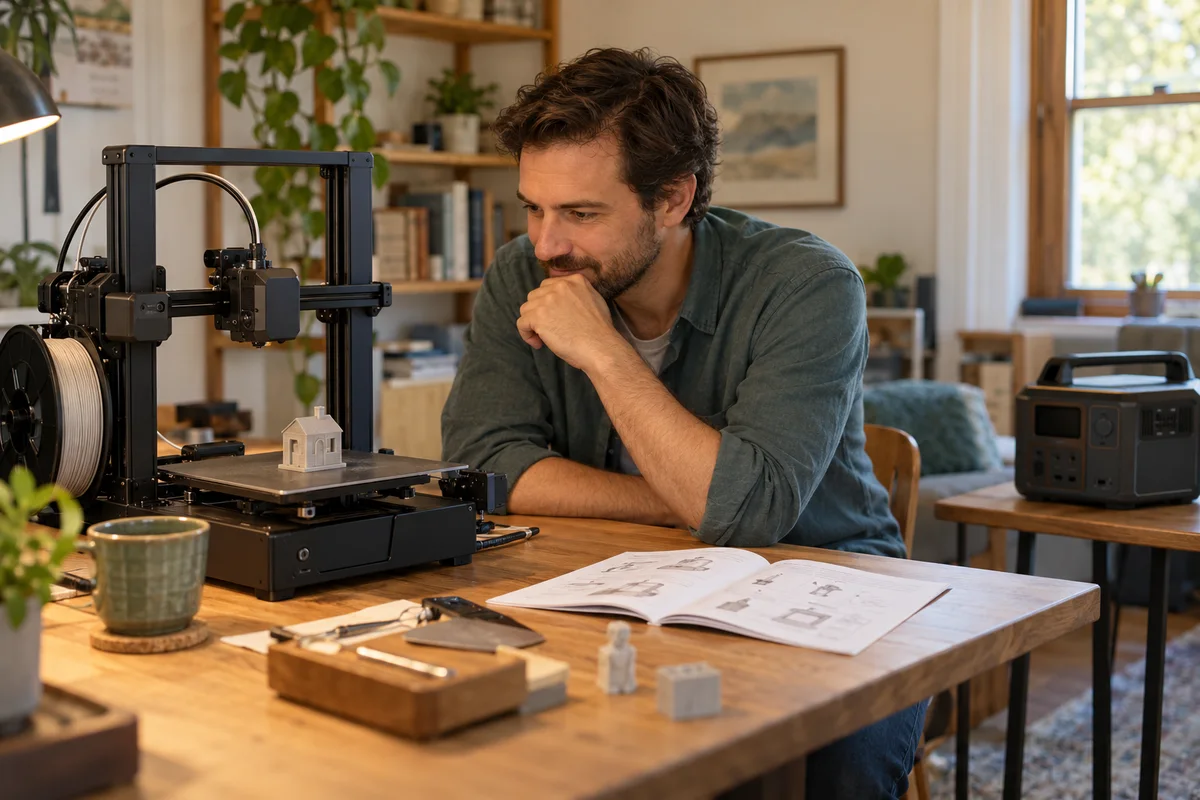
AI-generated scene illustration; not a photograph of the recommended product.
A desktop printer is halfway through a useful household part when the lights flicker. The shopping question seems simple: would a BLUETTI Elite 100 V2 keep the print going? Before comparing battery capacity, establish whether the printer needs uninterrupted operation, can recover after an interruption, or should be stopped safely.
The short answer
Do not select a power station for a 3D printer from watts and watt-hours alone. Check the exact printer’s recovery feature and UPS requirements first. Prusa’s UPS guidance recommends a line-interactive UPS when one is needed and distinguishes printers with Power Panic from those without it.
Elite 100 V2’s fast transfer claim is not proof of a qualified printer pairing. It can be a candidate for a supported portable-energy task, but this guide has not established guaranteed uninterrupted printing with a specific machine.
Contents
- The short answer
- The print at risk
- Recovery is different
- The power requirement
- The energy worksheet
- A supported assessment
- Buying advice
- Frequently asked questions
- Sources and verification
The print at risk
Describe the job before the power source: the printer model, material, stage of the print and what a failed part would cost. Include whether the print can simply be restarted later or is part of a time-sensitive repair.
Separate time already spent from time remaining. A nearly finished small part and a long overnight project have different consequences, even if both use the same printer. Do not justify expensive backup equipment by treating every failed print as a complete household emergency.
Keep the project file, slicing settings and any relevant preparation notes available independently of the printer. A backup supply is not a backup of the design. Protecting electrical operation and being able to reproduce the job are separate forms of preparation.
If the printer is managed by a school, employer or shared workshop, use its responsible operator’s power and shutdown rules. A personal battery purchase should not introduce an unsupported arrangement to someone else’s equipment.
Recovery is different
Prusa lists Power Panic for specified MK and XL models in its UPS article. The list does not establish that every printer carrying the same brand, including every MINI-family configuration, has the feature. Check the exact machine and current documentation.
Recovery means the printer has a supported process after a loss of power. It does not mean power was uninterrupted or that every interrupted object will remain an acceptable finished part. Ask how the machine handles the particular material and state of the job.
Find out what the owner must do when power returns. An automatic-looking process can still require a decision or observation. Do not assume it is safe to leave heating equipment unattended because a recovery feature exists.
For a household that can tolerate restarting a modest print, a recovery plan may be more useful than buying a large battery. For a process that cannot tolerate interruption, establish the printer manufacturer’s required protection before pricing any station.
The power requirement
Use the printer’s electrical input specifications and any relevant manufacturer measurements as starting evidence. Keep startup, heating and ordinary printing separate. A displayed value from a quiet part of a job does not establish the entire power requirement.
VA and watts are different ratings. Prusa’s guidance against UPS units below 1000VA is not an instruction to buy any device with more than 1000W printed on it. The UPS category and application requirements remain part of its recommendation.
Likewise, a station’s stored watt-hours do not establish its transfer behavior. Capacity can answer a duration question only after the connected load and supported application are established.
The Elite 100 V2 US manual lists a transfer specification and a restriction for devices such as servers and workstations requiring high-performance UPS protection. That is not a blanket ban on printers, but it also does not qualify this particular printer. Obtain an exact-load answer rather than borrowing an unrelated demonstration.
The energy worksheet
For an approved pairing, make a worksheet with warmup, remaining printing and any supported finishing or shutdown stage. Record each stage’s evidence and leave unknown values visible.
As arithmetic only, a hypothetical 120W constant load over three hours uses 360Wh at the load. That is not a Prusa consumption figure, an Elite runtime or an allowance for conversion losses. Real heating behavior and other connected equipment can change the demand.
Include equipment that is actually necessary for the print. Do not automatically add every device on the maker desk, and do not omit a required peripheral merely to improve a runtime estimate.
Prusa’s example UPS table shows that estimated and observed runtimes can differ substantially. Its figures belong to the tested UPS and printing conditions, not to Elite 100 V2. Avoid transferring those results into a station shopping comparison.
A supported assessment
Send both equipment suppliers a precise application question. Include printer model, power supply, intended mode, required continuity, expected duration and the station’s regional model. Ask what information is still missing.
Do not test the pairing by interrupting a valuable live print, disabling safeguards or modifying the printer’s power supply. A noncritical assessment should follow the manufacturers’ approved procedure and should not be treated as certification for every later outage.
Keep batteries and cables in a dry, ventilated location that satisfies the station’s instructions and does not interfere with the printer’s moving parts or service access. Do not enclose an operating station in a printer cabinet to hide it.
Our general UPS boundary guide explains why a switching-time headline is insufficient. Here the additional decision is whether a particular print can recover, restart or needs a qualified continuity solution.
Buying advice
Investigate a dedicated, properly specified UPS when the printer maker calls for that category. Compare its supported topology, load, runtime, replacement battery and shutdown requirements. “Dedicated” alone is not a guarantee either.
Consider Elite 100 V2 when a supported energy-reserve role also fits other genuine household needs and the printer pairing has been qualified. Do not stack a UPS and power station as an improvised workaround; combining power equipment introduces another compatibility question.
Pass if the purchase depends on an unverified promise that no print will ever fail. Also reconsider if only rare, low-consequence prints are affected and a safe restart plan already meets the need.
The station overview covers broader ownership. Before using the partner listing, check the exact unit, current stock, delivery and return terms. No printer, UPS accessory, performance test or completed part is included by implication.
Frequently asked questions
Does every Prusa recover?
Do not assume that. The cited Power Panic list names particular models; confirm the machine you actually own.
Is 1000VA equal to 1000W?
No. Do not replace a UPS apparent-power requirement with a station’s watt rating.
Does 10ms guarantee success?
No. A published transfer specification does not qualify every printer and power supply combination.
Can two backup boxes be combined?
Not as an assumed workaround. Obtain explicit guidance for the complete arrangement before combining a UPS and station.
Sources and verification
Checked October 31, 2026. Current US station manual re-downloaded; Prusa guidance read. No transfer, printer or runtime test performed.
- Prusa UPS selection and model-specific recovery
- Elite 100 V2 US manual, UPS and specifications sections
Keep reading
Related guides
 Maker & Craft
Anycubic Kobra X: A Multicolor 3D Printer For Weeknight Maker Projects
A budget 3D printer for parents and hobbyists who want school projects, tabletop miniatures, and craft props printed in multiple colors without buying separate color-swapping hardware.
Read review → Maker & Craft
Creality K2 Combo Review: Enclosed Multicolor 3D Printing for Makers
For makers moving past PLA-only open-frame printers, this enclosed combo bundles automated four-spool color switching with a printer built to handle warp-prone engineering filaments.
Read review → Maker & Craft
ELEGOO Saturn 4 Ultra 16K: A Resin Printer For Fine-Detail Miniatures
For hobbyists printing tabletop miniatures and cosplay props, the ELEGOO Saturn 4 Ultra 16K delivers finer resin detail and fewer failed prints than similarly priced resin printers on the market.
Read review →