
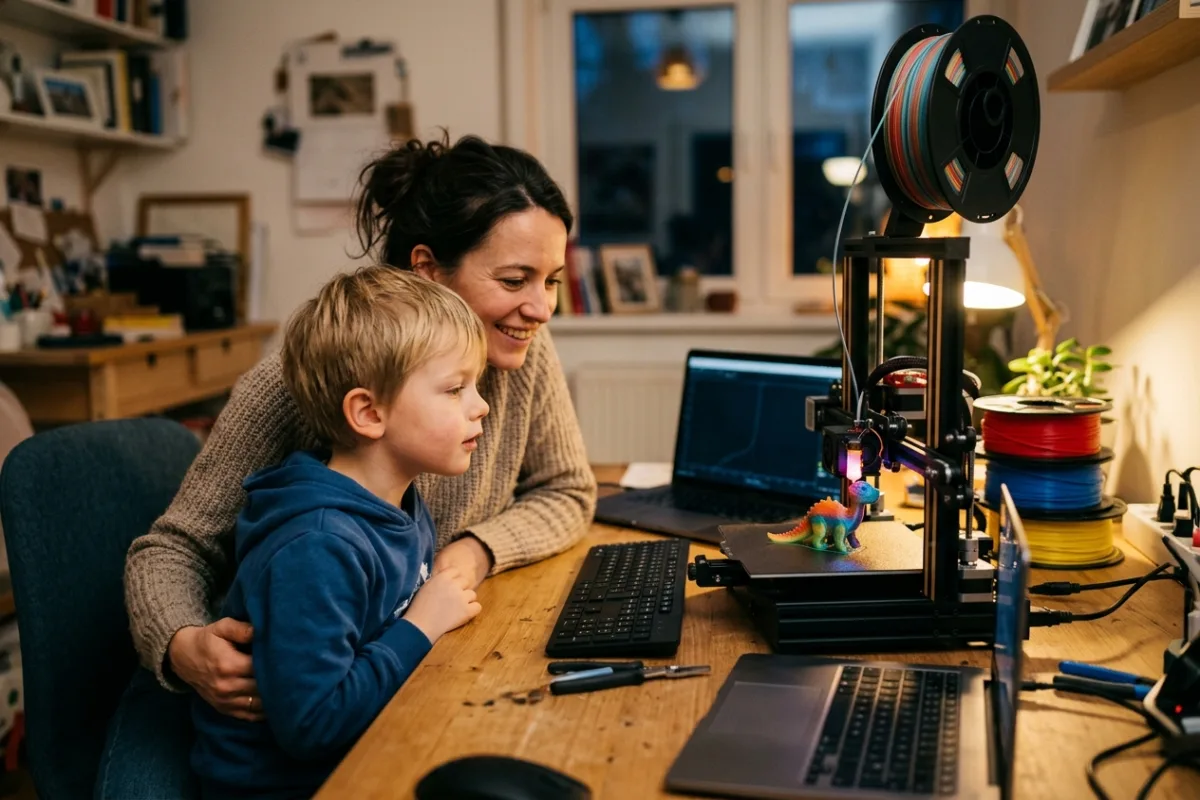
Your kid's school diorama is due Friday and needs three colors, not one flat shade from whatever spool happens to be loaded. You do not have a spare evening to babysit filament swaps every time a layer changes color. A game piece, a cosplay prop, or a labeled bin for the craft shelf all benefit from color built into the print instead of paint added afterward. You want to start a job after dinner, walk away, and find finished parts in the morning instead of a print that failed on layer forty because nobody caught a loose bed.
This review is built from published manufacturer specifications and the current product documentation for the multicolor 3D printer category, not from a laboratory test bench. It compares the Anycubic Kobra X against the rivals a shopper actually sees beside it, for one clearly defined household job.
The verdict
For a household that wants multicolor prints without turning the hobby into a second job, the Kobra X is the strongest pick for this use case. It ships with four-color switching built into the machine instead of selling that hardware as a separate accessory added later. Anycubic's LeviQ automatic leveling means a parent with twenty free minutes can start a print correctly on the first try instead of troubleshooting bed adhesion. On paper, no direct rival packages native multicolor, print speed, and this build volume together this cleanly at this tier.
Check the current Anycubic Kobra X listing →Anycubic Kobra X at a glance
These are the published specifications that matter most for the use case above. Manufacturers revise hardware between production runs, so confirm the current listing before ordering.
| Build Volume | 260 x 260 x 260 mm |
|---|---|
| Max Print Speed | Up to 600 mm/s |
| Multicolor System | 4-color built-in, expandable to 19 colors with ACE 2 Pro units |
| Auto Leveling | Anycubic LeviQ 49-point automatic bed leveling |
| Extruder & Bed | Direct drive, 0.4 mm hardened steel nozzle to 300C; PEI spring-steel bed to 100C |
Why it wins this category
A better spec sheet is only useful when it removes work from a real routine. These are the four places where the Anycubic Kobra X changes the outcome rather than the marketing copy.
Color Built In, Not Bolted On
The Kobra X ships with four-color switching as part of the base machine, so a first multicolor print does not require sourcing and installing a separate module before you can start. Several rivals in this price range sell their color hardware as an accessory purchased and set up after the printer arrives, which adds a second unboxing, a second setup pass, and a second thing that can be misaligned.
Auto-Leveling Removes The Guesswork
Anycubic's LeviQ system runs a 49-point automatic bed check before a print starts, so a parent or beginner does not need to learn manual paper-feeler-gauge leveling to get a clean first layer. For a household machine that different family members will use, that removes the single most common cause of failed prints and wasted filament on a rushed weeknight.
Speed Without The Waiting
A recommended print speed up to 600 mm/s means a same-evening school project or game piece is realistic instead of an overnight gamble on whether it finishes before morning. For time-boxed projects like a diorama due the next day, that speed margin is the difference between finishing calmly and rushing a print that never gets to cool properly.
Room To Grow The Palette
The built-in four colors can expand up to nineteen colors by adding ACE 2 Pro units later, so a family that starts with simple two-tone prints can grow into more complex color work without replacing the printer itself. That staged upgrade path fits a hobby that tends to escalate once the first successful multicolor print comes off the bed.
How it compares to the alternatives
Each of these is a capable product with a real audience. The question is not whether they work, but which one fits the job described above with the least compromise.
Bambu Lab A1 mini with AMS lite
a compact pre-calibrated multicolor printer aimed squarely at total beginners
Where it is strong: Bambu's software ecosystem and auto-calibration routines make it genuinely simple to get a clean multicolor print with almost no manual tuning, and the combo runs noticeably quiet.
Where it falls short here: Its build plate tops out at 180 x 180 x 180 mm, well under the Kobra X's 260 mm cube, so larger dioramas, cosplay props, or multi-part builds that need to be printed in fewer sections will not fit on the bed.
Elegoo Centauri Carbon 2 Combo
enclosed CoreXY multicolor printer with a 2026 CANVAS module
Where it is strong: A fully enclosed chamber and a hotend rated to 350C give it a real edge for ABS, ASA, and other warp-prone materials the Kobra X's open frame is not built to contain.
Where it falls short here: The CANVAS color system only just launched, so it has far less of a community track record, fewer third-party guides, and fewer proven long-run reliability reports than the Kobra X's established ACE ecosystem, which is a real cost for a first-time buyer troubleshooting alone.
Creality K1C with CFS multicolor kit
enclosed high-speed printer with an optional color-feeding accessory
Where it is strong: The K1C's hardened, high-temperature nozzle and enclosed chassis make it a capable choice for abrasive, carbon-fiber-reinforced filament that the Kobra X is not really designed to run.
Where it falls short here: Multicolor printing is not native to the K1C. It requires sourcing and installing the separate CFS accessory after purchase, turning a single-box setup into two purchases and two installs before the first multicolor print is even possible.
Weighed against those three, the Anycubic Kobra X remains the one that covers this scenario end to end without asking you to accept a workaround somewhere else.
Who it fits
Parents Running Weeknight Maker Nights
If school projects, birthday props, or weekend crafts keep landing on your desk with a tight deadline, native multicolor and automatic leveling mean less troubleshooting and more evenings where the print just finishes on time.
Tabletop Hobbyists Reducing Paint Time
Miniatures and terrain pieces that need base colors already separated by part save real hours at the painting table later on. The 260 mm bed also comfortably fits full terrain boards and larger scenery pieces that most mini-focused competing printers simply cannot hold in one piece.
Classrooms And Shared Makerspace Stations
Easy automatic bed leveling and a straightforward touch screen mean rotating student or club member users can queue up their own job without a supervisor having to reset or recalibrate the machine between each person's turn on a shared station.
What to be realistic about
No product is the right answer for every household. Skip this one, or plan around these points, if any of them describe your situation.
- Skip it if you print ABS, ASA, or nylon regularly, since the open frame will not hold chamber heat the way an enclosed CoreXY machine can.
- Skip it if your parts routinely exceed a 260 mm cube, since you will hit the build volume ceiling on larger props or furniture-scale prints.
- Skip it if you will only ever print in a single color, since the built-in color hardware adds cost and setup you will never actually use.
Living with it after week one
After the roughly half-hour frame assembly, run the LeviQ auto-leveling cycle before the first print so the machine maps its own bed instead of guessing. Load filament through the direct drive path one color slot at a time and label each spool so swaps stay organized. Wipe the PEI plate with isopropyl alcohol between prints to keep adhesion consistent, and re-run leveling whenever you move the printer or switch to a noticeably different filament. Store spare spools sealed with desiccant so color swaps do not introduce damp, stringy filament into a shared multicolor job.
Frequently asked questions
Do I need to buy anything extra to print in multiple colors?
No. The Kobra X ships with four-color switching built into the base machine, so the first multicolor print does not require a separate accessory purchase. Adding ACE 2 Pro units later expands the palette up to nineteen colors, but that upgrade is optional rather than required to get started.
Is this printer suitable for a total beginner?
Yes, on paper it is built for that audience. Automatic 49-point bed leveling removes the manual calibration step that trips up most new users, and the touch screen keeps day-to-day print selection straightforward without needing slicer-level expertise to load a job.
Can it handle ABS or other high-temperature filaments?
It is not the ideal tool for that job. The frame is open rather than enclosed, so ambient drafts can cause warping on ABS or ASA. For those materials, an enclosed printer will hold chamber temperature far more consistently than this one does.
Keep reading
Related guides
 Maker & Craft
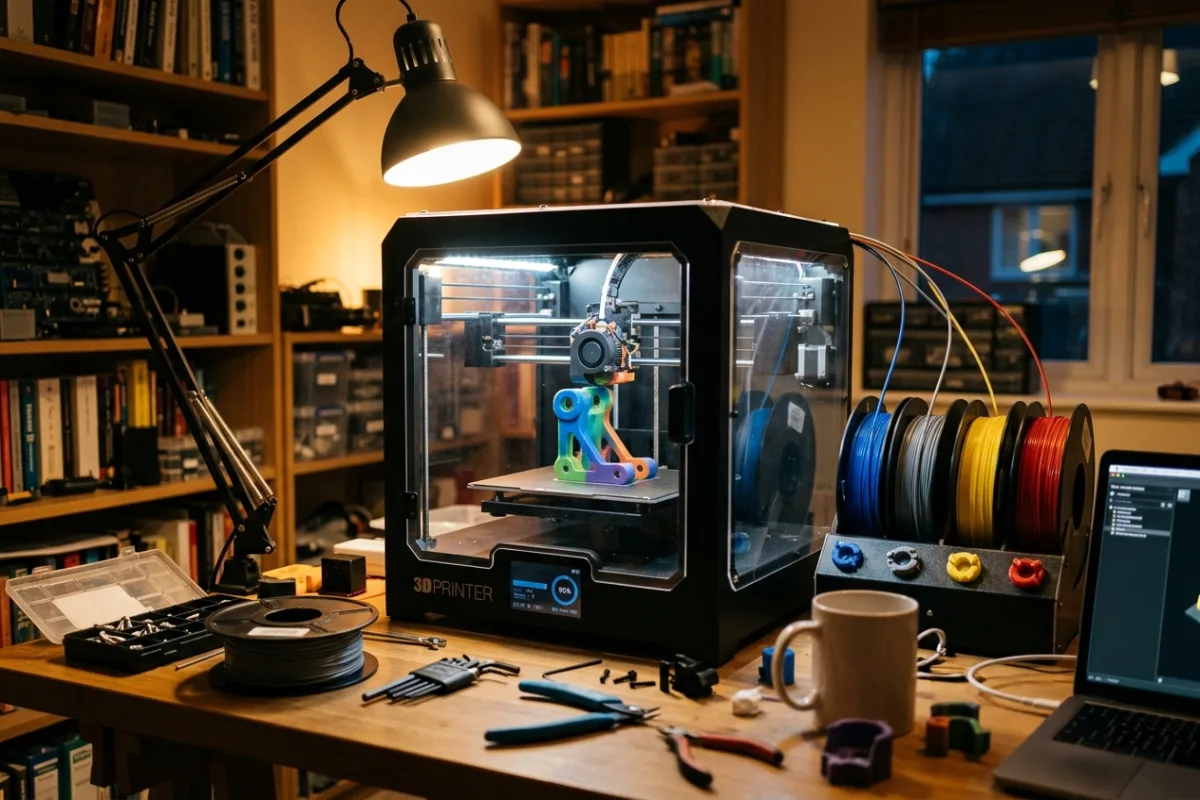
Creality K2 Combo Review: Enclosed Multicolor 3D Printing for Makers
For makers moving past PLA-only open-frame printers, this enclosed combo bundles automated four-spool color switching with a printer built to handle warp-prone engineering filaments.
Read review →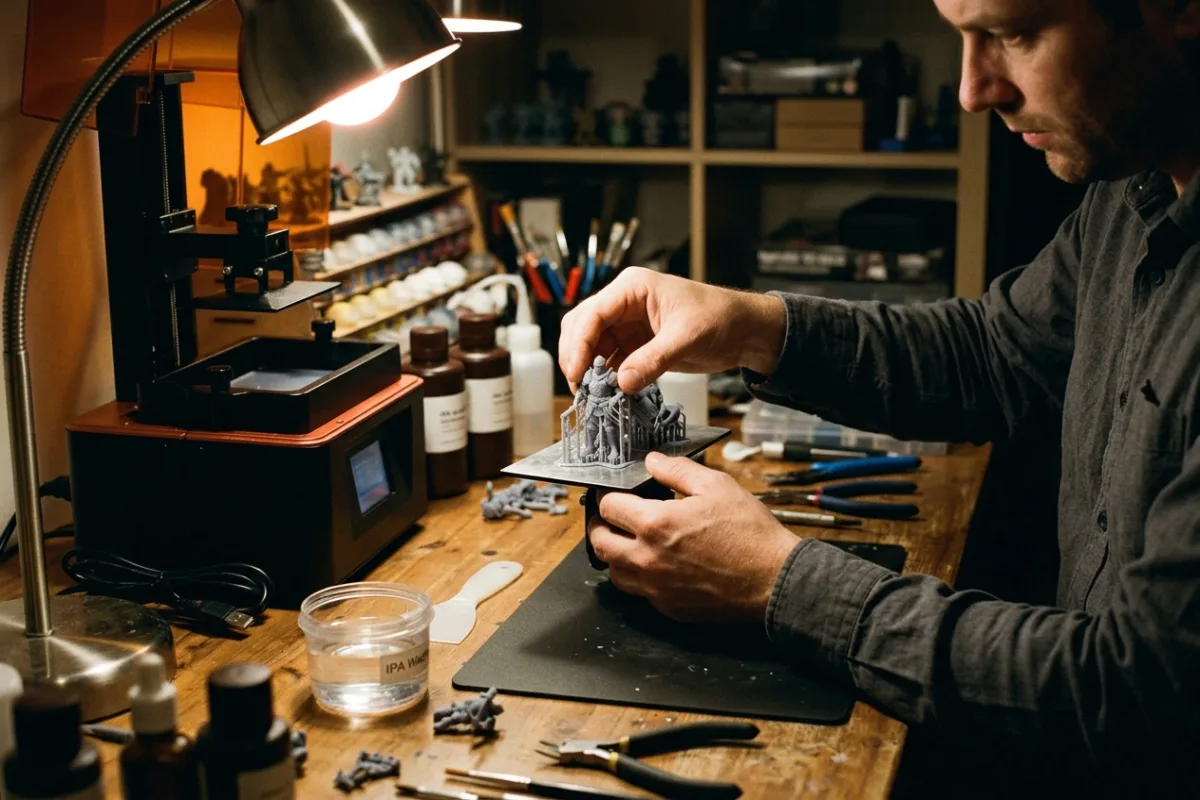 Maker & Craft
ELEGOO Saturn 4 Ultra 16K: A Resin Printer For Fine-Detail Miniatures
For hobbyists printing tabletop miniatures and cosplay props, the ELEGOO Saturn 4 Ultra 16K delivers finer resin detail and fewer failed prints than similarly priced resin printers on the market.
Read review →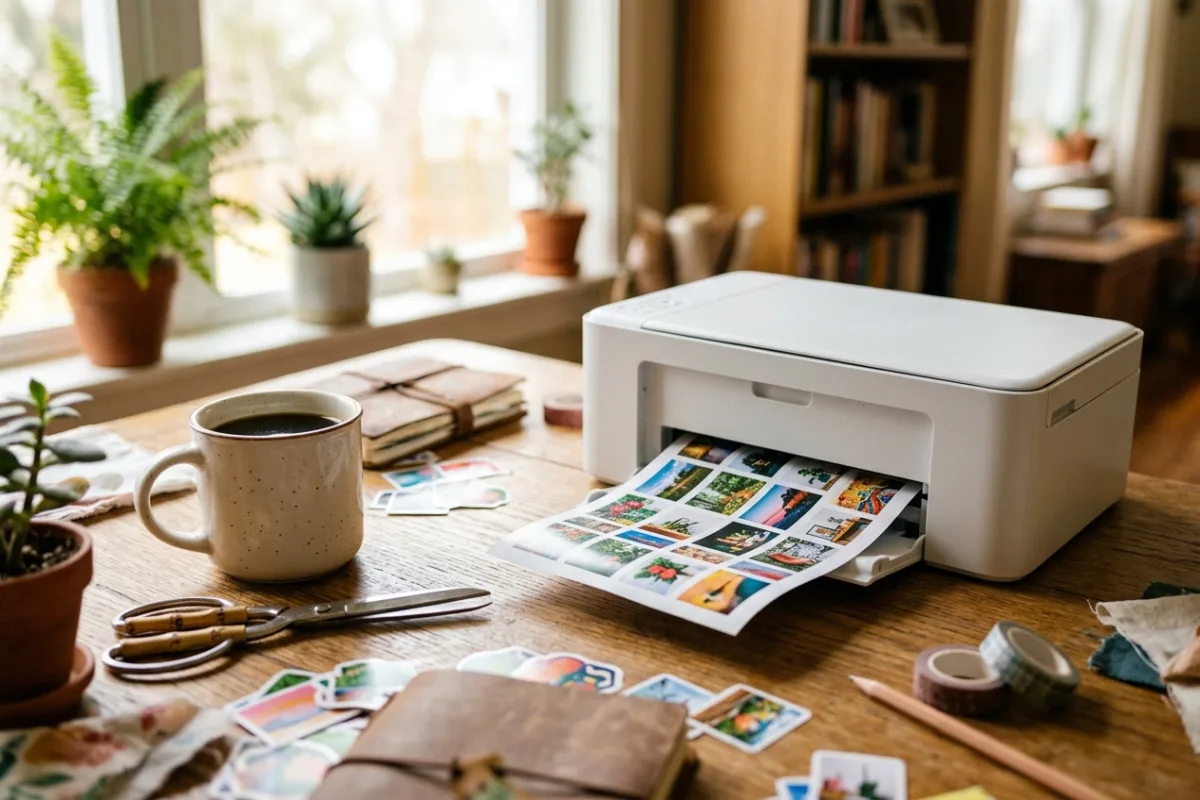 Maker & Craft
Liene PixCut S1 Review: The All-In-One Sticker Printer and Cutter
For home crafters who want custom photo stickers without owning a separate printer, cutter, and laminator, the Liene PixCut S1 combines all three steps into one short automated cycle.
Read review →