
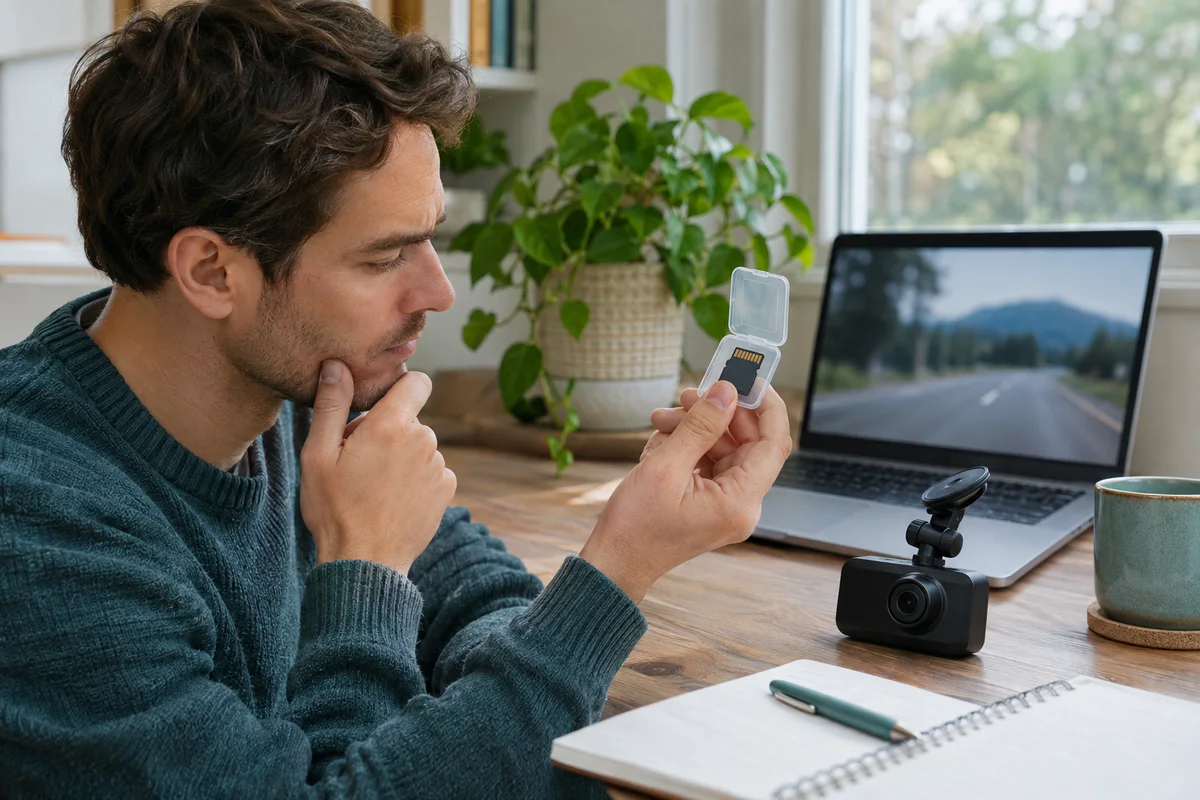
AI-generated scene illustration; not a photograph of the recommended product.
An A329S recording plays on the camera, but the same file shows a black window on the family computer. A new memory card or a replacement dash cam looks like a quick solution. Neither purchase follows from that observation alone. The computer, transfer, player and file must be separated before deciding what failed.
The short answer
Preserve the original A329S recording and identify where playback stops working before replacing hardware. A file extension does not fully describe the video encoding inside it. Microsoft’s Media Player troubleshooting guidance distinguishes compatibility and codec problems from other playback failures.
VIOFO’s A329S manual describes camera, phone-app and computer playback routes. Compare supported routes with an ordinary non-sensitive recording. Do not format the card, install a random codec bundle or assume a particular encoding merely from the model name.
Contents
- The short answer
- Preserve a useful original
- Identify the point of failure
- Check the local file before the player
- Separate container, codec and computer support
- Make a playback comparison record
- Buying advice
- Frequently asked questions
- Sources and verification
Preserve a useful original
First decide whether the recording could matter for a claim or another formal purpose. If so, stop treating the storage medium as a convenient troubleshooting surface. Keep the original unchanged and obtain appropriate help if retrieval is uncertain.
For an ordinary sample, follow VIOFO’s shutdown and card-removal instructions. Copy the relevant file without moving or deleting the original. Keep the original filename and note its camera channel.
Do not repeatedly repair, format or rewrite the card because a computer player reports an error. A playback error is not a diagnosis of the recording medium. The save-before-formatting guide covers that preservation decision in more detail.
If the card itself cannot be read reliably, or the file appears damaged, stop and seek model-specific support rather than turning a series of guesses into additional changes.
Identify the point of failure
There are several different observations: the camera cannot play the recording; the app cannot access it; a copied file is incomplete; or a complete local copy opens poorly in one desktop application.
Write the observation in those terms. “The video is broken” combines too many possible causes to justify a purchase.
Note whether another ordinary recording from the same session and channel behaves similarly. Do not infer that every file is intact because one plays, or that the entire camera failed because one does not.
Also distinguish video, audio and map display. A player showing a picture without a route map is different from one that cannot decode the picture. The GPS playback guide addresses location information and sharing; this guide focuses on basic video readability.
Check the local file before the player
Compare the copied file’s presence and size with its source, without altering either. Confirm that copying has actually finished and that the player is opening the local copy you intended, not a partial download or another channel’s file.
Keep enough available space for the transfer. A crowded computer drive creates a different constraint from the camera’s supported card capacity.
Avoid making cloud upload the first diagnostic step. Road recordings can contain faces, conversations, addresses and journeys. Uploading them to an unknown conversion website adds disclosure without establishing why the original file failed to play.
If support needs a sample, ask for the minimum relevant material and the official submission method. Keep private recordings out of public forum posts and screenshots.
Separate container, codec and computer support
A video container holds streams and related information. The codec is the method used to encode a stream. A familiar filename ending does not promise that every player and computer can handle all its contents.
Read the available file information and the actual error message. Do not declare that this A329S file is HEVC, that all A329S recordings use one codec, or that installing one extension will fix every black screen without confirming the file.
Microsoft directs users to check compatibility and codec information when appropriate. Use current official support for your Windows version and obtain software from its legitimate publisher. This article does not recommend a particular paid extension or third-party installer.
Computer performance and player support also matter. Smooth playback at one setting is not proof that a different resolution or frame rate will perform identically on an older laptop.
Make a playback comparison record
| Observation | What it establishes |
|---|---|
| Camera plays the original | One supported playback route works |
| Copy matches the intended source | The transfer is better understood |
| One desktop player fails | That application needs investigation |
| Another supported route works | The first failure is not universal |
| Only the map is absent | Location playback is a separate question |
| All routes remain unresolved | Preserve files and seek support |
Use this record to ask a specific support question. Include the exact camera model, firmware, computer operating system, player version, file channel and error text. Do not include private journey details unless needed.
Change one variable at a time. Updating the player, converting the file, changing recording settings and replacing the card together makes it difficult to know which action mattered.
Buying advice
A329S can remain suitable when the household can retrieve and view the files it actually records. Establish a supported viewing route before committing to the camera for an important recording task.
If a computer cannot handle the intended files, compare the cost and inconvenience of an appropriate supported viewing setup with choosing another recording configuration or device. Do not immediately buy a more expensive camera that may create equally demanding files.
For an existing owner, postpone speculative camera and card replacement until support or a controlled check identifies a reason. A new card cannot automatically supply a missing computer decoder.
The partner link is for A329S camera hardware, not a codec license, data-recovery service or desktop performance guarantee. Consult the camera overview for recording and storage tradeoffs, then confirm the selected package and actual viewing requirements.
Frequently asked questions
Does a black screen prove the camera failed?
No. It is an observation that needs to be located within recording, transfer and playback.
Should I convert the only copy?
No. Preserve the original. A separate viewing copy may be useful in an appropriate workflow, but it does not replace the original.
Does MP4 mean every player will work?
No. Container naming alone does not establish support for every encoded stream inside.
Can this guide identify my file’s codec?
No. We did not inspect your file. Check its actual information and supported software rather than inferring a codec from a camera advertisement.
Sources and verification
Checked November 20, 2026. Documentation-based troubleshooting and buying analysis; no A329S recording, codec installation or computer benchmark was tested.
- VIOFO A329S manual — supported playback and file-handling routes.
- Microsoft Media Player troubleshooting — compatibility, codecs and playback errors.
Keep reading
Related guides
 Garage & Workshop
A229 Plus Rear Firmware: Do Not Update Just Because
Read VIOFO's rear-camera firmware warning before updating a working A229 Plus rear module or buying another one to solve an unverified issue.
Read guide → Garage & Workshop
A329S Parking-Only Audio: Check the Mode Boundary
Plan A329S parking-only audio separately from voice alerts, driving recordings and privacy expectations before choosing a shared-car setup.
Read guide → Garage & Workshop
A329S Rear Camera Off: Check the Channel Setting
Check the A329S rear-camera enable setting before replacing a working rear module, then verify actual front and rear recordings.
Read guide →