
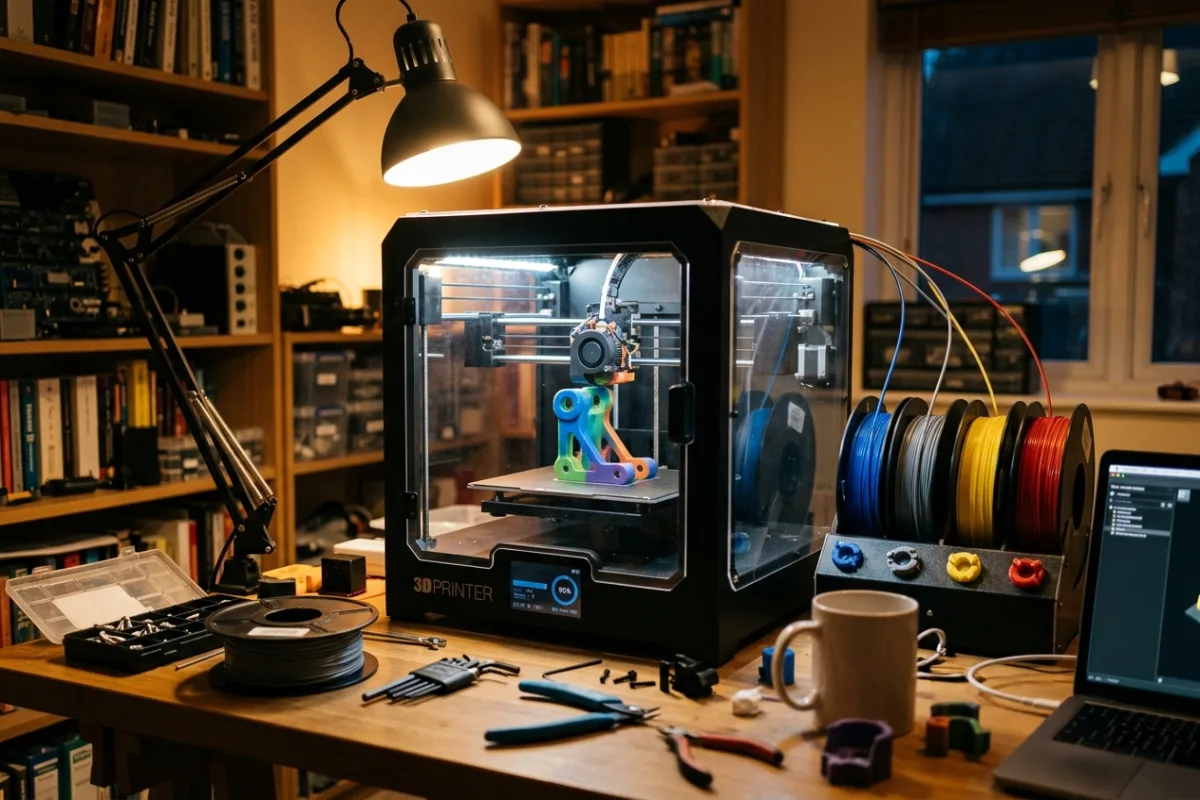
Your open-frame printer has been fine for PLA figurines, but the last two ABS brackets you tried peeled up at the corners the moment a door opened nearby. You also just lost twenty minutes at midnight manually swapping spools halfway through a two-color prop, watching the purge waste eat into your second roll. What you actually need is one machine that closes off the draft, holds several spools without your hands in the loop, and still has enough chamber room for a full-size drone frame or a multi-part cosplay set in a single job. Most entry-level combo printers only solve half of that: either they are enclosed and single-color, or they do multicolor on an open frame that struggles the moment you move off PLA.
This review is built from published manufacturer specifications and the current product documentation for the enclosed multicolor FDM 3D printer category, not from a laboratory test bench. It compares the K2 Combo (A) against the rivals a shopper actually sees beside it, for one clearly defined household job.
The verdict
For makers who need an enclosed chamber and automated color switching in the same box, the Creality K2 Combo (A) is the strongest pick at this tier. It ships with one Creality Filament System unit already installed, a direct-drive extruder rated to 300 degrees Celsius, and an official materials list that covers PLA, PETG, ABS, and PLA-CF without an aftermarket enclosure or a separate multicolor purchase. The CFS architecture also chains up to four units for sixteen colors on the same printer, so the machine grows with your projects instead of getting replaced. On paper, no rival in this comparison matches that combination of included multicolor, enclosure, and expansion headroom for the money.
Check the current K2 Combo (A) listing →K2 Combo (A) at a glance
These are the published specifications that matter most for the use case above. Manufacturers revise hardware between production runs, so confirm the current listing before ordering.
| Build volume | 260 x 260 x 260 mm |
|---|---|
| Max print speed | 600 mm/s, up to 20,000 mm/s² acceleration |
| Nozzle temperature | Direct-drive extruder, up to 300°C |
| Multicolor system | 1x Creality Filament System (CFS) included, chains to 4 units / 16 colors |
| Official materials list | PLA, PETG, PET, ABS, PLA-CF |
Why it wins this category
A better spec sheet is only useful when it removes work from a real routine. These are the four places where the K2 Combo (A) changes the outcome rather than the marketing copy.
CFS Ships Standard, Not Bolted On
The Combo bundle includes one Creality Filament System unit already connected, so four-color printing works from the first calibration print instead of waiting on a separate multi-material purchase and install step. Chain up to three more CFS units later and the same printer scales to sixteen colors without swapping the core machine.
Full Speed, Still Enclosed
The direct-drive extruder and high-speed motion system reach up to 600 mm/s with 20,000 mm/s squared acceleration on paper, matching the fastest printers in this class, while the fully enclosed 260 mm cube chamber keeps that top-end speed usable on ABS and PLA-CF prints instead of PLA-only test cubes.
300 Degree Nozzle for Reinforced Filament
A hotend rated to 300 degrees Celsius plus direct-drive extrusion covers PLA, PETG, ABS, and PLA-CF on the official materials list, giving you a documented path into carbon-fiber-reinforced filament once plain PLA prototypes stop being strong enough for load-bearing brackets, jigs, or drone frames you actually rely on.
Camera and Leveling Handled for You
A built-in chamber camera and automatic bed leveling handle first-layer checks and print monitoring without extra hardware, and the printer arrives 95 percent pre-assembled, so a first calibration print can realistically happen the same evening it arrives instead of turning into a weekend-long assembly and tuning project.
How it compares to the alternatives
Each of these is a capable product with a real audience. The question is not whether they work, but which one fits the job described above with the least compromise.
Bambu Lab X1 Carbon Combo
Prosumer CoreXY multicolor printer built around a polished app-based slicer ecosystem
Where it is strong: Bambu Studio's automatic calibration and camera-based first-layer and spaghetti detection make the X1 Carbon Combo one of the more hands-off multicolor printers to operate day to day.
Where it falls short here: The Combo bundle sits at a step above flagship-tier pricing, and each extra AMS unit needed for full sixteen-color jobs adds cost on top of that, while full remote monitoring and automatic firmware updates are built around Bambu's own connected app and account.
Prusa CORE One with MMU3 Enclosed
Open-source enclosed CoreXY printer from a long-trusted DIY-friendly printing brand
Where it is strong: Prusa's documentation, spare-parts availability, and repairability are considered some of the best in desktop 3D printing, and the CORE One's enclosed chamber ships as a standard configuration rather than an afterthought.
Where it falls short here: Multicolor printing requires buying the MMU3 Enclosed kit separately and installing it yourself, the build volume is smaller at 250 x 220 x 270 mm, and color changes route through one nozzle with a purge tower that uses more filament per swap.
QIDI Q2 Combo
Newer enclosed multicolor printer built around an actively heated chamber
Where it is strong: The Q2 Combo's independently heated 65 degree Celsius chamber and 370 degree nozzle give it a higher on-paper ceiling for warp-prone engineering filament than most combo printers in this category.
Where it falls short here: QIDI is a newer entrant in the enclosed multicolor category, and the Q2 line and its chained Box system launched more recently than Creality's K-series and CFS, meaning a shorter public track record and a smaller pool of community-tested print profiles.
Weighed against those three, the K2 Combo (A) remains the one that covers this scenario end to end without asking you to accept a workaround somewhere else.
Who it fits
Makers Outgrowing PLA-Only Printers
If you have started designing brackets, jigs, or drone parts that need ABS or PLA-CF instead of standard PLA, an enclosed chamber and a hotend rated to 300 degrees Celsius are the baseline requirement, not a nice-to-have.
Multicolor Prop and Cosplay Builders
Props and character pieces that need three or four colors in one print benefit from a buffered multicolor system that swaps spools on its own, instead of you pausing a print partway through to change filament by hand and hoping the colors still line up.
Shared Workshop or Makerspace Machines
A single enclosed printer that runs PLA for quick drafts and switches to ABS or PLA-CF for functional parts covers more of a shared workshop's job list than keeping two separate single-purpose printers around, which matters when floor space and outlets are both limited.
What to be realistic about
No product is the right answer for every household. Skip this one, or plan around these points, if any of them describe your situation.
- If you only print small single-color PLA miniatures or keychains, a smaller open-frame printer costs less and leaves the CFS unit and enclosed chamber unused.
- If your projects rarely need more than one color and you already own a working single-color enclosed printer, the CFS unit is added expense you will not use.
- If your desk or shelf cannot fit an enclosed cube printer plus a filament unit beside it, measure clearance first, since combo setups take noticeably more space than open-frame printers.
Living with it after week one
Unbox onto a flat, level surface with clearance on the side where the CFS unit sits, since its feed tubes need a clean run to the extruder. Run the guided auto-leveling and extruder calibration before your first job, then load each CFS slot with a labeled spool so color assignments stay consistent across prints. Wipe the enclosure glass and clear the purge chute after PLA-CF or ABS jobs, since reinforced filament sheds more fine dust than PLA. Check the nozzle for wear every few reinforced-filament spools and keep the chamber filter or vents clear so warm air keeps circulating instead of pooling.
Frequently asked questions
Can the K2 Combo print nylon or PA-CF filament?
Creality's official materials list for the base K2 Combo covers PLA, PETG, PET, ABS, and PLA-CF. PA-CF and other high-temperature nylon composites are listed for the chamber-heated K2 Pro and K2 Plus models, so treat those as out of scope on this specific unit.
How many colors can it actually print in one job?
The included CFS unit holds four spools, so four-color jobs work right out of the box without buying anything else. Chaining three additional CFS units, sold separately, extends that to sixteen colors in a single print job on the same printer, without any other hardware or firmware changes needed.
Does it need to be watched during long prints?
The built-in chamber camera and auto bed leveling are designed to catch first-layer and mid-print issues without you standing over it, but as with any enclosed printer running ABS or PLA-CF, keep it in a ventilated room and do not leave it running unattended overnight on a first, uncalibrated print.
Keep reading
Related guides
 Maker & Craft
Anycubic Kobra X: A Multicolor 3D Printer For Weeknight Maker Projects
A budget 3D printer for parents and hobbyists who want school projects, tabletop miniatures, and craft props printed in multiple colors without buying separate color-swapping hardware.
Read review →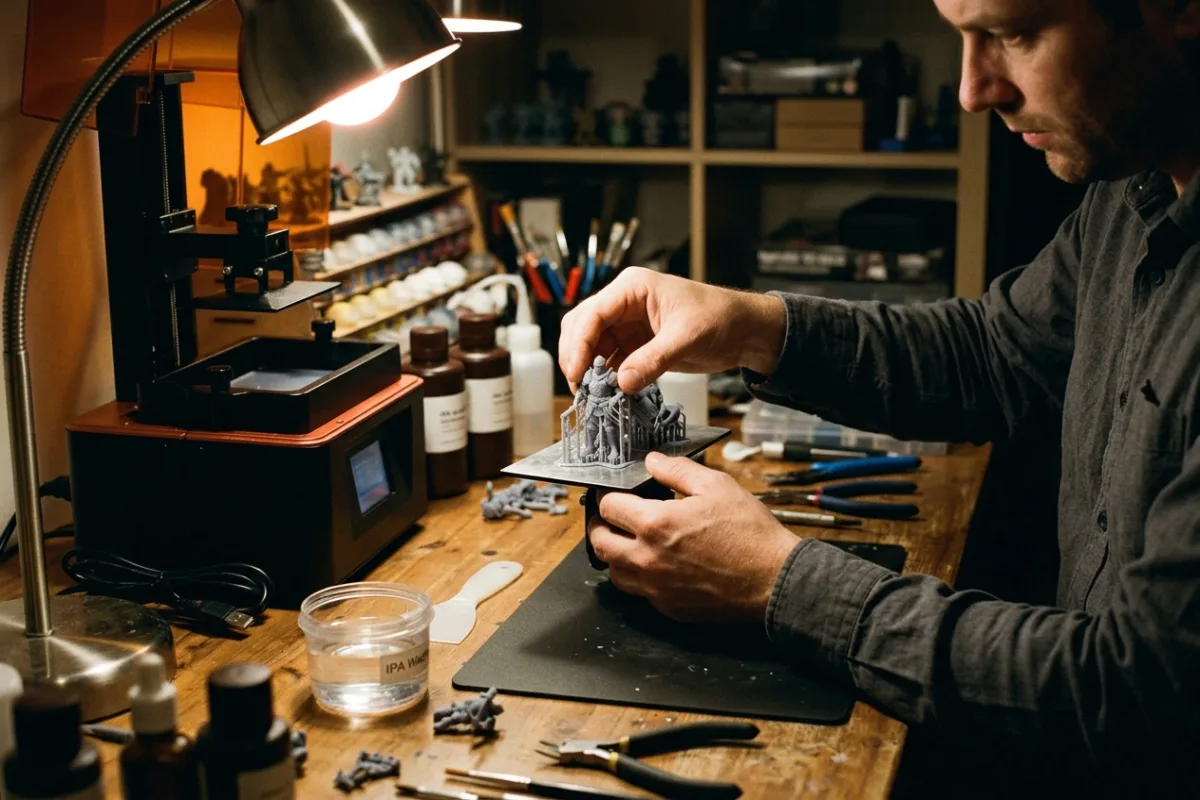 Maker & Craft
ELEGOO Saturn 4 Ultra 16K: A Resin Printer For Fine-Detail Miniatures
For hobbyists printing tabletop miniatures and cosplay props, the ELEGOO Saturn 4 Ultra 16K delivers finer resin detail and fewer failed prints than similarly priced resin printers on the market.
Read review →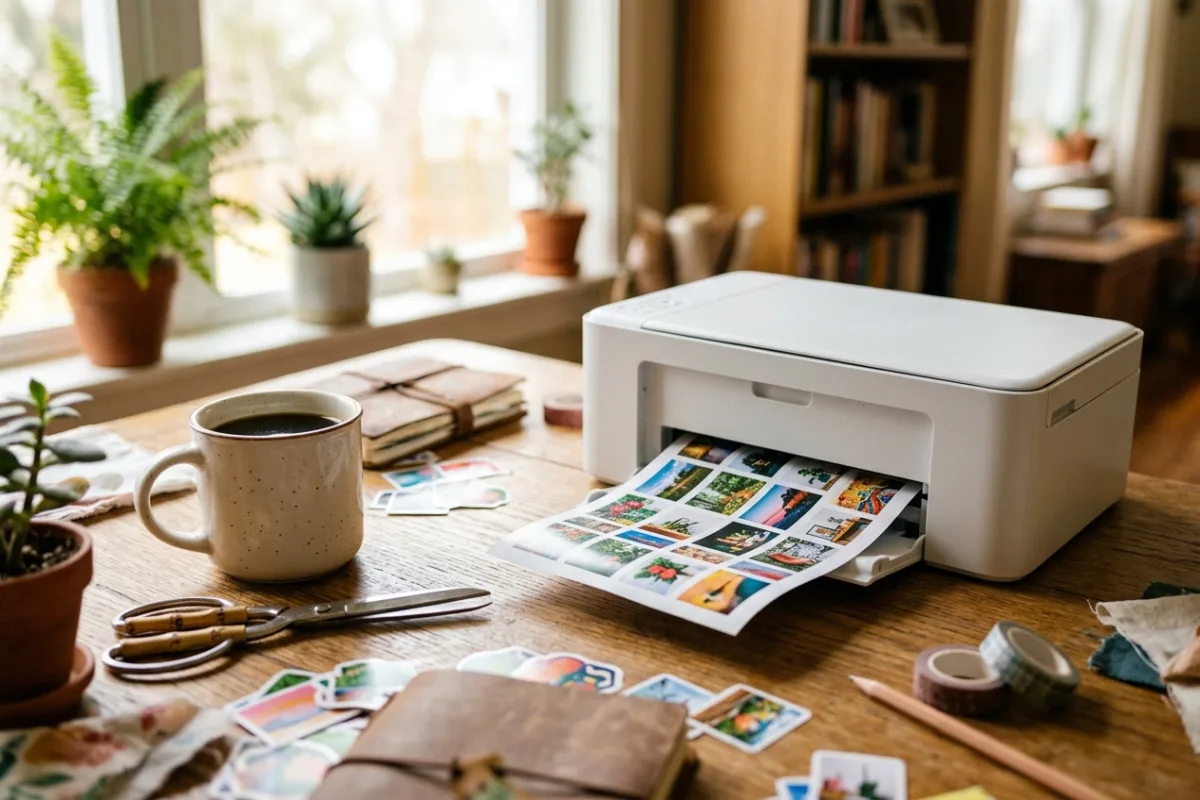 Maker & Craft
Liene PixCut S1 Review: The All-In-One Sticker Printer and Cutter
For home crafters who want custom photo stickers without owning a separate printer, cutter, and laminator, the Liene PixCut S1 combines all three steps into one short automated cycle.
Read review →