
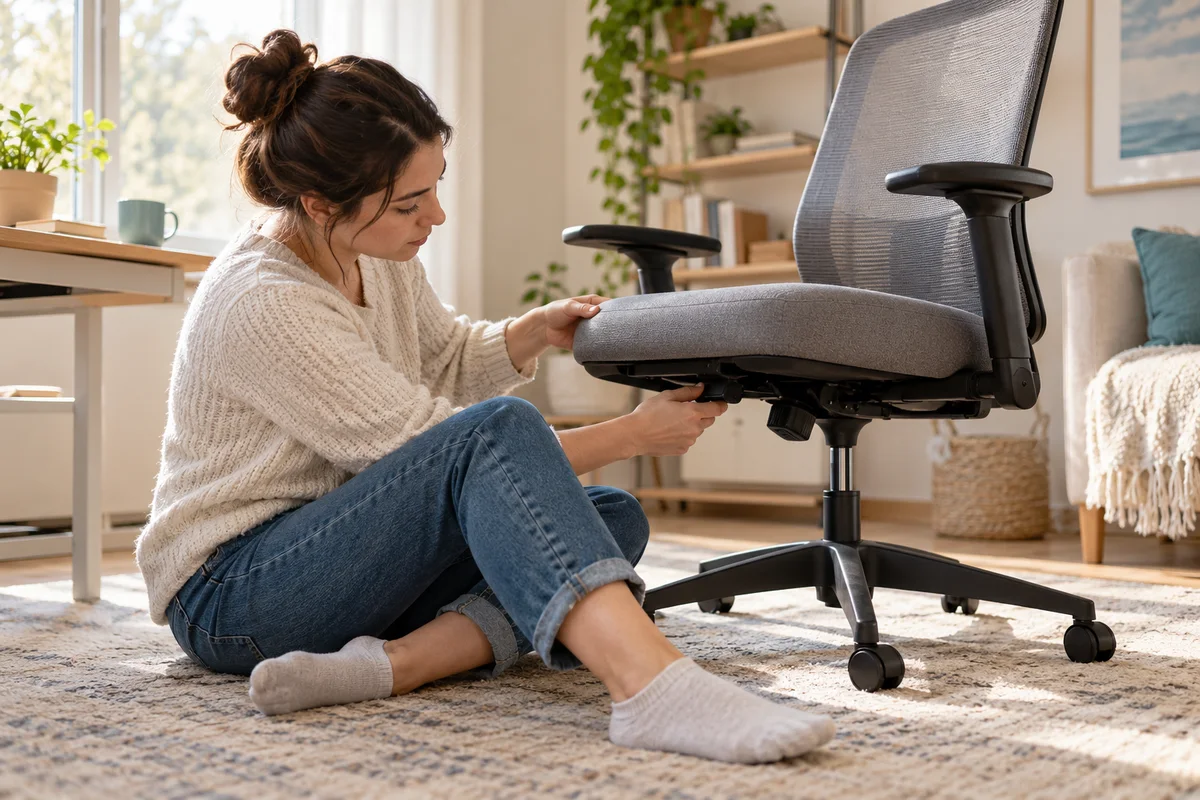
AI-generated scene illustration; not a photograph of the recommended product.
The chair arrives with a sliding seat feature, yet the front cushion seems fixed when you try to adjust it. Pulling the rear lever changes something else. Before deciding the slide is defective, identify the seat-depth control and distinguish a movement problem from a seat that simply does not fit.
The short answer
ProtoArc’s EC300 FAQ identifies the seat-depth control near the front of the cushion. Its instructions say to lift and hold that lever while adjusting, then release it to lock the chosen position. The product page lists a five-position slide with 50 mm of adjustment.
A control that works is not automatically a seat that fits your legs. Check supported ordinary movement, retained position and usable thigh support separately. Do not force the mechanism or assume a feature label establishes the correct setting for every user.
Contents
- The short answer
- Find the depth control before changing other settings
- Follow the documented slide sequence
- Evaluate the usable range rather than the largest number
- Separate fit problems from operating problems
- Keep a short slide assessment card
- Buy for adjustment you can actually use
- Frequently asked questions
- Sources and verification
Find the depth control before changing other settings
Seat height, seat depth and recline solve different problems. Height changes the relationship to the floor and work surface. Depth changes the sitting surface’s front-to-back relationship. Recline changes the backrest angle.
Read the EC300 FAQ with the actual chair in view. It distinguishes the front seat-depth lever from controls near the rear. Do not assume the control you used on another brand has the same role here.
If you cannot reach or identify the intended lever comfortably, request a demonstration. Reaching awkwardly beneath an occupied seat is not a useful test of independence. A chair that requires assistance for a frequent adjustment may be unsuitable for a shared workstation even if its mechanism functions correctly.
Follow the documented slide sequence
The FAQ describes keeping the front lever fully lifted during adjustment. It then describes moving forward with gentle hip pressure and allowing the seat to move backward when that pressure is released, before releasing the lever to lock.
Use the current model-matched demonstration alongside the written instructions if the motion is unclear. Do not interpret a resistance point as permission to yank the seat, lever it with a tool or dismantle the rail.
Check retention through permitted ordinary seated use after releasing the control. A seat that changes position unexpectedly should be reported to support. The guide does not provide a substitute repair procedure.
The FAQ’s wording refers to support from mesh material, while the EC300 product page identifies a foam seat cushion. Do not use that sentence to infer an all-mesh sitting surface or a different delivered construction. Resolve a material or version discrepancy with ProtoArc.
Evaluate the usable range rather than the largest number
Fifty millimeters describes a published adjustment range, not the total seat depth and not proof that the chair suits a particular leg length. Ask for the relevant seat dimensions if the listing only emphasizes travel.
During an authorized assessment, check whether you can sit back with useful thigh support without the front edge crowding the backs of your knees. OSHA’s chair guidance explains why that relationship matters.
Do not prescribe the maximum slide position simply because it appears to provide more support. Moving the seat forward can change how easily you maintain contact with the backrest. Moving it back can change the available sitting area. A useful position is a complete relationship, not a winning measurement.
For a practical comparison, record the position that works for the intended task and note whether there is useful adjustment remaining. The record should capture a repeatable starting point, not enforce one posture throughout the day.
Separate fit problems from operating problems
Use two questions. First, can the mechanism be operated and retained according to the instructions? Second, does any supported setting suit the user at the actual desk?
If the first answer is no, seek product support. If the second answer is no, repeated adjustment may not solve the purchase mismatch. These routes can lead to different remedies, so describe the problem accurately.
Our shared-chair guide covers recording different users’ setups. This article’s narrower task is verifying the EC300 slide control itself and distinguishing operation from fit; it is not a second two-person setup template.
Check the backrest and desk relationship without trying to make the headrest compensate for an unsuitable seat. A cushion accessory can change the geometry further. Do not add one automatically to rescue a chair whose basic dimensions are wrong.
Keep a short slide assessment card
| Check | Record |
|---|---|
| Exact chair | Model and delivered configuration |
| Control identified | Front seat-depth lever, confirmed against current instructions |
| Adjustment | Supported movement observed without forcing |
| Retention | Position remains during ordinary permitted use |
| Personal fit | Backrest contact and knee clearance in a useful task position |
| Unresolved issue | Clear observation and support case reference |
Keep the seat on a stable surface and remain within the product’s stated user limits. Do not test it with improvised loads, stand on it or remove parts to expose the mechanism. Those activities do not answer the ordinary buying question safely.
A phone note can be enough. There is no need to publish personal body measurements or photographs of your home office to establish whether the chair works for you.
Buy for adjustment you can actually use
EC300 is a candidate when its complete dimensions suit the user and the depth control is accessible and understandable. Its listed five positions can help make a setting repeatable, but position count alone is not a reason to choose it over a better-fitting alternative.
Pass or postpone if no available setting supports a practical working position, or if buying depends on an unconfirmed modification. Verify the seller’s return conditions before assembly and assessment; a general return banner does not explain every furniture case.
The direct product page showed sold-out status on this check date. Ask the actual seller about its own stock and delivery rather than copying that status across channels.
The commercial link below is for the complete EC300 chair, not a replacement slider. Existing owners should ask support about a faulty mechanism before buying a new chair or speculative hardware. Our recline guide addresses the separate rear-control task.
Frequently asked questions
Is the depth lever the same as the recline lever?
No. The current FAQ identifies them as different controls. Confirm locations on the actual chair.
Does 50 mm mean the total seat depth?
No. It is the published adjustment range. Ask for total seat dimensions separately.
Should the lever stay lifted while sliding?
The current FAQ says to keep it fully lifted during the adjustment and release it afterward to lock.
Will moving the seat forward solve every short-seat feeling?
No. Evaluate the complete seat, backrest and desk relationship. No supported setting may suit a particular user.
Sources and verification
Checked October 22, 2026. This is documentation-based control identification and purchase assessment, not a physical mechanism or health test.
Keep reading
Related guides
 Home Office
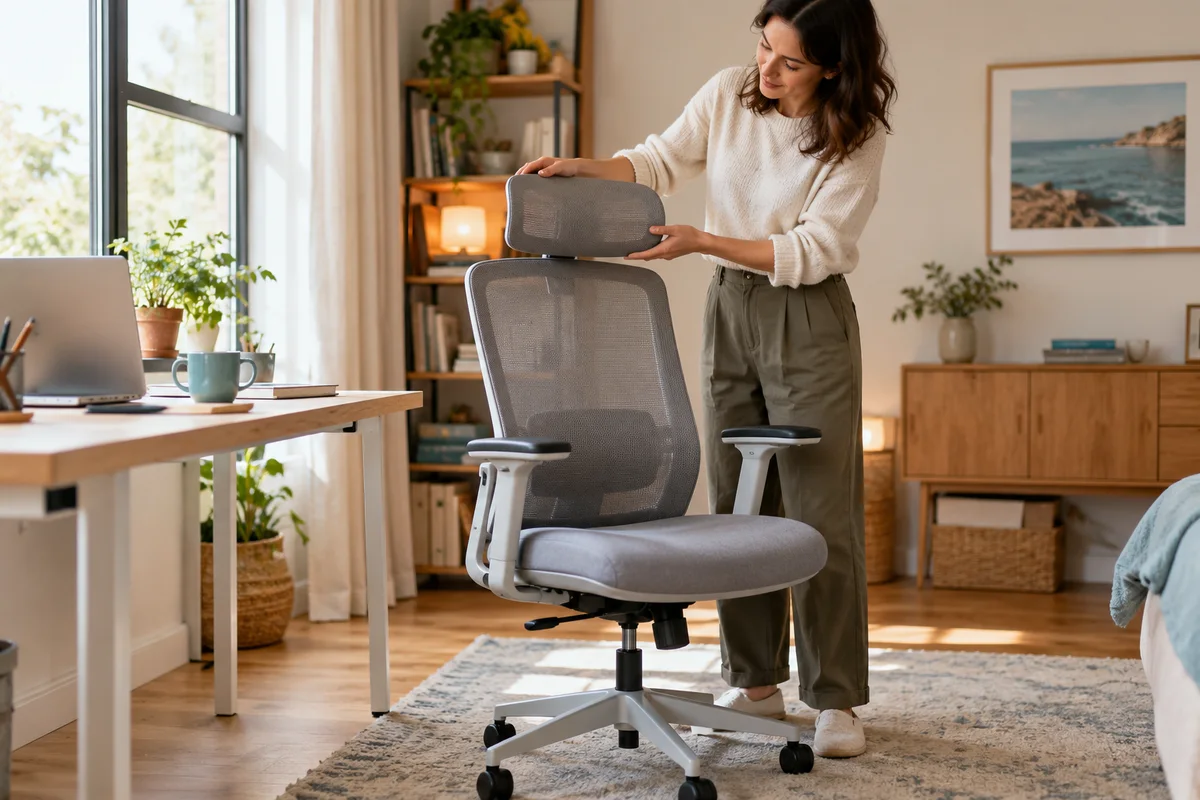
EC300 Headrest: Check Movement and Locking Separately
Separate EC300 headrest movement, retained position and locked-state support resources before treating adjustment count as proof of personal fit.
Read guide →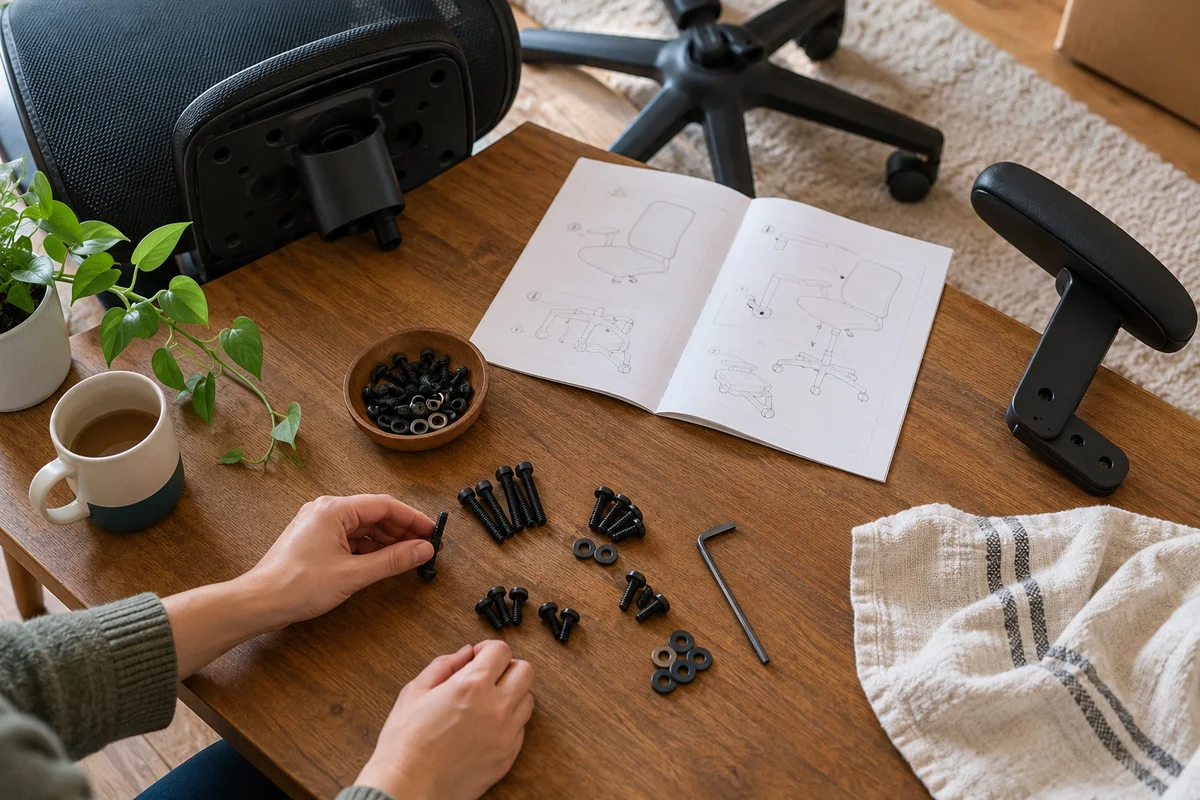 Home Office
EC300 Replacement Screws: Match the Location and Thread
Identify EC300 replacement hardware by manual location and exact part callout rather than choosing chair screws by appearance.
Read guide → Home Office
EC300 Chair Noise: Make a Support Record Before Buying
Record EC300 chair-noise triggers, safe observations and support evidence before spending on speculative parts or replacing the whole chair.
Read guide →