

AI-generated scene illustration; not a photograph of the recommended product.
A laptop stand lifts the screen out of a low corner of the desk. Then the owner tries to type on the raised keyboard and discovers that the arrangement traded one reach problem for another. An adjustable chair can help with seat fit, but it cannot independently move the laptop’s screen and built-in keys.
The short answer
Separate screen position from keyboard and pointer position before buying a ProtoArc EC300 for a laptop desk. A stable stand can move the display, while an external keyboard and pointer can remain on a usable surface. Establish those positions first, then see whether the chair’s supported adjustments and actual armrests fit the remaining space.
If your existing chair already fits after the input devices are moved, there may be no chair purchase to make. If the desk still prevents usable reach and clearance, changing only the chair is unlikely to solve the complete layout.
Contents
- The short answer
- Start with the work
- Measure the working envelope
- Check the chair with the keyboard in place
- Try a ten minute routine
- Save the desk fit card
- Buying advice
- Frequently asked questions
- Sources and verification
Start with the work
Write down the task you actually do at the desk. Long typing, occasional calls and alternating between a paper notebook and screen can place different demands on a small surface. Identify the item you reach for most often and reserve room for it before placing less-used equipment.
OSHA’s workstation purchasing checklist discusses external keyboards and pointing devices for laptop use. The useful principle is that screen and input placement need not be tied together. This article uses that as a planning principle, not a claim that a particular chair prevents pain or an injury.
For a temporary setup, try supported equipment you already have. Do not improvise a stand from an unstable stack or block the computer’s ventilation. If the desk is narrow, a compact keyboard may leave better room for a pointer, but only if it still supports the work you do.
Measure the working envelope
Check the desk’s usable depth with the stand opened and the laptop at its intended angle. Include the footprint of its feet, cable exits and the space for a stable keyboard and pointer. Desk dimensions measured with everything folded away can overstate the space available while working.
A deeper stand can push the display forward, leaving less space for the input devices. A thin stand can still need room for the laptop hinge, and cables can consume space behind it. Do a dry placement before ordering an additional desk accessory.
Check that the screen is comfortably readable without leaning forward. If the text is small, software scaling or a different display may be a more direct option than moving the seat. A higher chair is not necessarily the right way to make a screen easier to see.
Check the chair with the keyboard in place
The EC300 product information describes adjustable seat depth and other fit controls. Those let a buyer assess seating, not certify an exact fit at a particular desk. Confirm the actual selected version and the armrest dimensions rather than borrowing features from a different package or older specification.
Check whether your feet can be supported and your legs have clearance when the keyboard is in reach. Look at the underside, including drawers, rails and the desk edge. If armrests stop the chair before you can reach the keys, lowering or repositioning them may be an option only if the actual model supports it and the result still works for you.
A chair that fits in a photograph may not fit while someone is sitting, turning or getting up. Test the occupied work position and exit path. Our standing desk transition guide covers a different case: furniture with powered vertical movement. This guide assumes the work surface itself stays fixed.
Try a ten minute routine
With the supported layout assembled, type a short ordinary document, use the pointer, read a page and reach for a notebook. Notice where you repeatedly move the keyboard or lean toward the display. Adjust one thing at a time so you can tell what solved the problem.
Check how the setup is packed away if the desk is shared. A stand that is easy to fold might be more useful than a permanent desktop accessory. If cords are moved each time, make the connectors reachable and keep the route out of the chair’s wheels.
Recheck after a work session that resembles the normal task. A comfortable first minute does not prove that the layout is the best one for an entire day. Vary tasks and take ordinary breaks according to your needs; no furniture purchase is a treatment plan.
Save the desk fit card
| Item | What to record |
|---|---|
| Screen | Stable stand, readable position and clearance |
| Keyboard | Separate position and actual hand reach |
| Pointer | Space beside the keys |
| Chair | Seat fit with feet supported |
| Arms | Selected version and desk underside clearance |
| Exit | Normal sit, turn and stand path |
Keep the card with actual measurements and the seller’s return information. It makes it easier to compare a new chair against the current one without confusing changes in screen height with changes in seating.
Check the camera and microphone position if calls are a regular task. A new stand can change the camera angle and the location of the laptop microphone, but it does not fix an uncomfortable input layout. Put a call setup and a typing setup on the same card if you switch between them. Keeping one layout is useful only when it does both tasks acceptably; otherwise, an easy, safe change between the two positions may be worth more than another adjustment on the chair.
Buying advice
Consider EC300 when its actual fit and adjustment range solve a seating problem after the work surface is arranged. Do not buy it mainly to raise your eyes toward a poorly placed screen, or when arm clearance cannot be confirmed. The EC300 buying guide is a broader product starting point; confirm the actual seller’s exact version, delivery and return terms.
If the keyboard and pointer change solves the problem, keep the current chair. If the fixed desk itself is the constraint, compare a supported different work surface before buying more chair adjustments. We have not measured individual fit or evaluated health outcomes.
Frequently asked questions
Can a laptop stand replace an external keyboard?
No. The stand changes the screen position; the built-in keyboard moves with it.
Is the current brand page proof of the partner variant?
No. Verify the selected product and its controls with the actual seller.
Should I choose chair height to match only the screen?
No. Assess foot support, input reach, clearance and screen position separately.
Does an adjustable seat depth guarantee desk fit?
No. It adjusts a seating dimension. The armrests, desk underside and usable approach still matter.
Sources and verification
Checked November 5, 2026. Compared current EC300 published fit features with workstation purchasing and evaluation guidance. No chair or health outcome was tested.
- ProtoArc EC300 product and fit information
- OSHA computer workstation purchasing checklist
- OSHA workstation evaluation checklist
Keep reading
Related guides
 Home Office
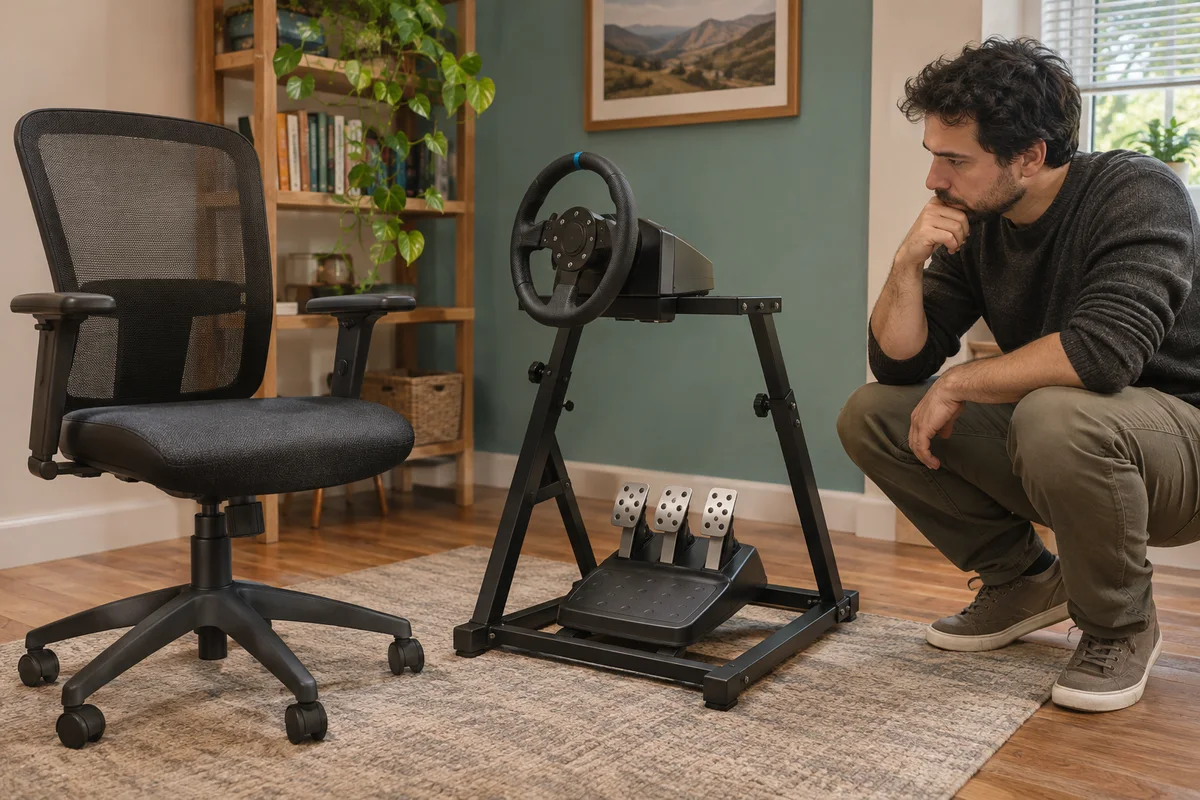
EC200 Sim Racing Seat Limits
Compare EC200 office seating with a sim-racing setup through pedal reaction, rolling movement and explicitly supported equipment arrangements.
Read guide →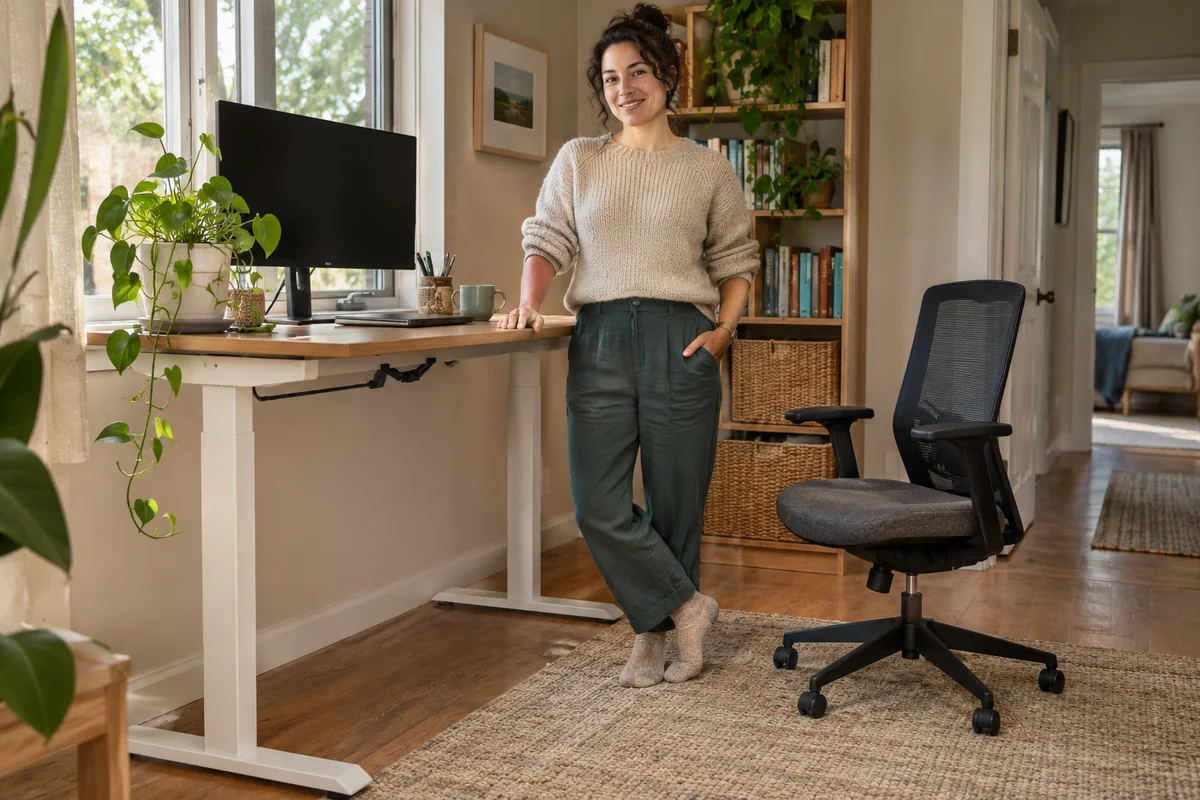 Home Office
EC300 and Standing Desk Movement
Check EC300 chair parking, armrest clearance and cable movement before combining it with a height-adjustable desk in a shared home office.
Read guide → Home Office
EC300 Small-Office Clearance
Assess EC300 in a narrow home office through desk approach, caster movement, recline space and an unobstructed exit before buying a larger chair.
Read guide →