
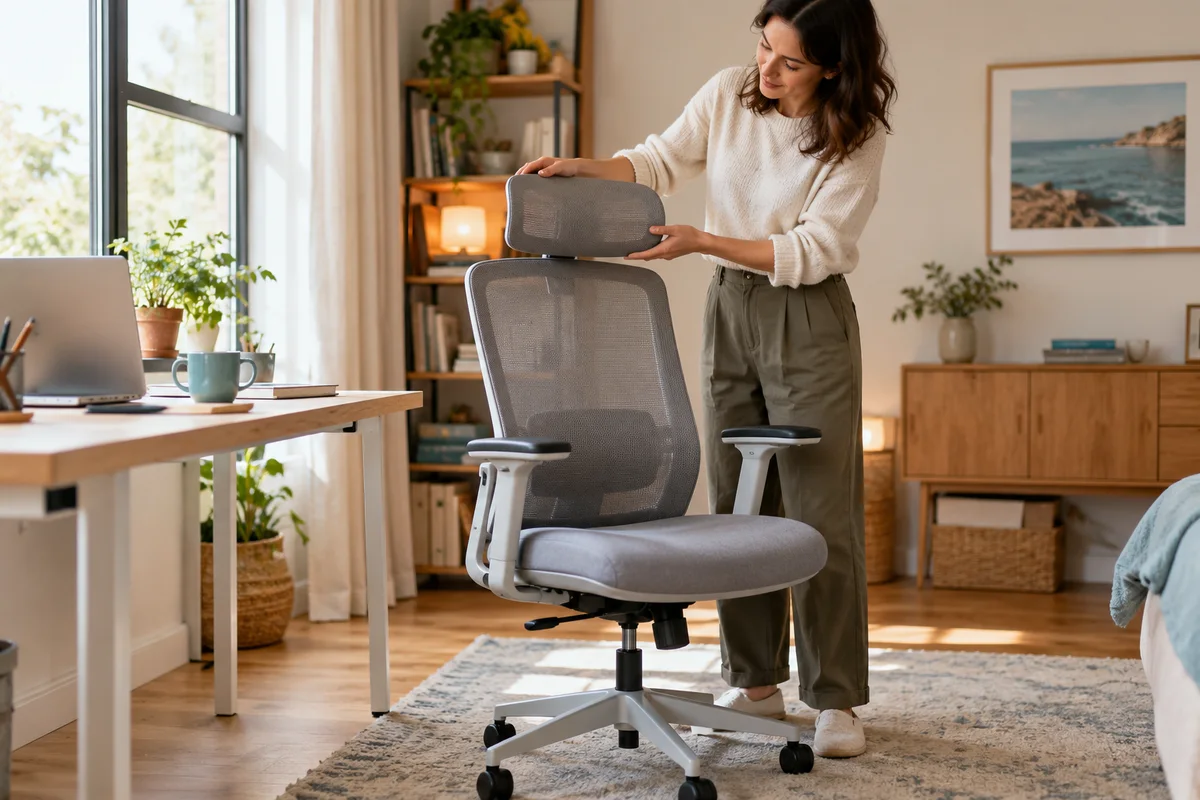
AI-generated scene illustration; not a photograph of the recommended product.
The chair fits under the home desk and the backrest feels promising, but the headrest will not stay where you expect. Moving the whole backrest changes lumbar support as well, so it is a poor substitute for understanding the headrest’s own mechanism.
The short answer
For ProtoArc EC300, check headrest movement and locking as separate tasks. ProtoArc provides dedicated demonstrations for vertical movement and locking, forward-and-back movement and locking, and resetting a locked headrest. Choose the demonstration that matches the observed state rather than forcing the part.
A “3D headrest” label does not prove personal fit, establish a safe force to apply or promise relief from neck pain. Before buying, assess the complete chair and confirm the actual model, its supported adjustment procedure and the seller’s assessment and return terms.
Contents
- The short answer
- Identify what is actually moving
- Match the support resource to the headrest state
- Assess contact without turning it into a treatment claim
- Check retention during permitted ordinary use
- Use a three-state headrest note
- Decide whether EC300 belongs on the shortlist
- Frequently asked questions
- Sources and verification
Identify what is actually moving
Start by naming the part. The headrest is not the same mechanism as the entire height-adjustable backrest. On EC300, the lumbar area moves with the backrest, as explained in our backrest-fit guide.
Watch the junction between the headrest and backrest during an ordinary, supported adjustment. Is the headrest moving vertically, changing reach toward the user, rotating, or moving together with the whole backrest? A short factual observation is more useful than “everything feels loose.”
Do not compensate for a headrest issue by repeatedly raising the backrest beyond a useful position for the rest of your body. Treat each adjustment as its own decision. If a display chair is available, ask someone familiar with that exact model to demonstrate before trying it yourself.
Match the support resource to the headrest state
The EC300 operation page separates several headrest demonstrations. Its headings distinguish up-and-down adjustment and locking, forward-and-back adjustment and locking, and resetting or unlocking a locked headrest.
That separation is important. A part that moves but will not retain its position is not the same observation as a part that is locked and will not move. The answer to one should not be applied blindly to the other.
Open the relevant current demonstration and compare the visible assembly with your chair. This article identifies the correct support resources; it does not reproduce unverified hand movements, invent a release-button location or prescribe a force threshold. If the illustration or mechanism differs, contact ProtoArc before continuing.
A support video from a different chair can look reassuringly similar while describing a different latch. Keep EC200, EC300 and third-party replacement headrests separate. Model names are compatibility evidence, not interchangeable search keywords.
Assess contact without turning it into a treatment claim
A headrest can be positioned for a particular seated activity, but a feature count does not establish whether its contact point suits you. Check it during the task you actually intend: reading, ordinary calls or another supported seated activity.
Notice whether you can reach the keyboard and see the screen without pushing your head forward to meet the cushion. If the headrest only works when the rest of the workstation becomes awkward, that is a fit concern rather than a reason to preserve the setting.
OSHA’s chair guidance emphasizes evaluating the chair with the desk, keyboard and monitor. It does not certify this model or establish that adding a headrest treats a condition. Persistent symptoms deserve qualified advice rather than a more forceful adjustment.
Check retention during permitted ordinary use
Once the manufacturer-supported adjustment is understood, assess whether the selected position remains usable during ordinary movement. Do not hang weights from it, pull it as a lifting handle or use it to move the entire chair.
Keep the test proportional to the purchase. A few permitted seated observations can reveal an immediate mismatch; they cannot establish years of durability. A brief satisfactory trial is not a laboratory lock-strength result.
If the part slips or behaves unexpectedly, stop and record which direction changed. Note whether the change occurred while adjusting, when leaning back normally, or after getting out of the chair. Avoid repeating an unsafe movement just to film it.
Ask support whether the observation reflects an adjustment state, an assembly issue or a component requiring attention. Do not tighten an unidentified joint or substitute hardware based only on appearance.
Use a three-state headrest note
| Observation | Next useful question |
|---|---|
| Moves vertically but does not retain position | Which current vertical-locking demonstration applies? |
| Changes reach but does not retain position | Which forward-and-back locking procedure applies? |
| Appears locked and cannot be adjusted | Which reset or unlock demonstration matches this assembly? |
| Different mechanism or unexplained movement | Does support recognize the exact delivered version? |
Add the model, the setting attempted and the support response. Keep personal order details out of any publicly shared video. A short clip showing the relevant joint is generally more informative than a wide shot of the entire room.
Do not fill unknowns with a guessed diagnosis. “Moved downward after ordinary seated contact” is an observation; “the locking teeth are stripped” is an internal conclusion. Keeping them separate prevents premature purchases.
Decide whether EC300 belongs on the shortlist
EC300 is worth considering if the complete seat, backrest and desk arrangement fits, and the headrest’s supported range is useful for your intended activity. Verify the current product specifications, rather than buying on the word “adjustable” alone.
Pass when the purchase depends on an unconfirmed extender, a homemade adapter or a promised health outcome. Also reconsider if the headrest needs repeated handling that the user cannot comfortably perform. Convenience is part of fit.
The direct product page showed sold-out status at this check. That does not determine the stock of a separate marketplace seller. Confirm availability, exact configuration and return handling at the actual offer before planning delivery.
Existing owners should investigate an adjustment or support remedy before replacing the entire chair. The partner link below is for the complete EC300 chair, not a headrest accessory or repair service. Our hardware guide addresses exact replacement fasteners when support identifies that separate need.
Frequently asked questions
Does moving the backrest adjust only the headrest?
No. EC300’s entire backrest adjustment also moves its integrated lumbar region. Identify the headrest’s own movement separately.
Can I use an EC200 headrest video instead?
Do not assume the mechanisms match. Use documentation for the exact chair and delivered version.
Does a 3D headrest guarantee comfortable neck support?
No. Adjustment dimensions and actual personal fit matter. This guide makes no medical or comfort guarantee.
Should I force a locked headrest until it releases?
No. Consult the matching reset or unlock demonstration and ask support when the state is unclear.
Sources and verification
Checked October 22, 2026. No chair was handled or lock-strength tested. Video-page headings identify support routes; no unseen movement is presented as a performed procedure.
- ProtoArc EC300 operation resources.
- ProtoArc EC300 product specifications.
- OSHA workstation chair guidance.
Keep reading
Related guides
 Home Office
EC300 Seat Depth: Check the Slide Before Buying
Identify the EC300 front seat-depth control, verify its supported slide and retained position, then separate mechanism operation from personal fit.
Read guide → Home Office
EC300 Replacement Screws: Match the Location and Thread
Identify EC300 replacement hardware by manual location and exact part callout rather than choosing chair screws by appearance.
Read guide → Home Office
EC300 Chair Noise: Make a Support Record Before Buying
Record EC300 chair-noise triggers, safe observations and support evidence before spending on speculative parts or replacing the whole chair.
Read guide →