
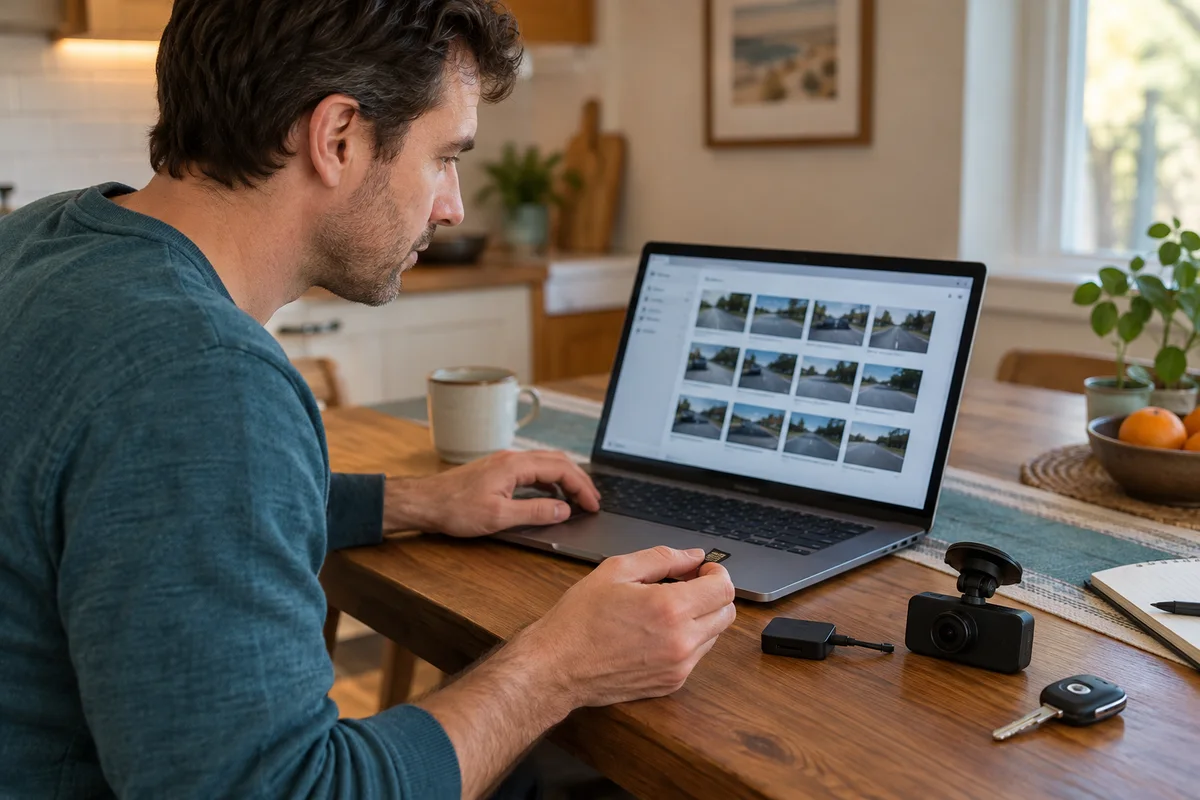
AI-generated scene illustration; not a photograph of the recommended product.
A dash cam announces a card error the evening before a long drive. Formatting looks like the quickest fix, but that card may also contain a parking scrape from yesterday, the minutes before an incident, or a rear-camera view you have not checked. Card maintenance and footage preservation are two different tasks. Do the preservation task first.
This guide uses the VIOFO A229 Plus as a buying candidate for a front-and-rear routine. The useful feature is not simply recording more video. It is a setup that lets you identify, copy, verify, and find the original files when needed.
The short answer
Before formatting, deleting, updating firmware, or allowing important clips to roll out of storage, copy the relevant original files to a separate device and verify that they play. Preserve both channels and the surrounding time period where available. Formatting is destructive; a locked clip is not a separate backup.
Use a card recommended for the exact model and follow current model-specific maintenance instructions. Buy a new camera only if the recording and retrieval workflow solves your need. Replacing hardware without changing the save routine can leave the same problem intact.
Contents
- Choose the files before changing the card
- Preserve originals and both views
- Verify the copy
- Keep an event folder you can find
- Maintain the card after saving
- Check the next recording
- Buying advice
- Frequently asked questions
- Sources and verification
Choose the files before changing the card
Park safely and stop handling the camera while driving. Identify the approximate date and time of the relevant event before opening a large list of clips. If the camera clock is wrong, note the discrepancy rather than assuming the displayed timestamp is accurate.
Select a wider time interval than the single moment that first caught your attention. What happened immediately before and afterward may help explain the sequence. A clip boundary can split an event into two files; the file with the memorable image is not necessarily the complete story.
Do not format a malfunctioning card merely because a support menu suggests maintenance. If valuable footage cannot be read, stop using the card and seek appropriate recovery advice. Continued recording or a repair attempt can affect what remains recoverable. This article cannot promise recovery or preservation for a damaged card.
Preserve originals and both views
Use the transfer method supported by your model and current app. When using a card reader, follow the shutdown and removal instructions rather than pulling a card during recording. Keep small cards in a protective case so a successful download does not end with the original lost in a bag.
Copy the original front and rear files separately where the setup records them separately. Do not assume one downloaded preview includes every channel. A rear view that looks uneventful can still establish the position of another vehicle or the continuity of the event.
Keep an untouched original copy. A shorter edited excerpt may be convenient for sharing, but it should not become the only version you own. Screenshots, messaging-app compression, and screen recordings are not equivalent to the underlying files.
Do not upload unrelated passengers, plates, or location histories publicly just to check playback. Preserve necessary material privately and share through the appropriate recipient’s requested method. This is organizational guidance, not legal advice about evidence or local recording rules.
Verify the copy
Open the copied files from their new location, not directly from the card. Confirm that the expected time interval is present and that both views play through. Check whether audio exists where expected; do not infer that a silent clip proves the recording was faulty.
Look at the beginning, the relevant moment, and the end. A filename alone does not prove a transfer completed. Check file sizes and transfer completion messages for obvious problems, while remembering that a large file can still be corrupt.
When the footage matters, keep another copy on a separate storage location. Choose a method you can maintain and access. A folder duplicated on the same device does not protect against losing that device. Do not promise yourself a backup routine that depends on remembering it only after something goes wrong.
Keep an event folder you can find
Use a simple folder name with the date and a neutral event description. Include a short note explaining the camera model, the approximate event time, which channels were saved, and any known clock discrepancy. Keep commentary separate from the original recordings.
For example, an owner might create a private folder named with the date and “parking scrape,” containing original front files, original rear files, and a plain note. This is an illustrative organization method, not a required legal format or proof that a claim will succeed.
Avoid renaming or editing originals unnecessarily. If a recipient requests a particular format, create a copy for that purpose and retain the source version. Record where you sent it so you can retrieve the same material later without hunting through a messaging history.
Maintain the card after saving
VIOFO’s general support guidance recommends regular formatting because dash cams repeatedly write and overwrite storage. Its card guidance also stresses endurance and exact-model compatibility. These are maintenance considerations, not assurances that a particular card will never fail.
Confirm the model’s current capacity and card recommendations before ordering. A familiar consumer card from an old phone is not automatically the right choice. Storage quantity, sustained writing, compatibility, and genuine sourcing should be considered together.
Follow the current camera-specific formatting procedure after confirming that required files are safely preserved. Do not apply instructions for a different model or rely on an old computer-formatting tutorial without checking. If recurring errors remain, investigate the card, power, setup, and support advice rather than formatting repeatedly without diagnosis.
Check the next recording
After maintenance, make a short ordinary recording using the supported setup and review it while safely parked. Confirm that the front and rear views both exist, timestamps are sensible, and files play from the intended transfer method.
Recheck camera settings if an update or reset was involved. A recording-quality setting, channel selection, or clock preference may have changed. Our dash-cam clock checklist covers that separate verification.
Put a small reminder in your calendar to inspect real files periodically. The goal is not to watch every journey. It is to know that recording and retrieval still work before you depend on them.
Buying advice
The A229 Plus is worth considering when its current package, compatible card, power arrangement, and front-and-rear retrieval method fit your vehicle. Include the card and any professionally installed accessories in the budget, and ask the seller what is included.
Pass on an upgrade justified only by a larger storage number if the existing camera already meets your needs and the main failure is forgetting to save files. A better preservation routine may be the lower-cost improvement. Check the partner listing after you know exactly which recording problem the purchase would solve.
Frequently asked questions
Does locking a clip protect it from formatting?
Do not assume so. A locked clip remains on the same card; preserve a verified separate copy before destructive maintenance.
Is a phone preview enough?
Not necessarily. Verify the downloaded original files and both channels. A preview may not include the full event or the original quality.
Will a bigger card guarantee a longer usable history?
No. Settings, channels, locked-file allocation, and actual operation matter. Check the model’s supported card and your real recording behavior.
Sources and verification
Checked October 13, 2026. No footage-recovery, insurance, or legal outcome is guaranteed.
Keep reading
Related guides
 Garage & Workshop
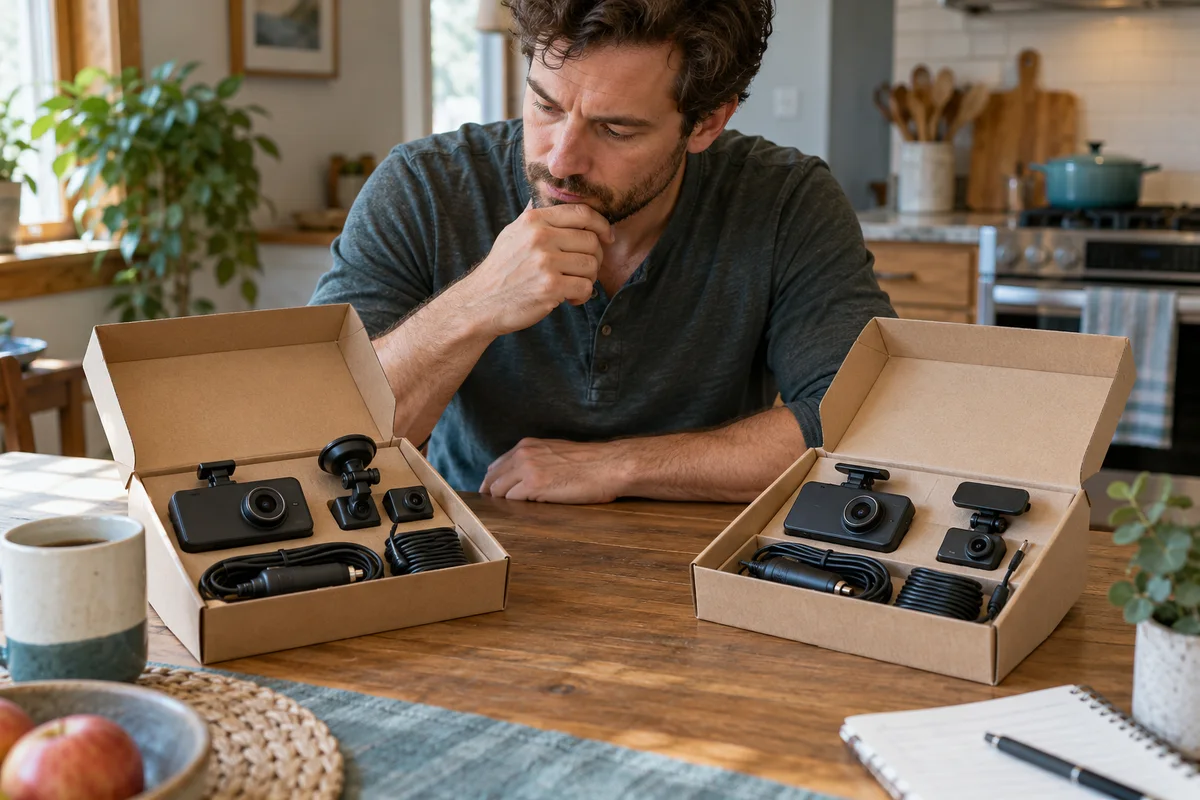
A229 Plus vs A329S
Compare A229 Plus and A329S for a front-and-rear household setup, including resolution, storage effort, installation and the complete purchase basket.
Read guide →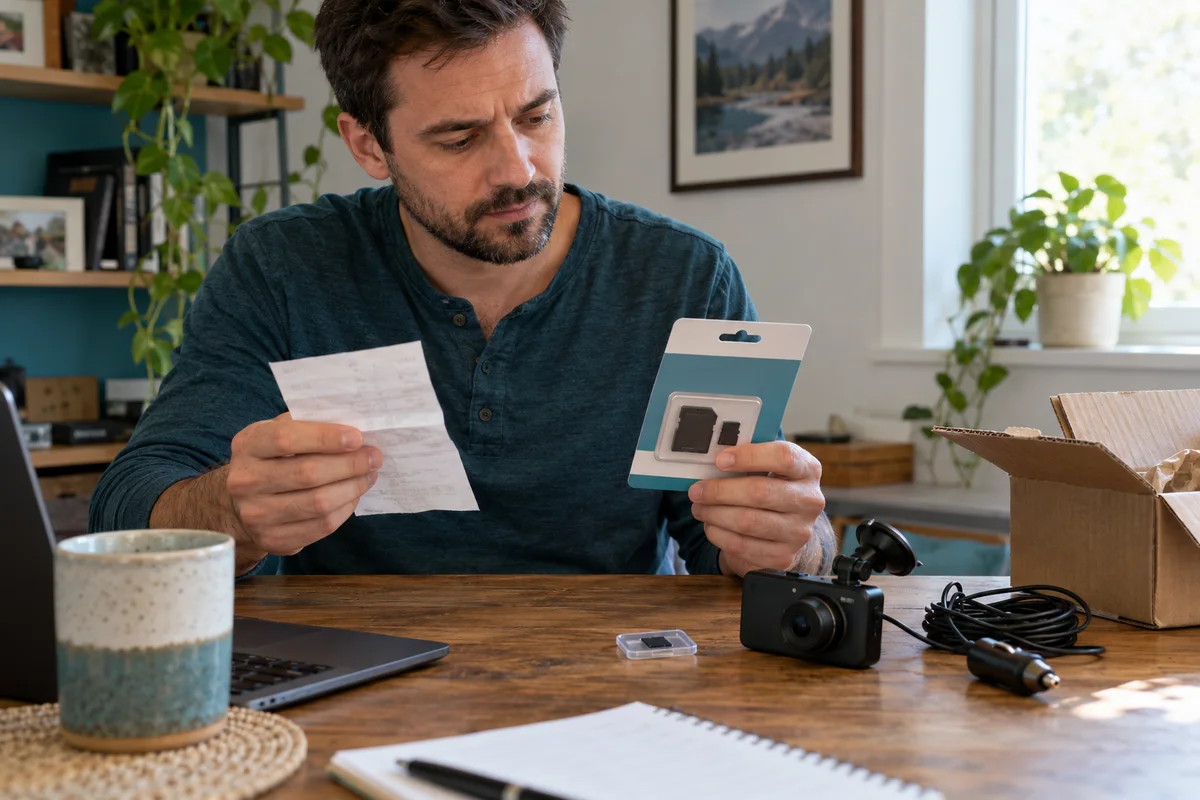 Garage & Workshop
A229 Plus Memory Card Sourcing
Separate A229 Plus card compatibility from genuine sourcing, seller identity and purchase evidence before replacing a card or the camera.
Read guide →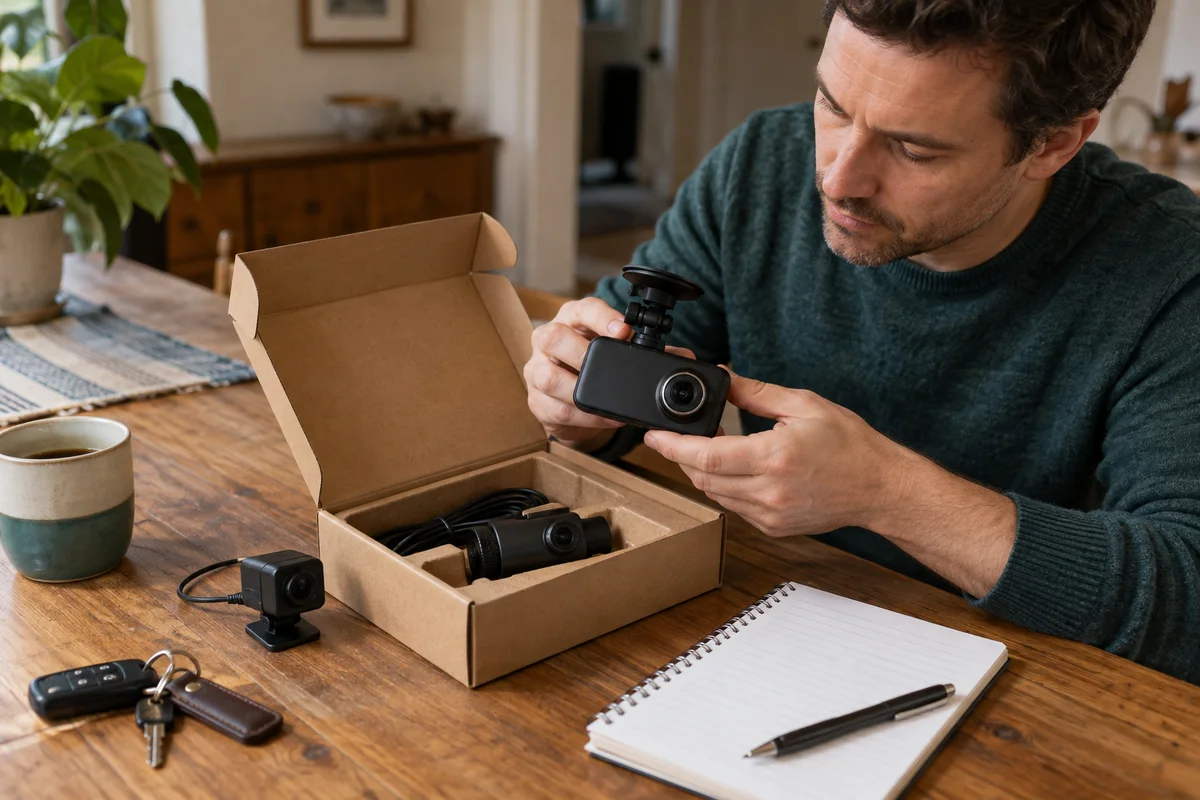 Garage & Workshop
A329S Two- and Three-Channel Kits
Compare A329S front-and-rear, front-and-cabin and three-camera kits without assuming a series feature describes the selected seller's bundle.
Read guide →