
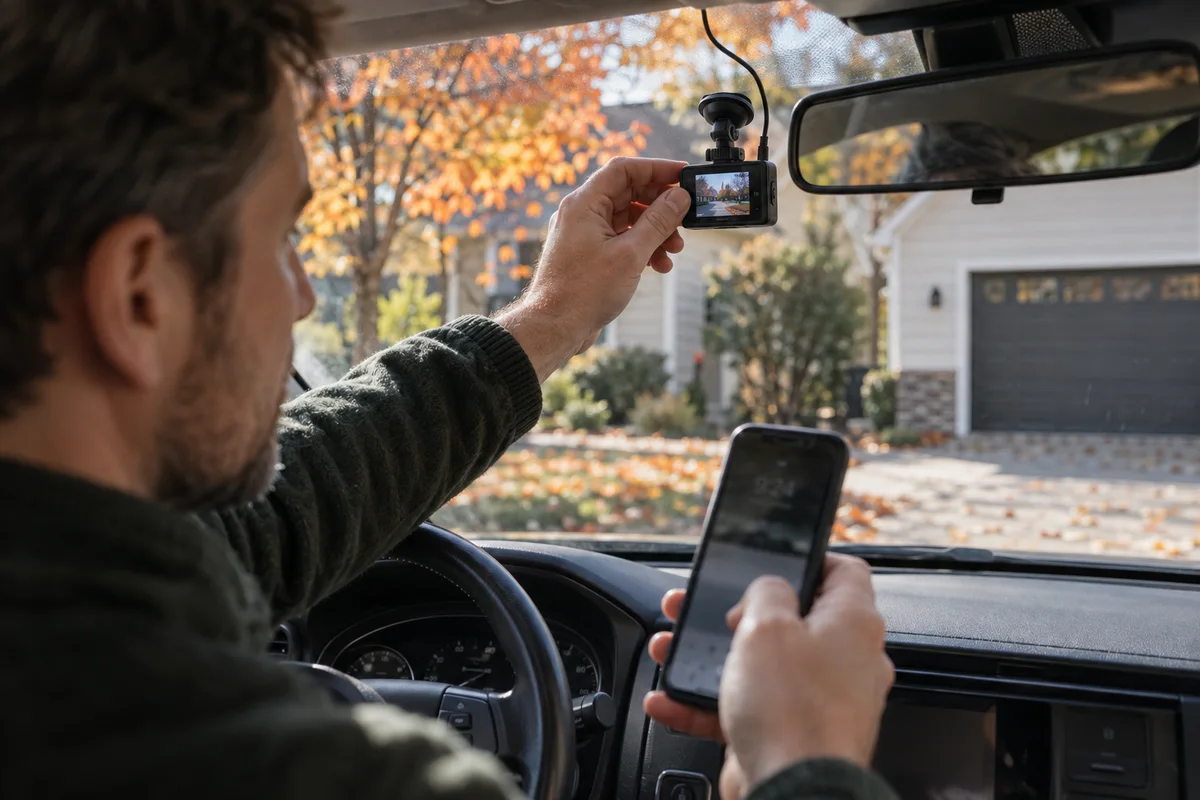
AI-generated scene illustration; not a photograph of the recommended product.
You save a clip from the morning commute and notice that its printed time is an hour away from the time you remember. The camera recorded the road, but the clock setting adds confusion when you try to match the file to a journey or another record.
The upcoming clock change is a convenient reminder to check that detail. According to NIST, U.S. daylight saving time ends on November 1 in 2026, at 2 a.m. local time where observed. Some jurisdictions do not observe it. Your location and camera settings matter more than a blanket instruction to change every clock.
The short answer
Check the dash cam’s time zone and daylight-saving setting while safely parked, then verify a new original recording. For VIOFO cameras using GPS time, the manufacturer’s current support guidance says the time-zone and DST configuration must be correct; GPS synchronization alone does not fix a wrong local setting.
The VIOFO A229 Plus is a candidate if you also need a front-and-rear recording setup, but a clock error by itself is not a reason to replace an otherwise suitable camera. Correct the configuration before shopping.
Make the reminder match your region
First confirm whether your home location observes the November change. If you cross a time-zone boundary for work or travel, determine which local time you intend the camera to display. A fixed home setting can make a trip’s timestamp appear different without meaning the recorder failed.
Set a reminder for after the transition, not only before it. Checking in October confirms the current configuration; checking a fresh file on or after November 1 confirms the result. Do not apply next month’s setting early merely because you read this guide now.
Keep the reminder simple: local region, expected time zone, whether DST applies, and the date of the post-change check. You do not need an elaborate maintenance app to remember one useful verification.
Understand what GPS time does and does not solve
GPS can provide a time reference, while the camera’s local configuration determines the displayed offset. VIOFO’s support article specifically directs users with incorrect time to check their time zone and allow GPS calibration.
It also cautions against treating app synchronization as the first fix when GPS and app time conflict. Read the guidance for the exact model and firmware rather than repeatedly setting the displayed clock without addressing the underlying offset.
If GPS is disabled or the mount does not provide it, the supported procedure may involve manual date and time settings. Confirm your actual hardware. A feature mentioned for the brand generally does not prove your installed arrangement uses it.
Perform the check only in a safe parked setting
Park legally, secure the car, and use a setting where you can inspect equipment without attending to traffic. Do not reach toward a windshield camera while driving or combine menu changes with a moving-car recording test.
Open the current model’s settings, verify the time zone, and check the applicable DST option. Menu wording can vary with firmware. Follow the current A229 Plus manual and support instructions instead of relying on a screenshot for a different model.
Allow any supported synchronization to complete, then create a short fresh recording. Compare the displayed timestamp with a trusted local clock. You are checking a configuration result, not proving the legal value of the recording.
Inspect the original file, not just the phone preview
Download or copy the short original clip through the camera’s supported method. Open it on a device where you can read the timestamp clearly. A small preview may hide the one detail you are trying to verify.
Check date, hour, minutes, and whether the clip comes from the expected camera channel. Look at the beginning and a later point in the file rather than judging from a single thumbnail. Confirm the file plays normally and shows your intended road view.
If the displayed time is still wrong, note the camera model, firmware version, GPS status, time-zone setting, and observed difference. That compact record is more useful to support than “the time keeps changing.”
Keep old footage unchanged
Correcting a setting affects future recordings; it does not make old clips newly accurate. Do not edit an original file’s timestamp overlay to make it match your recollection. Preserve the original and, where needed, keep a separate factual note about the offset you observed.
If a clip matters for an incident, preserve it promptly using the supported lock or export process. Loop recording can replace older files. Do not format the card or update firmware before securing footage you need.
An organized folder can include the original video and a text note identifying the camera, export date, and any known time discrepancy. Requirements for formal use vary; this household checklist is not legal advice.
Add three other checks while you are there
Verify that both intended channels are recording, the lens has a clear view, and the storage card shows no warning. A correct clock is useful, but it does not compensate for a blocked rear lens or a card that stopped saving footage.
Review the mount position and cable route without disturbing vehicle safety systems. Do not obstruct the driver’s view or interfere with airbags. Installation requirements depend on the vehicle and local rules.
For the separate problem of reflections and poor rain-night footage, use our autumn dash-cam visibility checklist. Clock configuration and image visibility should be diagnosed as different issues.
When a new A229 Plus is worth considering
A purchase makes more sense if you need front-and-rear coverage, the current unit is unreliable, or your existing setup cannot meet a defined recording need. Compare the total package: supported storage card, mounting parts, cables, and any separately required power arrangement.
Ask how easy it will be to retrieve an original clip with your own phone or computer. Check the current documentation and return policy. A camera is less useful if the household never rehearses exporting a file.
Avoid shopping solely by resolution. Reliable configuration, an appropriate installation, and a simple verification habit matter in everyday ownership. Start with the problem you have, then choose the hardware that addresses it.
Frequently asked questions
Does every U.S. driver need to change a dash cam on November 1?
No. DST observance and device behavior vary. Confirm your location and the exact camera settings, then inspect a fresh recording after the transition.
Why is my GPS camera still an hour wrong?
A wrong local time zone or DST option can produce that result despite GPS time. Check the manufacturer’s current procedure for your model before relying on manual app synchronization.
Should I modify the time printed on old footage?
Preserve the original. Document a known discrepancy separately instead of changing the recording. For an important incident, seek appropriate professional guidance about handling evidence.
Sources and verification
Checked October 12, 2026. This article verifies the upcoming date and manufacturer’s configuration guidance; it is not an incident-evidence assessment.
- NIST daylight-saving rules and 2026 dates
- VIOFO support: setting and updating dash-cam time
- VIOFO current model manuals
Keep reading
Related guides
 Garage & Workshop
A229 Plus Memory Card Sourcing
Separate A229 Plus card compatibility from genuine sourcing, seller identity and purchase evidence before replacing a card or the camera.
Read guide → Garage & Workshop
A329S Two- and Three-Channel Kits
Compare A329S front-and-rear, front-and-cabin and three-camera kits without assuming a series feature describes the selected seller's bundle.
Read guide → Garage & Workshop
A329S Bitrate and Storage
Compare A329S bitrate settings through original-file detail and practical storage tradeoffs instead of treating Maximum as a universal quality guarantee.
Read guide →