
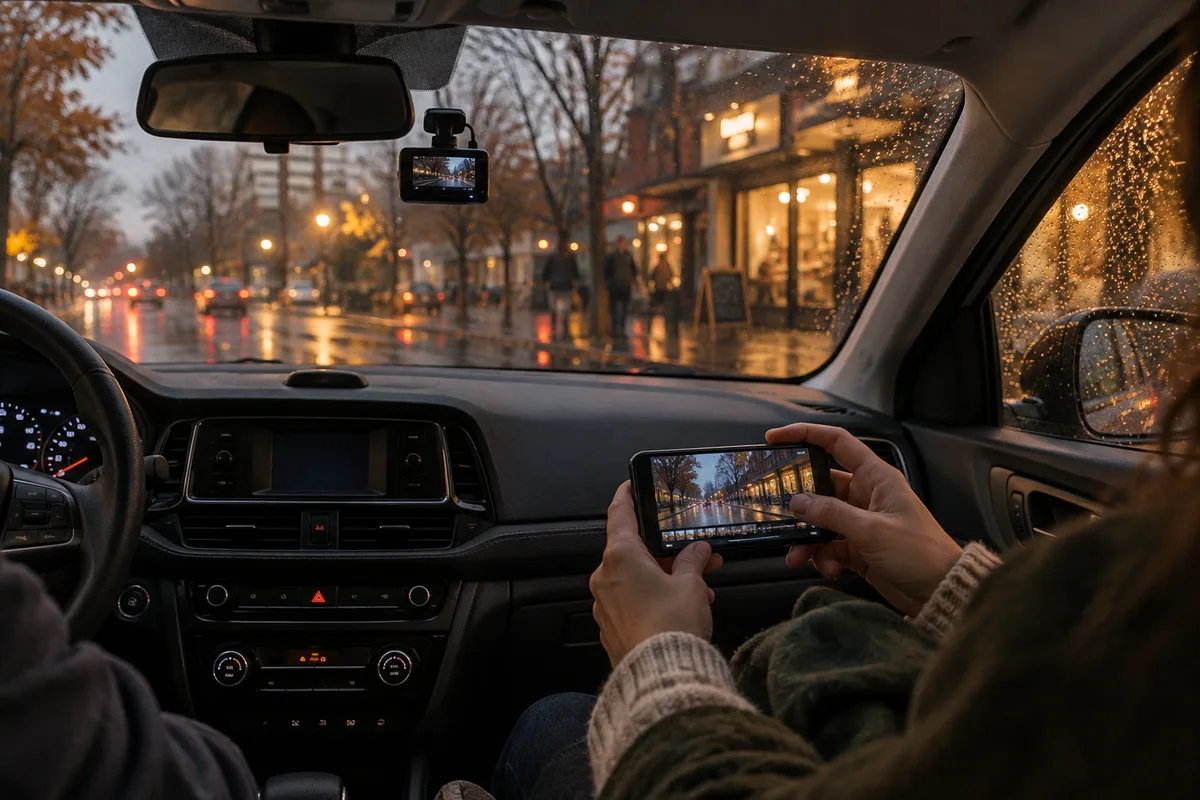
AI-generated scene illustration; not a photograph of the recommended product.
The commute home is dark and wet. On the small phone preview, headlights smear across the frame and a reflected navigation screen occupies the bottom corner. It is tempting to conclude that the camera needs replacing.
Before shopping, separate what the camera can do from what its installation allows it to see. Autumn rain and longer dark evenings make this a useful seasonal check. They do not prove a new model will read every moving plate or erase the effects of water, glare, distance, and speed.
The short answer
Review an original clip while safely parked, then check glass cleanliness, the camera’s view, dashboard reflections, storage reliability, and the current model’s supported settings. Change one factor at a time and compare like-for-like footage.
A VIOFO A329S front-and-rear system is a candidate when you need that coverage and can install it correctly. It is not a substitute for good visibility or safe driving, and we do not claim that it guarantees readable plates in rain at night.
Start with the original recording
A compressed preview sent through a messaging app can hide detail that exists in the saved file, or make artifacts look worse. Export the original through the manufacturer’s supported process and review it at a sensible display size.
Compare several moments rather than one paused frame. Note whether blur appears across the whole image, only around lights, or only on moving objects. A reflected object that stays fixed relative to the camera suggests a different problem from a distant vehicle moving rapidly through the frame.
Preserve important footage before experimenting with settings or formatting storage. You can create a separate low-stakes comparison clip later. A troubleshooting project should not erase the file that prompted it.
Check the glass on both sides
The camera records through the windshield, so residue on the inside can create distracting reflections. Check the visible area and clean glass and lens only with methods appropriate to their materials and the manufacturer’s instructions.
On the outside, verify that the camera’s view sits within an effectively cleared area where practical and permitted. A mount placed outside the wipers’ coverage may look tidy in daylight but become less useful when droplets accumulate.
NHTSA’s seasonal vehicle guidance includes visibility-related preparation such as checking wipers and fluid. The larger point is that camera troubleshooting belongs alongside ordinary vehicle maintenance, not instead of it. If visibility is unsafe, do not drive merely to collect a comparison recording.
Identify dashboard reflections before changing resolution
A bright navigation screen, pale dashboard item, or reflective decoration may appear in windshield footage. At a safe parked location, look at the live view and move one nonessential item at a time.
Reduce unnecessary interior reflections without hiding required information or altering safety equipment. Do not drape material over the dashboard where it can interfere with vents, airbags, controls, or visibility. A small improvement is not worth creating a vehicle hazard.
If your exact model supports a compatible polarizing accessory, consult its instructions for installation and alignment. Do not assume every filter works with every camera or solves all nighttime glare. Compare the result in the conditions that actually concern you.
Verify front and rear views independently
The rear camera has different obstacles: rear-glass dirt, tint, defroster lines, and a different mounting angle. A clear front clip does not demonstrate that the rear channel is recording usefully.
Review both original files from the same period. Check whether each covers the intended road area rather than too much interior trim. Confirm that the rear cable is routed according to installation guidance and does not interfere with airbags, moving parts, or access.
If professional installation is necessary for your vehicle, budget for it before purchase. A dual-camera kit’s value depends on both channels functioning, not simply on two units being present in the box.
Keep settings changes controlled
Read the current A329S manual and firmware guidance for your exact version. Recording options can trade one behavior for another, and a configuration copied from a different model is not a reliable default.
Keep a note of the current settings before changing anything. Change one supported option, collect a comparable clip in safe ordinary use, and review the original. Avoid altering several variables at once and then attributing every difference to a new feature.
Do not install unverified firmware or choose the largest setting merely because it sounds premium. Confirm compatibility, backup necessary files, and follow official update instructions. The goal is reliable recording, not a permanent experiment.
Distinguish storage failure from image-quality limits
Missing segments, error warnings, or files that fail to play deserve a separate storage investigation. Follow the current model’s supported card requirements and maintenance instructions. A high-resolution camera cannot save useful footage to an unsuitable or failing card.
Check that the camera records continuously during your expected use and that the newest files exist. Do not infer correct recording just because the screen or status light turns on.
Practice exporting a short clip before an incident. Make sure another household driver can do the same. Retrieval is part of ownership, and it matters more than a feature that nobody knows how to use.
Decide whether an upgrade addresses the real issue
The A329S front-and-rear system deserves consideration if you need a more suitable recording arrangement and have checked current specifications, installation, and storage requirements. Compare the complete cost, including compatible cards, optional power accessories, and fitting.
If reflections from your dashboard are the main problem, fixing the environment may provide a benefit without replacing the camera. If a damaged recorder repeatedly fails, new hardware may be the appropriate answer. Keep these cases separate.
Ask what successful footage means for your routine: seeing traffic movement, retaining an event, or checking both directions. Avoid buying on an unconditional promise of plate capture. Lighting, speed, distance, weather, and placement still affect the result.
Add the autumn clock check
While you review the files, compare the timestamp with local time. Our November 2026 dash-cam clock guide covers DST and GPS configuration separately.
Keep the resulting checklist short enough to repeat after cleaning, a firmware change, or an installation adjustment. A useful routine is original file, clear view, both channels, correct clock, and no storage warning. That is easier to maintain than chasing a new setting after every rainy journey.
Frequently asked questions
Will 4K guarantee a readable plate at night?
No. Resolution is only one factor. Motion, exposure, distance, weather, glass, and installation can limit what a recording captures.
Should I change settings while driving to compare them?
No. Configure and review only when safely parked. Do not create a distraction to troubleshoot a safety-related device.
Is a new camera the first fix for glare?
Usually diagnose the installation and reflections first. An upgrade makes sense when its verified capabilities address a remaining need, not simply because a preview looks disappointing.
Sources and verification
Checked October 12, 2026. This is a troubleshooting and buying framework, not a measured comparison of night-image performance.
- VIOFO current manuals and model guidance
- VIOFO official product and support information
- NHTSA winter vehicle-preparation guidance
Keep reading
Related guides
 Garage & Workshop
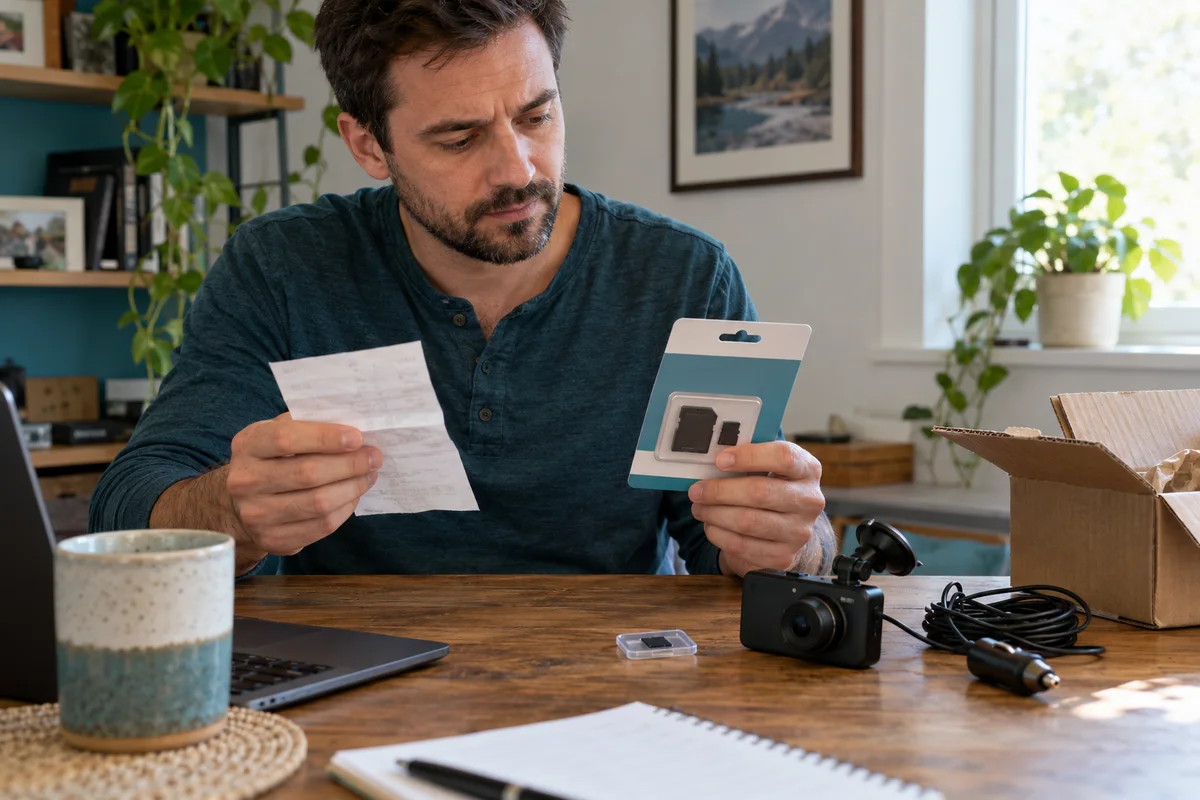
A229 Plus Memory Card Sourcing
Separate A229 Plus card compatibility from genuine sourcing, seller identity and purchase evidence before replacing a card or the camera.
Read guide →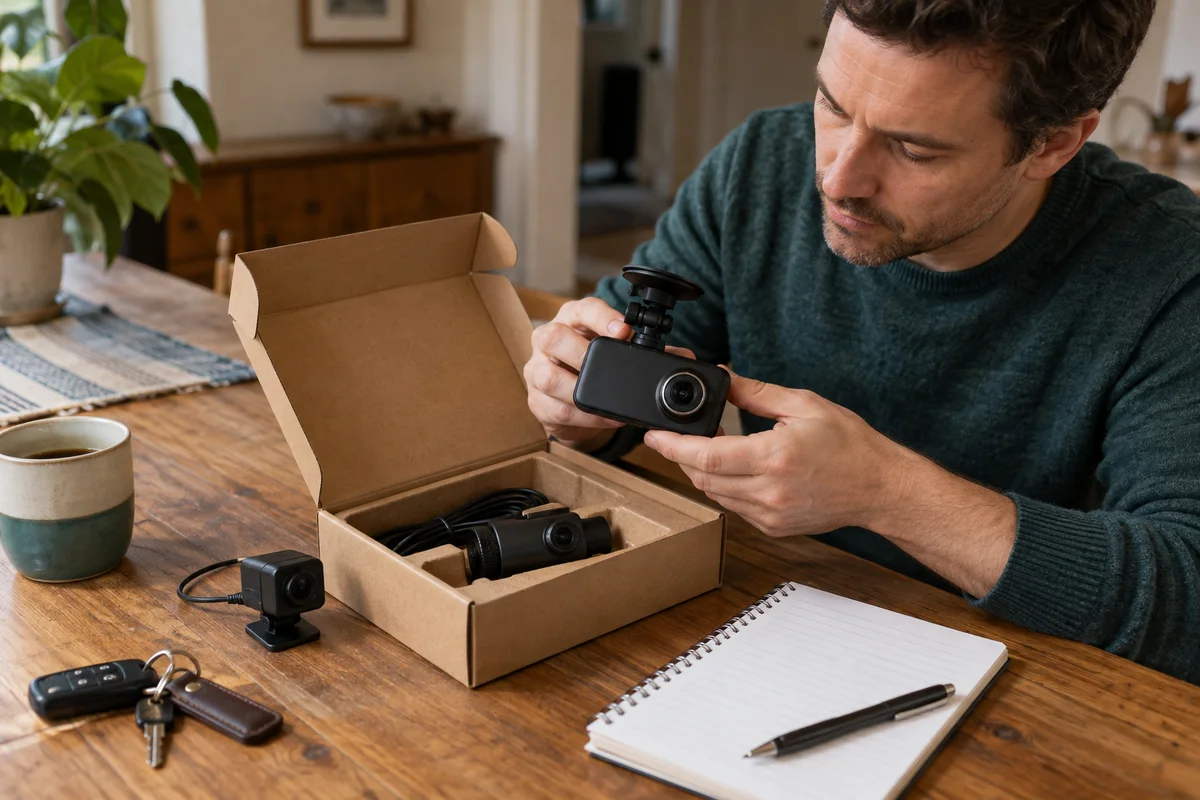 Garage & Workshop
A329S Two- and Three-Channel Kits
Compare A329S front-and-rear, front-and-cabin and three-camera kits without assuming a series feature describes the selected seller's bundle.
Read guide →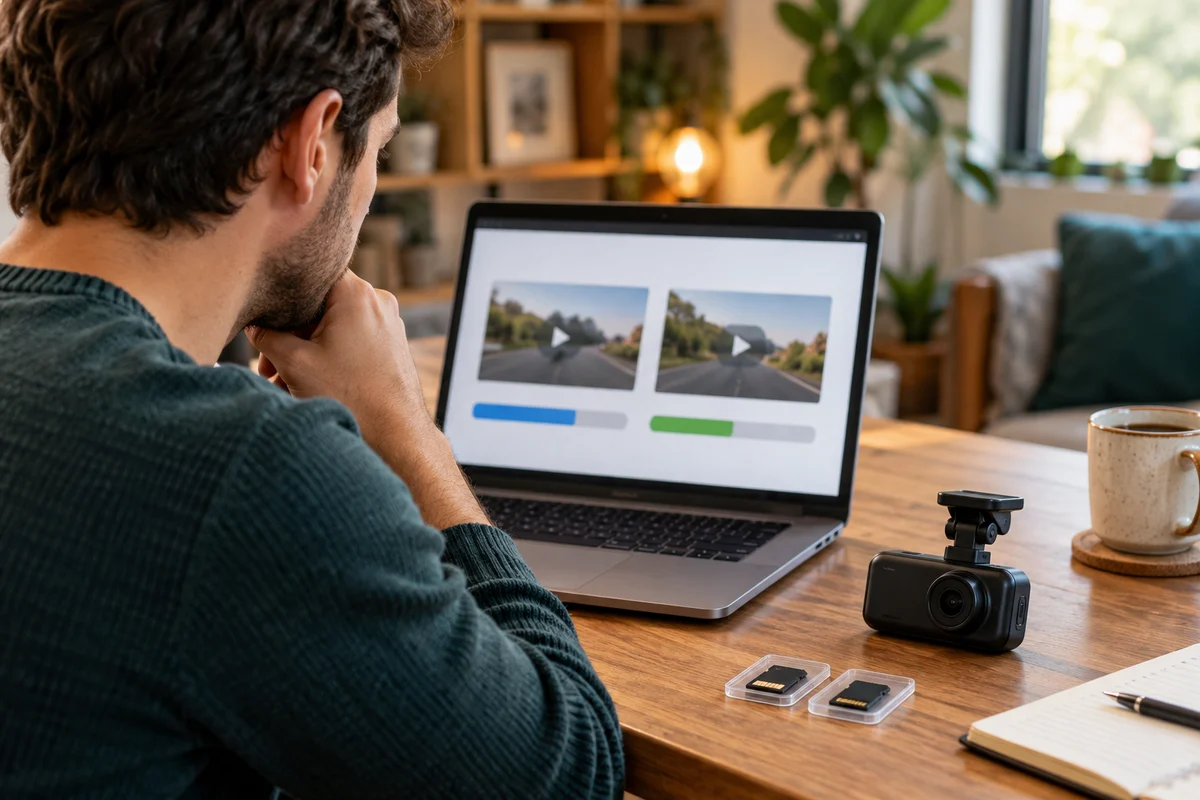 Garage & Workshop
A329S Bitrate and Storage
Compare A329S bitrate settings through original-file detail and practical storage tradeoffs instead of treating Maximum as a universal quality guarantee.
Read guide →