
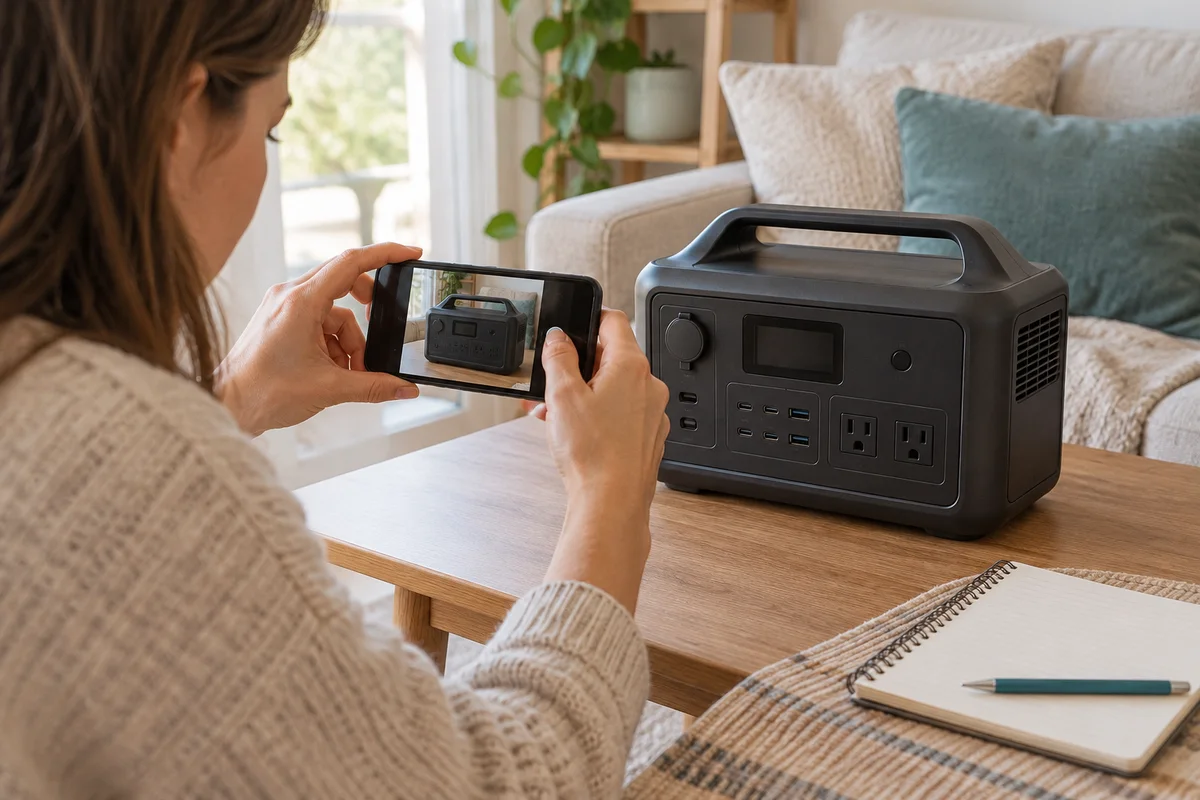
AI-generated scene illustration; not a photograph of the recommended product.
The AC180 stops supplying a household appliance and shows an alert. Buying another station immediately might restore a plan eventually, but it does not explain whether the current problem is a connected load, a supported setting or an issue that needs service.
Start with a safe observation record. An error code is useful information for the manufacturer, not a diagnosis to turn into a home repair procedure.
The short answer
The AC180 manual provides a way to view the current error code and a troubleshooting table that distinguishes conditions such as inverter overload and short circuit. Use the current instructions for your exact unit, record the complete code and contact official support where the cause or next step is uncertain.
Do not open the station, defeat protection, repeatedly restart abnormal equipment or copy a repair sequence from a different BLUETTI model. A support record can help decide between an approved next step and replacing the whole station.
Contents
- The short answer
- Make safety the first decision
- Record the code exactly
- Separate observations from conclusions
- Describe the complete arrangement
- Create a private support packet
- Compare service with replacement
- Buying advice
- Frequently asked questions
- Sources and verification
Make safety the first decision
If the station, cable or connected appliance shows damage, unusual heat, smoke, an odor or another concerning condition, stop using it and follow appropriate emergency or manufacturer guidance. Do not keep a suspect setup energized merely to make a better video.
An article cannot inspect your equipment or establish that an apparently minor alert is safe. Keep people away from an abnormal arrangement and avoid improvised wiring, improvised charging or an attempt to bypass the displayed protection.
For an ordinary nonurgent support question, document what was observed without recreating a potentially hazardous fault. If a needed device depends on continuity, arrange an appropriate independent plan rather than experimenting with that essential load.
Record the code exactly
Photograph the display only when doing so is safe. Copy letters, numbers and leading zeroes carefully. A broad phrase such as AC error loses information that the support team may need.
The manual describes accessing the code through the unit’s controls. Read that complete section before using a button sequence, because controls can also enter settings. Do not change an output parameter while trying to identify a code.
Record the exact model rather than assuming AC180 and AC180P documentation is interchangeable. Our AC180 versus AC180P guide explains a separate capacity distinction; the same exact-model discipline matters when requesting support.
Separate observations from conclusions
A useful note says which appliance was connected, which outputs were enabled, whether the station was charging, the displayed remaining charge and what happened immediately before the interruption.
Keep those facts separate from a conclusion such as bad inverter or dead battery. A device label does not establish its complete startup behavior, and a display reading cannot by itself explain every condition.
The manual’s table distinguishes error categories. That does not authorize repairing a short circuit yourself or assuming that every interruption is an overload. When you cannot establish the approved next step, stop and ask support.
Describe the complete arrangement
List each connected device and adapter, not just the largest appliance. Include the input source and any supported accessories in use. Different arrangements can produce different operating conditions even when the same station is involved.
Use actual labels and your own records rather than inventing power readings. If you have no suitable measurement, mark it unknown. Do not deliberately reproduce an overload or fault in order to obtain a number.
Note ordinary environmental conditions and whether ventilation was obstructed. Our cold-weather charging guide covers a specific operating boundary, but temperature should not become a catch-all explanation for every error. Let the exact evidence lead the support question.
Create a private support packet
The packet should contain:
- Exact model and serial number for official support only.
- Purchase date, seller and order evidence.
- Complete displayed code and a safe photograph if available.
- Connected loads and their identifying labels.
- Input and output state when the issue appeared.
- Any visible damage or abnormal condition.
- Steps already taken under official instructions.
- The specific next-step question.
Keep serial numbers, receipts, addresses and account details out of public posts. Use the manufacturer’s legitimate support route rather than a contact supplied in an unsolicited message.
Ask whether the proposed step applies to your exact unit and whether continued use is appropriate. If a component or service return is involved, obtain the applicable instructions before packing, shipping or disposing of anything.
Compare service with replacement
A station that needs support is not automatically economically unrepairable. Find out what the approved service route actually offers before comparing it with a new purchase.
Consider the time without the equipment, the practical support process and the need for an independent backup plan. A replacement order has its own delivery and setup period, so it should not be counted as available capacity before it arrives and is checked.
Do not transfer warranty promises from one seller or region to another. Ask the relevant seller or manufacturer about the actual order and condition. A long warranty label is not a promise that every problem will be resolved instantly or without any applicable conditions.
Buying advice
The AC180 review provides broader context for a new purchase. A replacement makes sense only when the actual load, duration, physical setup and support constraints justify it.
Do not buy a larger station solely because an unexplained code appeared. More capacity may not address an incompatible appliance, a damaged accessory or a setup error. Equally, do not keep an unsuitable or abnormal unit in service merely to avoid replacement.
For an owner, a complete support record can reduce ambiguity without claiming to diagnose the equipment. For a new buyer, confirm the current seller, package, support route and delivery conditions. The commercial CTA is a station listing, not a repair service or a guarantee that purchasing it resolves the existing fault.
Frequently asked questions
Does an error code prove the battery has failed?
No. The manual distinguishes several conditions. Exact diagnosis requires the relevant evidence and appropriate support.
Should I copy an AC180P reset procedure?
Do not assume another model’s instructions apply. Match the exact AC180 documentation and approved guidance.
Can I repeatedly restart to see whether the fault disappears?
Do not repeatedly energize an abnormal setup or bypass protection. Follow official next-step instructions.
Is a new larger station always the best answer?
No. Establish the actual problem and required task before comparing replacement capacity.
Sources and verification
Checked October 24, 2026. No station, connected appliance or repair procedure was tested.
- AC180 official manual — code access and troubleshooting categories.
- BLUETTI AC180 support page — exact-model support route.
Keep reading
Related guides
 Power & Outdoors
Elite 100 V2 Delivery: Plan Before the Outage
Check dated Elite 100 V2 shipping notices and the actual seller's delivery promise before making a new power station part of an urgent backup plan.
Read guide → Power & Outdoors
AC180 or Elite 100 V2: Plan the Carry, Not Just Capacity
Compare AC180 and Elite 100 V2 around the actual carrying route, unresolved weight information and stationary setup before choosing capacity.
Read guide → Power & Outdoors
Elite 100 V2 Dual Charging: Do Not Add the Maxima
Use Elite 100 V2's separate combined charging ceiling instead of adding AC and solar maxima when budgeting a short recharge window.
Read guide →