
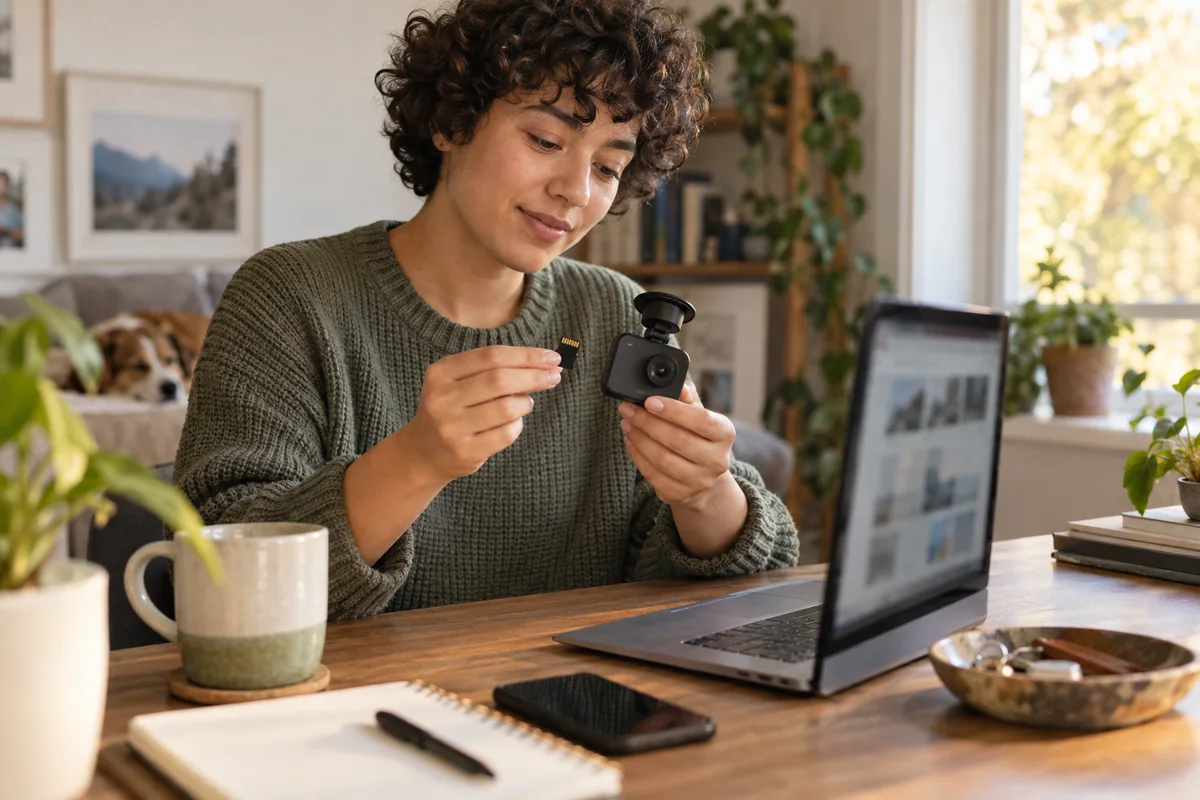
AI-generated scene illustration; not a photograph of the recommended product.
The download page offers several cameras with almost the same name. Beside the A329S entry are A329, A329T, and other family members, plus files described as conversions. A larger version number looks attractive, but it answers the wrong first question.
Before updating a VIOFO A329S, establish what you own and what the selected package is intended to do. This is also a useful pre-purchase check: a camera with sophisticated features still needs a maintenance process you are willing to follow.
The short answer
For a routine A329S update, match the exact camera to the official A329S entry and read its current notes. Do not select a neighboring model or a conversion package merely because the names resemble each other.
Preserve recordings and settings first, arrange the documented stable power supply, and verify the installed version and an ordinary new recording afterward. If the instructions or hardware identity are unclear, stop and ask VIOFO rather than guessing a file.
Distinguish an update from a conversion
The official firmware directory separates models and contains special conversion instructions for some members of the A329 family. That does not make every package interchangeable.
A routine update maintains your intended model configuration. A conversion is a different operation with its own conditions and files. This guide is not a conversion tutorial and does not recommend changing a camera’s identity to obtain features from another listing.
That distinction matters because an old forum reply may discuss a legitimate conversion while a new owner is merely trying to perform ordinary maintenance. A technically real procedure can still be the wrong procedure for your task.
Identify the camera before downloading
Use the camera’s own identification, supplied documentation, and installed firmware information—not just the title of a saved shopping listing. Confirm the relevant configuration and explain any mismatch to support.
Keep a private note of the model and current version. A photograph of the settings screen can help you compare later, but avoid publishing device identifiers or private recordings in a public support discussion.
If a bundle combines front and rear equipment, do not assume that a general update paragraph explains every component’s requirements. Read the notes attached to the exact current entry.
Read the current entry as a set of conditions
Look at the intended model, release notes, file identity, and any warning about settings or downgrade behavior. A recent date alone is not sufficient reason to proceed.
VIOFO’s A329S entry warns that an update resets menu settings and advises against forcing a downgrade. Those warnings change the preparation task: you need more than a downloaded file and a spare minute.
Do not treat a cached search snippet or an old article’s version number as the current official instruction. This article deliberately links to the directory rather than hosting a binary or promising that a particular version will remain current.
Preserve two different things
The recordings
Formatting or other maintenance can remove material you wanted to keep. Verify copies before changing the card. The recording-preservation guide explains that separate task.
If a recording may be evidence, obtain appropriate guidance rather than improvising a maintenance procedure around it. An update can wait; a unique original may not be recoverable.
The configuration
Record settings that matter to your installation, including recording preferences, date and time, microphone choice, and any parking arrangement you actually use. Do not simply copy a stranger’s menu screenshots afterward.
The shared-car microphone guide illustrates why a reset is not merely cosmetic. A camera that begins recording again can still be configured differently from the household’s agreed plan.
Prepare the update without improvising
Use the official process appropriate to your device and current instructions. VIOFO’s guide distinguishes a data connection from a power-only cable, instructs users to use the correct downloaded file, and includes a version check after installation.
Do not rename an unrelated binary to make it resemble the expected one. Do not assume that a file opened as a browser shortcut is the firmware itself. If the download or filename does not match the official instructions, resolve that discrepancy before continuing.
Arrange the documented power supply so the procedure is not interrupted by an avoidable disconnection. Do not use this article to select an improvised adapter or wiring method. Do not run a vehicle in an enclosed garage to provide power.
Verify the result before depending on the camera
A restart is an observation, not the whole acceptance check. Inspect the reported firmware version and restore the settings required for your intended use.
Then follow the manufacturer’s guidance to make and review an ordinary new recording while safely parked. Check the views you actually use, the time information, audio preference, and whether the files open normally. Do not assume that a front-camera preview verifies the rear recording.
If the camera behaves abnormally, stop relying on it as though maintenance were complete. Preserve the relevant version information and contact support. Repeatedly trying unrelated files can make diagnosis harder.
Keep a short maintenance record
A useful private record contains the exact model, previous version, official source, installed version, date, settings restored, and result of the recording check. Avoid claiming a performance improvement unless you actually assessed a relevant behavior.
This is especially useful for a shared car. Another driver should know whether the camera is ready for normal use or still being checked. A file on the desktop called “latest firmware” does not communicate that distinction.
Do not turn routine maintenance into constant experimentation. Choose updates for a documented reason and allow time to verify them, rather than trying every beta release because it appears in a discussion.
Buying tradeoffs
The A329S review covers the broader product decision. Include software maintenance alongside mounting, storage, and file access when deciding whether the camera suits you.
It is worth considering if you want its documented features and accept a model-specific support process. It is less appealing if you require a completely unattended appliance or cannot set aside time for configuration and recording checks.
A more elaborate camera is not automatically a better purchase for someone who will not maintain it. Compare the features you genuinely need with the effort of keeping them working in your actual car.
Frequently asked questions
Is A329 firmware the same as A329S firmware?
Do not assume so. The official directory lists them separately. Use the entry and instructions that match the exact camera.
Are conversion files ordinary updates?
They serve a different purpose. Do not select them casually, and obtain model-specific support if a conversion is actually intended.
Can an update change my settings?
The current A329S entry warns that settings reset. Preserve the relevant configuration and verify it afterward instead of assuming it survives.
Has WideLore installed or tested this firmware?
No. This is a source-based maintenance and buying guide. It does not claim hands-on installation, a bug fix, or improved image quality.
Sources and verification
Reviewed October 15, 2026. Live release information can change; consult the official entry at the time of the operation.
- VIOFO firmware directory — distinct model entries, A329S notes, and separately labeled conversions.
- VIOFO firmware update guide — preparation, connection differences, and installed-version verification.
Keep reading
Related guides
 Garage & Workshop
A229 Plus Ownership Handover
Plan an A229 Plus sale or gift around personal memory media, settings review, included parts and the new owner's recording setup.
Read guide → Garage & Workshop
A329S vs Tesla Dashcam
Compare A329S with the Tesla recording functions your car actually has before adding a second camera system, storage route and installation.
Read guide → Garage & Workshop
A229 Plus vs A329S
Compare A229 Plus and A329S for a front-and-rear household setup, including resolution, storage effort, installation and the complete purchase basket.
Read guide →