
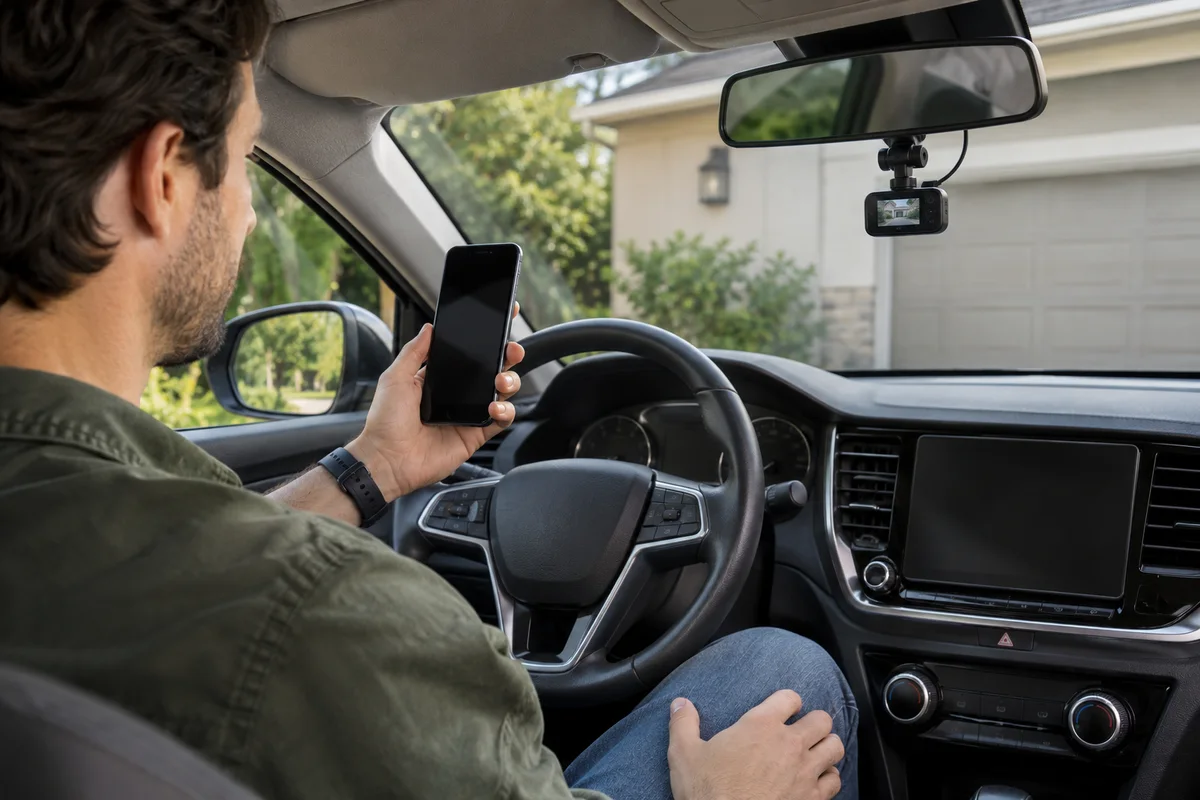
AI-generated scene illustration; not a photograph of the recommended product.
A phone sees the dash camera’s network but a download behaves poorly. Someone suggests replacing the camera with a faster model; someone else suggests changing Wi-Fi bands. Before spending, establish whether the existing A229 Plus and the actual phone can complete the required task together.
The useful comparison is not a contest between two frequency numbers. It is a compatibility and retrieval check for one parked-car workflow. A band choice that works reliably for your phone can matter more than a headline transfer claim.
The short answer
The current A229 Plus manual offers Off, 2.4GHz and 5GHz Wi-Fi choices and recommends 5GHz. Start with the supported manufacturer guidance and the capabilities of the actual phone, app and regional equipment.
Do not promise a particular download speed from the band label. If the documented connection does not work, separate network visibility, joining, app access and file transfer before deciding that a different camera is necessary. Perform all checks while safely parked.
Contents
- The short answer
- Four stages, four questions
- Band is not broadband
- A controlled parked check
- A retrieval record
- What speed claims leave out
- Buying advice
- Frequently asked questions
- Sources and verification
Four stages, four questions
A network appearing in the phone’s list is only the first stage. The phone still has to join it, the app has to communicate with the camera, and the selected file has to arrive and open correctly.
Describe the stage that fails. “The network never appears” is different from “the app opens but the copy stops.” Keeping these separate makes a support request useful and avoids replacing hardware for an unidentified problem.
Do not change several settings at once. Record the existing camera setting, phone model and relevant software versions before a supported change. Keep the password private and do not post screenshots exposing identifiers.
This guide is not a universal phone-settings tutorial. Permission names and behavior vary. Use the current VIOFO app instructions and the phone manufacturer’s own guidance rather than copying an unrelated operating system’s menu.
Band is not broadband
Choosing 5GHz does not supply internet service, and choosing 2.4GHz does not create remote access. These labels concern the local wireless connection. They do not tell you whether a recording has been backed up outside the camera.
Our phone handover guide handles the no-internet message and potential competition with wireless car connections. This article’s narrower task is choosing and checking the local band, not repeating that handover.
If the actual requirement is viewing the car from another city, stop comparing these two settings as solutions. A local connection is the wrong capability category for that requirement.
Likewise, a downloaded file is not necessarily ready to share. Verify that the intended original opens and contains the relevant view before disconnecting or considering maintenance.
A controlled parked check
Use an ordinary supported connection with time to finish. Keep the vehicle safely parked and follow the camera’s power and operating instructions. Do not run an engine in an enclosed garage for an app check.
Choose one noncritical ordinary file and record its size if displayed. Important or potentially evidentiary footage deserves preservation first, not experimental deletion or formatting.
Follow the documented band selection and connection process. If comparing a supported alternative, use the same ordinary file and keep the phone in a comparable safe position. The goal is to establish a workable routine, not produce a laboratory speed ranking.
If a setting becomes unclear or the camera behaves abnormally, stop and contact support. Do not assume that resetting everything, installing unrelated firmware or removing the card during recording is a reasonable next step.
A retrieval record
| Stage | Useful observation | Avoid concluding |
|---|---|---|
| Network visibility | Camera network appears or does not | The camera must be defective |
| Joining | Phone joins the identified local network | Internet service is available |
| App access | Camera is reached through the supported app | All files are backed up |
| Copy | Chosen file completes transfer | The copy contains the intended view |
| Playback | Intended file opens normally | Every future transfer is guaranteed |
Add the date, selected band and exact device information. A note such as “ordinary file copied and played on this phone” is a narrow but useful result. “5GHz is always faster” goes beyond that observation.
For a shared car, keep a separate result for each phone expected to manage files. One successful device does not establish the other person’s compatibility.
If someone else will retrieve footage after an incident, make sure they understand the supported process and have legitimate access. Avoid making the household’s recording routine depend on an unavailable personal device.
What speed claims leave out
A band label alone is not a measured end-to-end time. The phone, app, file size, recording arrangement and connection conditions all matter to the actual task.
Do not combine another reviewer’s download time with your file size as though they were measured together. Do not turn a short successful transfer into a claim about an entire large archive.
For occasional retrieval, a dependable supported card-based workflow may be an appropriate alternative when it follows the manufacturer’s instructions. Our save-before-formatting guide addresses keeping originals safe.
If the need is copying many recordings often, compare complete retrieval effort. A potentially faster wireless specification may be useful, but it should be checked against the exact device combination rather than treated as a universal benefit.
Buying advice
Keep A229 Plus on the shortlist when its documented recording arrangement and a supported retrieval method suit the actual users. A different model is not the first answer to a band setting that has not been checked.
Consider upgrading only when a defined recurring task remains unmet after appropriate support and compatibility checks. State what improvement is needed: reliable access on a particular phone, less work retrieving a known file set, or another documented capability.
The A229 Plus overview covers the broader purchase. Compare supported storage, installation, access, seller support and the full package before following the partner offer.
The commercial link below is for the camera, not a phone, wireless service or guaranteed transfer speed. Check current stock, included accessories and return conditions with the selected seller. No current price advantage is claimed here.
For an existing owner whose routine already works, no purchase may be necessary. Record the successful setup and leave unrelated settings alone.
Frequently asked questions
Which bands does the manual list?
Off, 2.4GHz and 5GHz. The manual recommends 5GHz; confirm the current instructions for the exact equipment.
Does 5GHz give the camera mobile internet?
No. Do not confuse a local band selection with a broadband or cellular connection.
Will switching bands guarantee a faster copy?
No. We have not measured this phone-camera combination. Judge a supported routine by successful file retrieval and playback.
Should a failed connection make me buy a new dash cam?
Not immediately. Identify the failed stage and obtain appropriate support before replacing hardware.
Sources and verification
Checked November 21, 2026. The official PDF was downloaded and its Wi-Fi section reviewed because the web reader could not parse the large file. No transfer test was performed.
Keep reading
Related guides
 Garage & Workshop
A229 Plus Supercapacitor: Not an Untethered Camera
Understand A229 Plus supercapacitor terminology and qualify the real power arrangement before expecting untethered recording.
Read guide → Garage & Workshop
A329S Timers: Startup Delay Is Not Parking Delay
Separate A329S startup delay from parking-entry delay, power-source conditions and actual recording before changing settings.
Read guide → Garage & Workshop
A329S Video Won't Play: Check the Computer First
Separate A329S file transfer, computer codecs and player compatibility before replacing a camera or card because a recording will not play.
Read guide →