

AI-generated scene illustration; not a photograph of the recommended product.
An A329S screen becomes dark a little while after the car starts. The owner assumes recording has stopped and begins looking for a new power cable. Another owner leaves the display permanently lit because a visible preview feels reassuring.
Before changing hardware, distinguish the screen saver, the recording indicator and actual saved footage. A bright screen and a functioning recording system are not the same observation.
The short answer
The current referenced A329S English manual says its screen goes black by default after one minute while recording. It also distinguishes the recording indicator: solid red means recording, while flashing red means not recording.
Use those documented signals alongside a supported check of a new playable original file. A dark display alone is not evidence of power failure, and a status light alone does not prove every required channel was saved correctly.
Contents
- The short answer
- Separate three questions
- Read the exact status table
- Let ordinary file verification settle the file question
- Do not solve display timeout with a power accessory
- Make a simple status-check card
- Keep display settings apart from retention
- Buying advice
- Frequently asked questions
- Sources and verification
Separate three questions
First ask whether the display is intentionally blank. Next ask whether the camera reports recording. Finally ask whether a newly created file can be retrieved and played.
These are different checks. A screen saver answers a display-behavior question. An indicator answers the camera’s current reported state. Playback checks the particular file you retrieved.
Keeping them separate avoids two mistakes: replacing equipment because a normal display timeout looks like a fault, and ignoring missing footage because one reassuring light remains visible.
Do not handle the camera while driving. Plan any inspection or menu interaction while safely parked and follow the supplied operating instructions.
Read the exact status table
VIOFO’s A329S manual uses different indications for power, recording, GPS, microphone and Wi-Fi. Do not assume that every lit LED means recording.
For the recording indicator in the referenced revision, solid red and flashing red have different meanings. That distinction can conflict with a person’s intuition that flashing always means active capture.
Check the current model manual rather than relying on a generic dash-camera guide. A neighboring product or another firmware revision may organize indicators differently.
Do not cover or alter indicators to make the camera look more discreet without checking the instructions and the consequences for your routine. Visibility preferences and reliable status checking are separate requirements.
Let ordinary file verification settle the file question
Follow the supported process to create a short ordinary recording, stop or power down as instructed and retrieve the relevant new file while parked. Check the actual interval and each channel expected in the setup.
Open the copied file from the intended storage location. A preview screen or a filename alone cannot establish that the transfer completed and the required footage plays.
If the setup includes a rear camera, check its original view separately where files are stored separately. A working front image does not establish that every connected channel is recording normally.
This is a bounded ordinary-use check, not a reliability test or a guarantee that every future trip will be captured. If errors recur, preserve the useful context and contact support.
Do not solve display timeout with a power accessory
A new cable, hardwire kit or battery accessory should address a verified power requirement, not an unexamined screen-saver assumption.
If the camera actually loses power, that is a different symptom requiring the supported power-path investigation. If it reports not recording, storage, settings and other causes may require model-specific support. This article does not diagnose those conditions from the screen alone.
For parking use, obtain the appropriate power arrangement and instructions separately. A dark screen after a normal drive begins does not establish that a parking kit is needed.
Never improvise vehicle wiring or bypass a protection feature to keep a display illuminated. Installation questions belong with current manufacturer instructions and a qualified installer where needed.
Make a simple status-check card
| Observation | Next information to collect |
|---|---|
| Screen dark after normal timeout | Applicable screen-saver setting |
| Recording LED solid red | Current reported recording state |
| Recording LED flashing red | Exact model’s not-recording guidance |
| Other LED active | Which indicator and what its table says |
| New file missing or unplayable | Interval, channel, storage and support record |
| Power actually absent | Supported power-path instructions |
Keep the card short enough for another household driver to understand. The goal is not a complex troubleshooting ritual before every journey.
Agree on a periodic file-review routine appropriate to the actual use. Do not ask a driver to watch the display continuously or interact with the camera in traffic.
Keep display settings apart from retention
Changing the screen-saver interval is not a way to increase stored history. Recording quality, channels, media and other factors govern that separate task.
Our A329S loop-length guide explains why the length of each file is not the same as total retention. The screen timeout belongs to a third category: interface behavior.
Similarly, the save-before-formatting checklist addresses preserving important originals. Turning the screen back on does not protect files from later maintenance.
A workable ownership routine connects these tasks without confusing them: understand the current status, occasionally verify actual files and preserve relevant material before destructive maintenance.
Buying advice
Consider A329S when its actual recording, retrieval and supported power arrangement solve the household’s needs. Screen behavior should be understandable to the people using it, not merely attractive in a product image.
Pass if the expectation is that a constantly illuminated preview guarantees footage or that the camera needs no file checks. Neither assumption follows from the manual.
For an existing owner, review the screen-saver and indicator information before buying replacements. If the device’s actual recording fails, seek supported diagnosis rather than treating this article’s normal timeout explanation as reassurance.
The commercial link on this page is for the A329S camera listing. It does not guarantee that a specific cable, hardwire kit or storage accessory is included.
Frequently asked questions
Does a black screen after one minute mean recording stopped?
Not by itself. The referenced manual describes that default screen-saver behavior while recording.
Does flashing red on the REC indicator mean recording?
In the referenced A329S status table, flashing red means not recording; solid red means recording. Verify your current supplied revision.
Is an LED enough to prove the rear channel was saved?
No. Check a new playable original for each expected channel using the supported process.
Will keeping the screen lit increase retention?
No retention benefit is established here. Screen behavior and stored video history are separate matters.
Sources and verification
Checked October 23, 2026. The manual revision is V26.01.09. No road, power-interruption or recording-reliability test was performed.
Keep reading
Related guides
 Garage & Workshop
A229 Plus G-Sensor: Review Unexpected Locked Clips
Distinguish A229 Plus driving G-sensor locks, manual protection and parking settings before clearing unexpected clips or replacing recording hardware.
Read guide →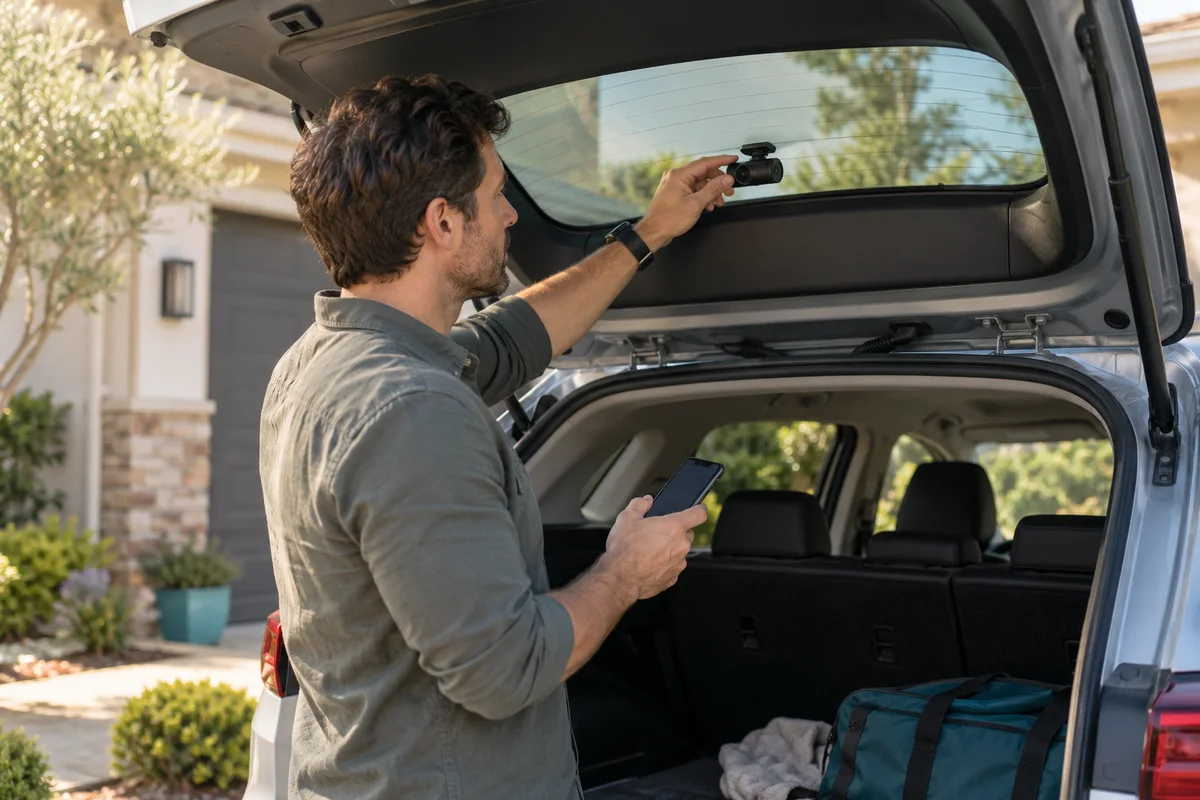 Garage & Workshop
A229 Plus Rear Video: Rotation Is Not Mirroring
Distinguish upside-down A229 Plus rear footage from left-right mirroring, then verify a new original file before changing the physical mount.
Read guide →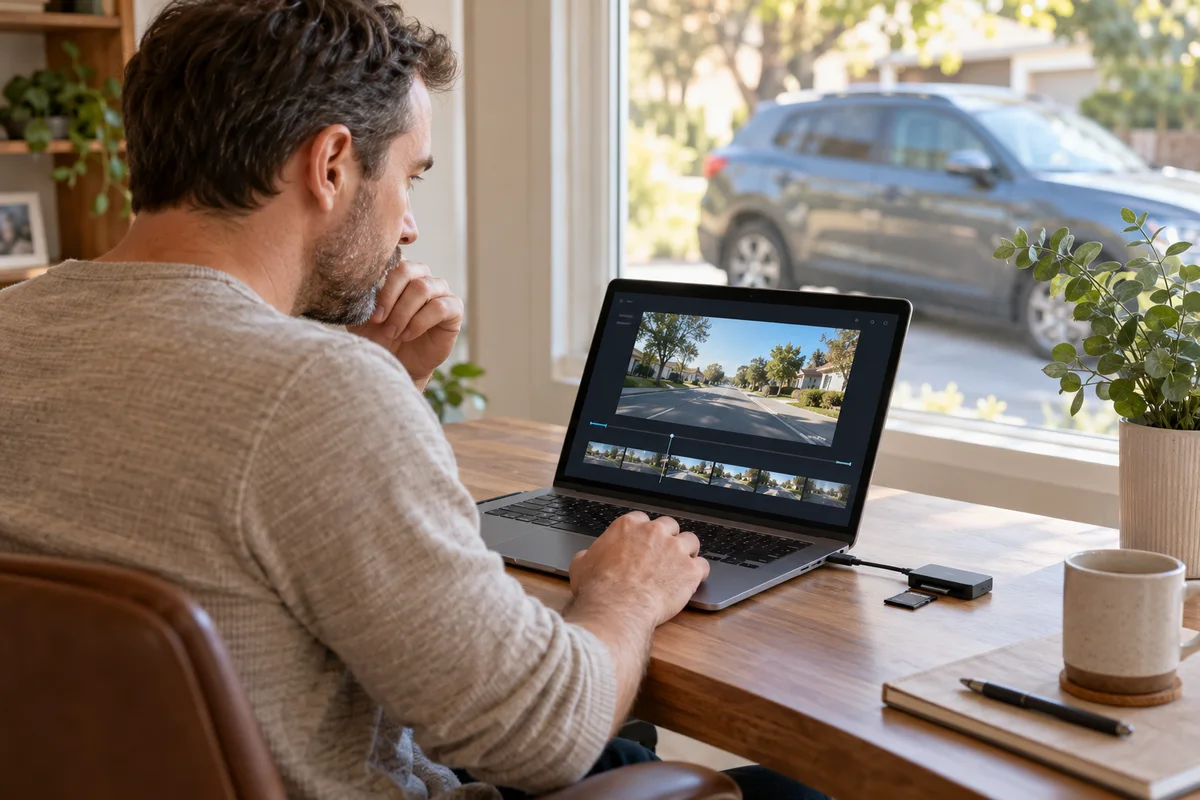 Garage & Workshop
A329S Loop Recording: Clip Length Is Not Retention
Choose A329S loop-file duration around retrieval convenience without confusing clip length, recording quality and total retained history.
Read guide →