
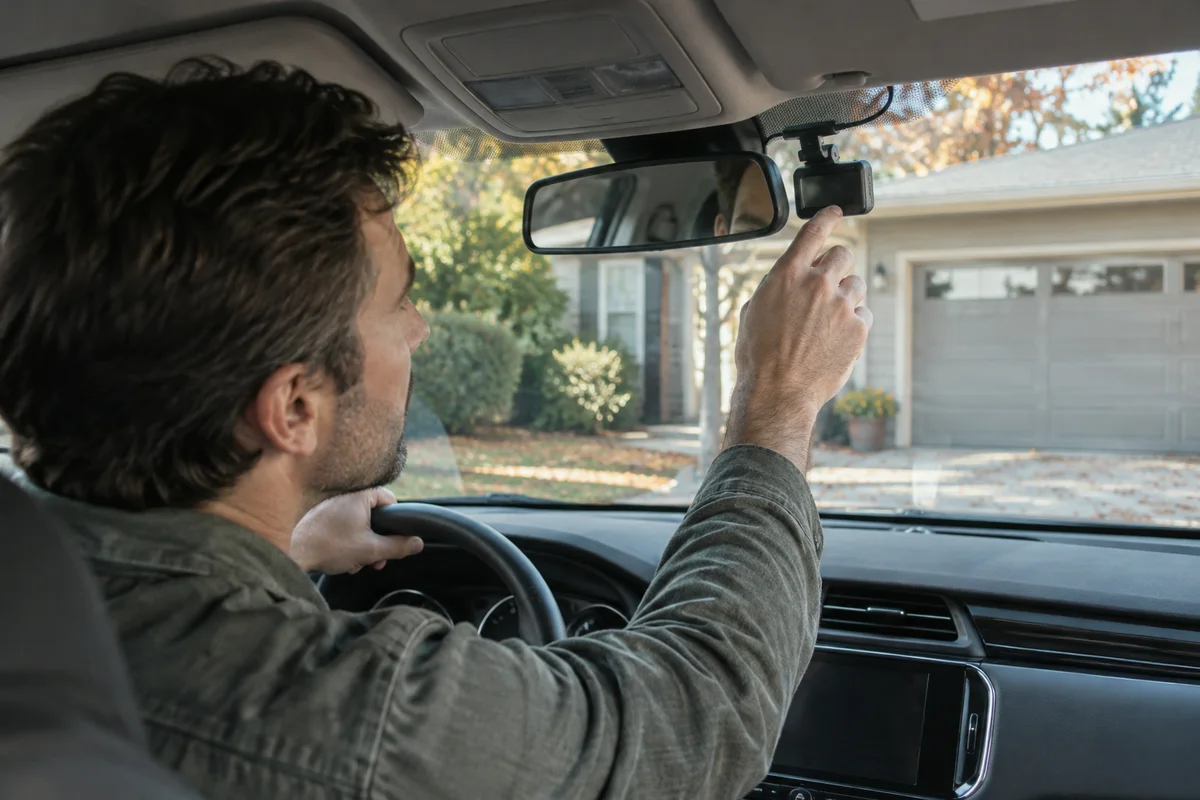
AI-generated scene illustration; not a photograph of the recommended product.
You park in your driveway and would prefer the dash cam to stop collecting hours of uneventful footage. A geofence sounds like an automatic solution. But the camera does not know whether your driveway is genuinely low risk. It knows only whether a location falls inside a configured zone.
VIOFO’s September 28, 2026 explanation of geofencing is a useful reason to revisit that tradeoff. The feature is not a new guarantee of protection, and the manufacturer’s recent article does not mean the capability first appeared that day.
The short answer
Geofencing changes parking behavior at selected locations. VIOFO currently describes the A329S series as supporting power-off or low-power impact recording within a zone, while the A229 Plus is listed for power-off there. Exact firmware, GPS, app and parking-power prerequisites must be checked.
Choose a zone only when you accept the resulting reduction in coverage. A “safe zone” is a setting name, not a security assessment. Buy an A329S for a verified workflow, not on the assumption that location awareness records everything while consuming nothing.
Contents
- Define the coverage you are willing to lose
- Check the exact model and firmware
- Treat GPS as a prerequisite
- Check the parking-power arrangement
- Verify both sides of the boundary
- Decide whether upgrading makes sense
- Frequently asked questions
- Sources and verification
Define the coverage you are willing to lose
Begin with the parking situation rather than a map. An enclosed garage used only by your household is a different case from an open driveway, shared apartment lot, or workplace with frequent vehicle movement. A place you visit often is not necessarily a place where recording is unnecessary.
Write down what you want footage to show: a vehicle approaching, a slow scrape, an impact, or activity around the car. Complete power-off provides no ongoing camera recording. A supported impact-oriented mode is a different compromise, not a substitute for every kind of continuous observation.
Do not label a whole block as safe merely to make setup easier. A broad boundary could include street parking where your risk assessment changes. If the setting cannot represent the distinction you actually care about, leaving ordinary supported parking behavior in place may be more sensible.
Check the exact model and firmware
Make the full model name part of your purchasing notes. Similar names within a camera family can refer to different hardware, supported accessories, or firmware. Read the current model entry, not a feature list from a retailer that combines several variants.
VIOFO’s current firmware page lists A329S-specific downloads and warns that an update can reset menu settings. Save necessary recordings and note your settings before following official update instructions. Do not install a conversion file for another configuration merely because its name looks related.
Check the current app requirements with the manufacturer as well. A compatible camera is only one piece of the arrangement. If you already own a supported model, confirm whether a supported update addresses the need before spending on a replacement.
This guide deliberately does not provide a copied firmware sequence. Official instructions can change, and an abbreviated buying article should not become the authority for modifying device software.
Treat GPS as a prerequisite
Location control depends on a usable position. VIOFO explains that unreliable GPS, including conditions in underground garages, can prevent the geofence from activating. The resulting fallback is ordinary configured parking behavior, not proof that the camera recognized the intended zone.
Consider the place where you actually switch off the vehicle. A map pin chosen outdoors does not establish how the camera behaves several levels underground. Building structure, parking orientation, and the camera’s real position acquisition can matter to the workflow.
Record whether location was recognized during ordinary use. Do not remove protection settings because you assume geofencing will always switch the device off. The power plan should remain appropriate even when location-based behavior does not activate.
Check the parking-power arrangement
A location feature does not create its own energy source. Confirm the supported parking-mode power setup for the exact camera, such as the correct hardwire arrangement or compatible camera battery system. A standard socket that loses power may end recording independently of the geofence.
Budget professional installation where required. Installation must respect the vehicle’s electrical system and airbag areas. This is a procurement decision, not a fuse-selection or wiring tutorial. A home power station is not an interchangeable substitute for vehicle-specific equipment.
Keep battery protection separate from coverage selection. Geofencing can reduce unnecessary activity at a chosen place; a correctly supported cutoff or timer serves a different purpose. Neither setting establishes the health of an aging vehicle battery or guarantees starting reserve.
Our short-commute parking-power checklist explains that separate decision. Avoid buying a premium camera to solve a power problem that should first be checked by an installer or mechanic.
Verify both sides of the boundary
After following current official setup instructions, check behavior while safely parked inside the intended zone and at an ordinary parking location outside it. Observe what the camera actually does instead of treating a menu label as proof.
Confirm which files are produced and which expected periods are absent. Do not stage dangerous impacts or drive while adjusting settings. The acceptance check is ordinary operation, device status, and file review—not a destructive experiment.
Repeat the review after relevant changes, such as firmware updates, power work, or a changed parking location. A setup that worked at an old home may not match a new garage. Keep a dated note of the setting and the coverage compromise you agreed to accept.
If the behavior differs from the manual, save your observations and ask support. Do not compensate by widening the zone indefinitely or bypassing power protection. Unexpected behavior is a reason to investigate, not to assume the feature needs fewer safeguards.
Decide whether upgrading makes sense
An A329S can belong on the shortlist for a driver who needs its supported recording configuration and wants a verified parking routine. The buying case is stronger when you can state exactly which current task is difficult and how the proposed feature changes it.
Pass if your main goal is uninterrupted recording everywhere. Complete power-off in a chosen zone works against that goal. Also pause if the desired parking location cannot reliably provide GPS or if you have not established a compatible power arrangement.
Compare a supported configuration change on your existing camera, a simpler parking timer, or another appropriate arrangement before buying new hardware. These options serve different coverage preferences; none is automatically the safest or most economical.
Ask the seller for the precise model, current accessory package, supported app, warranty and return conditions. Save the answers before opening the partner listing. The useful purchase is the one whose coverage you can explain, including what it deliberately stops recording.
Frequently asked questions
Does a geofence make my driveway safe?
No. It changes camera behavior. You must decide whether reducing footage there is appropriate for your own parking situation.
Will all VIOFO models behave the same way?
No. Model capabilities differ. The current explanation distinguishes power-off from supported low-power impact behavior; verify your exact model and firmware.
What happens when GPS is unavailable?
The manufacturer describes a fallback to normal configured parking behavior. Confirm current instructions and verify your own setup rather than assuming the zone activates.
Sources and verification
Checked October 13, 2026. Manufacturer descriptions are not our field reliability tests or guarantees of event capture.
- VIOFO geofencing explanation and model differences
- VIOFO current model-specific firmware and update notes
Keep reading
Related guides
 Garage & Workshop
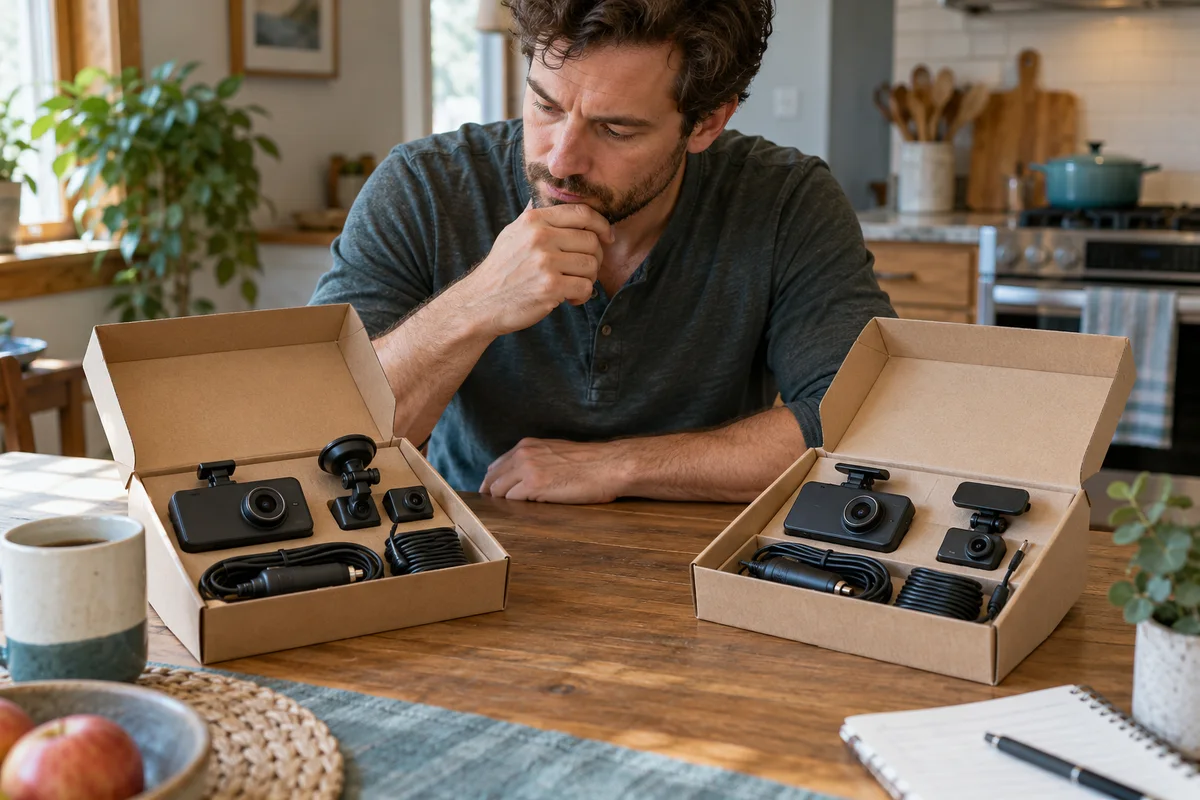
A229 Plus vs A329S
Compare A229 Plus and A329S for a front-and-rear household setup, including resolution, storage effort, installation and the complete purchase basket.
Read guide →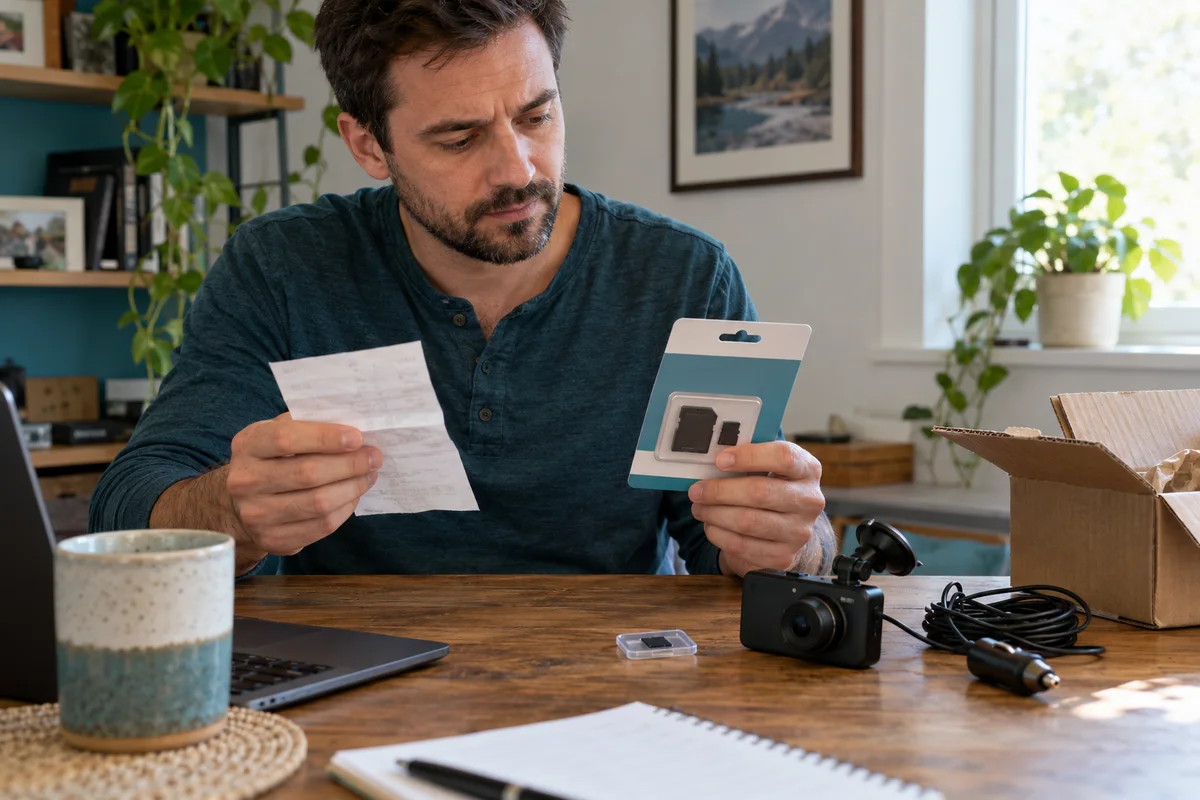 Garage & Workshop
A229 Plus Memory Card Sourcing
Separate A229 Plus card compatibility from genuine sourcing, seller identity and purchase evidence before replacing a card or the camera.
Read guide →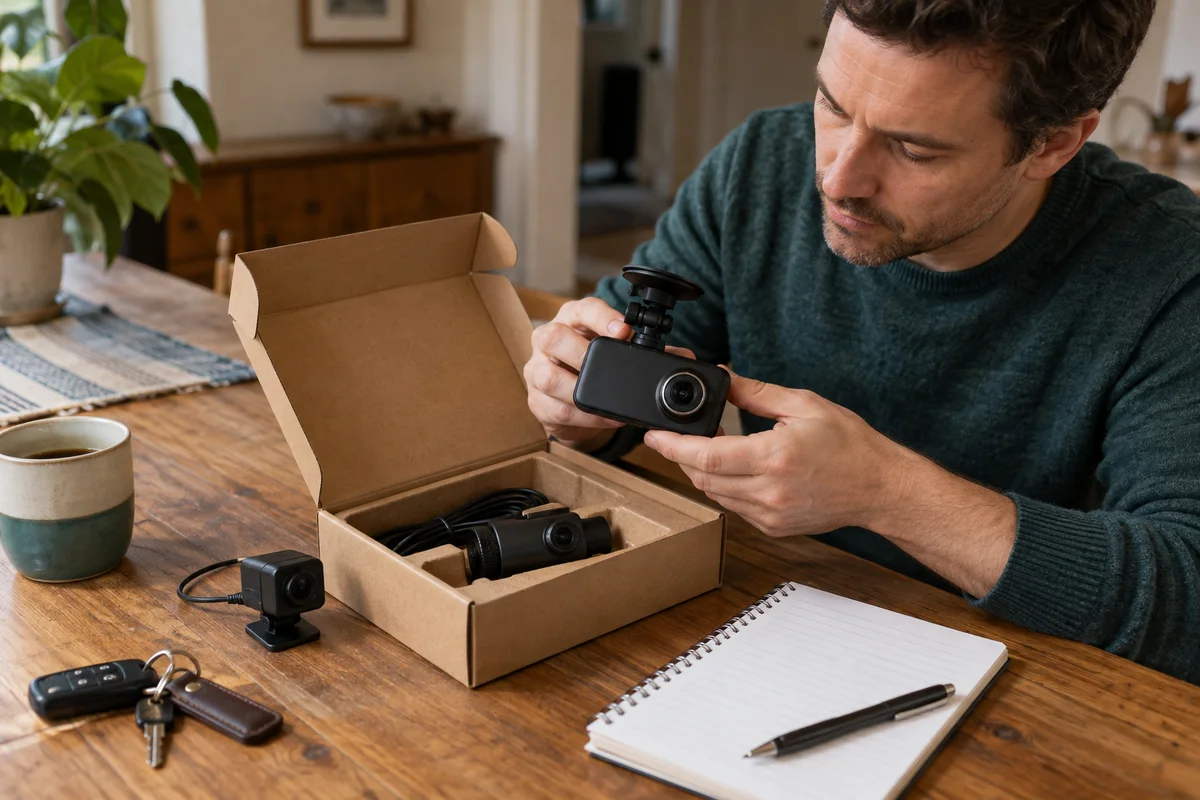 Garage & Workshop
A329S Two- and Three-Channel Kits
Compare A329S front-and-rear, front-and-cabin and three-camera kits without assuming a series feature describes the selected seller's bundle.
Read guide →