
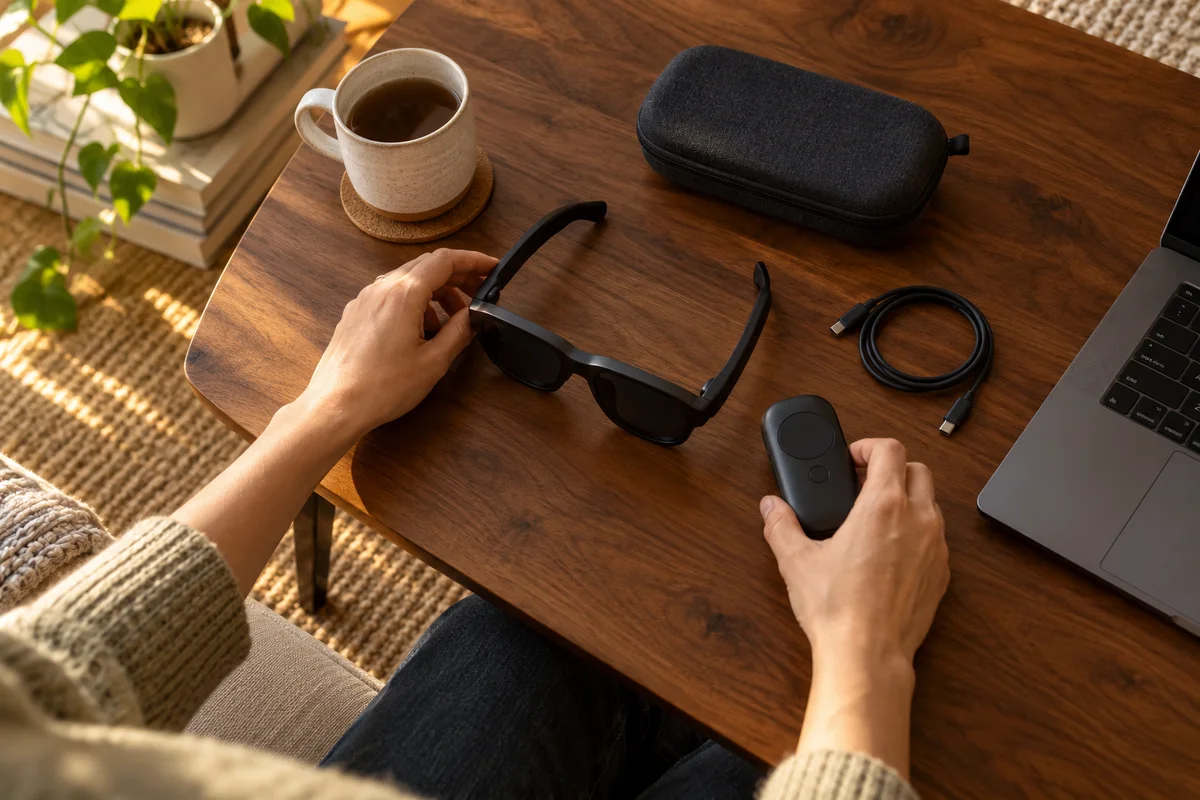
AI-generated scene illustration; not a photograph of the recommended product.
You want a virtual screen to stay in a chosen direction while you glance elsewhere. A pair of display glasses connects to a laptop, so it is tempting to assume the anchored-screen feature shown in a spatial-computing video will appear automatically.
For Rokid Max 2, identify the complete host and software arrangement before buying for screen anchoring. Displaying an image, showing stereo 3D, and positioning a screen using head tracking are different capabilities.
The short answer
Do not assume Max 2 alone supplies the spatial-screen behavior demonstrated with Station 2. Rokid’s official guidance identifies Max 2 working with Station 2 for its 3DoF function; supported computer software is a separate compatibility question.
Confirm the current exact companion, software, task, and package. Avoid the opposite overstatement too: the historical guidance mentions computer-based development, so it is not evidence that every possible host must always be Station 2.
Contents
- The short answer
- Describe the screen behavior you actually want
- Keep three functions separate
- Read historical guidance as historical guidance
- Confirm the companion by its exact name
- Qualify a computer-based route separately
- Make a complete-system purchase card
- Plan a permitted seated acceptance check
- Decide whether spatial behavior is worth the extra system
- Frequently asked questions
- Sources and verification
Describe the screen behavior you actually want
“I want a big picture” and “I want the picture to stay in a chosen direction when I turn my head” are different purchase requirements.
For the first, the central question is the supported display connection and content. For the second, the system needs the appropriate tracking and spatial-display behavior as well. Do not use a virtual screen-size headline as indirect proof of anchoring.
Write a one-sentence acceptance task: “While seated, I want to turn my head away and return to the intended screen position using this supported companion.” That is more precise than asking whether the glasses are “AR.”
Keep three functions separate
| Function | What it does not establish |
|---|---|
| Connected picture | Does not by itself prove anchored positioning |
| Stereo 3D presentation | Does not by itself prove head-tracked anchoring |
| Supported spatial mode | Does not prove every app, host, or content source works identically |
Our 3D content guide addresses stereo content. This article does not repeat that setup; it asks which system provides the desired screen-position behavior.
Similarly, our display versus AI glasses guide distinguishes product categories. Here the category is already Max 2, and the unresolved purchase is its companion and supported spatial workflow.
Read historical guidance as historical guidance
Rokid’s relevant support article is dated June 2024. It describes Max and Max 2 working with Station 2 for 3DoF and mentions development of computer-based capabilities.
That establishes a documented distinction between glasses and a supporting system. It does not establish the current release status, reliability, or feature set of every application mentioned at that time.
Check current instructions before spending on a computer-software route. Do not present an old development reference as a currently supported installation guide, and do not assume a modern operating system still supports an older demonstration unchanged.
Confirm the companion by its exact name
A listing can refer to a Station, Station 2, AR package, hub, or other accessory. Similar names do not establish identical spatial behavior.
Record the exact hardware supplied by the selected offer. Ask whether it includes the component needed for the demonstrated mode, whether activation or setup is required, and which current instructions apply.
A glasses-only price cannot be fairly compared with a complete companion bundle until the required parts are counted. Equally, do not buy a companion just because it appears in a lifestyle photograph; make the desired function explicit first.
Qualify a computer-based route separately
If you prefer to use a laptop rather than Station 2, ask for current exact support for your operating system, software version, glasses model, and intended spatial task.
A supported video-output port establishes a connection requirement, not the entire head-tracking software stack. Ordinary display mirroring can work while the expected anchored layout is absent.
Do not install an untrusted application or weaken device security to reproduce an old video. Obtain current official guidance and inspect software permissions. A technical possibility discussed in a historical article is not a reason to bypass a managed computer’s controls.
Make a complete-system purchase card
Record:
- Exact Max 2 model and selected package.
- Companion hardware and what the order includes.
- Current supported software and operating system.
- The precise screen-position mode you want.
- Supported source and lawful content route.
- Any fit or vision requirement.
- Seller-specific trial, return, and support conditions.
For every line, distinguish confirmed information from an unanswered question. Keep the seller’s response tied to the named combination rather than accepting “supports AR” as a complete answer.
The Max 2 review gives broader product context, but a review cannot verify every future host and app combination.
Plan a permitted seated acceptance check
Within the manufacturer’s instructions and seller’s conditions, check the intended mode while safely seated in an ordinary room. Confirm the actual screen behavior and controls before evaluating it for a longer task.
Do not use display glasses while driving, walking through hazards, or doing another attention-critical activity. A screen-position feature is not permission to combine immersive viewing with unsafe movement.
If fit, visual comfort, or symptoms are a concern, stop and seek appropriate advice. We have not measured tracking quality, latency, text clarity, motion tolerance, or comfort on this system.
Decide whether spatial behavior is worth the extra system
Choose a supported spatial package when anchored-screen behavior is the actual goal and the complete hardware, software, fit, and ownership conditions are confirmed.
If a simple supported picture is enough, compare that simpler route first. An extra companion adds another device to charge, configure, carry, and support. Those costs should purchase a function you will use.
Pass on an offer that cannot establish the promised mode with your intended equipment. Current promotional merchandising may group several packages together, but it does not make their capabilities interchangeable.
Frequently asked questions
Does Max 2 showing a picture prove anchoring is active?
No. A working display connection and supported spatial positioning are separate checks.
Is stereo 3D the same as 3DoF?
No. Stereo presentation concerns the content shown to the eyes; 3DoF refers to a different tracking capability.
Does any product called Station provide the same mode?
Do not assume so. Confirm exact companion model and current supported behavior.
Does an old computer-software mention establish current support?
No. Verify the current release, operating system, permissions, and exact task before purchase.
Sources and verification
Checked October 18, 2026. The dated support article supplies historical system context, not a current third-party-software endorsement. No tracking or viewing test is claimed.
Keep reading
Related guides
 Home Tech & Audio
Rokid Max 2 or AI Glasses? Start With the Display Task
Distinguish Max 2 connected display glasses from Rokid's AI eyewear lines before buying the wrong hardware or accessory.
Read guide → Home Tech & Audio
Rokid Max 2 for 3D Movies: Check the Content Chain First
Separate SBS content, player support, glasses mode, and bundle hardware before buying Max 2 for a 3D movie routine.
Read guide → Home Tech & Audio
Rokid Max 2 Refresh Rate: Check the Whole Game Chain
Separate the Max 2 display's refresh-rate ceiling from source output, adapters, Station bundles, and actual game frame rate.
Read guide →