
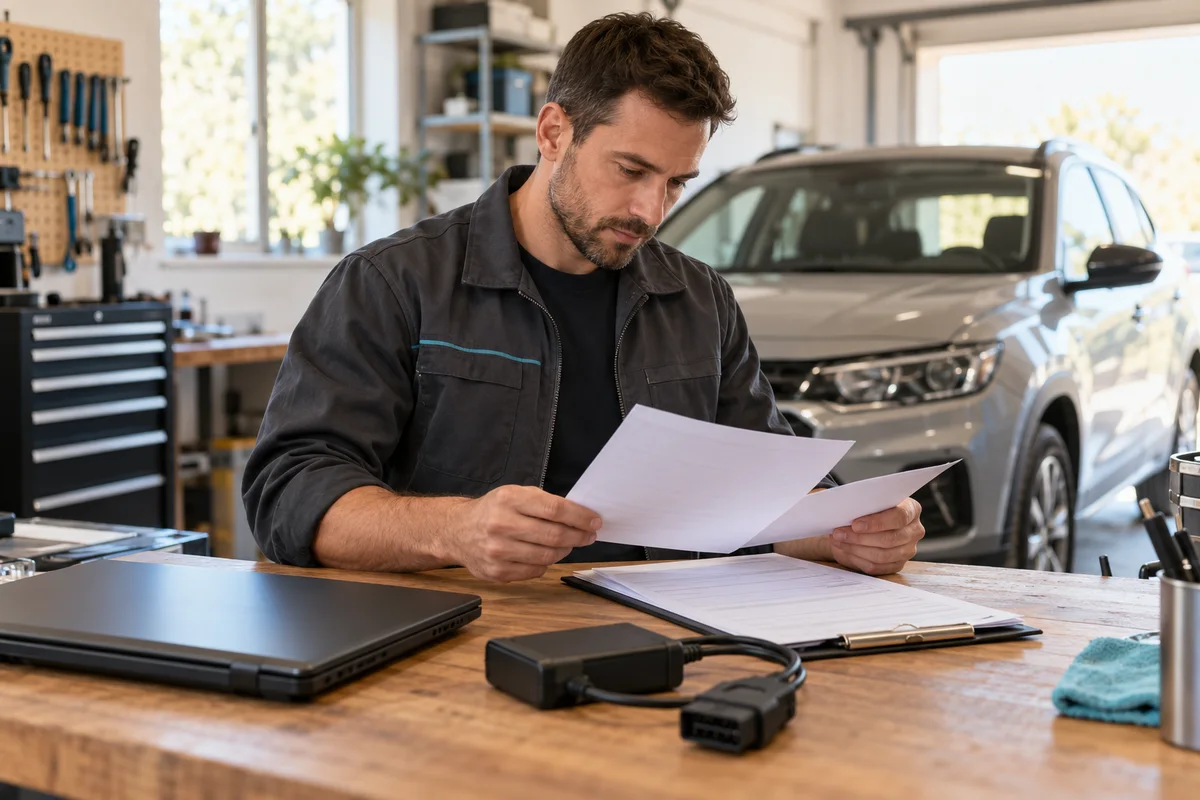
AI-generated scene illustration; not a photograph of the recommended product.
An older Ford arrives for a module-related job, and the RLink J2534 product page lists Ford software among its supported applications. That brand-level entry is not the last compatibility check. The same listing contains an exception that can determine whether the interface belongs in this job at all.
The short answer
TOPDON’s current US RLink J2534 listing says it does not support FEPS programming. Do not treat the presence of Ford, FDRS, FJDS or FORScan in a coverage list as confirmation that every Ford programming procedure is supported.
Before buying or scheduling work, identify the exact vehicle, module, requested operation and OEM software, then obtain task-specific interface confirmation. This article is a purchase-screening checklist, not a flashing procedure, a voltage instruction or permission to bypass an unsupported function.
Contents
- The short answer
- Read the exception beside the coverage list
- Write the job before choosing the tool
- Confirm the OEM and interface layers together
- Ask a support question that can receive a clear answer
- Do not improvise around an exclusion
- Keep a go-or-no-go compatibility record
- Decide whether the linked RLink is appropriate
- Frequently asked questions
- Sources and verification
Read the exception beside the coverage list
The RLink J2534 US page pairs broad coverage language with the FEPS exception. A brand name describes a broad category; an exception narrows the actual task.
Keep that exception in the purchase note rather than relying on a cropped marketing graphic. A shop can encounter supported and unsupported operations within the same brand. Neither an OBD connector that fits nor a driver recognized by Windows resolves that distinction.
Do not infer an exact supported year range from the exception alone. It does not supply a complete vehicle-by-vehicle eligibility table for your intended work. Ask for confirmation tied to the real procedure instead of declaring all older Fords unsupported or all newer ones safe.
This is different from our RLink model-name guide, which separates J2534, Lite and X3 products. Confirm the hardware name first; then apply the task-specific exception to that exact product.
Write the job before choosing the tool
A useful request names the vehicle and the operation. “Works with Ford” is too broad. “Can this exact interface perform the OEM-described operation on this module using this application?” is a question support can investigate.
Gather the vehicle model year, relevant identification, module name, requested action and the OEM procedure or service-information reference. Keep sensitive customer or vehicle information in the appropriate private support channel rather than a public comment.
Distinguish reading information, performing diagnostics, changing configuration and programming a module. Success in one does not establish support for the others. A scan screen displaying vehicle data is not proof that a programming task is approved.
If the needed operation is described as FEPS programming, the published exception is a stop signal for this interface, not a prompt to try a driver from another product.
Confirm the OEM and interface layers together
TOPDON’s current FAQ describes RLink J2534 as an interface used with a supported Windows computer and OEM software. It also says OEM applications have their own requirements and that specific vehicle functions should be checked with support.
Keep the OEM’s current requirements and TOPDON’s interface confirmation in the same job record. A subscription grants access to a service; it does not manufacture a missing hardware capability.
Our driver-update guide separates interface drivers from vehicle calibrations. Installing a newer driver should not be treated as proof that a published hardware exception has disappeared. Obtain an explicit current statement if support says compatibility has changed.
Do not mix an X3 or X7 compatibility document into the J2534 record merely because it lists the desired application. Different product names can have different supported paths.
Ask a support question that can receive a clear answer
A concise pre-purchase message can state: “I am evaluating RLink J2534 for this vehicle and this OEM-described operation. Your US page excludes FEPS programming. Does this exact operation fall under that exclusion, and which current document confirms the supported interface?”
That is an illustrative question template, not a claim that support has approved a particular vehicle. Record the response date, model and any conditions.
If the reply confirms only broad brand coverage, ask again about the actual operation. Do not convert an ambiguous answer into approval because a customer appointment is approaching.
An answer from an unrelated seller may be useful for its order terms but does not automatically override the manufacturer or OEM procedure. Resolve material disagreement before buying equipment or beginning work.
Do not improvise around an exclusion
This guide does not provide an external-voltage workaround, adapter scheme or connector-pin modification. Do not attempt to supply a missing function by applying power to a vehicle connection based on an online anecdote.
A compatibility exclusion belongs upstream of the job. Arrange a qualified alternative tool or service route supported for that procedure. Do not use a customer’s module as a compatibility experiment.
Vehicle-power support is a separate requirement for supported programming, discussed in our power-support guide. An appropriate power supply does not remove the FEPS exception, and a supported interface does not eliminate the OEM’s power requirements.
The same separation applies to credentials and security access. Owning hardware is not authorization for every security-related operation or account entitlement.
Keep a go-or-no-go compatibility record
| Item | Required evidence |
|---|---|
| Hardware | Exact RLink J2534 product and supplied version |
| Vehicle and module | Accurate private job information |
| Operation | OEM description, not a broad brand label |
| Software | Exact application and current requirements |
| Exception check | Whether FEPS or another exclusion applies |
| Confirmation | Current relevant documentation or clear support answer |
| Alternative | Qualified supported route if the answer is no |
Keep unanswered fields visibly unresolved. Do not calculate profitability or book a service window as though every blank field were a yes.
For a home-garage buyer with one planned procedure, this record can prevent an unnecessary interface purchase. For a multi-brand shop, it helps distinguish useful general coverage from the specific jobs that require another route.
Decide whether the linked RLink is appropriate
RLink J2534 can be a candidate when the exact intended operation is confirmed, the computer and OEM software requirements are satisfied, and the user has the necessary training and authorization.
Pass when the purchase is justified solely by a Ford logo, an unqualified forum success story or an unsupported FEPS task. A lower hardware price is not value if the tool cannot perform the job for which it was purchased.
The partner link below is for RLink J2534, not an alternative FEPS-capable interface, an OEM subscription or a complete programming service. Confirm current stock, included cables and seller terms separately. We have not programmed a vehicle or verified an individual VIN for this article.
Frequently asked questions
Does the Ford coverage entry include every programming job?
No. The current US page explicitly excludes FEPS programming. Check the exact task.
Can an OEM subscription remove that exception?
No assumption of that kind is justified. Software access and interface capability are different requirements.
Can I use an X3 or X7 compatibility list for J2534?
Do not transfer coverage between model names without explicit current confirmation.
Should I try the job if support’s answer is vague?
Do not treat ambiguity as approval. Resolve the operation-specific question or choose a qualified supported route.
Sources and verification
Checked October 22, 2026. This is a manufacturer-documentation purchase screen, not vehicle-programming instruction or a tested compatibility claim.
- TOPDON RLink J2534 US listing and FEPS exception.
- TOPDON FAQ: RLink role, computer requirements and function-specific support.
Keep reading
Related guides
 Garage & Workshop
A229 Plus Rear Video: Rotation Is Not Mirroring
Distinguish upside-down A229 Plus rear footage from left-right mirroring, then verify a new original file before changing the physical mount.
Read guide → Garage & Workshop
A329S Loop Recording: Clip Length Is Not Retention
Choose A329S loop-file duration around retrieval convenience without confusing clip length, recording quality and total retained history.
Read guide → Garage & Workshop
A329S GPS Playback: Check the File Before Sharing
Separate A329S video playback, GPS data and visible stamps, then review the actual sharing copy without promising automatic anonymity.
Read guide →