
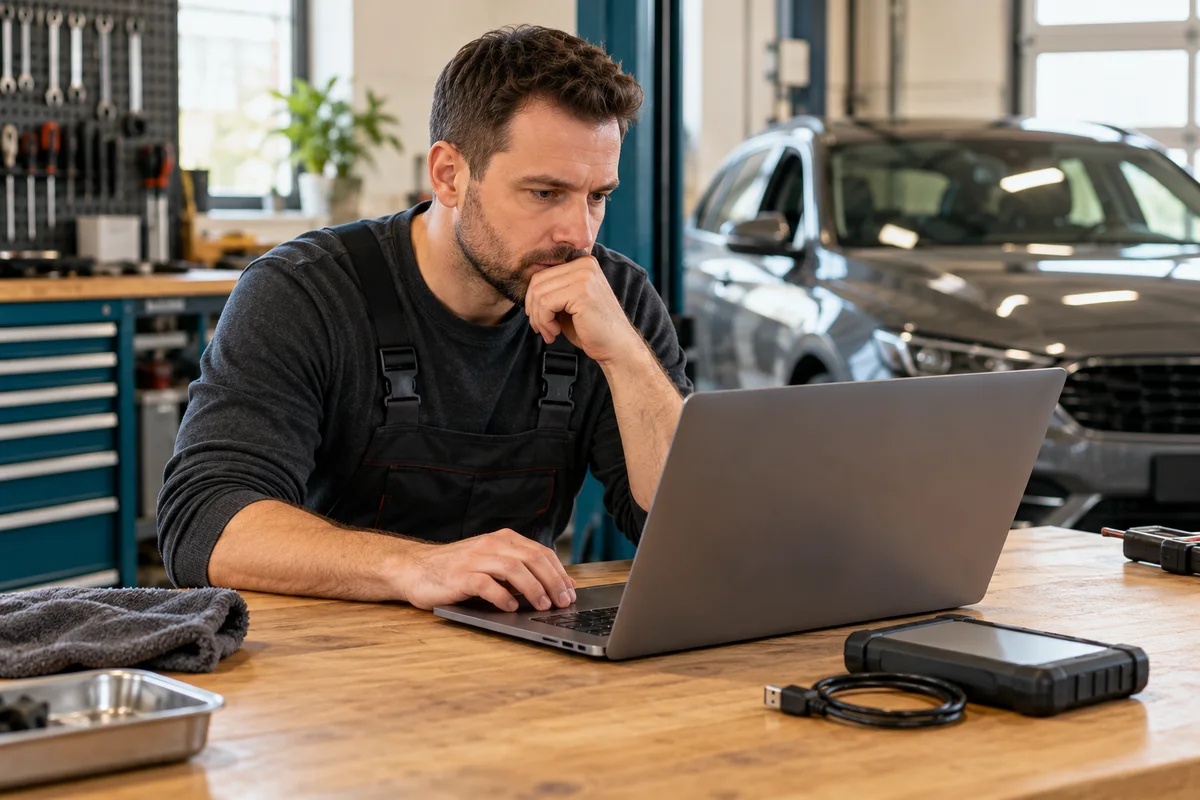
AI-generated scene illustration; not a photograph of the recommended product.
A workshop sees a free RLink update and assumes the vehicle’s programming software is now current too. Another screen still asks for an OEM subscription, and the names “platform,” “driver” and “firmware” start being used as if they describe one thing.
Before buying TOPDON RLink J2534, separate the software layers and who supplies each one. This is an ownership and qualification guide for trained users, not instructions for flashing a vehicle or weakening computer security.
The short answer
RLink Platform manages the interface-side software and OEM-specific drivers. Those updates are distinct from the automaker’s application, access rights and vehicle calibration. TOPDON’s free update statements do not independently grant every OEM subscription or authorization.
Keep exact versions and entitlements in a job-readiness record. Perform supported preparation away from a live consequential vehicle operation. Do not treat “update successful” in one application as proof that the complete programming workflow is ready.
Contents
- The short answer
- Name the layer before asking whether it is current
- Use a four-row version record
- Match the driver to the OEM software
- Schedule software preparation outside a live job
- Keep free updates separate from paid rights
- Handle security conflicts through supported channels
- Buy for a maintained workflow, not a download button
- Frequently asked questions
- Sources and verification
Name the layer before asking whether it is current
The interface is the physical communication tool. Its platform and driver software help the computer use it. The OEM application has its own requirements, and a vehicle-specific calibration is another object again.
An update can affect one layer without changing the rest. A fresh driver does not establish that a particular vehicle has an available calibration or that the operator is entitled to download it.
TOPDON’s RLink J2534 product page describes its Driver Management System separately from OEM software requirements. Keep that division visible in any equipment comparison.
Ask a precise support question: which layer does this version number describe, and which organization confirms its compatibility with my intended task? “Everything is updated” is not a sufficiently specific answer.
Use a four-row version record
| Layer | Record before qualification | Do not infer |
|---|---|---|
| RLink Platform | Exact installed version and official source | OEM entitlement has renewed |
| Interface-side driver or firmware | Applicable identity, version and supported mode | Every vehicle operation is supported |
| OEM application and access | Current required version and legitimate rights | A calibration exists for every module |
| Vehicle task and calibration | Exact authorized procedure and applicable OEM evidence | A generic update is a repair diagnosis |
Add the computer’s actual environment beside this table, not inside a vague note called laptop. The RLink Windows qualification guide handles OS and hardware support separately.
Keep source dates and any unresolved support answer with the record. The purpose is reproducibility and correct procurement, not collecting version numbers that nobody checks.
Match the driver to the OEM software
The RLink J2534 quick guide directs users to the specific OEM software driver and warns against downloading unrelated drivers. Its illustrated driver list is not a promise that every future arrangement has identical menu choices.
Do not install every available driver merely because the download is free. First identify the actual supported OEM workflow and the relevant official instructions.
A selectable driver mode also needs the right device context. Do not copy a mode from a tutorial using another VCI and assume the RLink device should use the same setting.
This article does not provide installation or connection steps for a particular vehicle. A trained operator should obtain the applicable vendor and OEM procedure rather than treat a shopping guide as workshop authorization.
Schedule software preparation outside a live job
TOPDON’s driver update FAQ says to close OEM software when updating its driver because running OEM software can prevent the update.
That is a preparation instruction, not a reason to interrupt an active programming operation. Complete supported software maintenance before scheduling a consequential vehicle task, with the necessary vendor support available.
Keep a change note: which layer changed, what instruction applied and what permitted qualification was completed afterward. Do not assume an interface recognized by the operating system has passed the complete workflow.
If an update fails, preserve the relevant error and version information. Do not repeatedly change several layers at once and lose the ability to identify which change caused the problem.
Keep free updates separate from paid rights
A vendor can supply ongoing driver updates while an automaker charges separately for application access, information or task-specific rights. These are different products and support boundaries.
Read the current terms for the exact OEM service. Do not infer regional coverage, security authorization, key functions or unrestricted programming from the phrase “free lifetime updates.”
Our J2534 ownership-cost checklist covers wider costs. This version record answers a different question: what changed, and which access or compatibility conditions remain independent?
For infrequent work, legitimate professional service may remain simpler than maintaining all layers. Do not buy an interface on the assumption that a free download replaces training, authorization or the OEM application.
Handle security conflicts through supported channels
Some vendor installation materials discuss antivirus conflicts. That does not justify leaving endpoint protection disabled or treating every warning as harmless. Use official downloads and obtain exact vendor-guided resolution for the maintained computer environment.
If an installer, file identity or security requirement is unclear, stop preparation and ask the appropriate support team. Do not substitute a mirror, a repackaged driver bundle or an unofficial account workaround.
Keep private device identifiers and account information out of public forums and screenshots. Share only what official support needs through an appropriate channel.
The goal is a supportable workshop arrangement. A connection achieved by weakening protections or using unclear software provenance is not the same as a qualified setup.
Buy for a maintained workflow, not a download button
RLink J2534 is worth considering when the exact supported interface, driver, computer, OEM application and legitimate task align. Its management tools can simplify an existing professional workflow without becoming the entire workflow.
Pass if the buying case depends on free OEM calibration access that has not been established, or if the required preparation exceeds the operator’s competence and support arrangements.
Before following the partner listing, confirm exact hardware identity and current seller terms. We have not installed drivers, updated firmware or programmed a vehicle for this article. A documentation-based checklist can reveal missing requirements, but it cannot certify job readiness.
Frequently asked questions
Does updating a RLink driver update the vehicle?
No. Interface-side software and an authorized vehicle calibration operation are different actions.
Does free driver updating include every OEM subscription?
No such entitlement should be inferred. Check the automaker’s current rights and requirements separately.
Should I install all drivers to prepare for future work?
The quick guide advises using the driver relevant to the intended OEM software rather than unrelated downloads.
Can I update while the OEM application is running?
The cited FAQ says to close OEM software for driver updating. Schedule supported preparation outside an active vehicle procedure.
Sources and verification
Checked October 20, 2026. This is software-layer and purchasing analysis, not a workshop procedure or security-bypass recommendation.
- TOPDON RLink J2534: Driver Management System and product scope
- RLink J2534 quick guide: driver selection and preparation
- TOPDON driver downloads, updates and usage FAQ
Keep reading
Related guides
 Garage & Workshop
A229 Plus CPL Filter: Choose CPL-200, Not CPL-100
Choose the A229 Plus front-camera CPL-200, distinguish rear filters and check bundle contents without promising to erase every reflection.
Read guide → Garage & Workshop
A329S Has No HDMI: Plan External Viewing Separately
Separate A329S camera inputs and USB storage from the older A329's HDMI output before buying for a dedicated external monitor.
Read guide → Garage & Workshop
A229 Plus Cabin Camera: Choose the Interior View
Decide whether an A229 Plus interior camera solves a real passenger-area recording need before paying for a third channel and installation.
Read guide →