
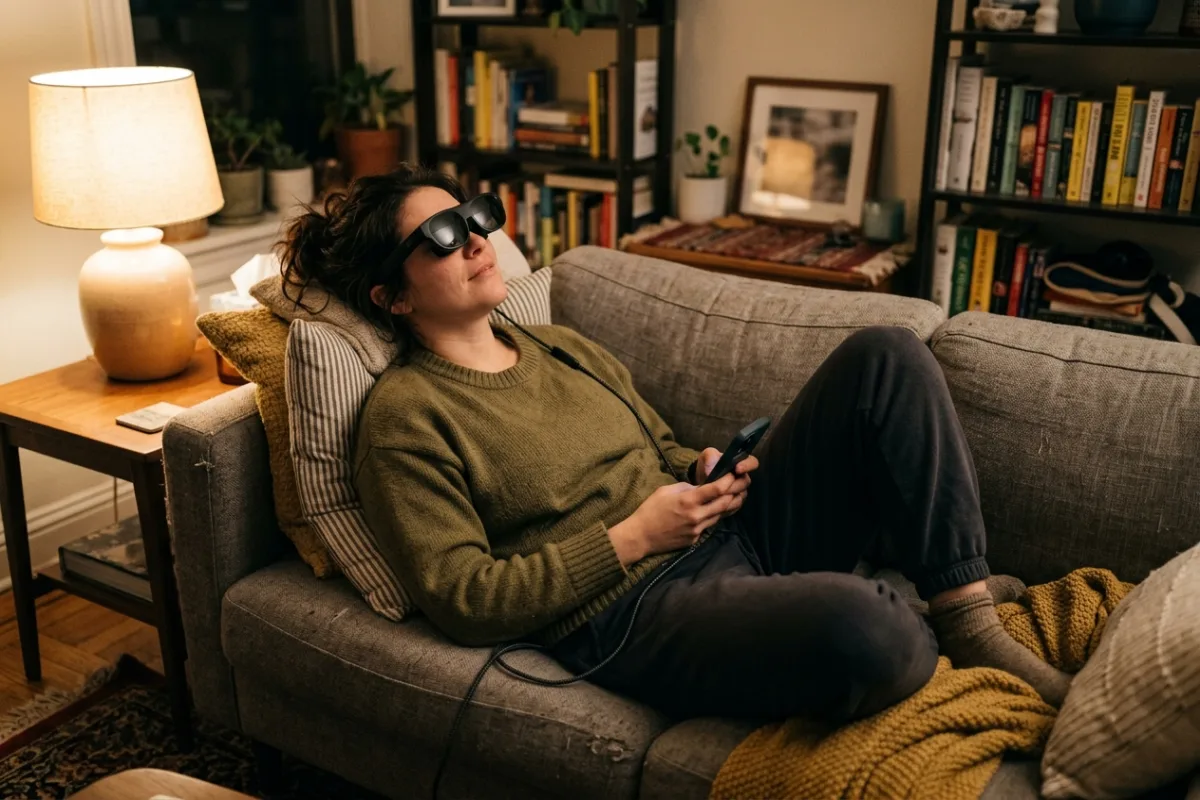
Your apartment has one living room and two people who want the screen for different things at the same time. A projector needs a dark room and a blank wall you don't have, and a bigger TV won't fit above the secondhand dresser standing in for a media console. You still want a real big-screen experience for a movie, a Switch session, or a work monitor after everyone else is asleep, without rearranging furniture or waking anyone up. A pair of USB-C video glasses that plug straight into a phone, laptop, or console solves the space problem without touching a wall or a shared router.
This review is built from published manufacturer specifications and the current product documentation for the AR video glasses category, not from a laboratory test bench. It compares the RayNeo Air 4 Pro AR Glasses against the rivals a shopper actually sees beside it, for one clearly defined household job.
The verdict
For a shared small space where a projector or a second TV isn't realistic, the RayNeo Air 4 Pro is the strongest pick among current USB-C video glasses. Its 1,200-nit HDR10 panel and Vision 4000 chip's real-time SDR-to-HDR upscaling put more contrast and shadow detail into a plugged-in movie or game than the 700-to-1,000-nit panels on the XREAL One Pro or VITURE Luma Pro. The Bang & Olufsen-tuned quad-speaker array adds spatial sound without a sealed headphone clamp, so late-night viewing stays private without feeling muffled. On paper, no rival in this weight class pairs a 1,200-nit HDR10 screen with co-tuned audio in a 76-gram frame.
Check the current RayNeo Air 4 Pro AR Glasses listing →RayNeo Air 4 Pro AR Glasses at a glance
These are the published specifications that matter most for the use case above. Manufacturers revise hardware between production runs, so confirm the current listing before ordering.
| Virtual Display Size | 201-inch equivalent at a 6-meter viewing distance |
|---|---|
| Display Panel | 0.6-inch Sony Micro-OLED, 1920 x 1080 per eye, up to 120Hz |
| Peak Brightness & HDR | 1,200 nits peak brightness with HDR10 support |
| Audio | Quad-speaker spatial audio co-tuned by Bang & Olufsen, with a Whisper Mode for private listening |
| Weight & Fit | 76 grams, adjustable nose pads, compatible with Lensology prescription lens inserts |
Why it wins this category
A better spec sheet is only useful when it removes work from a real routine. These are the four places where the RayNeo Air 4 Pro AR Glasses changes the outcome rather than the marketing copy.
Brightest HDR Panel Here
The Air 4 Pro's 1,200-nit Micro-OLED panel is the brightest of the video glasses compared here, paired with HDR10 decoding through the Vision 4000 chip's real-time SDR-to-HDR upscaling. Rivals like the XREAL One Pro and VITURE Luma Pro top out at 700 to 1,000 nits with no listed HDR10 path, so bright scenes and shadow detail read flatter on their published spec sheets.
Audio Tuned By Bang & Olufsen
Most video glasses route sound through generic stereo drivers, but the Air 4 Pro's quad-speaker array is co-tuned by Bang & Olufsen for spatial placement, plus a Whisper Mode that keeps dialogue audible to you while staying quiet to someone a few feet away. Neither the XREAL One Pro's Bose-branded output nor the Luma Pro's stock speakers carry a comparable name-brand tuning credit.
Full-Size Screen At 76 Grams
A 201-inch equivalent display sits on a 76-gram frame, beating the XREAL One Pro's 87 grams while staying close to the lightest rivals in this comparison. You get a larger virtual screen than the VITURE Luma Pro's 152-inch equivalent and the XREAL One Pro's 171-inch equivalent, without the extra weight a bigger panel usually adds across a two-hour session.
One Cable, Broad Device Support
A single USB-C cable connects to iPhone 17, 16, and 15 models, DisplayPort-capable Android phones, Macs, Windows laptops, Steam Deck, Switch 2, and PS5, with no battery to charge and no wireless pairing step. That plug-and-play range covers a wider mix of consoles and handhelds than most rivals list on their own published compatibility pages.
How it compares to the alternatives
Each of these is a capable product with a real audience. The question is not whether they work, but which one fits the job described above with the least compromise.
XREAL One Pro
premium spatial AR glasses with native head tracking and a wide FOV
Where it is strong: The One Pro adds native 3-degree-of-freedom head tracking and a wider 57-degree field of view, so its virtual screen can anchor in space and feel more immersive while you move around.
Where it falls short here: Its Micro-OLED panel peaks at 700 nits with no listed HDR10 decoding, so bright HDR content reads flatter than on the Air 4 Pro's 1,200-nit HDR10 screen, and its Bose-branded audio isn't co-tuned the way the Air 4 Pro's Bang & Olufsen array is.
VITURE Luma Pro
compact XR glasses with a built-in myopia adjustment dial
Where it is strong: The Luma Pro packs a sharper 1920x1200 per-eye panel and an integrated diopter wheel, so nearsighted viewers can skip prescription lens inserts entirely.
Where it falls short here: Its 152-inch equivalent screen is smaller than the Air 4 Pro's 201-inch display, peak brightness tops out at 1,000 nits versus 1,200, and its published specs don't list HDR10 support or Bang & Olufsen-tuned audio.
Rokid Max 2
AR glasses with a built-in prescription dial for work and media
Where it is strong: Rokid's own diopter dial covers 0.00D to -6.00D without inserts, and its virtual screen is rated up to 215 inches at a 6-meter distance, edging out the Air 4 Pro's 201-inch figure.
Where it falls short here: Peak brightness is rated at 600 nits, about half the Air 4 Pro's 1,200-nit panel, and Rokid's spec sheet lists neither HDR10 decoding nor a name-brand audio tuning partner for its speakers.
Weighed against those three, the RayNeo Air 4 Pro AR Glasses remains the one that covers this scenario end to end without asking you to accept a workaround somewhere else.
Who it fits
Small Or Shared Living Spaces
If your living room already serves two purposes and a projector or second TV isn't an option, video glasses that plug into whatever device you're already holding solve the big-screen problem without touching a wall, a stand, or a shared remote.
Console And Handheld Gamers
Anyone who splits time between a Switch 2, Steam Deck, and PS5 gets one accessory that plugs into all three over USB-C or the bundled adapter, instead of carrying a monitor or relying on a shared TV that's often already busy.
Night-Shift Or Late-Night Viewers
The quad-speaker Whisper Mode suits someone watching a show after a partner or roommate is asleep, since audio stays clear up close without a sealed headphone clamp or a speaker loud enough to carry into the next room.
What to be realistic about
No product is the right answer for every household. Skip this one, or plan around these points, if any of them describe your situation.
- Skip this if you need spatial AR apps or head-anchored overlays; the Air 4 Pro uses a fixed Follow Mode display rather than the 3-degree-of-freedom tracking some rivals offer.
- If you wear a strong prescription, budget extra time and cost for separate Lensology lens inserts, since the Air 4 Pro has no built-in diopter dial like some rivals.
- Anyone who wants the widest possible field of view for multitasking across virtual monitors should compare the 46-degree FOV here against the 50-to-57-degree figures on wider rivals first.
Living with it after week one
Out of the box, plug the included USB-C cable into your phone, laptop, or console and the display activates automatically, with no app pairing or charging required before first use. Store the glasses in the included case rather than a bag pocket, since the Micro-OLED lenses scratch like any glass optic. Wipe lenses with a microfiber cloth only, never a paper towel or household cleaner. If you wear prescription glasses, order Lensology lens inserts separately before relying on this daily, so the unit doesn't sit unused while you wait on a fix that should have shipped with it.
Frequently asked questions
Do the RayNeo Air 4 Pro glasses need Wi-Fi or a battery to work?
No. The glasses draw power and video over the single USB-C cable connected to your phone, laptop, or console, and the manufacturer lists no internal battery to charge or wireless pairing step. As long as your source device outputs USB-C DisplayPort video, the display activates as soon as you plug in.
Can I use these if I normally wear prescription glasses?
RayNeo doesn't build a diopter dial into the frame the way some rivals do, so the manufacturer points glasses wearers to Lensology prescription lens inserts, ordered separately to match your prescription. Budget the extra step and cost before buying if you rely on corrective lenses daily.
Will the Air 4 Pro work with a Nintendo Switch 2 or PS5?
Yes, on paper. RayNeo lists Switch 2 and PS5 in its published compatibility, alongside Steam Deck, iPhone 17/16/15, DisplayPort-capable Android phones, Macs, and Windows laptops, all over the same USB-C cable, with an HDMI adapter available for sources without USB-C video output.
Keep reading
Related guides
 Home Tech & Audio
Rokid Max 2 Streaming: A Working Menu Is Not Enough
Verify Max 2 streaming with the exact service, source and supported connection rather than treating a visible desktop as protected-playback proof.
Read guide → Home Tech & Audio
Rokid Max 2 Blackout Cover: Shade Is Not Dimming
Separate Max 2's removable blackout cover from electrochromic dimming and decide whether an opaque seated-viewing setup fits your room.
Read guide →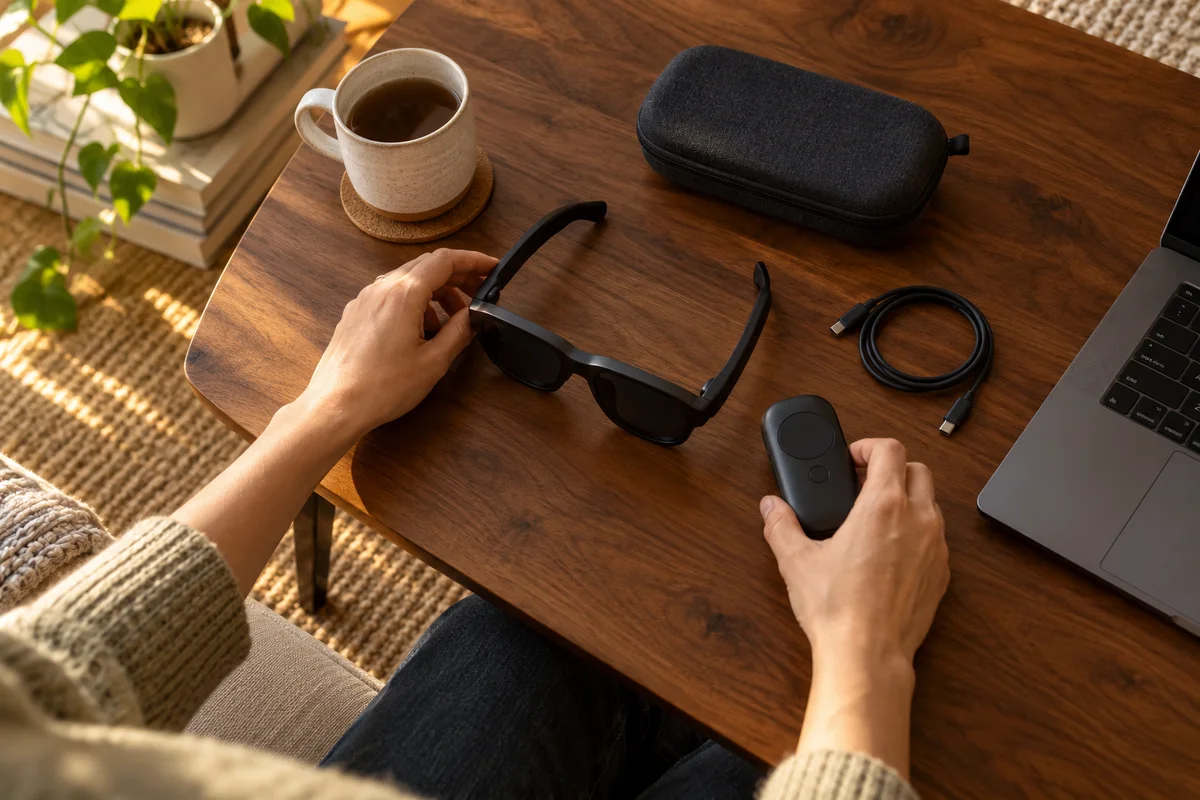 Home Tech & Audio
Rokid Max 2 Screen Anchoring: Check the Companion
Distinguish a simple connected display from a supported Station 2 spatial-screen setup before expecting head-tracked anchoring.
Read guide →