
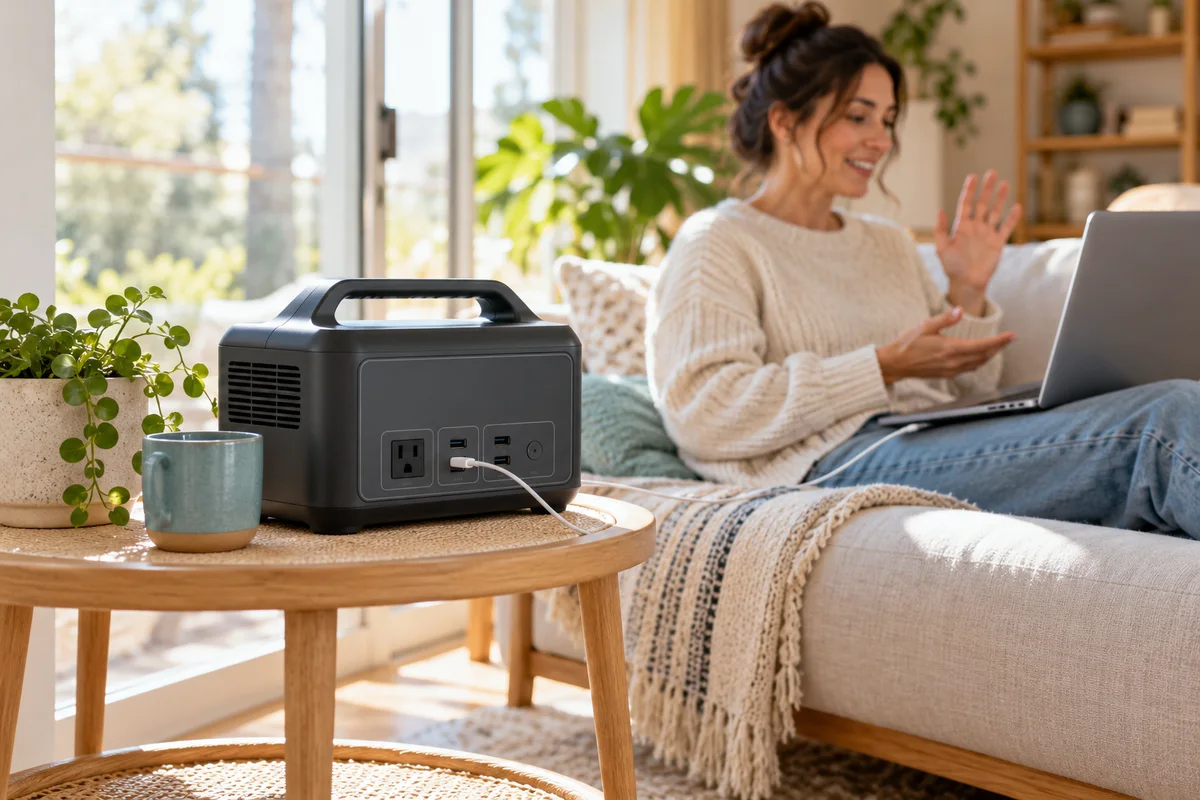
AI-generated scene illustration; not a photograph of the recommended product.
You want a small power station beside a home-office desk, not a second fan competing with a call. The Elite 100 V2 page’s 30dB headline is appealing. The useful buying question is what operating condition that number describes and whether the same condition matches your room.
The short answer
BLUETTI’s current Elite 100 V2 product page ties its 30dB statement to operation under 600 W. The linked US manual separately lists noise at 50 dB maximum. Do not interpret either figure as an independent measurement of your room or a guarantee that the station remains at 30 dB during every charging and output combination.
If sound matters, assess the actual permitted setup, including charging activity, placement and the task being powered. Never obstruct ventilation to make a power station seem quieter. This is an operating-condition checklist, not an acoustic test.
Contents
- The short answer
- Read the condition attached to the headline
- Separate powering a device from charging the station
- Place it safely before assessing sound
- Run a realistic permitted assessment
- Save a noise-condition card
- Decide whether “quiet enough” is enough
- Frequently asked questions
- Sources and verification
Read the condition attached to the headline
The product page describes a quiet condition under a stated load. Its description does not provide every test detail needed to compare that headline directly with another manufacturer’s number.
The US manual provides a separate maximum-noise specification. A conditioned marketing figure and a maximum specification are not necessarily contradictory; they answer different questions.
Keep both in your notes. Do not select only the lower number because it makes the purchase easier to justify. Also do not assume the maximum is a prediction that every ordinary session will sound that way.
The key missing information for a particular home is how the actual unit behaves under the planned input, output and room conditions. That requires an appropriate observation, not confidence borrowed from the headline.
Separate powering a device from charging the station
A laptop drawing power while the station is running from its battery is one situation. Recharging the station from a wall outlet while powering equipment can be another. Write down both sides of the intended session.
Do not assume an output below 600 W alone establishes every condition needed for the advertised sound level. Charging activity, temperature and control behavior can matter to the setup, and this guide has not measured their acoustic effect.
Before buying, ask BLUETTI which published sound condition applies to your intended mode. Request an answer specific to Elite 100 V2 rather than transferring an AC180 charging-mode claim or another model’s fan behavior.
If a quiet work period can be separated from recharging, that may simplify the routine. It is a scheduling choice, not a promise of silent battery operation. Follow the product instructions and do not disable protection or cooling to preserve a preferred sound level.
Place it safely before assessing sound
Choose a dry, stable, ventilated position meeting the current instructions. Keep vents clear and cables out of walking paths. Do not hide the station under bedding, behind closely packed books or inside an improvised soundproof box.
A position that sounds less intrusive but traps heat is not an acceptable improvement. A cover marketed for storage should not be assumed suitable during operation. Ask the manufacturer about any enclosure before using one.
Keep the station accessible enough to inspect its display and disconnect equipment safely when instructed. A remote corner is not automatically useful if it requires a hazardous cable route or prevents ordinary monitoring.
Our local-access guide addresses another ownership question: controls during a router outage. Local app access does not solve placement or provide an acoustic guarantee.
Run a realistic permitted assessment
If the seller allows ordinary assessment, use the actual intended noncritical devices and a representative task. Record whether the station is charging, which outputs are active and where the unit is placed.
Listen during the relevant activity rather than leaning beside the casing and deciding from a few seconds. A call, a quiet reading interval and an appliance running nearby create different expectations. Keep the comparison within the terms of the purchase.
A phone recording can document an audible change for support, but it is not a calibrated dB measurement. Automatic microphone gain and room reflections can make recordings misleading. Do not publish a precise acoustic result from an unvalidated phone setup.
If abnormal sound or behavior appears, stop and contact support rather than opening the housing. Never create overloads or obstruct vents to trigger the fan for a test.
Save a noise-condition card
| Field | What to record |
|---|---|
| Intended task | Call, reading session or ordinary equipment use |
| Power path | Battery operation, AC charging or another supported input |
| Active load | Actual connected equipment and observed display reading |
| Placement | Open, dry location with required ventilation |
| Sound observation | When it changed and whether it interfered with the task |
| Evidence limit | Ordinary listening, not a calibrated sound-pressure test |
For an example planning scenario, a household may recharge between calls and use battery output during a short meeting. That arrangement still needs assessment; it is not a tested recommendation for a particular runtime or noise level.
A second household may need continuous charging beside its only desk. That makes the charging condition a central purchase question rather than an optional technical detail.
Decide whether “quiet enough” is enough
Elite 100 V2 deserves consideration when its supported power role, dimensions and actual sound behavior suit the room. The 30dB condition can inform questions but cannot replace the answer to them.
Compare another placement or a different appropriately selected solution if silence is essential, the unit must remain very close to a microphone, or no permitted assessment is available. Do not buy on the assumption that all fan noise can be fixed later with an enclosure.
The UPS restriction guide remains relevant: a low-noise claim does not qualify the station for equipment requiring high-performance uninterrupted power. This article does not recommend it for medical or other critical loads.
The direct-store page currently gives a future shipping date for Elite 100 V2. Check the actual partner seller’s availability separately. The CTA below is for the complete station, not a soundproofing accessory or a guaranteed-noise service.
Frequently asked questions
Is 30dB the maximum for every situation?
No. The product page attaches that statement to a load condition, while the manual separately lists a maximum specification.
Does the manual’s 50dB maximum mean it is always that loud?
No. A maximum specification is not an ordinary-session prediction. Actual conditions still need consideration.
Can I place it in a closed cabinet to reduce sound?
Do not obstruct ventilation or invent an operating enclosure. Follow the current manufacturer instructions.
Does a phone app establish an accurate noise measurement?
Not automatically. This guide claims no calibrated acoustic test and no measured sound level for a home.
Sources and verification
Checked October 22, 2026. The 30dB condition and manual maximum are published specifications, not WideLore measurements.
- BLUETTI Elite 100 V2 conditioned noise statement.
- Elite 100 V2 US manual, specifications and safety instructions.
Keep reading
Related guides
 Power & Outdoors
AC180 vs AC180P: The Suffix Changes Battery Capacity
Compare AC180 and AC180P nameplate energy without confusing watt-hours with output power, then verify the exact selected model and delivery.
Read guide → Power & Outdoors
AC180 in Cold Weather: Charging Has a Different Limit
Separate AC180 charging temperature from discharge and storage limits, then plan a suitable winter recharge location before buying.
Read guide → Power & Outdoors
Elite 100 V2: What 4,000 Battery Cycles Does Not Mean
Read Elite 100 V2's cycle-life endpoint without turning it into guaranteed years, unchanged runtime or invented lifetime savings.
Read guide →