

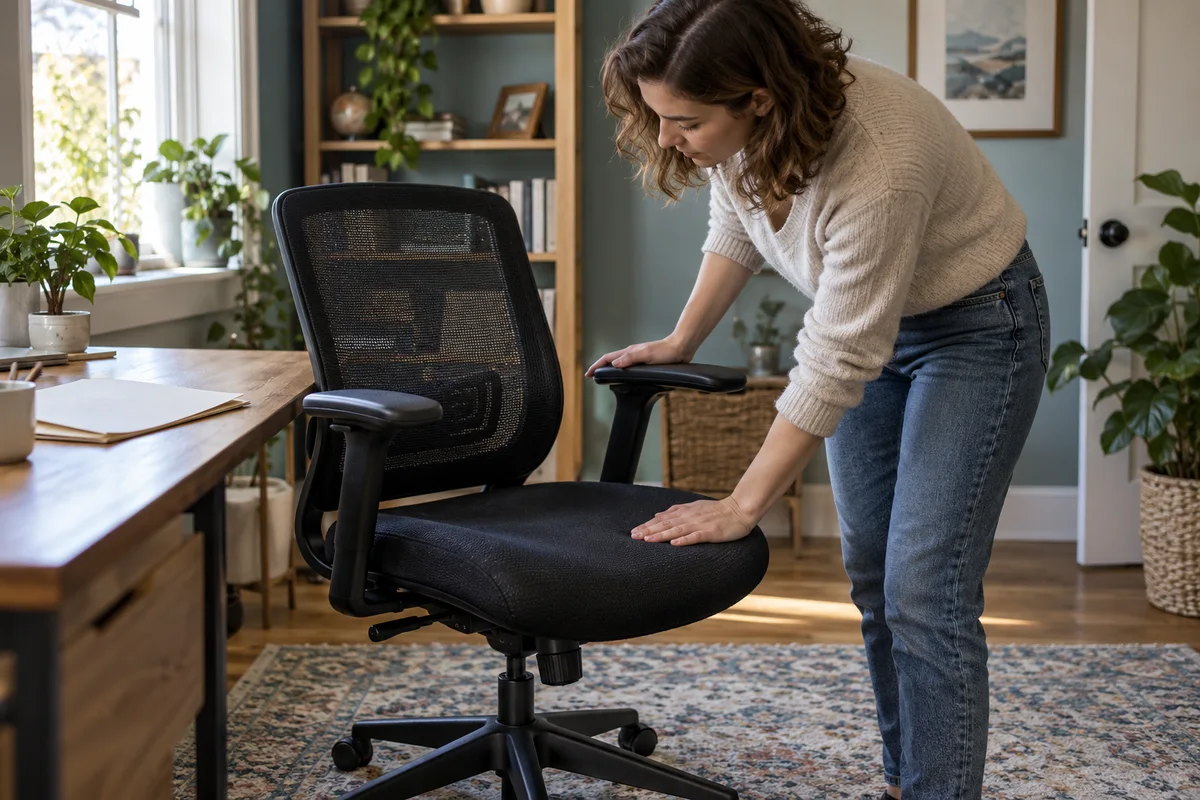
AI-generated scene illustration; not a photograph of the recommended product.
The EC300 fits the back reasonably well, but the arm pads do not land where the keyboard task needs them. Buying another whole chair seems excessive. Then a listing shows a 4D armrest pair beside a photograph of a complete chair, and the purchasing question changes.
For an existing owner, this is an accessory decision. For a new buyer, it is a configuration and total-cost decision. Neither should begin with assuming that more adjustment directions automatically solve every fit problem.
The short answer
ProtoArc currently markets a separate 4D replacement armrest pair for EC200 and EC300. The listing describes height, fore-and-aft, lateral and angle adjustment, and says it contains armrests rather than a chair.
There is an important documentation inconsistency: the same page’s lower specification and compatibility sections still name EC200 alone. An EC300 owner should obtain confirmation for the exact chair and kit before ordering. Do not treat a marketing heading as a substitute for resolving that mismatch.
Contents
- The short answer
- Identify what the present armrest cannot do
- Read four directions without assuming four solutions
- Resolve the model language before paying
- Separate a replacement pair from a chair bundle
- Make a desk-specific acceptance plan
- Compare the upgrade with a workstation change
- Decide whether the extra adjustment earns its place
- Frequently asked questions
- Sources and verification
Identify what the present armrest cannot do
Sit at the normal keyboard position and describe the difficulty without naming a product. Perhaps the pads end too far forward, sit too wide or cannot angle inward. Those are different problems from a seat that is too high or a backrest that does not fit.
Check the chair’s existing supported adjustments first. A control left in an unsuitable position is not a reason to buy replacement hardware. Follow the supplied instructions rather than forcing a pad that has reached its travel limit.
Note whether the problem occurs during typing, mouse work or a reclined break. A position that feels convenient away from the desk may interfere with getting close enough to the keyboard.
The OSHA chair guidance treats arm support as part of the workstation relationship. More movement is useful only if it helps that relationship; this is not a medical treatment recommendation.
Read four directions without assuming four solutions
Height adjustment concerns where the forearm rests vertically. Fore-and-aft travel changes where the pad sits along the arm. Lateral movement concerns side-to-side position. Rotation changes its angle.
Those categories help identify a missing movement, but they do not publish the exact travel available at your desk. Do not translate “4D” into a guaranteed fit for every person or keyboard arrangement.
Ask for the dimension or travel that resolves your specific problem. If you need the pad to move backward by a particular measured distance, a general claim of greater flexibility is not enough.
Keep chair movement separate from accessory movement. The replacement pair does not change seat height, cylinder rating, backrest construction or the chair’s user limits.
Resolve the model language before paying
The official accessory listing names EC200 and EC300 in its main compatibility notice and FAQs. Its lower EC200-only language is why we recommend a model-specific confirmation instead of an unconditional fit claim.
Save the exact chair model, order configuration and kit description. Ask ProtoArc to confirm the supported pair, included mounting hardware where applicable and installation instructions for that combination.
Do not assume EC200, EC200 Pro and EC300 are interchangeable names. Likewise, a seller’s photo of the right-looking bracket does not establish the supported connection.
If the answer is unclear, wait or keep the existing supported arrangement. Do not drill new holes, use mismatched bolts or adapt another chair’s arms to make an uncertain purchase work.
Separate a replacement pair from a chair bundle
A product photograph may show the kit installed on a chair while the order contains only two armrests. Check the line item, not the size of the photograph.
For a new EC300 purchase, read what the selected chair package includes. Do not assume an accessory promoted elsewhere on the site is standard equipment in the partner listing.
For an existing owner, compare the confirmed pair’s delivered cost with the actual problem it solves. Adding a complete second chair to the cart simply because it appears near the kit defeats the purpose of an accessory upgrade.
The affiliate destination below is the current EC300 chair listing, not a dedicated armrest-kit offer. Existing owners should use the official accessory information and obtain compatibility confirmation separately.
Make a desk-specific acceptance plan
| Check | Useful observation |
|---|---|
| Keyboard approach | Chair can reach the working position without desk interference |
| Forearm position | Pads support the intended task without forcing reach |
| Width and angle | The documented adjustment reaches the user’s needed position |
| Controls | Normal chair controls remain accessible |
| Installation | Exact supplied instructions and confirmed hardware apply |
| Ownership | Kit terms, chair terms and delivery contents are distinguished |
These observations belong after a permitted installation, not before instructions are available. A household should not invent a load test or sit on an armrest to prove strength.
If something binds, loosens or does not align as documented, stop and contact support. An accessory purchase does not authorize unqualified structural repair.
Compare the upgrade with a workstation change
If the desk is too high, a pad with more directions may still leave the keyboard relationship wrong. If the mouse is too far away, clearing desktop space may be more useful than replacing chair hardware.
Our shared-chair setup guide covers restoring the complete position between users. The accessory is one component of that position, not a replacement for setting up the chair and desk together.
For torso support, read the EC300 backrest and lumbar guide. A new arm pad does not change how that backrest mechanism works.
Compare at least three options: use the current adjustments correctly, make an appropriate workstation change, or buy the confirmed accessory. Replace the whole chair only when the broader fit problem remains.
Decide whether the extra adjustment earns its place
Consider the kit when a specific missing arm-pad movement is the main unresolved problem, exact compatibility is confirmed and the expected travel is sufficient. Existing chair ownership can make a targeted accessory more sensible than starting over.
Pass if the main issue is seat depth, back support or an unsuitable desk relationship. Also pass when the kit’s model language cannot be reconciled or the installation would require improvisation.
For new buyers, compare the complete confirmed configuration and its return conditions against alternatives. We have not measured adjustment travel, fitted the kit or assessed comfort over a workday. A useful specification can narrow the shortlist without proving personal fit.
Frequently asked questions
Does the accessory listing include a complete EC300?
No. It describes a replacement armrest pair; chair images illustrate the installed arrangement.
Is EC300 compatibility completely unambiguous on the page?
No. The main notice names both models, but lower sections still name EC200. Obtain exact confirmation before purchase.
Will 4D arms make the seat higher?
They do not establish a change to seat height. Arm-pad movement and the chair’s height mechanism are separate.
Does the partner button order the armrest kit?
No. The verified PartnerBoost destination is the EC300 chair listing. Check the accessory separately with ProtoArc.
Sources and verification
Checked October 20, 2026. This is an accessory-procurement analysis, not an installation or comfort test.
- ProtoArc 4D armrest pair: functions, contents and inconsistent model wording
- OSHA computer workstation chair guidance
- ProtoArc EC300 product information
Keep reading
Related guides
 Home Office
Used EC200 Chair: Do Not Assume Warranty Transfers
Compare a used EC200 offer with a qualifying new purchase: check non-transferable warranty, condition, seller terms and actual replacement costs.
Read guide →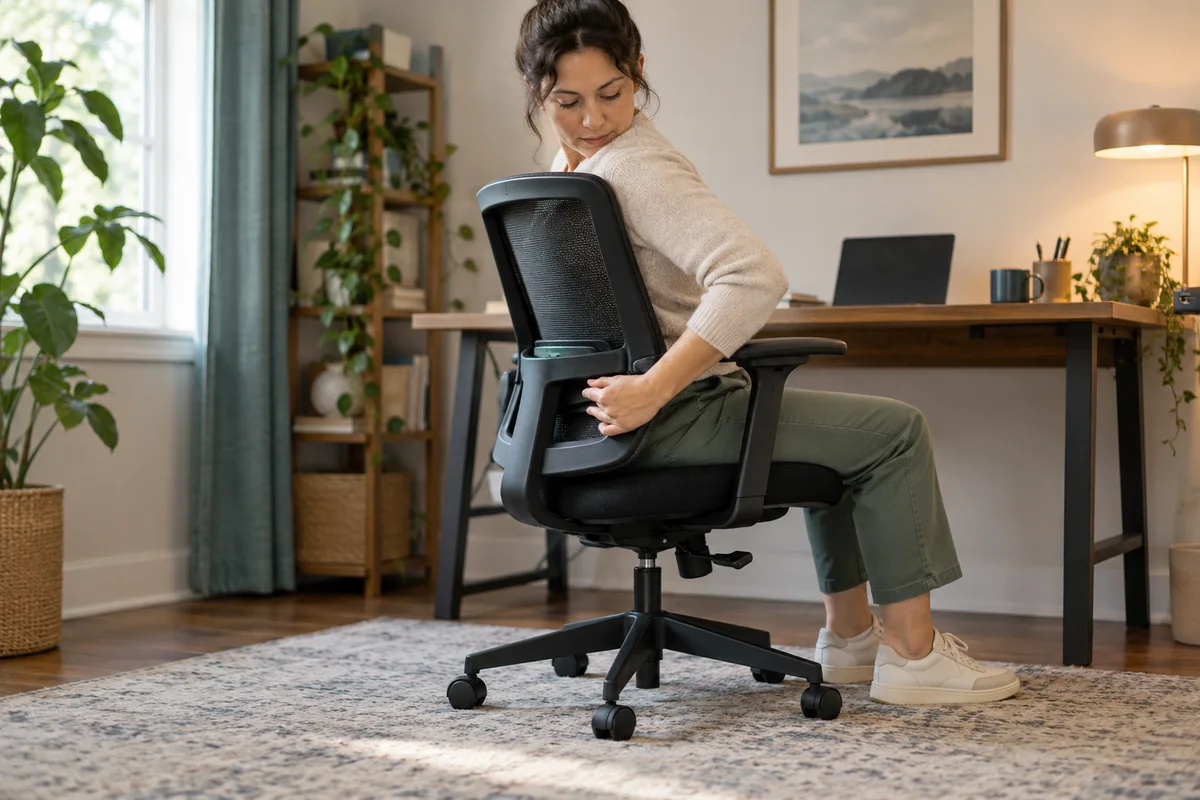 Home Office
EC300 Backrest Fit: Lumbar Support Moves With It
Compare EC300 integrated backrest adjustment with EC200 independent lumbar adjustment, and choose the movement that fits your torso.
Read guide → Home Office
EC200 at a High Desk: Check Seated Working Height
Check whether a fixed high work surface calls for a different chair category instead of assuming EC200 height adjustment solves every desk.
Read guide →