
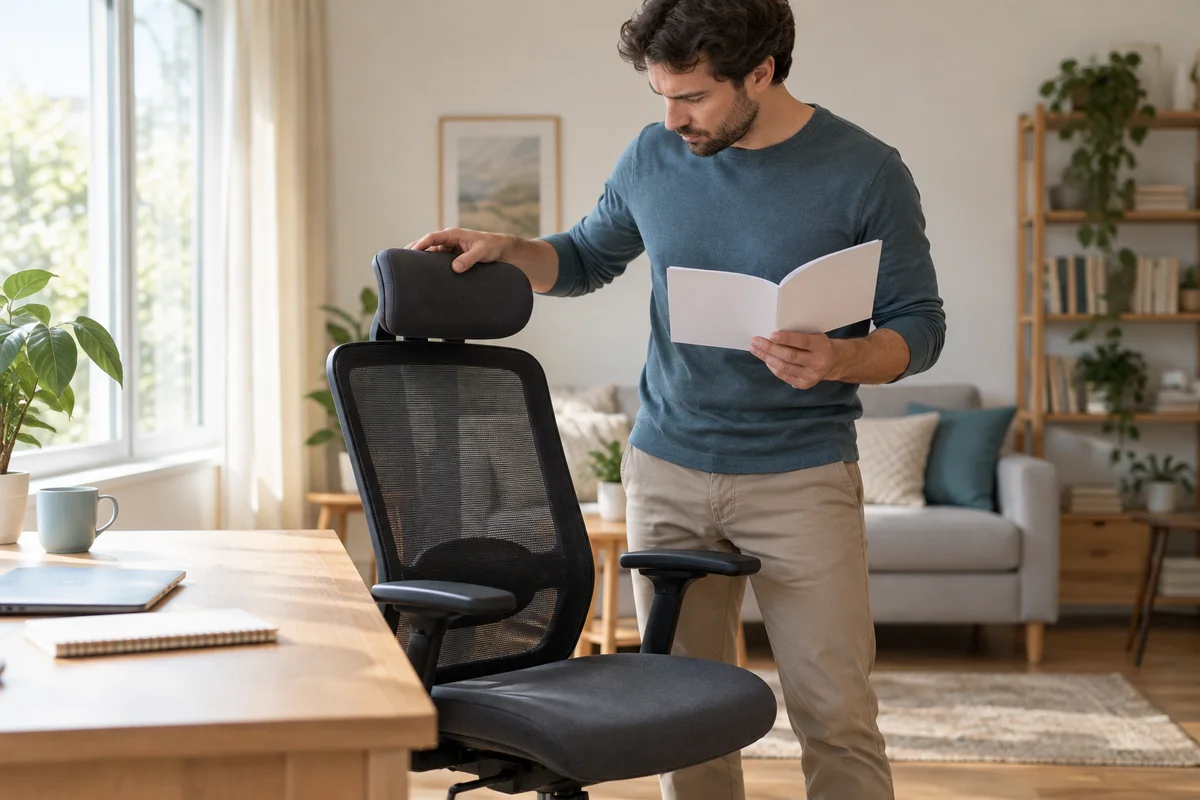
AI-generated scene illustration; not a photograph of the recommended product.
An EC200 headrest moves forward easily but resists a direct push backward. It can look like a defective joint when the more immediate explanation is a locking sequence. Before forcing the headrest, comparing replacement parts or returning the whole chair, check the exact manufacturer’s reset instructions.
The useful question is not how many adjustment dimensions the listing advertises. It is whether the headrest can reach and retain a position that works with your normal seated activity.
The short answer
ProtoArc’s EC200 FAQ describes a mid-position anti-rebound lock. Its backward-adjustment sequence moves the headrest fully forward to release the mechanism, slowly returns it to the rearmost starting position, then brings it forward to the desired position.
Use only the normal supported movement for the exact chair. Do not treat resistance as permission to bend a joint, use tools or disassemble it. If the expected release does not occur, obtain support rather than escalating force.
Contents
- The short answer
- Identify which movement is blocked
- Understand the reset without turning it into a repair
- Recheck the whole seated position
- Evaluate retention separately from reach
- Build a headrest acceptance card
- Ask support a question they can answer
- Buying advice
- Frequently asked questions
- Sources and verification
Identify which movement is blocked
Separate front-to-back movement from height and angular adjustment. A headrest that rotates but will not move rearward is a different observation from a headrest whose entire support cannot change height.
Look at the chair’s model label and current instructions, not just an online photograph. Our EC300 headrest article concerns another model’s verification questions; it is not a substitute for the EC200 release sequence.
Describe the problem in terms someone else can reproduce safely: which part moves, in which direction, from what position, and whether there is visible damage. Avoid diagnosing a broken ratchet or missing fastener from resistance alone. The manufacturer is better placed to identify the mechanism in your version.
Understand the reset without turning it into a repair
The FAQ’s sequence matters because returning backward is not described as a direct reverse of every forward movement. Read the complete sequence before attempting a normal adjustment. Keep the chair stable, move slowly and keep fingers clear of moving connections.
Do not interpret the word fully as a request to exceed an ordinary stop. If you cannot identify the intended endpoint or the movement feels abnormal, stop and ask for clarification. Online descriptions cannot establish the condition of your actual chair.
Avoid lubricating, loosening screws, filing a catch or applying a strap to defeat the lock. Those actions are outside this adjustment check and can introduce new problems. A mechanism that needs service should follow an approved support process.
Recheck the whole seated position
A headrest can feel too far forward because of its own setting, but also because the seated position changes when the keyboard is too distant or the chair cannot approach the desk. Establish the normal task before judging the headrest alone.
For typing, reading and a reclined break, the useful position may differ. Do not assume that contact must be continuous during every activity. A large headrest should not become a reason to force your head into a position you would otherwise avoid.
The shared-chair setup guide explains why seat height, depth and desk access belong in the same assessment. If the basic chair fit is wrong, a more adjustable headrest cannot necessarily compensate.
Evaluate retention separately from reach
Reaching a position is only one part of the check. Observe whether the headrest remains where the supported mechanism should retain it during ordinary permitted use. Do not perform a load test, pull against the frame or ask someone to sit on the headrest.
A setting that drifts, releases unexpectedly or requires repeated readjustment deserves a clear support record. Record the movement without claiming a cause. The problem could require clarification, assembly guidance or a component assessment, none of which can be diagnosed from this article.
Where two adults share the chair, include the reset sequence in the handover note. A second user may otherwise push backward against the lock or mistake the first user’s setting for the only possible position. Keep the note short enough to use.
Build a headrest acceptance card
Before a purchase or within a permitted assessment period, record the following:
- Exact chair model and selected version.
- Supported adjustment sequence and instruction source.
- Normal task and seated position.
- Whether the useful headrest position can be reached.
- Whether the setting is retained during ordinary use.
- Any abnormal resistance, damage or unresolved support question.
- Applicable return and component-support conditions.
The card does not need body measurements or a comfort rating. Its purpose is to distinguish an adjustment misunderstanding from a personal fit limitation or an unresolved mechanism issue. Keep order details private rather than posting them in a public product discussion.
Ask support a question they can answer
A useful request says that the chair is EC200, identifies the blocked direction, explains whether the published release sequence was understood, and includes a clear photo or permitted short video. State whether the chair is newly assembled or has changed during ordinary use.
Ask which next step is approved for your actual unit. If replacement is suggested, confirm the exact component, included hardware and installation guidance before ordering. Do not assume headrests from EC200 Pro, EC300 or an unbranded marketplace listing share the same interface.
Preserve packaging while the relevant seller’s return process is still under consideration. Do not intentionally damage a component or dispose of parts before receiving applicable instructions. Warranty service and a change-of-mind return are different routes.
Buying advice
Choose EC200 only if its complete seating arrangement works for you and the headrest’s supported movements provide a useful option. The EC200 review covers the broader buying context; this guide does not establish universal comfort.
Pass if the purchase depends on an unverified aftermarket headrest, an improvised modification or a promise to cure neck symptoms. Appropriate professional advice is preferable for persistent discomfort.
For an owner who otherwise likes the chair, understanding the supported reset can avoid an unnecessary replacement purchase. If the mechanism remains abnormal, a confirmed component-support route may be more suitable than buying another whole chair. Neither outcome should be assumed before the exact issue is established.
Frequently asked questions
Why will the headrest not push straight backward?
The EC200 FAQ describes an anti-rebound lock and a forward-release reset sequence. Check that sequence before assuming damage.
Is this the same procedure for every ProtoArc chair?
Do not assume so. Match the exact model, version and current instructions.
Should I loosen a screw to make it move?
This guide does not recommend disassembly or changing fastener tension to defeat the lock. Ask for approved guidance if normal adjustment fails.
Does a headrest need to touch my head all day?
Do not force a continuous contact position. Assess the actual activity and personal fit without treating a product feature as medical advice.
Sources and verification
Checked October 24, 2026. No physical mechanism, replacement part or personal fit was tested.
- EC200 official FAQ — headrest reset and movement descriptions.
- EC200 product information — model and seating context.
Keep reading
Related guides
 Home Office
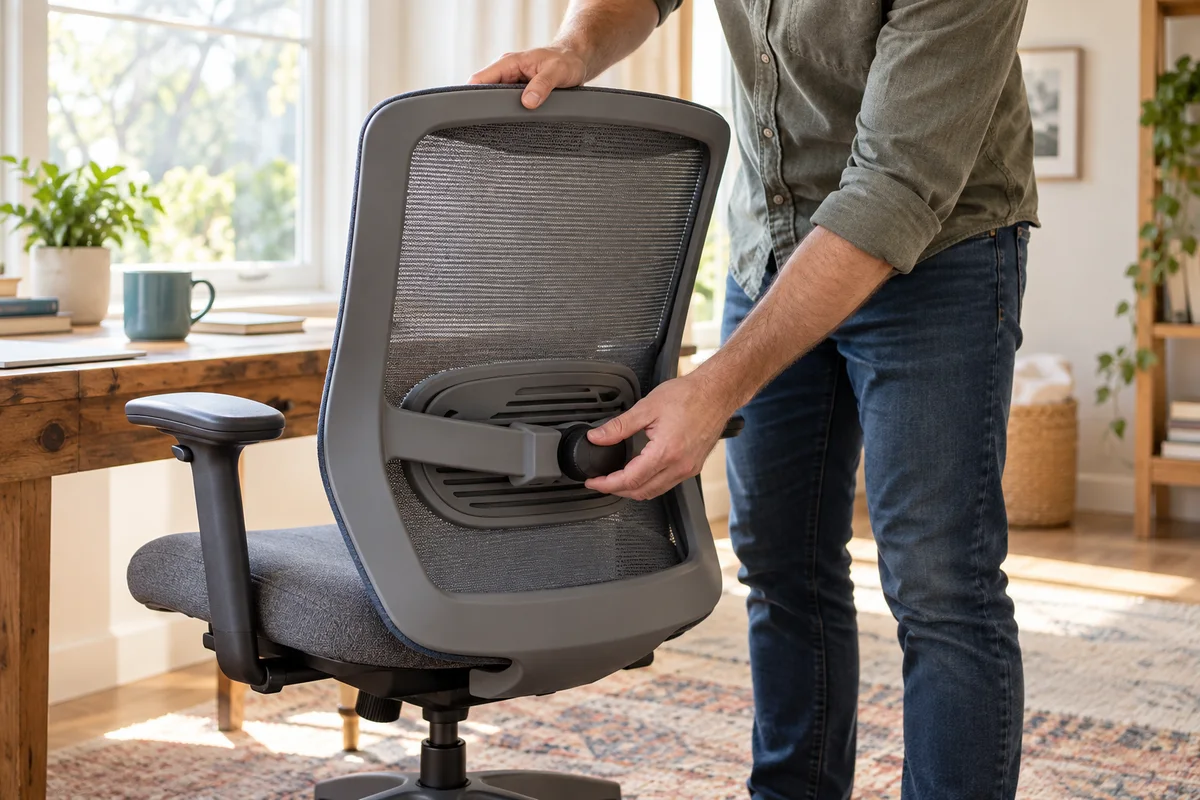
EC200 Lumbar Support: Height and Strength Are Separate
Separate EC200 lumbar height from support strength, identify the correct knob, and assess the real desk setup before buying or replacing parts.
Read guide →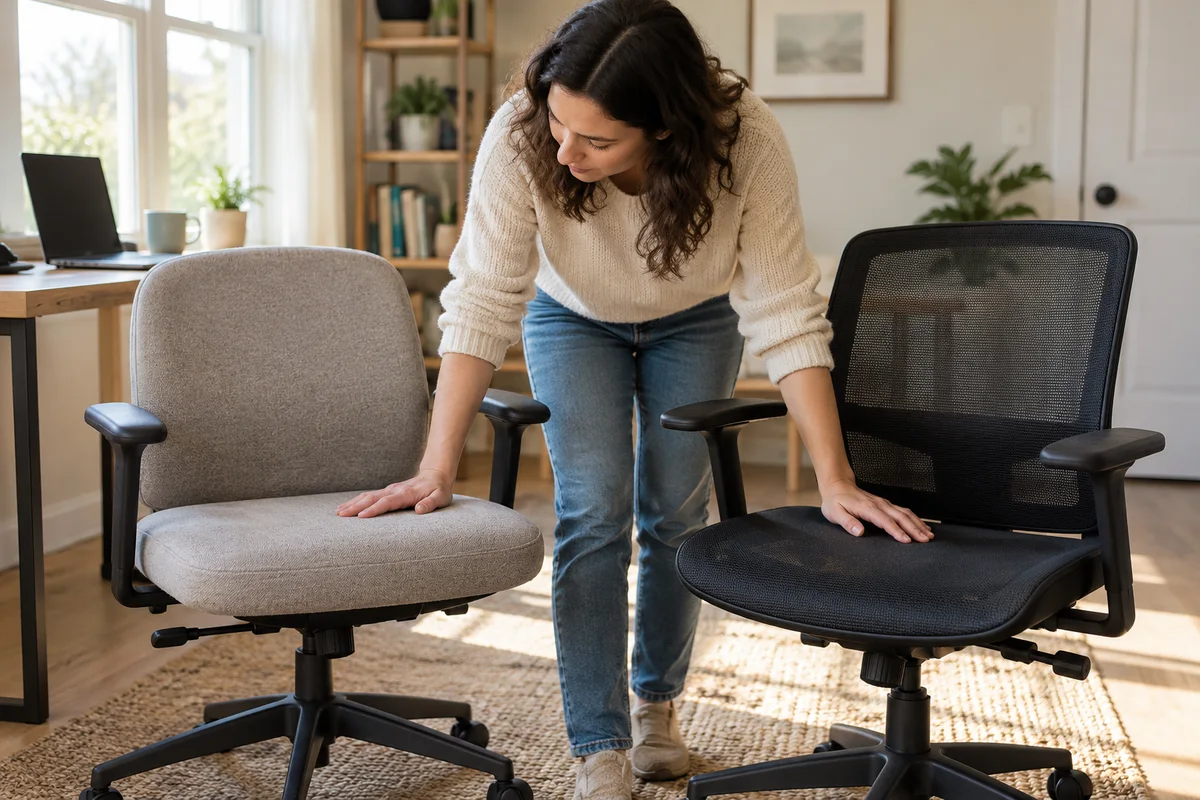 Home Office
EC200 vs EC200 Pro: Verify the Seat Material
Compare EC200 foam-seat information with the regional EC200 Pro all-mesh listing without transferring accessories or availability between markets.
Read guide →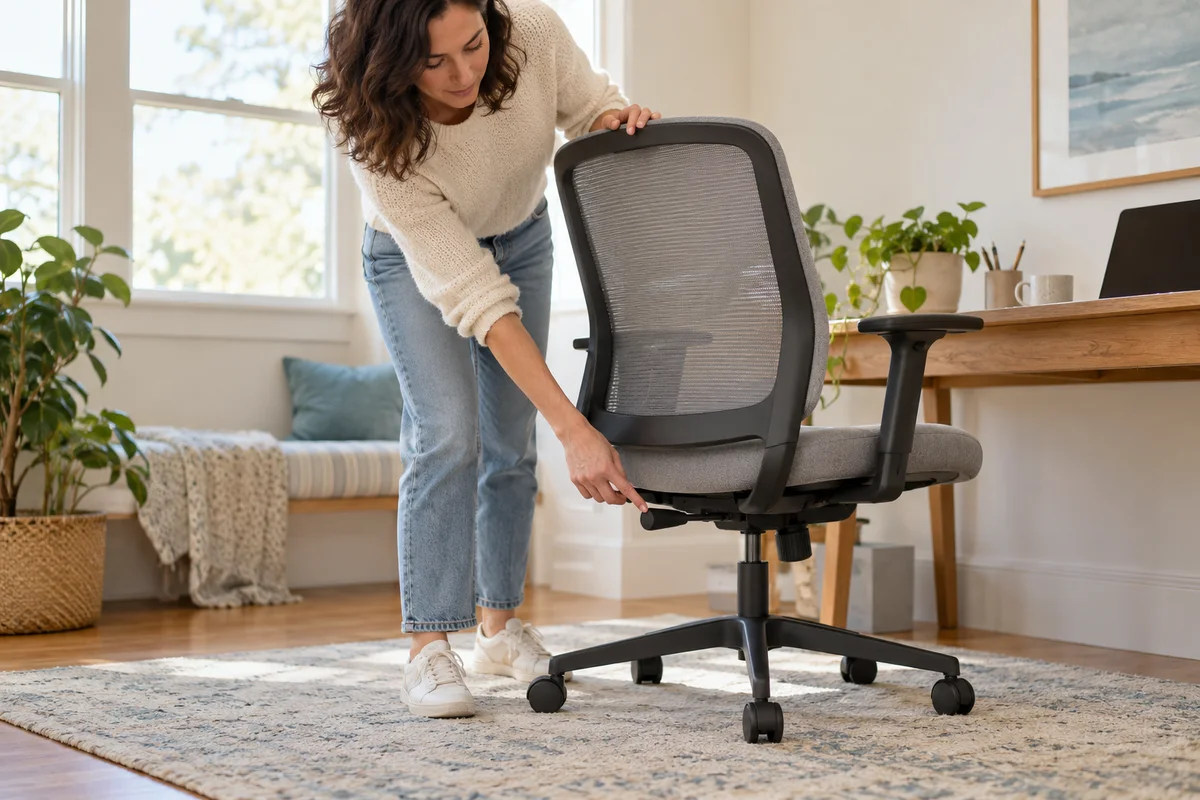 Home Office
EC300 Seat Height: Check the Rear Lever First
Separate EC300 seat-height control, the documented loaded or unloaded method and unresolved faults before buying a gas lift or modifying the chair.
Read guide →