
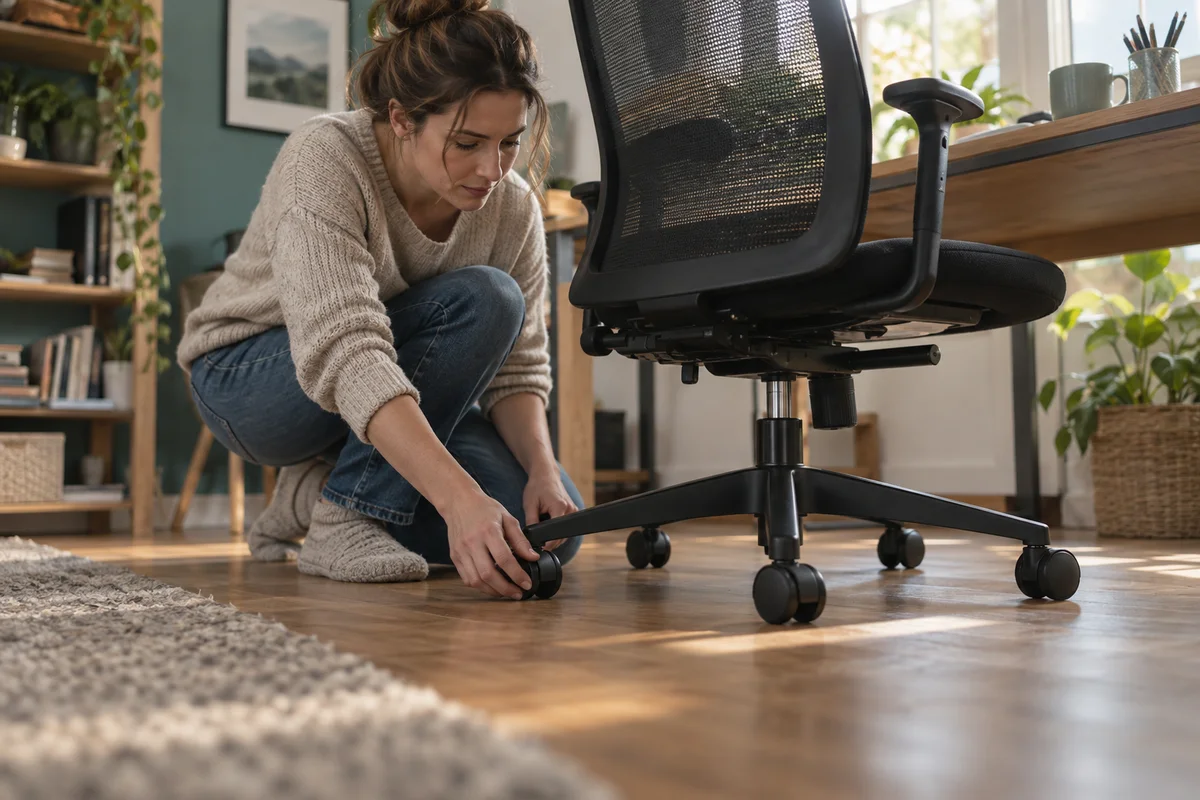
AI-generated scene illustration; not a photograph of the recommended product.
You pull a home-office chair toward the keyboard and one wheel sinks into the edge of a thick rug. The chair may have plenty of adjustments, yet moving it the last few inches is awkward. Before replacing the chair or ordering fashionable rollerblade-style wheels, look down at the surface it must cross.
October 16 is World Spine Day, a useful calendar reminder to review the workstation as a whole. It is not an endorsement of the ProtoArc EC200 or evidence that a chair accessory treats pain. This guide addresses a narrower purchase decision: matching the chair’s rolling arrangement to the real floor.
The short answer
Check the floor, supplied caster package, and any height change before buying an EC200 or replacement wheels. OSHA recommends casters appropriate to the workstation’s flooring. ProtoArc’s upgrade FAQ says its blade casters are separate accessories, not standard equipment on new EC200 chairs.
That same FAQ describes the upgrade as slightly taller, by 1–2 centimeters, and better suited to hard floors than thick carpet. These are manufacturer statements, not our rolling or floor-protection tests. Confirm current compatibility and availability separately; an old giveaway is not a current offer.
On this page:
- The short answer
- Map the whole rolling area
- Verify which wheels are actually included
- Choose for the surface rather than the fashion
- Recheck height after a wheel change
- Use a simple acceptance checklist
- Decide whether to upgrade or keep the existing setup
- Frequently asked questions
- Sources and verification
Map the whole rolling area
Identify where the chair starts, where it sits during work, and where it moves when you stand up. A hard-floor desk area with a rug behind it creates a different task from continuous carpet or a continuous smooth surface.
Look for transitions, raised edges, loose mats, cables, and furniture legs. A wheel that moves easily on the main surface may still catch at the boundary. The route matters more than a small photograph of the floor under the desk.
Write down the floor manufacturer’s care restrictions before choosing a mat or wheel material. Do not assume that a product described as suitable for wood is guaranteed not to mark every finish. Grit, surface condition, loading, and the complete arrangement still need attention.
Verify which wheels are actually included
The name EC200 does not tell you that a promotional upgrade is included. ProtoArc’s cited FAQ explicitly distinguishes the blade-caster accessory from standard new-chair equipment. Ask the current seller to identify the delivered caster set.
Do not rely on an owner photograph showing aftermarket wheels. That image may represent a changed chair rather than the factory package. Likewise, an upgrade campaign page can remain online after its listed participation dates have passed.
For an existing chair, obtain confirmation that a proposed replacement is appropriate for the exact model. Do not infer compatibility from appearance or force a stem into the base. A wheel that fits loosely, incompletely, or in an unintended mounting arrangement is not an acceptable upgrade.
Choose for the surface rather than the fashion
OSHA’s workstation guidance makes the core requirement practical: the caster should suit the flooring. ProtoArc describes its blade upgrade as working best on hard floors, with potentially reduced performance on thick carpet.
That does not establish that a particular carpet, mat, or hard-floor finish will work perfectly. If the chair will spend most of the day on deep pile, seek specific guidance for that condition before buying the accessory. Do not assume a larger or softer-looking wheel solves it.
A mat may be an option when it is appropriate for the floor and chair, lies securely, and covers the useful route. It can also introduce an edge or a new transition. Compare the complete arrangement rather than treating any mat as an automatic improvement.
Recheck height after a wheel change
A small increase in wheel height changes the seated position relative to the floor and desk. ProtoArc’s stated 1–2 centimeter increase is enough to deserve a fresh check instead of assuming all previous adjustments remain suitable.
After a supported change, follow the chair instructions and reassess the ordinary working position. Can your feet be supported appropriately? Can the chair still approach the desk without armrest interference? Is the keyboard relationship still usable?
Our shared home-office adjustment guide addresses those settings in detail. The point here is not repeating a posture routine; it is recognizing that a floor-level accessory can alter the starting geometry of that routine. Do not compensate for a poor fit by accepting an unstable setup.
Use a simple acceptance checklist
Before regular use, complete assembly exactly as instructed and verify that all required wheels are securely seated and the base is intact. Do not use a damaged or partially assembled chair.
Check ordinary movement gently on the intended clear surface. Stop if a wheel catches, detaches, fails to turn as intended, or the chair feels unstable. Avoid demonstrations that involve balancing, abrupt rolling, standing on the chair, or pushing it across an unsuitable threshold.
Inspect the route after normal use for displaced mats, trapped cables, debris, or marks. Keep any support conversation tied to the specific floor, chair, and wheel set. We have not measured starting force, long-term floor wear, or sound reduction, so no universal performance rating is assigned here.
Decide whether to upgrade or keep the existing setup
A supported wheel change is worth considering when the existing rolling arrangement is genuinely the obstacle and the proposed replacement suits the floor. It is less compelling when the real problem is a rug edge, cable tangle, crowded desk, or poorly positioned mat.
If the standard supplied setup moves acceptably, an accessory purchase may add little. If the floor requirement cannot be confirmed, postpone the upgrade. Changing several components at once can make it harder to identify which change helped or created a problem.
The EC200 buying guide provides the broader chair context. Compare the exact current package, warranty implications, return conditions, and any additional mat cost. Do not buy a chair or wheels on a promise of pain relief; persistent symptoms warrant appropriate professional advice.
Frequently asked questions
Are blade casters standard on a new EC200?
ProtoArc’s cited upgrade FAQ says they are separate accessories rather than standard equipment. Confirm the specific current seller package before ordering.
Are the upgraded casters guaranteed to protect every floor?
No such guarantee is established here. Confirm floor compatibility and care requirements, and keep the rolling area clean and free of obstacles.
Can a wheel upgrade change the chair height?
Yes. ProtoArc describes its blade upgrade as 1–2 centimeters taller. Recheck the whole seated setup after a supported change rather than preserving old settings blindly.
Is the old EC200 upgrade giveaway still available?
This article does not promote or verify a current giveaway. The cited page contains past campaign dates; obtain current accessory availability and terms directly from the seller.
Sources and verification
Checked October 16, 2026. World Spine Day supplies the calendar reminder only. Wheel characteristics are manufacturer descriptions, not independent tests, and the campaign page is not treated as a current free-product offer.
- ProtoArc EC200 and EC300 accessory upgrade FAQ
- OSHA workstation chair and caster guidance
- World Spine Day official information
Keep reading
Related guides
 Home Office
EC300 Laptop Stand and Keyboard Layout
Set screen height, keyboard reach and chair clearance independently before buying an EC300 for a compact laptop-based home office.
Read guide →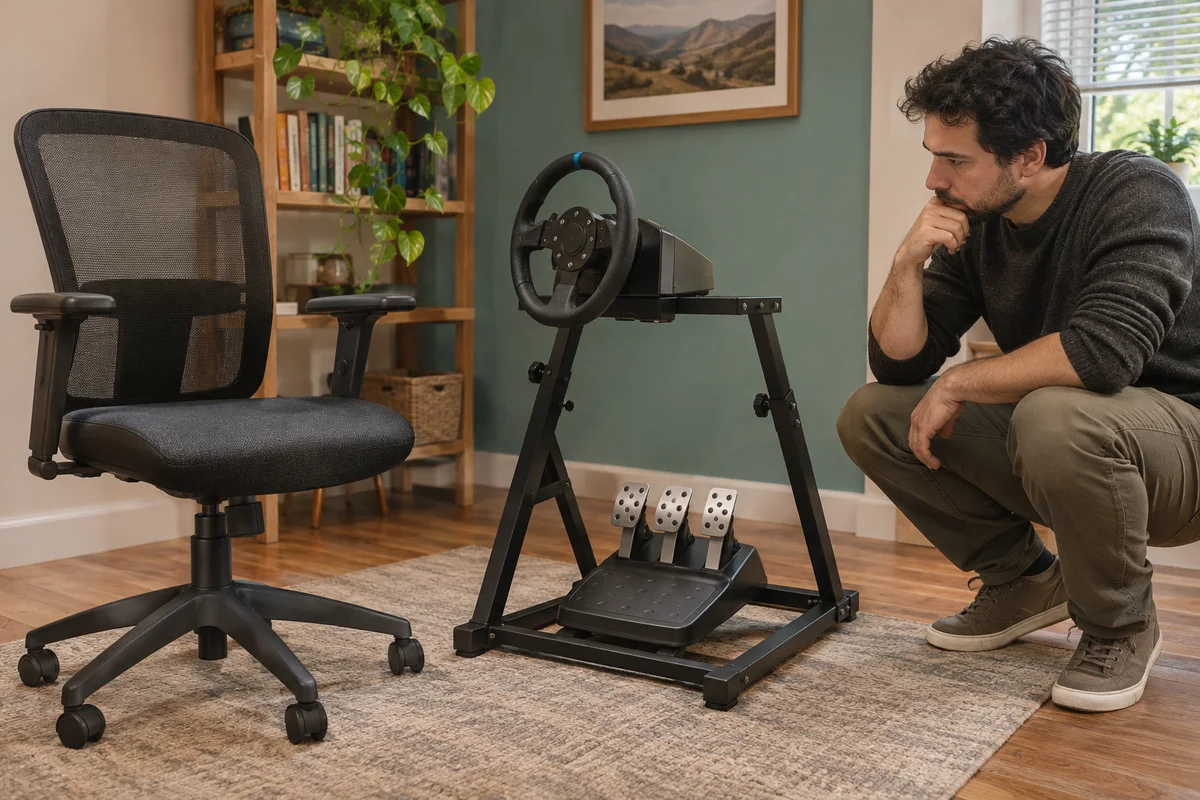 Home Office
EC200 Sim Racing Seat Limits
Compare EC200 office seating with a sim-racing setup through pedal reaction, rolling movement and explicitly supported equipment arrangements.
Read guide → Home Office
EC300 and Standing Desk Movement
Check EC300 chair parking, armrest clearance and cable movement before combining it with a height-adjustable desk in a shared home office.
Read guide →