
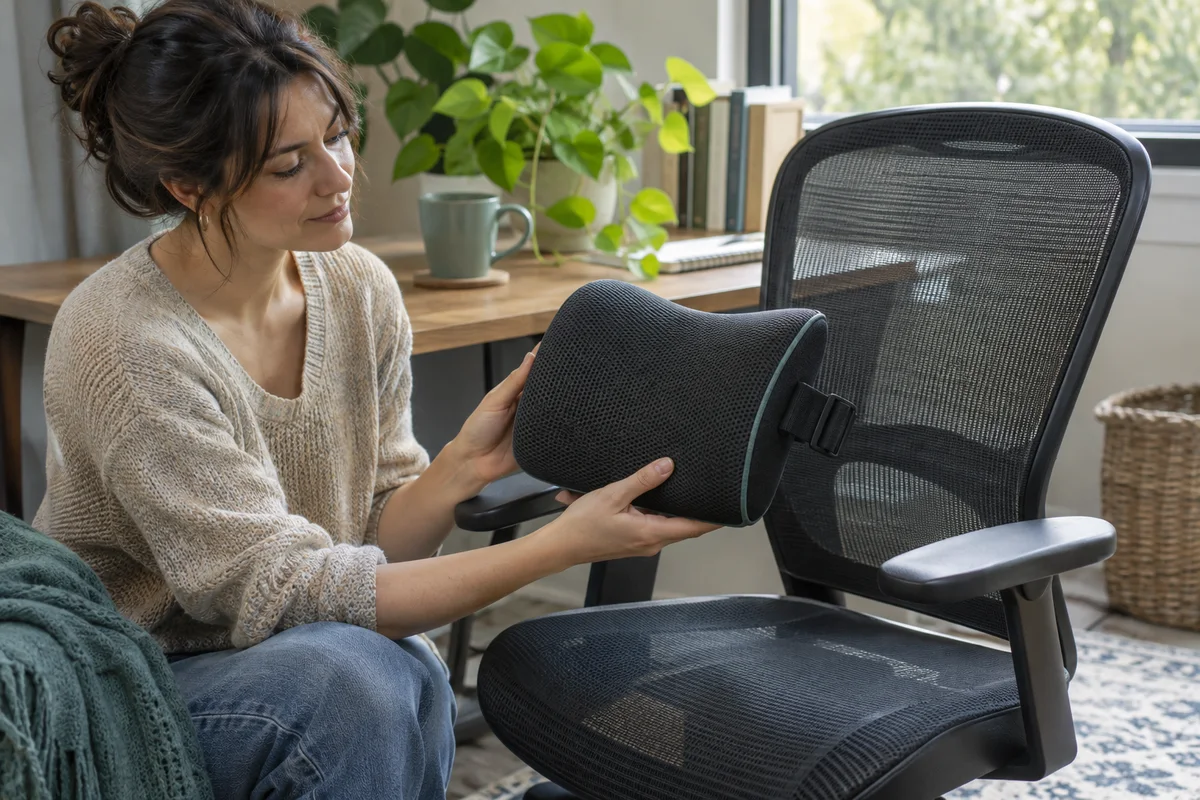
AI-generated scene illustration; not a photograph of the recommended product.
A familiar lumbar pillow is waiting on the desk when a new EC200 arrives. Adding it to the chair seems harmless: the pillow helped on the old dining chair, so combining it with an adjustable backrest should provide more support. The extra layer also changes where the person sits, which is the part of the purchase worth checking.
The short answer
Do not automatically carry a lumbar pillow from a different chair onto EC200. First establish what the chair’s own supported lumbar and seat adjustments can do. Then assess whether any additional support is appropriate and permitted for the actual setup.
An added back cushion occupies space behind the user and can move the sitting position forward. It may change effective thigh support, keyboard reach and headrest contact. More material is not automatically better support, and this article does not recommend a cushion as treatment for pain.
Contents
- The short answer
- Understand the advice being applied
- Establish the chair without the extra layer
- Check what the pillow displaces
- Compare one change at a time
- Make an accessory decision card
- Buying advice
- Frequently asked questions
- Sources and verification
Understand the advice being applied
OSHA’s chair guidance mentions a removable back support or rolled towel as a temporary option when a current chair lacks lumbar support. That context matters.
EC200 already has an adjustable lumbar arrangement described on its product page and in its model instructions. Generic advice for a chair without lumbar support is not automatic approval to layer a pillow over this one.
Likewise, a pillow marketed as ergonomic is not a model-specific fit certificate. Confirm its intended use and ask ProtoArc if it interferes with the chair’s moving parts or supported configuration.
Keep medical concerns separate. Persistent pain or other symptoms need appropriate professional advice, not a series of increasingly thick accessories chosen from a shopping list.
Establish the chair without the extra layer
Set up EC200 using its supplied instructions and a normal working task. Confirm that the chair is assembled correctly, undamaged and appropriate for the user before assessing comfort.
Our lumbar-control guide explains the separate height and support-strength adjustments. This article addresses the different decision of whether an additional physical layer changes the usable seating space.
Keep the keyboard, monitor and ordinary working position consistent while reviewing the chair. If the keyboard is too far away, a cushion that pushes the body forward may appear to solve the reach while creating a new support mismatch.
Do not force controls beyond their travel or remove the built-in panel to make room. If the chair cannot provide an appropriate supported position, ask for a fit clarification rather than modifying it.
Check what the pillow displaces
Consider the actual sitting arrangement, not the pillow’s catalog thickness alone. A compressible cushion changes shape under normal use, and its position can shift.
Check whether the back remains supported and whether the seat supports the thighs without inappropriate contact behind the knees. Recheck foot support, the relationship to the desk and the ability to move normally.
A forward-shifted seat position can change whether the headrest reaches usefully. Do not pull the neck backward to meet a headrest merely because the additional cushion has moved the torso away from it.
Also inspect straps and edges before any permitted use. They must not obstruct controls, snag moving parts or create an unsupported attachment. A strap fitting around a backrest is not evidence that the complete combination is approved.
Compare one change at a time
If the manufacturers permit the proposed arrangement and a normal evaluation is appropriate, avoid changing the chair, desk, cushion and monitor together. Record what changes when the extra layer is introduced.
Keep the comparison modest and within ordinary use. It is not a pressure-mapping test, posture diagnosis or reason to sit through discomfort.
A useful observation names the task: the seat now feels too short; the pillow moves; the arms no longer reach the desk comfortably; or the built-in adjustment alone provides the required contact.
Stop for discomfort, unstable movement or an unresolved mechanical interference. Do not treat a problem as something that must be endured until the accessory breaks in.
Make an accessory decision card
| Question | What to record |
|---|---|
| Original chair | Supported settings without the pillow |
| Reason for adding | A specific unresolved fit requirement |
| Permission | Manufacturer guidance for the combination |
| Seat space | Thigh support and usable depth after the layer |
| Other contact | Feet, arms, headrest and desk reach |
| Movement | No control or mechanism interference |
| Outcome | Keep, remove or seek clarification |
The card helps distinguish a useful adjustment from an accessory bought because it was already familiar. It also creates a concise question for support without including unnecessary personal information.
If more than one household member uses the chair, evaluate the arrangement separately for each. An accessory that helps one person’s supported fit may make another person’s seat space less appropriate.
Buying advice
Consider EC200 on the merits of its own supported dimensions and adjustments first. The EC200 overview introduces those features; the user-range guide adds a separate eligibility check.
Avoid buying EC200 and a thick lumbar pillow together on the assumption that the combination must outperform either one alone. If the chair only appears suitable after an unsupported modification, compare a different chair instead.
For an existing owner, using the available adjustments or removing an unsuitable extra layer may be more proportionate than replacing the whole chair. A genuinely needed accessory still deserves its own compatibility and fit assessment.
The partner CTA is for the EC200 chair, not an approved cushion bundle. No particular aftermarket pillow was physically evaluated or matched to the model for this guide. Check the selected seller’s actual chair version, applicable evaluation terms and support route before ordering.
Frequently asked questions
Does OSHA recommend adding a pillow to every office chair?
No. Its temporary-support suggestion has a specific context, including a chair that lacks suitable lumbar support.
Does a thicker pillow always provide more support?
No. Thickness can change the usable seat space and contact arrangement. The result must be assessed rather than assumed.
Can I remove the built-in panel to fit my pillow?
Do not make an unsupported modification. Ask ProtoArc about the exact model and arrangement.
Is this a recommendation for treating back pain?
No. It is a furniture and accessory purchase check. Seek appropriate professional advice for persistent symptoms.
Sources and verification
Checked November 20, 2026. Original fit-interaction analysis using published chair guidance; no chair-and-cushion trial or medical assessment.
Keep reading
Related guides
 Home Office
EC200 Weight Range: Check the Exact Listing
Read EC200's current user-weight range separately from seat dimensions and component claims before buying for yourself or a shared home office.
Read guide → Home Office
EC300 Warranty: A Chair Is Not a Spare-Part Order
Separate complete EC300 chair coverage, paid spare-part orders and independent protection plans before relying on a long warranty banner.
Read guide →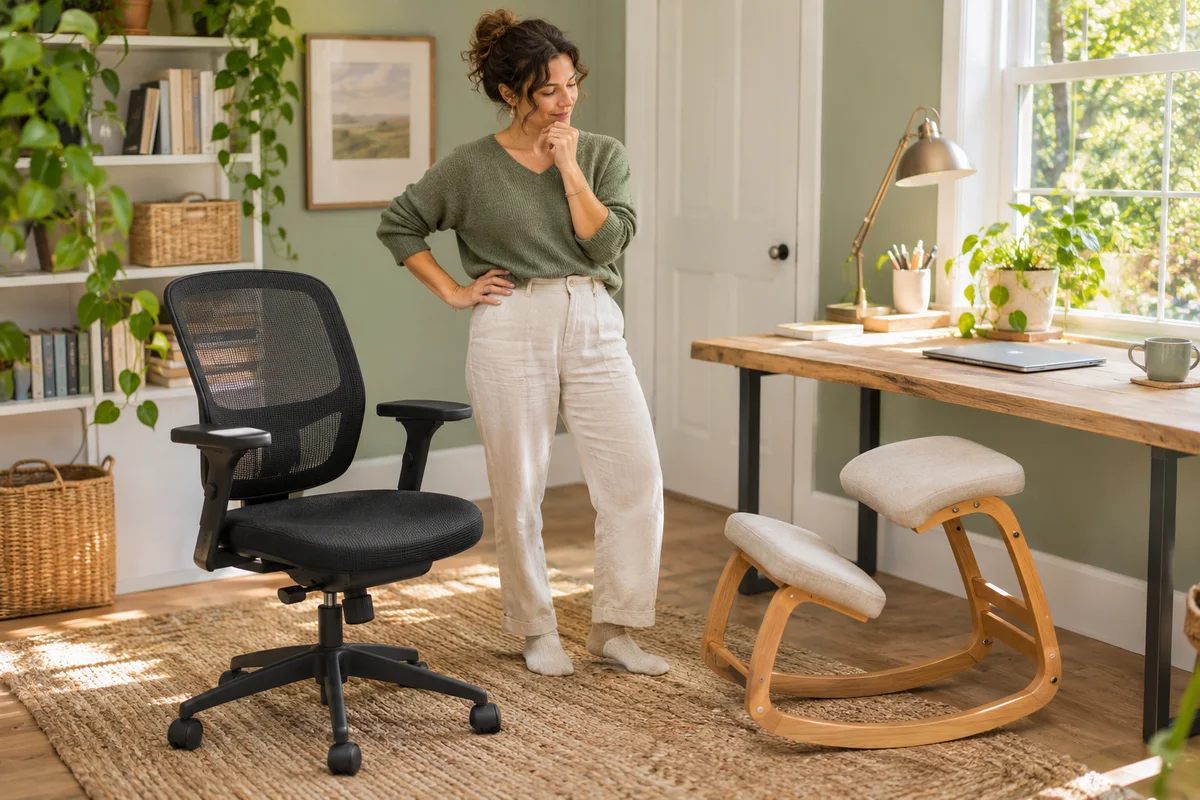 Home Office
EC200 or a Kneeling Chair: Compare the Working Task
Compare a ProtoArc EC200 with a rocking kneeling chair through desk reach, support, position changes and everyday tasks rather than posture promises.
Read guide →