
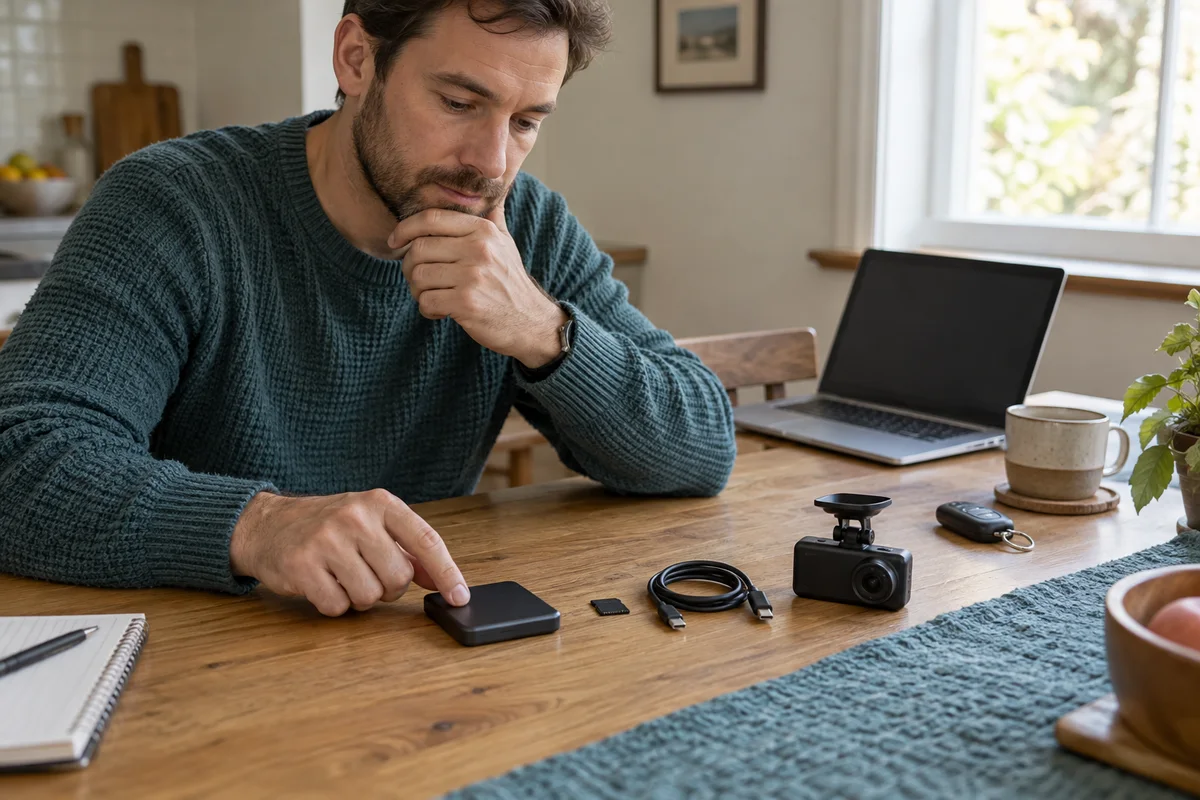
AI-generated scene illustration; not a photograph of the recommended product.
A larger SSD arrives for a long trip, and the memory card looks redundant. Removing the card seems like a tidy upgrade until the planned parking mode still depends on it. The useful question is not which storage device is biggest. It is which device performs each recording job.
International E-Waste Day on October 14, 2026 focuses on fast tech, including small accessories. That is a useful prompt to buy a confirmed storage arrangement rather than several speculative cables. The connection to dash-cam procurement is our editorial judgment, not an endorsement by the event organizer.
The short answer
VIOFO’s current A329S SSD-cable FAQ says its newer parking modes still require a memory card; those modes save files to the card by default, with an available SSD backup choice in settings. It also specifies a dedicated SSD data cable and the camera-side connection rather than the GPS-module port.
Confirm the exact firmware, recording mode, supported SSD, and cable before buying. Do not assume an SSD removes the card requirement or guarantees months of retained footage. Verify original files from the intended channels and mode after setup.
Contents
- Give each storage device a job
- Confirm the cable and drive together
- Estimate retention from your own files
- Check the parked installation without improvising
- Keep retrieval separate from capacity
- Decide whether SSD storage earns its complexity
- Frequently asked questions
- Sources and verification
Give each storage device a job
Create a short table for ordinary driving, the intended parking mode, and important-file preservation. For each row, record the destination selected by the current camera settings and the conditions documented for that mode.
A product description saying “external storage supported” does not identify every recording destination. Read the mode-specific guidance and keep your firmware version with the note. If the manual and a support page appear inconsistent, ask VIOFO which instruction applies to your configuration.
Treat a missing or unsuitable card as a requirement to resolve, not as an opportunity to experiment. Check the model’s supported card specifications and actual bundle contents. A drive, cable, and card should each have a confirmed role before checkout.
Confirm the cable and drive together
Do not use connector shape as the compatibility test. VIOFO identifies a dedicated cable for the A329/A329S SSD connection and lists particular recommended drives. Verify the exact drive model and capacity, not merely the manufacturer name.
Check the correct connection point in the supplied instructions. The official cable page distinguishes the camera-side SSD port from the port on the GPS module. A supported-looking cable in the wrong place is not a successful installation.
Choose length around the real route and approved placement. More cable is not automatically better: extra slack needs a safe location, while an overly short lead can strain connectors. Confirm included accessories and any separately required component so a seemingly complete storage bundle does not arrive incomplete.
Estimate retention from your own files
Capacity alone cannot tell you the history retained under your configuration. Recording channels, settings, parking behavior, storage allocation, and loop behavior all affect the result. Use representative original files rather than a promotional duration.
For an illustrative method, add the sizes of every required channel over a known interval. If a hypothetical three-minute interval totals 240MB, its average is 80MB per minute. These are invented worksheet inputs, not measured A329S files.
Divide the capacity actually available to that recording job by the observed rate using consistent units. Keep allowance for filesystem use, allocation, mode differences, and variability. Do not apply a driving-file rate to a different parking mode without checking it.
The result is a planning estimate, not guaranteed evidence retention. VIOFO’s own recording-time support page separates models and configurations. A headline for another camera or channel count is not a substitute for your own file check.
Check the parked installation without improvising
Plan a location that satisfies the camera, drive, vehicle, and accessory instructions. Consider heat, cable movement, connector access, and whether opening the glovebox or moving a seat changes the route.
Do not tuck a cable wherever it disappears most neatly. Keep airbags, controls, visibility, moving mechanisms, and passenger access unobstructed. Use a qualified installer when the route requires work outside your competence.
Perform configuration and retrieval checks while safely parked. Do not manipulate drives or settings while driving. A disconnected cable, a drive that is not detected, or a recording destination that differs from your plan should be resolved before relying on the system.
More storage may also change the overall power arrangement. Verify the supported setup rather than assuming the previous parking-power plan still answers every question. No storage accessory can compensate for an incompatible or unavailable power source.
Keep retrieval separate from capacity
Practice finding an ordinary original clip from each expected destination. Confirm that files open away from the camera and that the required front and rear views belong to the same period. A detected drive is not proof of usable recordings.
Preserve important originals promptly through a supported method. An SSD attached to a looping recorder is not an independent permanent archive simply because it holds more data. Keep the destination and file-preservation task distinct.
Our save-before-formatting guide covers original-file preservation and maintenance. This article is about buying and qualifying two-media storage, not replacing that backup process.
After firmware or recording-setting changes, recheck the destination plan and ordinary sample files. Keep a brief record of what changed. Do not assume yesterday’s arrangement persists unchanged because both physical devices remain attached.
Decide whether SSD storage earns its complexity
An SSD arrangement is worth considering when longer supported retention solves a real problem and you can handle the additional drive, cable, card, placement, and file checks. Price the complete arrangement rather than only the SSD.
A supported memory-card setup may be simpler when it already meets your retrieval needs. Buying the largest drive available adds little value if important clips are never saved or the installed cable remains unreliable.
Before buying the A329S package, write the exact mode, supported media, confirmed cable, safe location, retention method, and retrieval check. Check the current partner listing after those fields are complete. Skip a bundle that depends on removing a still-required card or promises an unqualified recording duration.
Frequently asked questions
Can I remove the card after connecting an SSD?
Do not assume so. VIOFO’s current FAQ says the newer A329S parking modes still require a card. Confirm your exact mode and firmware.
Will any USB-C cable work?
Connector shape is insufficient. Verify the manufacturer-specified SSD data cable and correct connection point.
Does more storage mean permanent preservation?
No. Recording and loop behavior still matter. Save important originals independently through the supported process.
Sources and verification
Checked October 14, 2026. No drive, retention, or recording test is claimed.
- VIOFO A329/A329S SSD cable and card FAQ
- VIOFO model-specific recording-time guidance
- WEEE Forum International E-Waste Day 2026
Keep reading
Related guides
 Garage & Workshop
A229 Plus vs A329S
Compare A229 Plus and A329S for a front-and-rear household setup, including resolution, storage effort, installation and the complete purchase basket.
Read guide → Garage & Workshop
A229 Plus Memory Card Sourcing
Separate A229 Plus card compatibility from genuine sourcing, seller identity and purchase evidence before replacing a card or the camera.
Read guide → Garage & Workshop
A329S Two- and Three-Channel Kits
Compare A329S front-and-rear, front-and-cabin and three-camera kits without assuming a series feature describes the selected seller's bundle.
Read guide →