
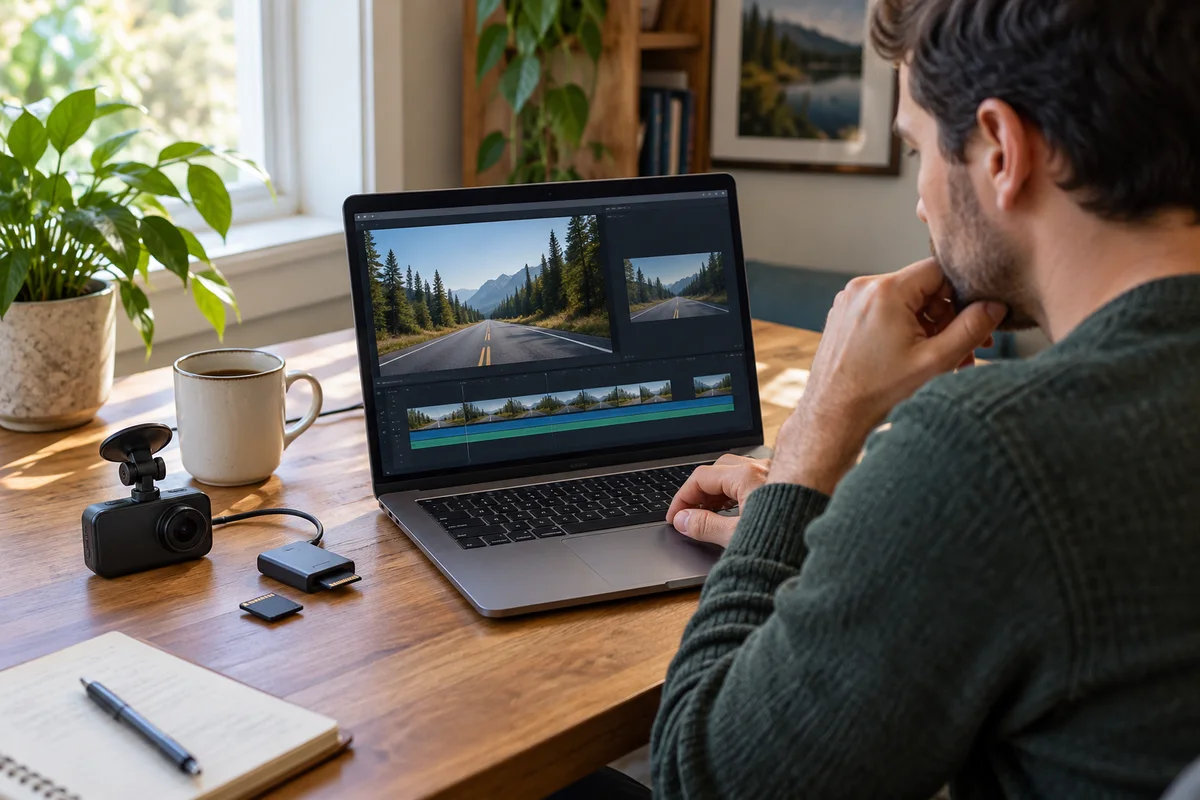
AI-generated scene illustration; not a photograph of the recommended product.
A dash-camera gallery shows a useful still image of the road. Sending that image is quick, and it may be all a friend needs to recognize a location. But if the question concerns what happened over time, an A329S snapshot is not a substitute for the original video.
Before paying for a premium dash camera because it can take photos, decide which output the household actually needs. Still images, video clips, and exported edits solve different tasks, even when they originate from the same drive.
The short answer
The current A329S manual lists snapshots separately under DCIM/Photo, while ordinary, locked, and parking video have their own documented locations. It also identifies a photo control in the app. Do not assume that finding or saving a still image means the corresponding video has been preserved.
Use a snapshot for an appropriate single-moment reference. For motion, timing, channel context, or any later review that requires more than one frame, retain the relevant original video separately. No evidentiary or legal outcome is guaranteed.
Contents
- The short answer
- One frame and a sequence
- Three output choices
- The file record
- Sharing decisions
- Buying advice
- Frequently asked questions
- Sources and verification
One frame and a sequence
A still image represents one moment. A video sequence can contain changes before and after that moment, with whatever audio and other information the original recording actually includes.
A snapshot cannot by itself show movement across time. Two vehicles appearing close together in one frame does not describe the complete approach or what happened next. Avoid assigning certainty to information that the output does not contain.
The A329S manual distinguishes snapshot and video file categories. That model-specific distinction is the starting point, not a claim about the quality of any particular image.
A useful fictional example is a driver reviewing a road sign after a trip. A still may be sufficient to identify the visible sign. A different question about a sequence of lane changes needs the relevant video context instead.
Neither output can reveal detail that the camera did not record clearly. A premium specification, a larger display, or a saved image does not guarantee a readable plate, an unobstructed view, or complete event coverage.
Three output choices
The first option is a camera snapshot. Confirm that the file exists and inspect what it actually shows. Do not infer its dimensions, channel coverage, or quality from a headline video specification without checking the real output.
The second option is a still extracted from an existing video. That is a derived image, not the original moving sequence. Keep the original video separately when it matters, and label the still as a selected frame rather than suggesting it is a complete account.
The third option is a video clip or edited export. It may be easier to share than a larger original, but trimming or processing changes the delivered item. Retain the source file when future review may require surrounding context.
VIOFO’s app-update article describes file-management and editing improvements. It does not establish that every edited or shared output preserves every property of an original recording.
Choose the output after defining the task. Do not choose the smallest file first and then assume it contains enough information for every later question.
The file record
For an important recording, identify the relevant date, time, camera channel, and recording category. Keep the original filenames and source context when copying files through the supported workflow.
The manual lists snapshots under DCIM/Photo. It lists video categories separately, including normal, locked, and parking recordings. Finding a still in the photo category should therefore prompt a separate check for the relevant video, not a declaration that the event is fully saved.
If more than one camera channel is relevant, review the actual files for those channels. A front still does not establish what the rear camera recorded, and a combined preview does not prove that every desired source file was copied.
Check copied files on the intended viewing device. A gallery thumbnail is not the same as opening the full file, and a selected item is not proof that a transfer has completed.
Our save-before-formatting guide covers preservation before destructive card maintenance. This article has a narrower decision: which kind of output answers the intended question and which originals must remain separate.
Do not format storage or delete the original merely because a screenshot has been sent. Confirm the preservation task independently before any destructive action.
Sharing decisions
Ask what the recipient needs to see and what does not need to be disclosed. A casual location reference and an insurer’s requested files are different situations. Follow the recipient’s actual requirements rather than assuming a social-media image is sufficient.
Review visible people, addresses, plates, and other identifying information before posting publicly. A snapshot can still disclose personal details even though it is not a video.
For an edited or redacted public copy, preserve the appropriate original privately when needed. Label meaningful edits honestly. This is not a forensic workflow, legal advice, or a guarantee that a recipient will accept a particular format.
Keep audio expectations clear. A still image has no moving soundtrack. A video may or may not contain audio depending on its recording mode and settings. Do not infer sound from the presence of a video filename.
Our time-lapse guide explains a different recording-mode tradeoff. The relevant question here is whether the selected output retains the information the recipient actually requested.
Make these decisions while safely parked or away from the vehicle. Do not operate a camera gallery or phone while driving to capture a more convenient image.
Buying advice
A329S can be considered when its supported recording arrangement, review workflow, and ownership requirements fit the driver. Photo capture is a secondary convenience, not a reason to ignore installation, storage, and original-video access.
If the main need is ordinary destination photographs, compare whether a phone used safely when stopped already meets it. A dash camera’s viewpoint and purpose are different from a handheld camera’s.
If the main need is reviewing driving events, prioritize reliable access to the relevant original files and actual installed coverage. A convenient snapshot does not compensate for a missing channel or an incomplete preservation routine.
Before ordering, confirm the exact A329S package, intended channels, supported storage, viewing device, seller, current return terms, and relevant instructions. Do not assume a bundle includes every accessory shown elsewhere.
Read the A329S overview for broader context. The partner CTA is the current camera listing, not a promise of readable images, accepted evidence, cloud backup, or successful recovery of an overwritten file.
For an existing owner, first learn the supported file categories and verify the actual output. Buying another camera solely because the wrong file type was saved may not solve the underlying task.
Frequently asked questions
Snapshot location?
The current manual lists snapshots under DCIM/Photo. Confirm the actual files on the installed version.
Original video saved?
A photo does not establish that the corresponding video has been copied or retained. Check it separately.
Better detail?
Do not assume a snapshot adds information beyond what was recorded. Inspect the actual full-size output.
Complete evidence?
No single format is guaranteed to satisfy every request. Preserve relevant originals and follow the recipient’s requirements.
Sources and verification
Checked October 28, 2026. Manufacturer-document research only; no camera, transfer speed, image quality, or evidentiary process was tested.
Keep reading
Related guides
 Garage & Workshop
RLink J2534 Status Lights
Read RLink J2534 power, PC-connection and communication lights separately before treating an indicator as proof of a supported vehicle task.
Read guide → Garage & Workshop
Used RLink Account Binding
Check legitimate account binding, official unbinding requirements and seller remedies before buying a secondhand TOPDON RLink J2534 interface.
Read guide → Garage & Workshop
A229 Plus Privacy Mode: Check the Short File Window
Check how A229 Plus Privacy Mode limits ordinary saved files before assuming a larger card will retain a full commute or erase every trace.
Read guide →