
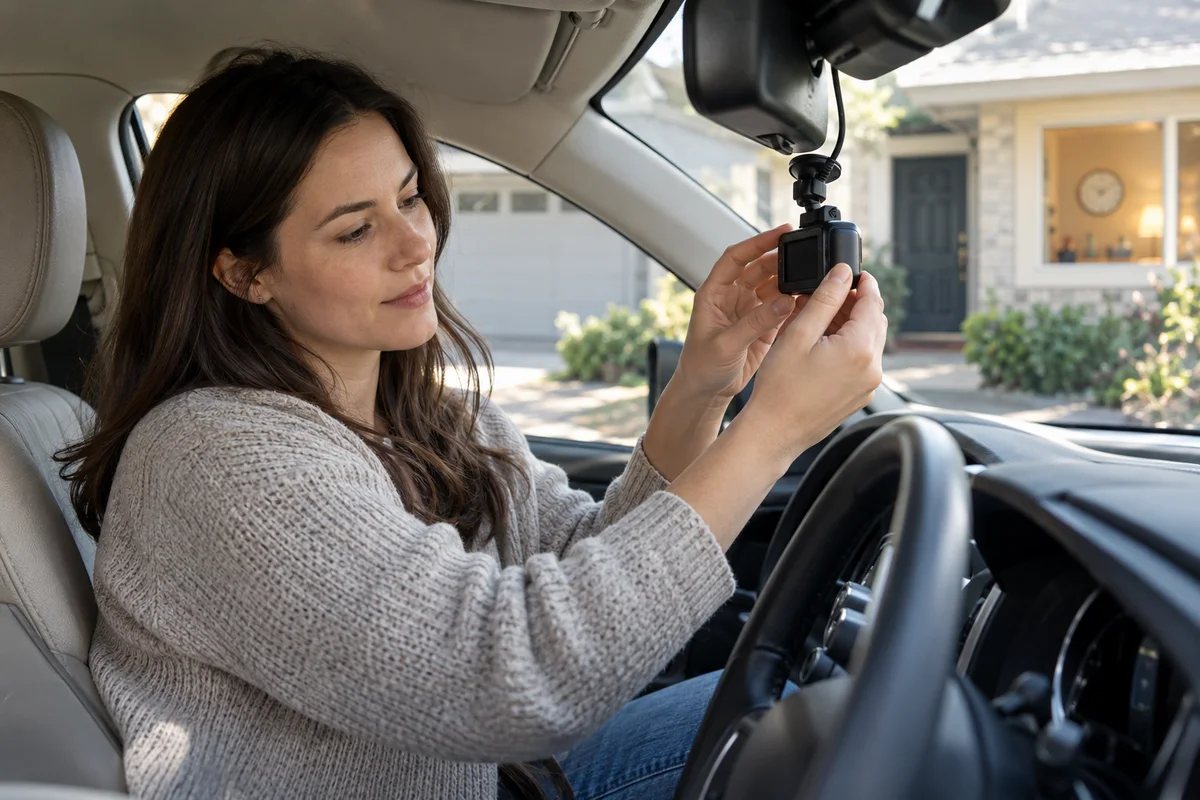
AI-generated scene illustration; not a photograph of the recommended product.
You review an A329S parking clip after leaving the car outside for an afternoon. Activity appears to jump forward, and the sound you expected is absent. That can be a recording-mode tradeoff rather than evidence that the microphone failed.
Before replacing a camera, microphone accessory or memory card, distinguish a time-lapse record from ordinary continuous video. A smaller, faster-to-review record also contains a different account of the time that passed.
The short answer
The A329S manual describes time-lapse parking recording at selected low frame rates without recorded audio. Low Bitrate parking recording is described separately as continuous video and audio. A time-lapse choice therefore changes more than storage demand.
Choose around the information you actually need. If the task requires continuous movement or sound, verify an appropriate supported mode rather than assuming that enabling the microphone restores audio to a time-lapse recording.
Contents
- The short answer
- Define the event before choosing the mode
- Understand what sampling leaves out
- Treat absent audio as a mode question
- Compare the alternative without promising unlimited coverage
- Make a low-stakes acceptance check
- Use a mode decision card
- Buying advice
- Frequently asked questions
- Sources and verification
Define the event before choosing the mode
A car sitting outside a house can generate several different questions. You might want to see whether anyone approached it, understand the order of an interaction, or inspect a brief movement near a particular corner. Those tasks do not require identical records.
Describe the minimum useful information: which view, what time window, whether continuous motion matters and whether sound is relevant. Do not begin with the promise that a parking mode will capture everything.
Our parking-event mode guide compares impact and visible-motion triggers. This page isolates time sampling and audio, so it does not treat all continuous-looking recordings as equivalent.
Understand what sampling leaves out
Time-lapse captures selected frames across time rather than preserving every moment as ordinary real-time video. Movement occurring between captured frames may not appear. A scene can remain useful as an overview while being incomplete for a very brief event.
A simple illustration shows the distinction: imagine checking a doorway only at separate moments. You can see how the scene changes, but cannot infer every movement between observations. That is an explanation of sampling, not a measured camera result or a guaranteed interval for your selected file.
Do not calculate an exact review speed from the capture rate alone unless the actual playback rate and file behavior are established. The source manual lists settings; it does not make every exported or played version behave identically. Inspect a representative original produced by the intended configuration.
Treat absent audio as a mode question
The manual’s time-lapse description explicitly excludes recorded audio. A microphone control appearing elsewhere in the menu does not mean it overrides that mode’s behavior. Keep mode and microphone state as separate entries in your setup note.
If an ordinary driving clip also lacks expected sound, that is another investigation involving its settings and actual file. Do not diagnose the whole camera from one time-lapse sample.
Recording sound can involve privacy and legal considerations. This guide does not provide jurisdiction-specific permission. Our shared-car microphone guide addresses household expectations without suggesting that audio should always be enabled.
Compare the alternative without promising unlimited coverage
Low Bitrate recording is an alternative described in the A329S manual for continuous video and audio. Its lower data rate is still a tradeoff; do not assume that continuous recording preserves every detail with the same quality as another setting.
Neither mode creates an independent power supply. Parking operation requires the appropriate supported power arrangement, storage and configuration. The camera cannot record after its available power ends, and a mode name alone does not establish a safe installation.
A qualified installation and a realistic vehicle-battery plan may matter more than the selected recording format. Do not disable protective limits simply to extend an observation window. A longer window that leaves the vehicle unable to start is not a successful buying outcome.
Make a low-stakes acceptance check
Use a safely parked vehicle and a permitted, attended setup. Do not stage a collision, tamper with another vehicle or put anyone at risk to test detection. Make normal observations that do not involve damage.
Record the camera model, firmware, parking mode, configured frame setting, power arrangement and relevant storage device. Retrieve a representative original after normal operation and note whether its timing and audio behavior match the chosen task.
Check both the beginning and later part of the observation window. Hybrid arrangements may change recording behavior under supported conditions, so one short sample is not proof of the full parking period. Keep any unverified transition as an open question.
Use a mode decision card
| Requirement | Question to answer |
|---|---|
| General overview | Are sampled changes sufficient? |
| Brief movement | Could important action fall between frames? |
| Audio | Does the selected mode actually record it? |
| Duration | What supported power and storage limit applies? |
| Retrieval | Can the intended user find and play originals? |
| Change of mode | Does the arrangement switch behavior later? |
The card makes a purchase conditional on a useful record. It avoids assuming that the most storage-efficient option is automatically the most suitable or that a more expensive camera eliminates the need to choose.
If the task cannot tolerate missing moments, a time-lapse overview is not the same deliverable. Consider the appropriate supported alternative or acknowledge that the parking setup does not meet the requirement.
Buying advice
A329S is worth considering when its supported modes fit your recording task and you can maintain the power, storage and retrieval workflow. The A329S review provides broader hardware context.
Do not buy on a promise of complete unattended protection or guaranteed evidence. No physical camera test, detection trial or coverage measurement was performed for this guide.
For an existing owner, checking the recording format may avoid an unnecessary accessory purchase. For a new buyer, ask the seller about the exact package and needed power accessories, then verify current official requirements. The commercial link is for a camera listing, not a guarantee that installation components or every camera channel are included.
Frequently asked questions
Why is a parking time-lapse silent?
The A329S manual describes that mode without recorded audio. Verify the mode before treating silence as a microphone fault.
Does a microphone setting restore time-lapse sound?
Do not assume it overrides a mode that is described as recording without audio.
Is low bitrate the same as time-lapse?
No. The manual describes continuous video and audio for Low Bitrate recording, with its own data-rate tradeoff.
Will time-lapse capture every brief event?
No such guarantee follows from sampled frames. Choose based on the information the task actually requires.
Sources and verification
Checked October 24, 2026. This is document-based buying guidance, not a parking-camera test.
- A329S English manual — parking recording modes and audio behavior.
- VIOFO official manual index — exact-model documentation route.
- Official A329S product and package information — current model, supported feature and accessory context.
Keep reading
Related guides
 Garage & Workshop
A229 Plus USB Cable: Data Is Not Vehicle Power
Identify the A229 Plus short USB data cable separately from vehicle power and hardwiring before buying replacement accessories or a camera kit.
Read guide → Garage & Workshop
A329S Multiplex Video: Overview Is Not Detail
Compare a combined A329S channel view with the detail you need from each camera, then verify actual files before relying on easier sharing.
Read guide → Garage & Workshop
A229 Plus G-Sensor: Review Unexpected Locked Clips
Distinguish A229 Plus driving G-sensor locks, manual protection and parking settings before clearing unexpected clips or replacing recording hardware.
Read guide →