
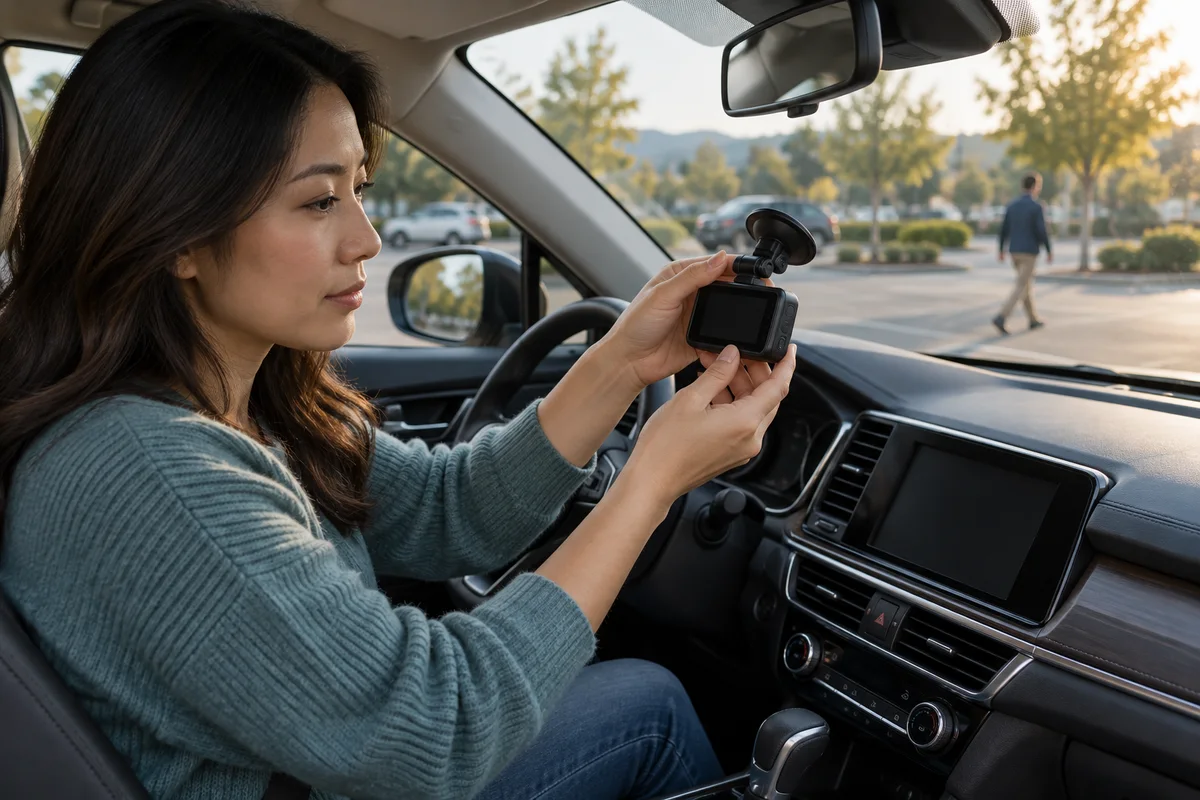
AI-generated scene illustration; not a photograph of the recommended product.
A parked car returns an alert, but the clip does not show the whole approach. Another day, the camera records people passing without any contact. Both outcomes may reflect the selected mode rather than a broken camera.
Before buying VIOFO A329S for parking coverage, describe the event you want to see. Visible movement, physical impact, and continuous observation are not interchangeable. Choosing among them is a tradeoff involving power, storage, timing, and the supported configuration.
The short answer
An impact trigger responds to physical movement or shock sensed by the camera; motion-based event detection concerns visible activity. Continuous recording modes have a different purpose again. Do not assume that one sensitivity setting turns all of these into the same coverage.
VIOFO lists five parking-mode options for A329S, including Low Power Impact Detection, Hybrid, Auto Event Detection, Time-lapse, and Low Bitrate. Exact power, firmware, storage, and configuration requirements matter. A mode name appearing in a menu does not prove the necessary hardware is connected correctly.
Contents
- The short answer
- Write the event in ordinary language
- Distinguish sensing from saving
- Compare modes by what may be missing
- Qualify the power connection before paying for features
- Set an acceptance check that does not cause damage
- Build a mode-selection card
- Choose the tradeoff you can actually maintain
- Frequently asked questions
- Sources and verification
Write the event in ordinary language
Start with one sentence: “I want to see what happened before a slow scrape along the side,” or “I want a record when the car receives a noticeable impact.” These are illustrative needs, not events we observed.
Now ask what information would answer that question. You may need an approach, a side view, an aftermath, a time reference, or several views. A front-and-rear camera arrangement does not automatically see every point around the vehicle.
The exercise exposes an important limitation before purchase. An event that produces little physical shock may not be equivalent to the impact trigger you imagined. A person crossing the image is not necessarily evidence of vehicle contact.
Keep expectations about coverage separate from expectations about identifying a person or plate. Neither a trigger nor a high resolution guarantees identification.
Distinguish sensing from saving
A camera can detect a condition, record a period, lock a file, and notify the user. Those are related but distinct actions. Do not assume an alert proves every earlier moment was saved or that every saved clip receives the same protection.
VIOFO’s A329S V2.0 feature notes describe parking-impact notifications when a G-sensor event locks a file. They also explain special handling near transitions between parking and normal recording. Those are model and firmware details, not universal dash-camera behavior.
Read the notes that apply to your actual unit and software. This guide does not instruct you to install a beta release or assert that an older feature announcement is a new October 2026 update.
Our model-matched firmware guide covers update identity. Here, firmware is one dependency of a coverage decision, not the subject of a flashing tutorial.
Compare modes by what may be missing
For an impact-focused arrangement, ask when recording begins, what precedes the trigger, and what view exists. Do not infer a complete buffered history from the word “impact.”
For motion-oriented event recording, ask what activates saving and how the exact supported mode handles ordinary visible activity. A busy pavement may make event selection feel different from a quiet private space, but we have not measured false triggers.
For continuous low-bitrate or time-lapse options, ask what detail and timing tradeoffs the documented settings create. Continuous does not mean unlimited storage or power, and time-lapse is not identical to normal full-motion video.
Hybrid behavior needs its own exact-model explanation. Do not guess how the camera changes modes from a marketing label or transfer another VIOFO model’s sequence to A329S.
Qualify the power connection before paying for features
VIOFO’s A329S feature notes distinguish a supported hardwire arrangement from a car charger or connection through the camera’s side port. They specify the GPS-mount power connection and compatible HK4 or HK6 prerequisites for the described Low Power Impact and Hybrid options.
That is a reason to obtain an exact configuration plan, not an invitation to wire a vehicle from this article. Use a qualified installer where appropriate and respect vehicle, camera, kit, and battery requirements.
Record which kit is included in the selected listing and which must be bought separately. Do not assume the camera’s headline parking features are available with every power source.
Our short-trip parking-power guide addresses another constraint: whether the vehicle’s normal use supports the parking demand.
Set an acceptance check that does not cause damage
After a permitted installation and configuration, review ordinary operation while the car is safely stationary. Confirm displayed mode, status information, expected files, timestamps, and whether the saved view addresses the actual need.
Use the manufacturer’s supported checks and a qualified installer’s guidance. Do not strike a car or camera, stage a collision, or perform a dangerous experiment to force an alert.
Record what was and was not demonstrated. Seeing a saved file establishes something narrower than proving every future scrape will be captured. A brief check cannot qualify all temperatures, parking durations, battery states, or scenes.
If results do not match the documented behavior, retain relevant details and contact official support. Avoid randomly maximizing every sensitivity because more alerts are not necessarily more useful evidence.
Build a mode-selection card
Keep the following fields together:
- Event and view required.
- Exact A329S channel package and installed cameras.
- Firmware version and applicable official instructions.
- Selected parking mode and documented trigger behavior.
- Approved power kit, connection, and battery-protection arrangement.
- Required recording media and retention routine.
- Ordinary-operation acceptance result and unresolved limitations.
Check the storage instructions too. Our A329S card and SSD guide explains why extra storage is not a substitute for every parking prerequisite.
A written gap is better than an assumed guarantee. If side visibility or continuous pre-event history is essential and not established, compare another supported arrangement before buying.
Choose the tradeoff you can actually maintain
Consider A329S when a supported combination of mode, views, power, and storage addresses your priority. It is not automatically the right choice simply because it offers more menu options.
Pass if you need coverage the chosen configuration cannot establish, or if the required installation and ownership routine exceed your practical limits. A simpler system with clearly understood behavior may be preferable to an elaborate setup left incorrectly configured.
Before following the partner listing, confirm the camera bundle, separate kit requirements, seller terms, and current official instructions. We have not measured detection sensitivity, missed events, power draw, or evidence quality.
No dash camera prevents theft, guarantees claim acceptance, or replaces safe parking choices. Buy for an explicit recording task with known gaps.
Frequently asked questions
Are motion and impact detection the same?
No. Visible activity and sensed physical shock are different trigger concepts; exact model behavior still needs checking.
Does a parking menu option prove my power setup supports it?
No. VIOFO documents specific hardware and connection requirements for the described modes.
Should I set every sensitivity to maximum?
Not automatically. Follow the applicable instructions and assess ordinary operation rather than equating alerts with useful coverage.
Does this article recommend installing V2.0 beta firmware?
No. The feature notes are a primary explanation of behavior, not an instruction to install a particular release.
Sources and verification
Checked October 17, 2026. The firmware article is historical guidance; it is not presented as a new launch.
- VIOFO A329S 2CH parking-mode and hardware information
- VIOFO A329S V2.0 feature notes: power prerequisites and impact notifications
Keep reading
Related guides
 Garage & Workshop
A229 Plus vs a Front-Only Dash Cam
Decide whether a dedicated rear view earns the installation, storage and upkeep of A229 Plus over a simpler front-only dash cam.
Read guide → Garage & Workshop
A329S: One Dash Cam for Two Cars?
Plan which A329S parts can stay in each vehicle and whether the cost and missed-recording risk of sharing outweigh a second installation.
Read guide → Garage & Workshop
RLink J2534 and BMW ISTA Offline Limits
Check BMW access, network requirements and conflicting TOPDON guidance before buying RLink J2534 for an offline workshop workflow.
Read guide →