
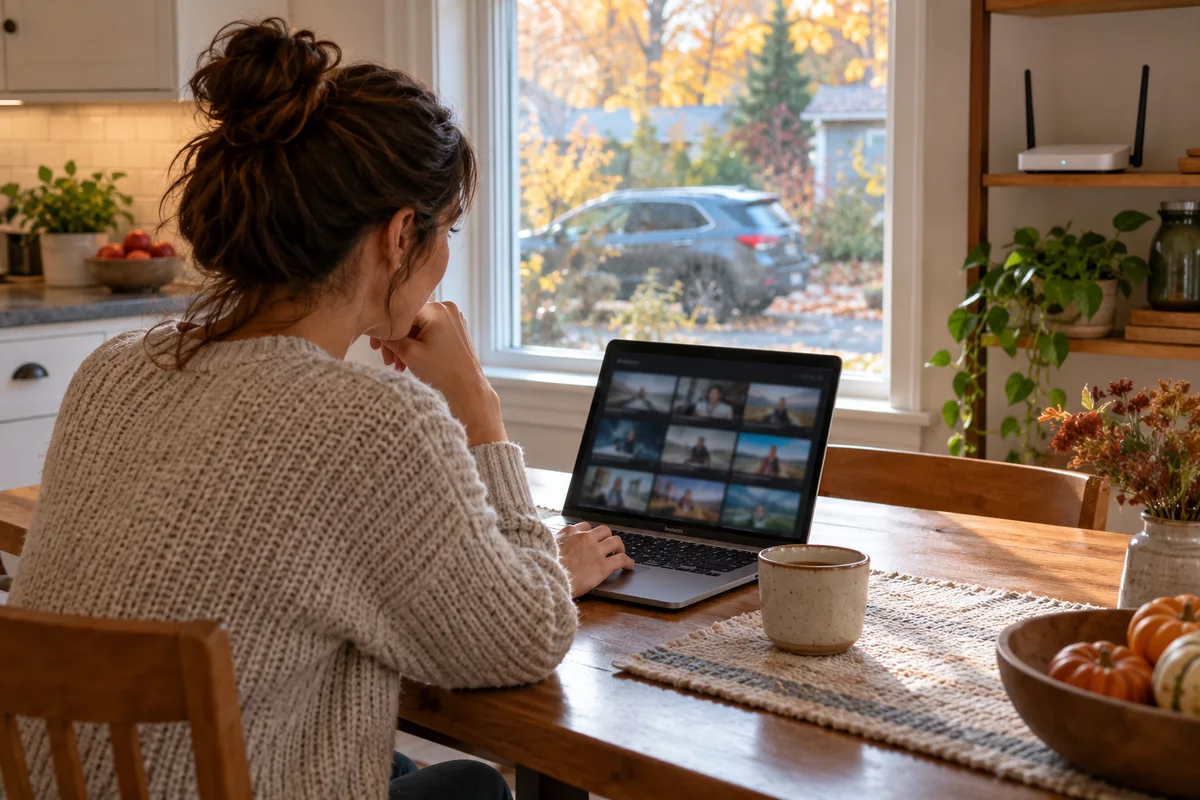
AI-generated scene illustration; not a photograph of the recommended product.
The car is parked outside, and you want to review a clip from the kitchen laptop without returning to the driveway with a phone. A329S Wi-Fi Station Mode sounds like it could remove that repeated trip. The important question is what network it joins and where the files remain.
Treat this as a local file-access decision, not an assumption that the camera has become a cloud-connected security system.
The short answer
VIOFO’s official Station Mode guide describes connecting the dash cam to the home network, then browsing and downloading files from a computer or mobile browser on that same network. The guide includes an A329S-specific demonstration link.
This does not establish automatic off-site backup, guaranteed driveway coverage, internet tracking, or access from anywhere. Confirm the current model, firmware, supported power arrangement, and actual home-network reach before buying for this task.
Contents
- The short answer
- Distinguish the two Wi-Fi roles
- Check the route from the parking space
- Keep the same-network requirement visible
- Identify the model-specific setup
- Check power before planning unattended access
- Define a modest retrieval acceptance test
- Separate downloading from automatic backup
- Compare the simpler alternatives
- Buying decision
- Frequently asked questions
- Sources and verification
Distinguish the two Wi-Fi roles
With a direct camera connection, the phone joins the dash cam’s own network. In Station Mode, the camera joins the home network so another suitable device on that network can reach it.
Those paths solve different inconveniences. A home laptop may be convenient for file review, while a direct phone connection may remain the practical route away from home.
Our A229 Plus phone Wi-Fi guide covers the direct connection and internet handover. It should not be mistaken for this A329S home-LAN workflow simply because both use Wi-Fi.
Check the route from the parking space
Your router can work well at the kitchen table while providing an inadequate connection through an exterior wall to the parked vehicle. Do not infer driveway coverage from an indoor phone signal.
Assess the actual parking position, not only the garage with the door open. A daily parking change can alter the practical route without changing the dash cam’s listed capability.
We have not measured A329S range or transfer speed. If this feature is essential, establish the seller’s permitted evaluation conditions and supported setup before committing. Avoid spending on a stronger router until you know whether the complete workflow is otherwise suitable.
Keep the same-network requirement visible
VIOFO tells users to access the camera from a browser or supported player connected to the same network. Knowing the camera’s local address does not by itself establish internet access to it.
A guest network or other network separation may prevent devices from communicating even when both appear connected to the same router. Ask the network administrator for the approved arrangement rather than disabling security controls casually.
Do not expose the camera through internet port forwarding, publish home credentials, or weaken a managed network to reproduce a convenience feature. This article does not provide remote-access workarounds.
Identify the model-specific setup
The official guide notes that Station Mode shortcuts differ between camera models. Follow the current A329S instructions instead of borrowing a button sequence from a similar-looking unit.
Confirm the installed firmware and app requirements through official support. A screenshot from an older tutorial is not evidence that every current menu has identical labels.
Our A329S firmware guide explains exact-model matching separately. Do not install another series’ firmware or a conversion file simply to obtain a network menu.
Check power before planning unattended access
A parked dash cam must be in a supported powered state for a network function to be available. Do not assume it remains reachable indefinitely after the vehicle is switched off.
Clarify with VIOFO how the intended firmware, parking mode, and supported power arrangement affect Station Mode availability. The general feature guide does not establish every combination or an all-night reachability guarantee.
Do not bypass vehicle battery protection or improvise wiring to keep the camera online. If the desired file-access window conflicts with the safe supported power arrangement, use another retrieval method or revise the task.
Define a modest retrieval acceptance test
| Check | What counts as useful evidence |
|---|---|
| Network connection | Camera joins the intended approved home network |
| Reach from the laptop | Supported browser reaches the camera on the same LAN |
| File access | The intended clip can be downloaded and opened |
| Parking position | The actual ordinary location supports the connection |
| Power window | Availability matches the supported configuration |
| Backup | A separate saved copy exists where you intended |
Perform permitted checks while the vehicle is safely parked and without recording or sharing unnecessary personal material.
A successful single transfer proves only that observed task under those conditions. It does not establish long-term reliability, all-weather coverage, or future firmware behavior.
Separate downloading from automatic backup
Browsing a camera folder leaves the original files on the camera unless an actual transfer occurs. A visible thumbnail is not proof that the complete clip has reached the laptop.
After downloading a needed clip, open the saved file and verify the relevant view and time. Preserve the original according to the appropriate incident-handling needs; do not format storage merely because a browser briefly displayed it.
Do not describe Station Mode as automatic NAS upload or cloud backup without a separate documented feature. The A329S storage-plan guide addresses storage choices, not an automatic off-site copying service.
Compare the simpler alternatives
Removing supported storage for a permitted reader workflow can be more practical when the car is parked beyond network reach. A direct phone connection may be enough for infrequent clips.
Compare those ordinary routes before turning one occasional download into a home-network project. Include the safe steps, time, and actual frequency rather than valuing the feature because it sounds advanced.
A household reviewing clips every week may benefit more from convenient local access than one retrieving a file twice a year. Neither frequency proves the camera is better overall; it changes how much this particular function is worth.
Buying decision
Consider A329S Station Mode when the actual task is local home-network retrieval, the supported setup works at the normal parking place, and the necessary powered state is appropriate.
Pass on a purchase justified by guaranteed access from anywhere, automatic external backup, or an unverified overnight network connection. Those are different requirements.
Use the A329S overview for the wider product comparison. Check the current partner package only after separating the camera’s recording strengths from the home network’s responsibilities.
Frequently asked questions
Is Station Mode the same as joining the camera’s own Wi-Fi?
No. Station Mode joins the camera to the home network; direct access normally has the phone join the camera network.
Can I download from a laptop on the same home network?
That is the workflow VIOFO documents. Actual reach, setup, firmware, and power conditions still need checking.
Does it automatically back up clips to the cloud or NAS?
The cited workflow does not establish that. Browsing and downloading should not be relabeled automatic backup.
Will it remain available all night after parking?
Do not assume so. Confirm the supported power and operating-mode behavior for the exact setup.
Sources and verification
Checked October 19, 2026. No driveway-range, transfer-speed, unattended-power, or automatic-backup test is claimed.
- VIOFO Station Mode guide, same-network access and A329S demonstration
- A329S official product information
Keep reading
Related guides
 Garage & Workshop
A229 Plus Cabin Camera: Choose the Interior View
Decide whether an A229 Plus interior camera solves a real passenger-area recording need before paying for a third channel and installation.
Read guide → Garage & Workshop
RLink Programming: Budget Vehicle Power Support
Distinguish a J2534 interface, jump starter, charger and regulated vehicle battery support before budgeting an RLink programming setup.
Read guide → Garage & Workshop
A229 Plus GPS: Recording a Route Is Not Live Tracking
Use Teen Driver Safety Week to separate dash-cam route evidence from live location expectations and agree on a transparent family plan.
Read guide →