
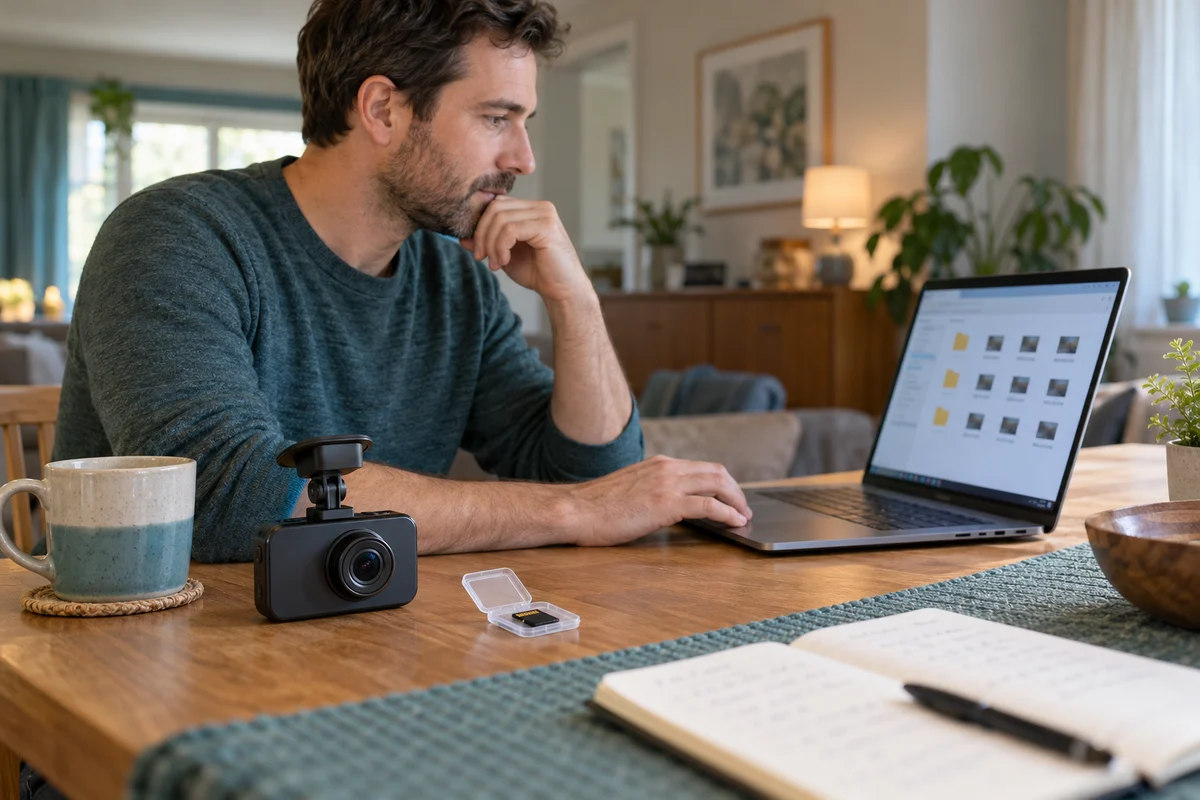
AI-generated scene illustration; not a photograph of the recommended product.
A family has finally agreed on the dash camera’s recording settings. One person knows the menu, another retrieves clips, and an update is approaching. Photographs of a few screens seem helpful, but they are easy to separate from the camera version they describe.
A329S includes an Export Settings feature in its manual. Its value is documenting configuration, not replacing original recordings or guaranteeing that a second camera can restore the same arrangement. Before buying for a shared household, check what the feature actually exports and what remains your responsibility.
The short answer
The A329S manual describes Export Settings as generating a configuration file named viofo_config in the memory card’s root when the enabled export process is used. It says the file can be opened with the configuration tool to view current menu options and selected parameters.
That description is not proof of one-click restoration, compatibility across every firmware version, or a backup of video. Preserve original recordings separately and follow the manufacturer’s safe card-handling procedure. This guide is about configuration records, not removing a card during recording or modifying a configuration file.
Contents
- The short answer
- Four different objects
- The shared-car scenario
- A documentation workflow
- Restoration limits
- Privacy and sharing
- Buying advice
- Frequently asked questions
- Sources and verification
Four different objects
A configuration file records settings. A video file records an event. Firmware is software used by the camera. A screenshot is a visual record of whatever the screen showed at one moment. These objects can support each other but should not be substituted for each other.
The A329S manual places Export Settings alongside system settings and version information. Its explanation concerns viewing selected parameters. Do not extend that statement into an undocumented restore function.
Our snapshot guide separates still images from original video. Configuration export adds a different layer: documenting how the device was set up. A folder containing settings but no recordings cannot reproduce a drive.
Use separate folder labels for configuration documentation and important original footage. A useful household record makes it difficult to send the wrong object when someone asks for a clip. More files do not help when their purposes remain ambiguous.
The shared-car scenario
Consider a fictional household in which the primary driver changes a supported recording option while a second driver manages saved footage. Weeks later, neither remembers which configuration applied to a particular file.
A dated settings record can improve that conversation. It should identify the camera model, installed firmware version, recording channels, relevant options, and who maintains the private record. Do not infer an exact historic setting merely because a newer export exists.
Record when an export was actually made and whether it reflects a change already completed. A planned configuration and an observed configuration are different. An export obtained after a reset does not prove what the camera used before that reset.
Include a short reason for consequential changes. “Changed this documented option for this household task” is more useful than a collection of unexplained numbers. Keep the note factual and do not claim the change improved image quality unless the actual files support that observation.
A documentation workflow
Start with the current exact-model instructions and the version shown by the camera. Confirm what Export Settings means in that installed version. The manual available during this review describes the viewing behavior above; menu details can change.
Perform any supported configuration work while safely parked. Follow the manufacturer’s power-off and card-handling instructions. The export description does not authorize hot-removing storage while recording or interrupting a firmware operation.
Keep the exported object with its date and version note in an appropriate private folder. If the configuration tool or expected file is unclear, ask VIOFO for the current official route. Do not install an arbitrary converter because it claims to recognize the filename.
Finally, compare the record with the actual menu and an ordinary original recording from the intended arrangement. We have not tested the export feature or a restoration. A documentation check is not a promise of complete configuration recovery.
Restoration limits
Viewing selected parameters is not the same as importing them into another camera. Do not rename a file, edit undocumented contents, or copy it between devices to create a restore process that the manufacturer has not approved.
A newer firmware version may expose different options or defaults. An older record can still help identify what changed, but it should not be treated as an instruction to force unsupported values into the new version.
If automatic restoration matters to your purchase, ask VIOFO an explicit question: does this exact model and firmware support importing a configuration, by which official method, and with what limitations? Retain the answer without generalizing it to every camera in the family.
Our firmware model-matching guide addresses firmware identity and supported updates. Exporting a configuration does not grant permission to use a firmware file for another model.
Privacy and sharing
Treat a settings export as a private technical record until its contents have been reviewed. This guide has not audited which fields every version contains, so it does not promise that exported files exclude credentials or identifiers.
Official support may need a particular record, but use its appropriate private channel and share only the requested information. Do not post an entire configuration file publicly merely because it is smaller than a video.
A settings screenshot can also expose information that the owner did not intend to publish. Review the actual shared object, not just its filename. Keep unrelated account details and vehicle information out of public troubleshooting requests.
For a household, define who keeps the record and how an authorized second user accesses it. Avoid turning convenience into a shared public link. A configuration backup is most useful when the right person can find it without exposing the rest of the owner’s files.
Buying advice
Shortlist A329S when its recording features, supported media, and documentation workflow fit the household. Export Settings can be one convenience, but it should not be the only reason for choosing a more complex recorder.
Pass if the purchase relies on an unverified promise that a settings export clones every device or protects all recordings. Ask for the exact supported feature first. A simpler camera plus a clear manual settings note may serve an ordinary household better.
The partner link below is for the A329S camera offer, not a configuration service or automatic cloud archive. Verify bundle contents, storage requirements, seller support, and current conditions before payment. Do not assume a software feature includes a separate accessory.
Keep original-file preservation independent. Our save-before-formatting guide explains why important recordings need their own supported copy. Neither settings documentation nor a convenient app gallery replaces that task.
Frequently asked questions
Does viofo_config contain the recorded journey?
The manual describes it as configuration information, not a video archive. Preserve footage separately.
Does export prove one-click restoration is supported?
No. The cited description explains viewing settings. Confirm any import or restore capability with VIOFO for the exact firmware.
Can I remove a card whenever I want an export?
No. Follow the model’s safe power and storage-handling instructions. Do not interrupt recording or an update.
Is the exported file safe to post publicly?
Do not assume so. Its contents need review, and private information should stay in appropriate support channels.
Sources and verification
Checked October 29, 2026. Based on the complete official A329S manual retained locally and manufacturer support information. No export, restore, or privacy audit was performed.
Keep reading
Related guides
 Garage & Workshop
A329S Bitrate and Storage
Compare A329S bitrate settings through original-file detail and practical storage tradeoffs instead of treating Maximum as a universal quality guarantee.
Read guide → Garage & Workshop
A329S Flicker Settings
Understand the A329S Frequency setting for recorded flicker and banding without confusing it with frame rate or guaranteed LED-sign readability.
Read guide → Garage & Workshop
A329S Snapshot Files
Separate A329S still snapshots from complete original video files when choosing what to save, review and share after a drive.
Read guide →