
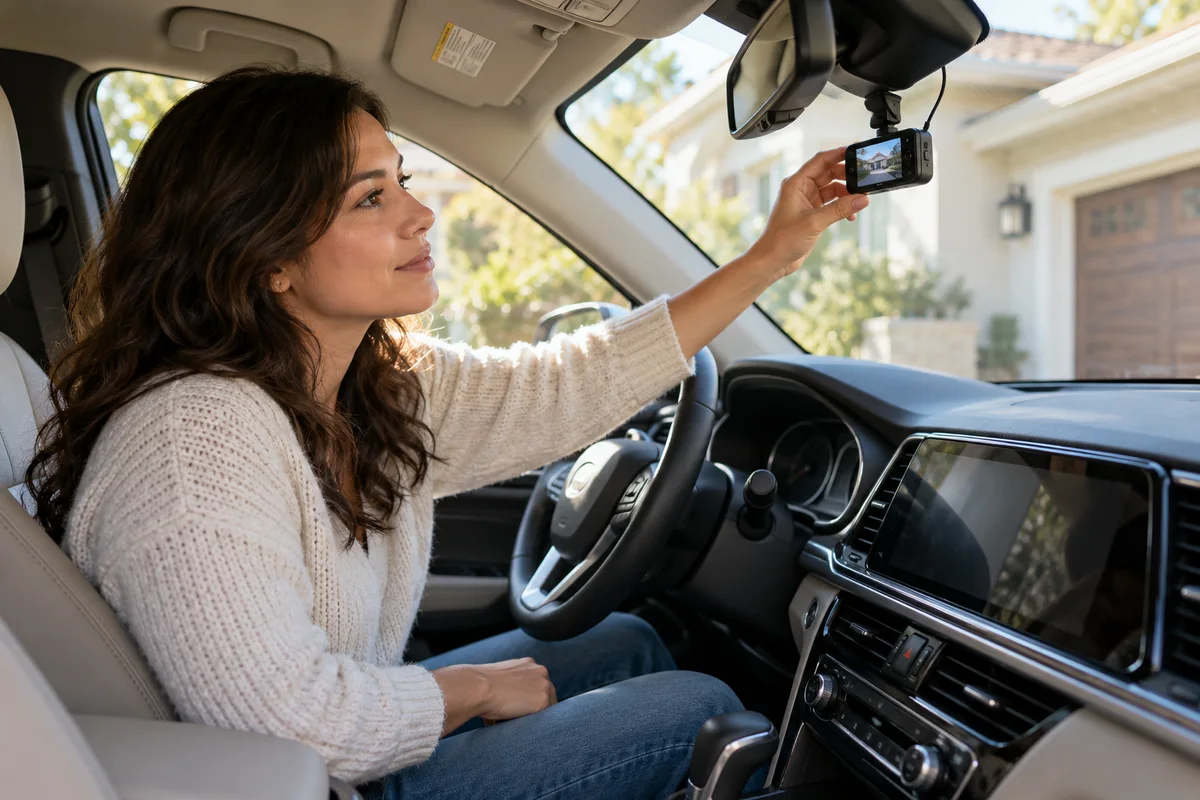
AI-generated scene illustration; not a photograph of the recommended product.
A driver opens the A229 Plus card after an ordinary week and finds many protected clips. There was no known collision, so the files look alarming. The tempting response is either to erase them all or turn every event setting off.
A more useful approach separates the driving G-sensor, a manual lock and parking-event behavior. This guide is about understanding unexpected protected driving clips before making a purchase or changing a setting.
The short answer
The A229 Plus manual describes the driving G-sensor as responding to shock forces and locking the current footage against loop overwriting. It recommends the low setting for that driving control. The manual treats parking G-sensor sensitivity separately; do not copy a parking recommendation into a driving adjustment.
A protected file is not proof that a collision occurred, and it is not a separate backup. Review relevant originals before maintenance, follow the exact model instructions and investigate recurring problems through support.
Contents
- The short answer
- Identify what produced the file
- Distinguish sensitivity from collision certainty
- Keep the driving setting apart from parking controls
- Review before clearing storage
- Use an unexpected-lock record
- Do not confuse a protected area with unlimited retention
- Buying advice
- Frequently asked questions
- Sources and verification
Identify what produced the file
Start with the approximate time, driving or parked state and any known manual action. The fact that a file is protected does not establish which event or action caused that protection.
A driver may have pressed a lock control intentionally. The camera may have responded to a sensed shock. A parking configuration has its own documented event conditions. These possibilities should not be merged into a single claim that the car was hit.
Use the recorded context and the applicable manual to frame the question. If the cause remains uncertain, preserve that uncertainty rather than assigning a dramatic event description to a filename.
Distinguish sensitivity from collision certainty
A shock-response setting describes a trigger threshold, not an accident investigator. A recording triggered during normal use still needs human review of the available context.
Do not deliberately hit the vehicle, drop the camera or drive over an obstacle to test a threshold. This article does not recommend any destructive or hazardous event simulation.
For ordinary evaluation, note when unexpected locks appear and whether there is a recurring pattern in existing recordings. That observation can be useful for support without creating an unnecessary test.
A clean-looking clip does not prove that nothing happened outside the recorded field of view either. The right conclusion is limited: the file contains the available view, and the trigger alone does not settle the cause.
Keep the driving setting apart from parking controls
The manual’s low recommendation concerns the driving G-sensor. The parking G-sensor appears in a separate part of the settings and serves a different operating context.
When reading a tutorial, confirm which control it discusses before applying its advice. A statement saying “use high sensitivity” can be misleading if copied out of a parking section and treated as a driving instruction.
Our parking-event comparison concerns another model and a separate parked-car task. It is linked for the conceptual distinction, not as A229 Plus setup instructions.
Use the current A229 Plus manual supplied for your camera and firmware. Do not assume every menu in a video or another A229-family model has the same wording or options.
Review before clearing storage
Our save-before-formatting guide covers preserving originals. Apply that separation before deleting protected files or formatting a card.
Identify any relevant time interval and keep both channels where present. Verify the copied material from its new location rather than assuming that a thumbnail means the file transferred successfully.
Do not publish passenger, plate or location information merely to ask a general question about a setting. Provide only necessary material through an appropriate support or claim channel.
This article does not give legal evidence-handling advice or promise that a recording will be accepted by an insurer. It explains a household information-management and purchasing task.
Use an unexpected-lock record
| Field | What to note |
|---|---|
| Camera | Full A229 Plus model and current firmware |
| Context | Driving, parked or uncertain |
| Trigger information | Known manual action or observed event |
| Setting | Driving G-sensor value, separately from parking settings |
| Files | Relevant original channels and surrounding time |
| Preservation | Verified copy before maintenance |
| Support question | Specific unexplained behavior, without an assumed diagnosis |
Make one change at a time only where the current instructions support it, then observe ordinary use. Changing several unrelated settings makes the next result harder to interpret.
If the camera’s recording or storage behavior remains unreliable, contact support. Do not repeatedly format and erase context while claiming that the underlying issue has been resolved.
Do not confuse a protected area with unlimited retention
Protection from ordinary loop overwriting does not turn a small memory card into an archive. Storage still needs maintenance and a supported workflow.
Nor does a protected folder provide a second physical copy. A missing, damaged or unreadable card can affect the files on it regardless of their lock status. Keep genuinely important material separately.
Choose a supported endurance card through the exact current model recommendations. Capacity alone does not settle suitability, and a different card cannot correct a misunderstanding about which setting produced the lock.
Buying advice
Consider A229 Plus when a front-and-rear recording arrangement and a workable review routine meet your actual need. The event controls are useful only if the household understands what they do and can retrieve the files.
Pass if the expectation is that every locked clip proves an impact or that the camera will maintain an unlimited permanent record without attention. Those are workflow assumptions, not verified capabilities.
If you already own the camera, understand the current setting and file history before replacing hardware. A new device with the same misunderstood routine may create the same confusion.
The partner link is for the A229 Plus camera listing, not a promise to diagnose unexplained locks or supply every parking-power accessory.
Frequently asked questions
Does a locked clip prove the vehicle was hit?
No. Trigger information and the actual recording context must be reviewed. A protected status alone does not establish the event.
Should the parking and driving sensitivities always match?
No. They are separate documented controls with different purposes. Use the exact model’s instructions.
Is a locked file already backed up?
No. It remains on the recording medium unless separately copied and verified.
Should I switch everything off when there are many unexpected locks?
Do not make a blanket change from this article. Identify the relevant control, preserve important files and follow supported troubleshooting.
Sources and verification
Checked October 23, 2026. No collision, shock-threshold, road or protected-storage endurance testing was performed.
- A229 Plus official English manual: emergency recording and separate G-sensor controls
- VIOFO official manual index: exact-model documentation
Keep reading
Related guides
 Garage & Workshop
A329S Screen Goes Black: Check Recording, Not Brightness
Separate A329S screen-saver timeout, REC indicator behavior and playable original files before interpreting a dark screen as a recording failure.
Read guide → Garage & Workshop
A229 Plus Rear Video: Rotation Is Not Mirroring
Distinguish upside-down A229 Plus rear footage from left-right mirroring, then verify a new original file before changing the physical mount.
Read guide → Garage & Workshop
A329S Loop Recording: Clip Length Is Not Retention
Choose A329S loop-file duration around retrieval convenience without confusing clip length, recording quality and total retained history.
Read guide →