
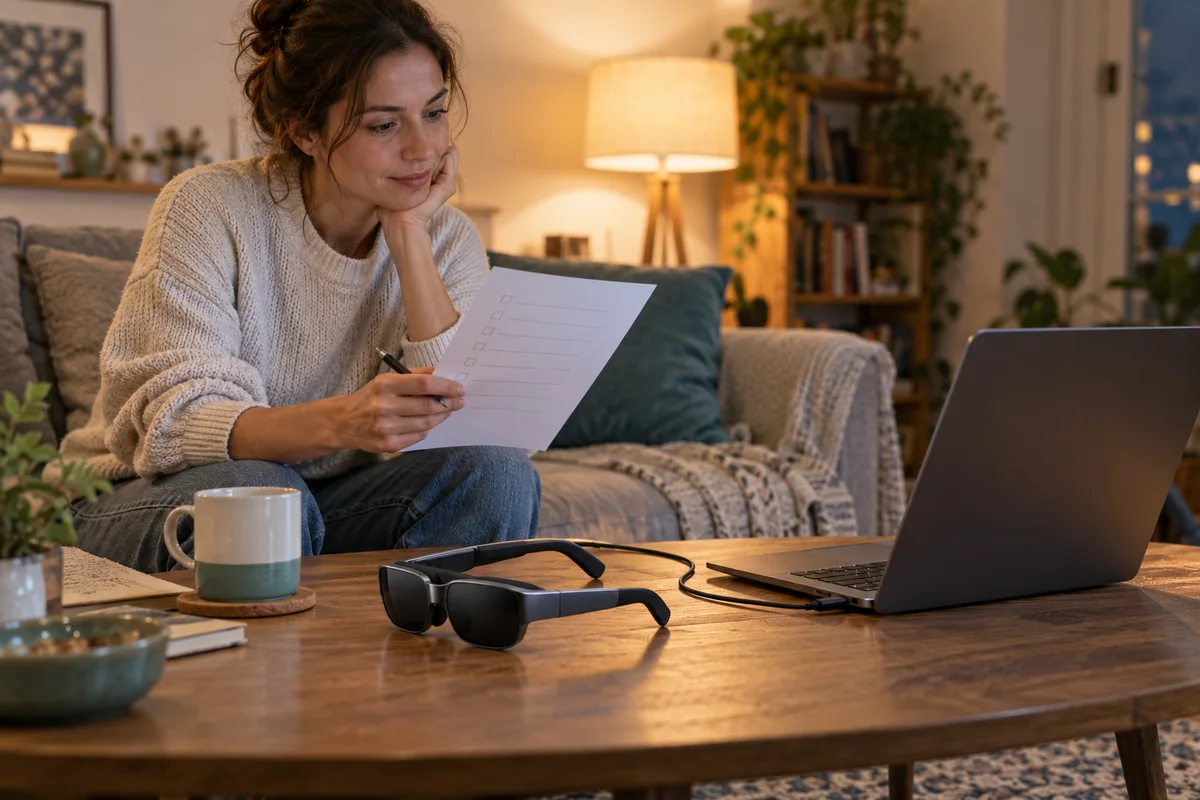
AI-generated scene illustration; not a photograph of the recommended product.
The laptop desktop appears in the glasses, sound starts when a movie is selected, and the picture goes black. It is easy to assume the display is faulty or that another cable will definitely fix it. Before buying Rokid Max 2 for streaming, verify the particular service and complete connection rather than stopping at a working menu.
The short answer
A visible desktop proves part of the video path, not that a protected streaming title will play through every source, app and adapter. Netflix’s official black-screen guidance identifies device and cable issues and, for certain USB-C or Thunderbolt arrangements, calls out HDCP 2.2 support.
That service guidance does not certify every Max 2 combination. Ask for confirmation of your exact chain, try a legitimate supported configuration within the applicable return terms and do not buy a protection-bypass accessory as a supposed compatibility fix.
Contents
- Write down the service-specific chain
- Distinguish a black movie from no display at all
- Read HDCP guidance without inventing a certification
- Use a lawful check before the return deadline
- Keep a streaming purchase record
- Choose between glasses and a simpler screen
- Frequently asked questions
- Sources and verification
Write down the service-specific chain
Start with the film service you actually use. Add the exact phone, tablet, laptop or companion device; its operating system; the app or browser; each supported adapter; and the Max 2 glasses.
A successful demonstration using a different source is not enough. A seller may show a local file while your intended use is a protected streaming subscription. Those are different playback conditions even though both are called watching video.
Keep accessory direction and power requirements explicit. Our travel connection checklist covers the broader cable and travel setup. This guide adds the service’s protected-playback restrictions and the distinction between ordinary display output and a permitted movie path.
Do not assume a standalone companion box is included with every glasses listing. Confirm exact bundle contents and the services that box officially supports before treating it as a cure for an uncertain phone connection.
Distinguish a black movie from no display at all
Netflix separates black video with sound from an absence of both video and sound. That distinction helps identify the relevant official support path; it does not itself diagnose your hardware.
If menus and ordinary desktop content display but a selected movie does not, record that contrast. If nothing displays, start with the manufacturer’s basic supported connection checks instead of jumping directly to a protected-content explanation.
Note whether the problem happens in an app, browser, downloaded title or a particular source device. Do not assume one service failure proves every video application is incompatible.
A useful support message describes the exact behavior without inventing a cause: “the desktop displays, the title’s audio plays and the movie area is black.” Include relevant software versions and approved accessories. Avoid posting account details or personal viewing information publicly.
Read HDCP guidance without inventing a certification
HDCP is a protection requirement that can apply across a supported playback connection. Netflix’s current page gives device-specific instructions, including checking HDCP 2.2 capability in certain USB-C or Thunderbolt cable/adapter arrangements.
Do not generalize that instruction into “Max 2 supports every Netflix setup.” The current Max 2 product page we checked did not provide a complete service-by-service certification for arbitrary sources and adapters.
Likewise, a product review, an older model’s customer comment or an accessory title mentioning HDCP is not proof of your entire chain. Ask both the service’s official guidance and the relevant hardware support channel to resolve the missing link.
The right response is a supported arrangement, not an attempt to remove content protection. This guide does not recommend stripping devices, unauthorized downloading or account-rule workarounds. A lawful local video can help distinguish basic display operation, but it does not establish protected-service compatibility.
Use a lawful check before the return deadline
Where the seller’s terms permit a normal-use evaluation, check the actual service while there is still time to resolve problems. Read the policy first; do not assume every opened item has identical return rights.
Use your own authorized account and a legitimate title. Confirm that it plays in the intended app or browser with the exact hardware arrangement. Include the ordinary controls and audio route you need.
A successful short session is useful personal evidence, not a permanent certification. Service software, source operating systems and account features may change. Keep the date and configuration if compatibility is central to the purchase.
Do not purchase several speculative adapters just to see which one happens to work. Obtain exact supported guidance first. If a proposed change introduces another powered component, include its cost, charging and storage in the decision rather than hiding it behind the glasses’ advertised simplicity.
Keep a streaming purchase record
| Field | What to confirm |
|---|---|
| Service | Actual platform and permitted playback method |
| Source | Exact model, operating system and app/browser |
| Hardware | Full cable/adapter path and required power |
| Glasses | Max 2, not an assumed earlier-model result |
| Observation | Menu, movie picture, sound and control behavior |
| Support | Official response for the exact unresolved link |
| Seller terms | Evaluation conditions and return deadline |
| Limit | No claim of universal or permanent compatibility |
Keep the record private when it contains order details or device identifiers. The public article only needs the general decision framework, not personal account information.
If the glasses are intended as a gift, confirm the recipient’s source and service preferences without exposing their account. An impressive display can still be the wrong gift when a required app or accessory does not fit the recipient’s routine.
Choose between glasses and a simpler screen
Max 2 may suit a viewer who has a confirmed supported chain and wants a private visual display. Read the Max 2 product review for broader fit and optical tradeoffs.
Pass when the purchase depends on an unsupported service, an unverified companion device or bypassing protection. A tablet, laptop screen or another officially supported display may complete the viewing task with fewer components.
The partner CTA is for the Max 2 glasses listing, not a guarantee of Netflix compatibility or a streaming subscription. Confirm the exact bundle and ask service-specific questions before payment.
No title was played for this article. The support framework is based on published guidance, not a claim that we tested your source or certified an adapter.
Frequently asked questions
Does a working desktop prove Netflix will play?
No. Protected title playback can impose requirements beyond ordinary desktop display.
Does a black movie always mean HDCP failure?
No. Netflix lists device and cable-related possibilities. Follow the relevant official troubleshooting path rather than guessing.
Can I rely on an older Rokid Max review?
Not as proof of a current Max 2 chain. Match the exact hardware, software and service.
Is another adapter guaranteed to solve it?
No. Obtain exact supported compatibility guidance before spending on additional hardware.
Sources and verification
Checked October 21, 2026. This is an evergreen service-compatibility buying guide. No streaming account, protected title or adapter was tested.
- Netflix: black screen with sound — device-specific support and protected-output guidance.
- Rokid Max 2 current product information — exact product identity; no blanket streaming-service approval inferred.
Keep reading
Related guides
 Home Tech & Audio
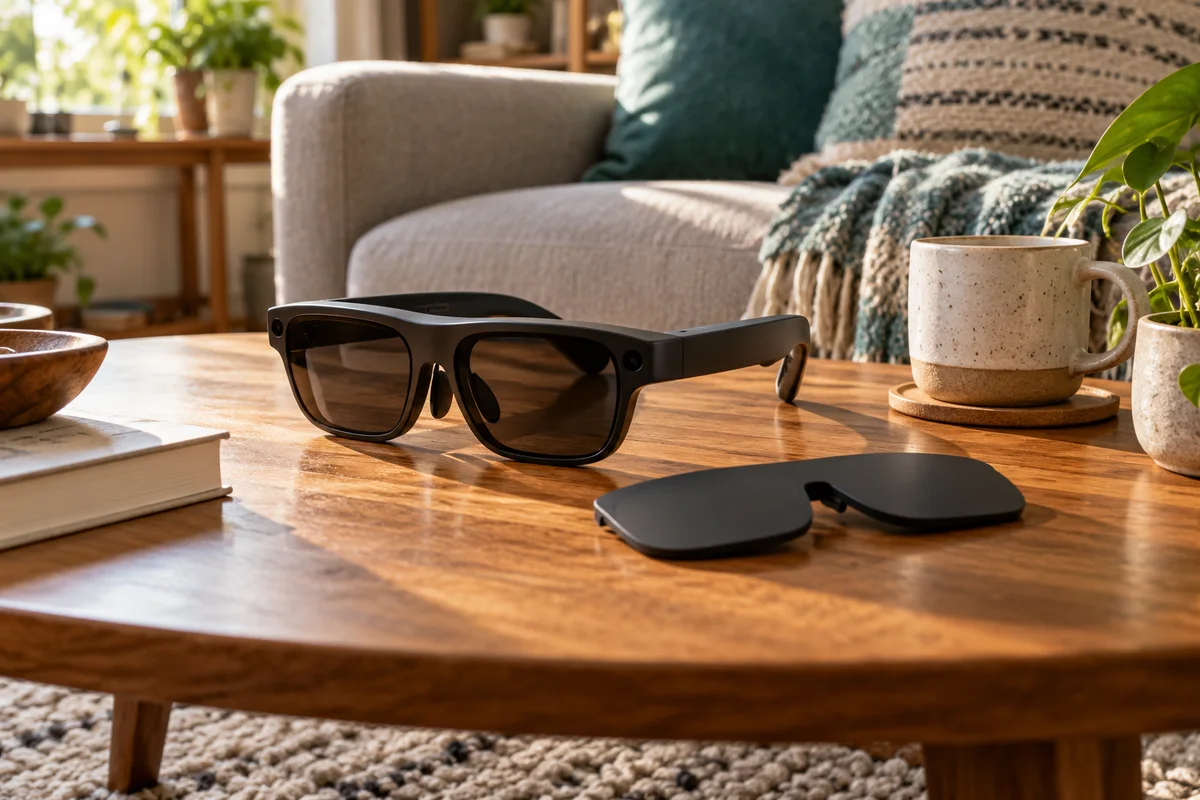
Rokid Max 2 Blackout Cover: Shade Is Not Dimming
Separate Max 2's removable blackout cover from electrochromic dimming and decide whether an opaque seated-viewing setup fits your room.
Read guide →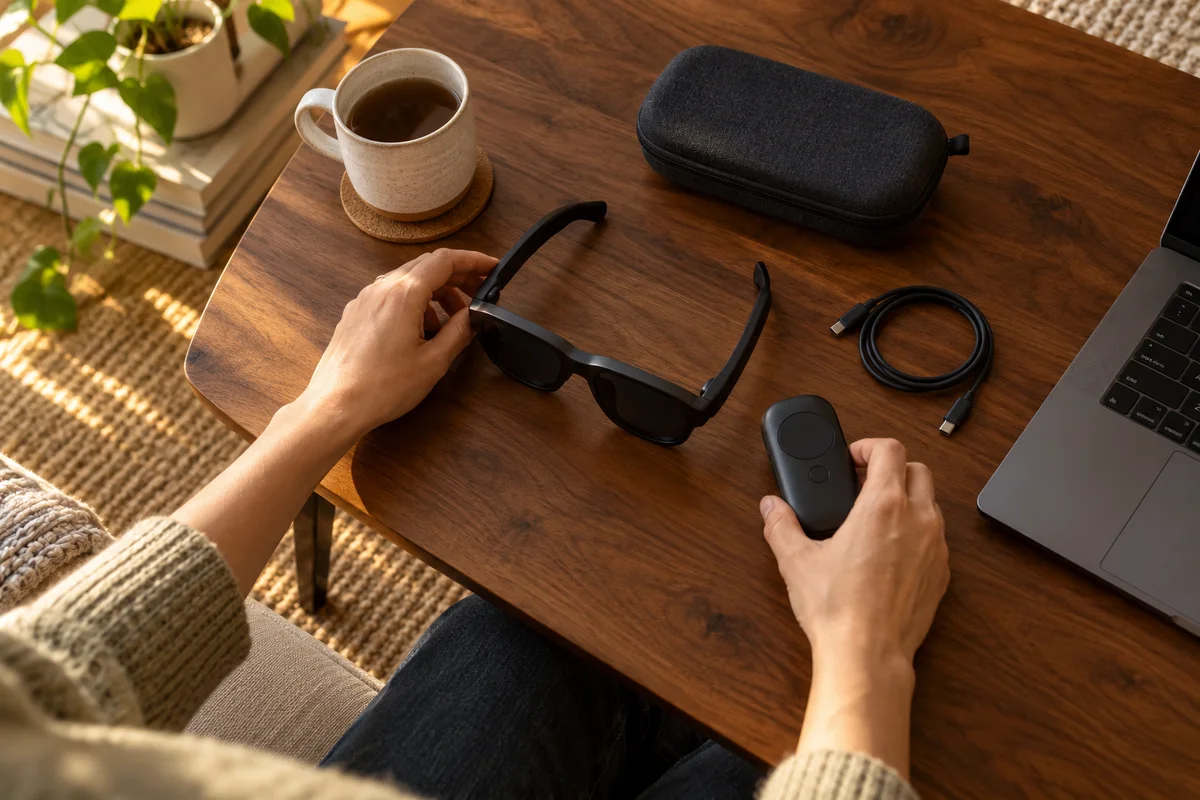 Home Tech & Audio
Rokid Max 2 Screen Anchoring: Check the Companion
Distinguish a simple connected display from a supported Station 2 spatial-screen setup before expecting head-tracked anchoring.
Read guide →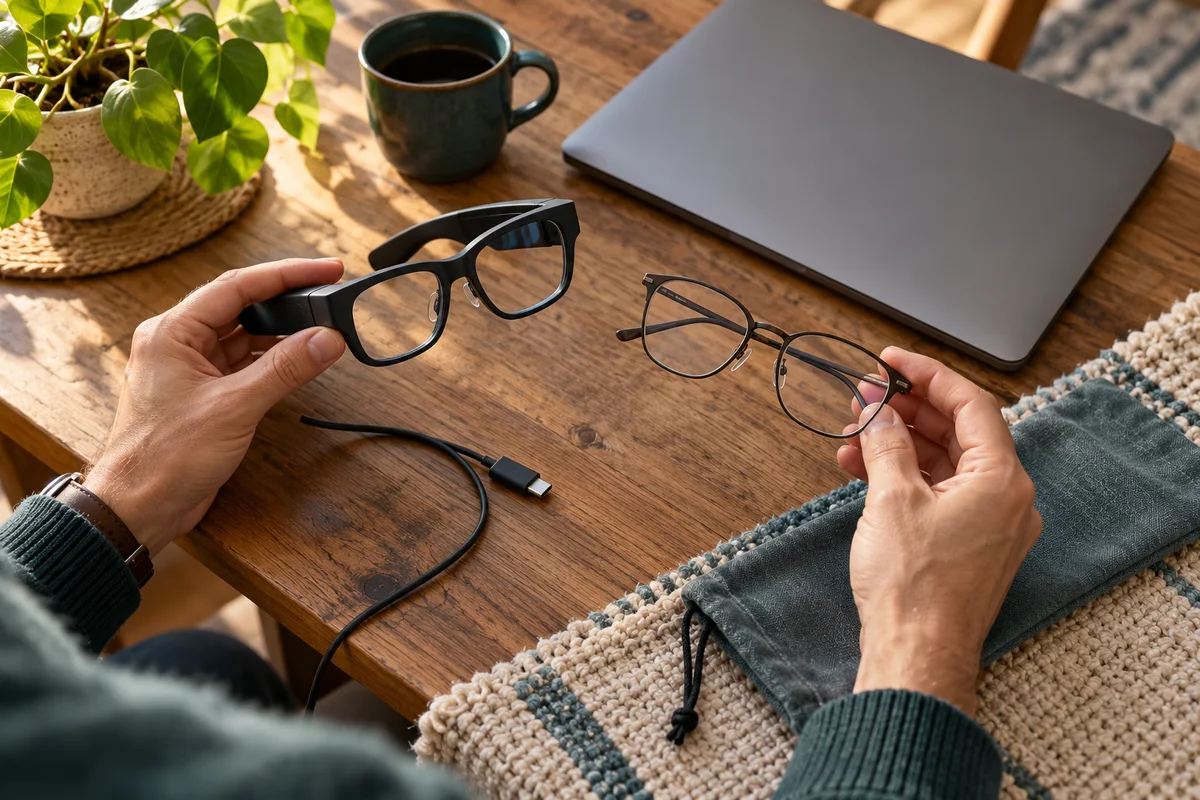 Home Tech & Audio
Rokid Max 2 or AI Glasses? Start With the Display Task
Distinguish Max 2 connected display glasses from Rokid's AI eyewear lines before buying the wrong hardware or accessory.
Read guide →