
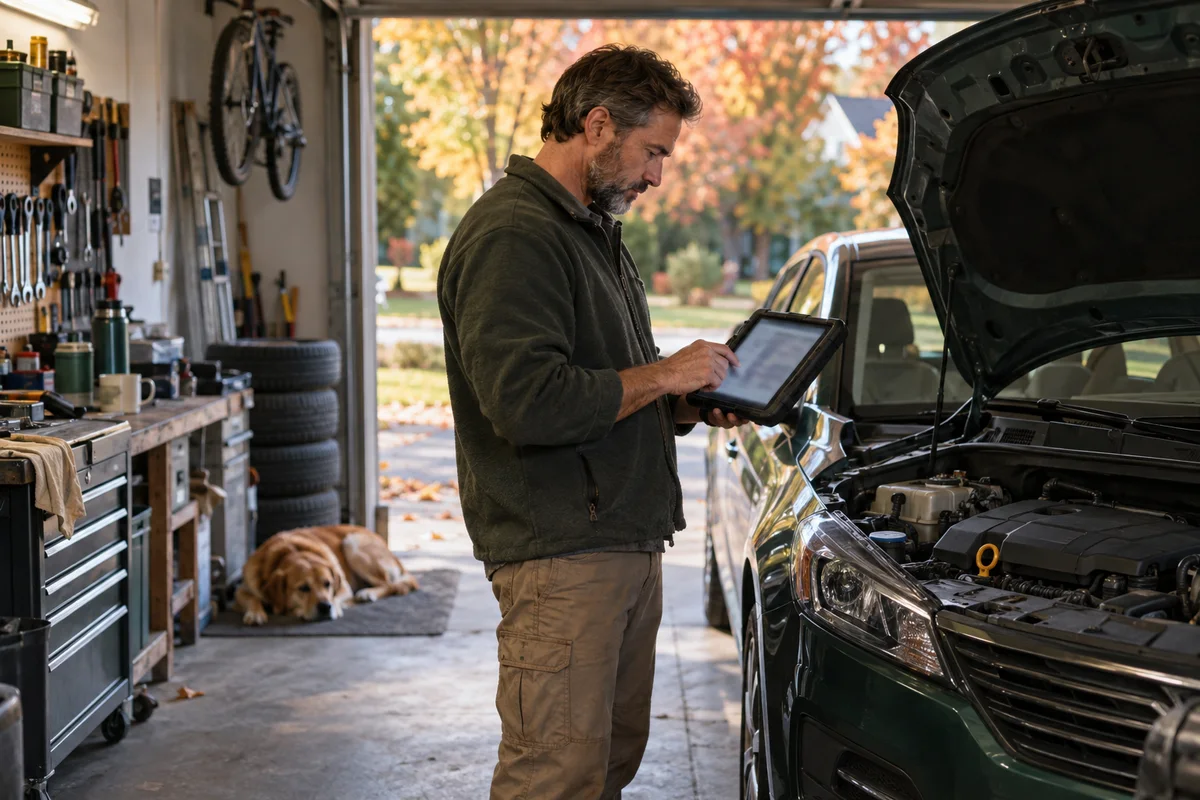
AI-generated scene illustration; not a photograph of the recommended product.
The family car is due for a long drive next weekend. An intermittent warning appeared once, disappeared, and left you wondering whether the trip needs a garage visit. A scan can help organize that conversation, but only if you preserve the information instead of immediately pressing “clear.”
Autumn is a sensible time to prepare for colder-weather journeys. NHTSA’s winter guidance emphasizes ordinary vehicle checks such as tires, visibility, and battery condition. Diagnostic software adds information to that preparation; it does not replace the mechanical inspection or prove that a car is safe to drive.
The short answer
Before clearing diagnostic codes, save the original scan report and any available relevant context through the tool’s supported functions. Record symptoms, when they occurred, and vehicle details. A trouble code identifies a detected condition, not necessarily the part that should be replaced.
TOPDON Phoenix Plus 2 is a candidate for experienced owners or workshops needing supported multi-system diagnostics. Confirm coverage for the exact vehicle and function before buying. For a one-off concern before a trip, a professional diagnostic appointment can be the simpler and safer purchase.
Start with symptoms, not the scanner’s menu
Write down what you observed: a warning lamp, unusual behavior, a noise, difficult starting, or a change after recent service. Record whether it happened cold, warm, at idle, or under a particular ordinary driving condition.
Do not recreate a hazardous condition just to make a code return. If there is an urgent warning, impaired braking or steering, overheating, or other potentially unsafe behavior, stop and seek qualified assistance. This guide does not authorize driving a car with uncertain safety.
A concise symptom note helps a technician interpret the scan. “Warning appeared once after a cold start” conveys more than “scanner says something is wrong.” Include recent repairs and relevant maintenance without assuming they caused the issue.
Verify the scanner’s coverage before connecting
Vehicle support depends on make, model, year, market, system, and requested function. A brand being listed in marketing materials does not guarantee every operation on every car.
Confirm the exact vehicle and intended read-only diagnostic task with TOPDON’s current coverage information or support. Distinguish a general code read from a special service function, active test, or coding capability. Those are different tasks with different risks.
Check current software requirements, update terms, and any access conditions for the vehicle. The Phoenix Plus 2 should be bought around verified tasks you regularly perform, not a vague promise that it can do everything a dealer does.
Save the first report intact
Use the manufacturer’s supported scan and export procedure in a safe stationary setting. Save the report before changing anything, and make sure the file is readable away from the scanner.
Where supported and relevant, retain code status and the available context associated with a fault. Do not assume every vehicle provides identical information or that every code has a useful snapshot. Mark unavailable information as unavailable rather than filling gaps from memory.
Create a folder identified by vehicle and date. Keep an unchanged original export and a separate note for your observations. If the tool can share a report, verify the destination and remove unnecessary personal information before sending it beyond the intended technician.
Do not turn a code into a shopping list
A code can reflect a circuit, system behavior, or condition with more than one possible cause. Replacing the component named in a description may not solve the underlying fault.
Use the code as a question for diagnosis: what tests distinguish the possible causes? What information is missing? Does the symptom match the detected condition? The answer may involve a physical inspection or a procedure outside your experience.
Avoid buying several replacement parts because clearing and rescanning still returns a code. Repeated guessing can cost more than a properly scoped diagnostic service. A capable scanner is an information tool, not a substitute for a technician’s reasoning.
Keep read-only work separate from active functions
Reading and saving information is different from commanding a component, performing a service reset, or changing a module’s configuration. Do not explore those menus casually.
An active test can cause equipment to move or operate. A service function can have prerequisites. Follow the vehicle and tool documentation, and leave procedures outside your training to qualified professionals. This article intentionally provides no active-test or programming instructions.
For shops evaluating a separate pass-through programming workflow, our J2534 total-cost checklist treats that as a different procurement decision. A diagnostic tablet and a programming interface should not be assumed interchangeable.
Clearing codes is not a readiness shortcut
Do not clear codes merely to make a warning disappear before a journey. You may erase useful diagnostic context, and a disappearing warning is not proof the underlying condition has been resolved.
Readiness indicators and emissions-related behavior are a separate concern. Do not present clearing as a way to pass an inspection or hide a fault. Follow lawful inspection requirements and qualified repair advice.
If a technician requests a specific follow-up after diagnosis, document what was done and when. Preserve the earlier report so the comparison has context. A new clean-looking screen without a history says less than a properly documented repair process.
Pair the scan with physical pre-trip preparation
Check the vehicle’s maintenance guidance and appropriate seasonal safety information. Tires, lights, visibility, fluids, and battery condition can matter even when no diagnostic code appears.
Use NHTSA’s preparation guidance as a general reminder, then apply the vehicle’s actual requirements. A scanner cannot see every worn tire, damaged wiper, loose item, or other mechanical concern.
Schedule unresolved issues before departure, allowing time for diagnosis rather than scanning the night before. The most useful outcome may be moving the trip, using another vehicle, or getting a professional assessment—not purchasing a tool immediately.
Who should consider Phoenix Plus 2?
It is a more plausible candidate for someone with repeated supported diagnostic tasks, enough experience to interpret results responsibly, and a plan for software updates and report storage.
For an occasional household user, compare the cost and learning burden with a basic suitable code reader or paid professional service. Extra functions have little value if you should not use them. Confirm what the current bundle includes and whether ongoing updates meet your needs.
Before ordering, list the three most common jobs you expect to perform and obtain coverage confirmation for each. That checklist helps distinguish a genuine workflow investment from buying advanced menus without a practical use.
Frequently asked questions
Does a code tell me which part to replace?
Not necessarily. It indicates a detected condition. Diagnosis may require further tests to distinguish several possible causes.
Can a scan prove my car is safe for a long trip?
No. It does not replace a physical safety inspection or resolve a warning. Seek qualified advice when symptoms or safety are uncertain.
Should I clear codes before visiting a technician?
Preserve the information first and follow the technician’s guidance. Unnecessary clearing can remove context that helps diagnose the problem.
Sources and verification
Checked October 12, 2026. Tool capabilities are manufacturer descriptions; no vehicle diagnosis or hands-on scanner test is claimed.
- TOPDON Phoenix Plus 2 official product and coverage guidance
- TOPDON Phoenix Plus/Plus 2 update information
- NHTSA seasonal vehicle-preparation guidance
Keep reading
Related guides
 Garage & Workshop
A229 Plus Memory Card Sourcing
Separate A229 Plus card compatibility from genuine sourcing, seller identity and purchase evidence before replacing a card or the camera.
Read guide → Garage & Workshop
A329S Two- and Three-Channel Kits
Compare A329S front-and-rear, front-and-cabin and three-camera kits without assuming a series feature describes the selected seller's bundle.
Read guide → Garage & Workshop
A329S Bitrate and Storage
Compare A329S bitrate settings through original-file detail and practical storage tradeoffs instead of treating Maximum as a universal quality guarantee.
Read guide →