
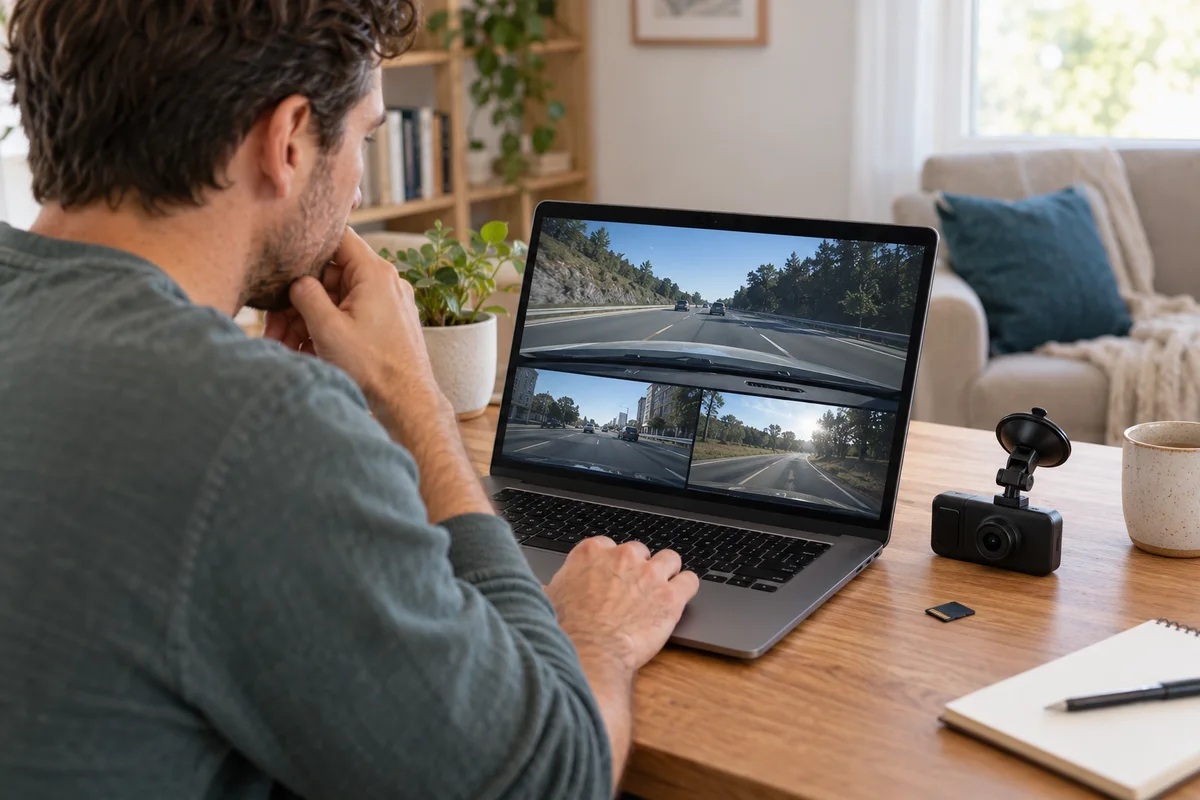
AI-generated scene illustration; not a photograph of the recommended product.
A single file showing several camera views is convenient when another person needs to understand an incident. It is also easy to assume that fitting more views into one recording preserves every channel’s detail unchanged. For an A329S purchase, those are separate questions.
Decide whether you need a quick overview, the clearest view of a small object, or an original recording package for a particular recipient. The most convenient presentation is not automatically the best source for every task.
The short answer
The A329S manual includes a Multiplex Video setting with channel combinations that depend on the camera edition. Treat it as a recording configuration to verify, not a promise that every view retains the same resolution or that all separate originals remain available.
Before relying on a combined view, inspect the actual file dimensions, visible detail and storage behavior of the chosen setup. Preserve relevant originals and confirm the recipient’s requirements rather than sending only the easiest preview.
Contents
- The short answer
- Start with the recipient’s question
- Match the exact camera edition
- Separate layout from information
- Establish what the camera saves
- Preserve before converting or sharing
- Make a combined-view acceptance checklist
- Buying advice
- Frequently asked questions
- Sources and verification
Start with the recipient’s question
A family member may need to understand where movement occurred around the car. Another recipient may need a particular view and a continuous time range. Those requests can lead to different file selections even when they concern the same drive.
Write the purpose before changing recording settings. For an insurance or official submission, ask what material is required and how it should be delivered. This article does not give legal advice or establish evidentiary acceptance.
Our GPS playback and sharing guide concerns recorded location information and privacy. Multiplex adds another decision: how multiple visual views are represented and whether the selected presentation retains the detail needed for the task.
Match the exact camera edition
The manual distinguishes channel combinations by edition. A menu label is not proof that the corresponding camera is connected, included in your order or supported by another model.
List the channels actually supplied and installed. Confirm the exact front, rear and any optional interior configuration with the seller and official documentation. A generic three-channel demonstration cannot establish what the linked two-camera package contains.
Do not pay for an extra camera merely to make a composite look complete. Start with the area you need to observe and the installation requirements. More panels can mean a wider overview while each still has its own view limitations.
Separate layout from information
A combined recording can make relationships between views easier to follow. That is a presentation benefit. It does not establish that a small detail remains equally readable in every panel.
Inspect the file rather than judging from a product screenshot. Record its dimensions and the relevant channel settings. Compare whether the object or context you need is visible at an ordinary useful viewing size. Enlarging a panel cannot recreate information that was not recorded.
Avoid asserting a fixed quality loss without exact-model evidence. We have not made sample recordings or measured the A329S in Multiplex mode. The practical requirement is to verify the real output, not replace one assumption with another untested percentage.
Establish what the camera saves
Before using a mode for an important drive, determine which files it produces, where they are stored and whether individual channel recordings are also retained under that configuration. Do not assume an editing app’s preview answers those questions.
The manual identifies a storage location for Multiplex recordings, but the existence of a folder is not proof of a particular duplicate-file policy. Confirm the relevant behavior for the actual firmware and selected combination.
Make a normal low-stakes recording using the manufacturer’s supported setup. Retrieve it while safely parked or at home. Check the available files from beginning to end, including channel identity and timing. Keep unresolved behavior in a support question rather than claiming that a backup original must exist somewhere.
Preserve before converting or sharing
Copy relevant original files to an appropriate private location before making a shortened or reformatted version. Our save-before-formatting guide explains the preservation step.
Do not format a card or discard a channel simply because the composite appears easier to send. If a recipient needs originals, an edited overview may be supplementary rather than a replacement. Keep a clear distinction between camera-produced files and later exports.
Review the actual final copy for identifying information. Multiple views can reveal passengers, locations or other private context that is less obvious when concentrating on the front view alone. A composite is not automatically privacy-safe.
Make a combined-view acceptance checklist
- Exact A329S edition and firmware recorded.
- Actual installed channels confirmed.
- Supported combination selected.
- New original file retrieved and played.
- File dimensions and useful visible detail checked.
- Separate-file behavior confirmed rather than assumed.
- Relevant time window and channel context preserved.
- Recipient’s format requirements understood.
- Public-sharing privacy review completed if applicable.
Use ordinary safe operation for the check. Do not create a hazardous event to prove that a view can capture it. A successful low-stakes check establishes familiarity with the workflow, not guaranteed incident capture.
The checklist also identifies when a simpler setup is enough. If the recipient only needs one original view, a composite may add work without improving the actual handover.
Buying advice
Consider A329S when its real channel options meet your recording needs and you can manage the resulting files. The A329S review places that decision alongside storage, power and other features.
Do not upgrade solely because a promotional image shows several views on one screen. Confirm what your selected package and firmware can record and what you gain over the current workflow.
For an owner, a supported setting or a careful post-recording presentation may address a sharing preference without buying another camera. Keep originals unchanged where needed and do not imply that an edited version has forensic certification. Ease of sharing is useful, but it should not conceal missing information or an unresolved storage assumption.
Frequently asked questions
Does Multiplex guarantee unchanged detail in every channel?
No such guarantee is established here. Check the actual output and current exact-model documentation.
Are separate originals always saved too?
Do not assume that. Verify behavior for the selected combination and firmware before relying on it.
Does every A329S package include an interior camera?
No package equivalence is established by a menu option. Confirm the selected seller’s included channels.
Can a composite replace an original requested by a recipient?
Ask the recipient. A convenient overview and a required original file are different deliverables.
Sources and verification
Checked October 24, 2026. No recording, pixel-quality comparison or file-retention test was performed.
- A329S English manual — Multiplex channel options and storage description.
- VIOFO manual index — current exact-model document route.
- Official A329S product and package information — current model, supported feature and accessory context.
Keep reading
Related guides
 Garage & Workshop
A229 Plus USB Cable: Data Is Not Vehicle Power
Identify the A229 Plus short USB data cable separately from vehicle power and hardwiring before buying replacement accessories or a camera kit.
Read guide → Garage & Workshop
A329S Time-Lapse: Check Missing Time and Audio
Understand A329S time-lapse frame sampling and absent audio before choosing a parking record for a driveway, workday or longer stop.
Read guide → Garage & Workshop
A229 Plus G-Sensor: Review Unexpected Locked Clips
Distinguish A229 Plus driving G-sensor locks, manual protection and parking settings before clearing unexpected clips or replacing recording hardware.
Read guide →